

- Key-value entries in the KV store
- Service catalog definitions
- Prepared queries
- Active sessions
- Access Control Lists (ACLs)
- Internal metadata
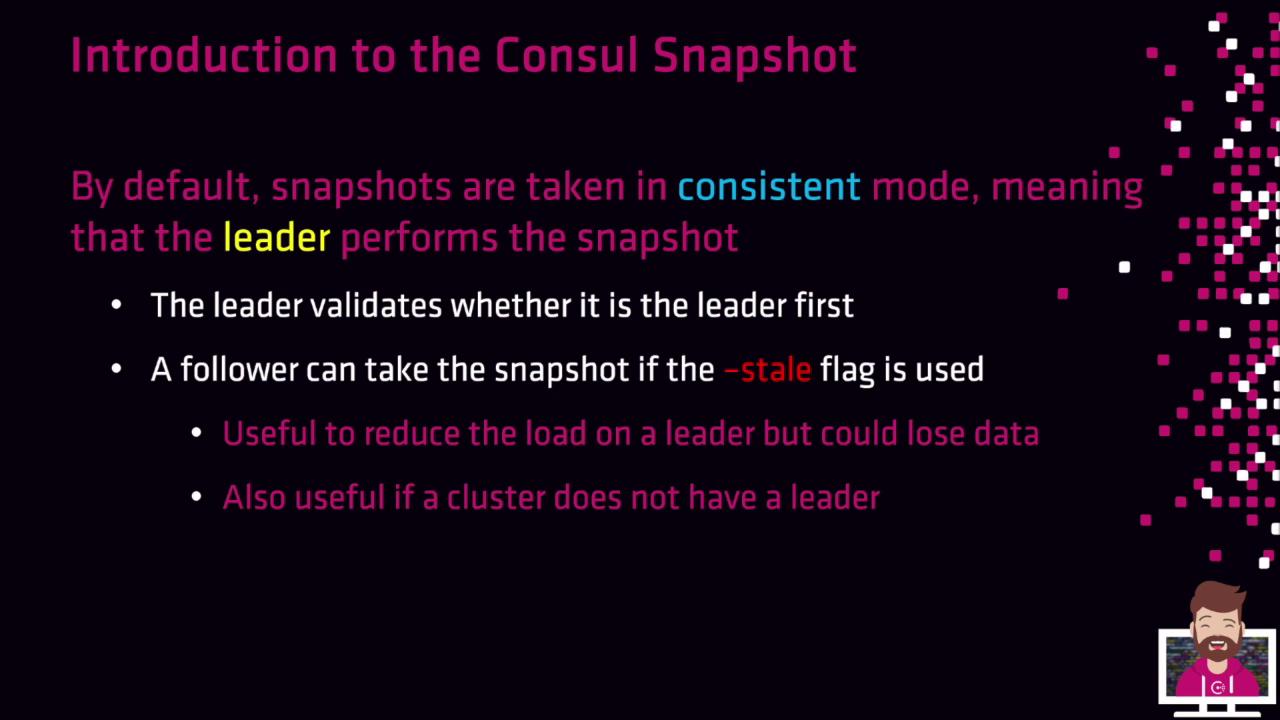
By default, snapshots run in consistent mode. The cluster leader coordinates the process to guarantee data integrity.
Taking a Snapshot on the Leader
Run the following command on the current leader to save a consistent snapshot:- Verify leader status.
- Generate a gzipped tar archive at the specified path.
Offloading to a Follower with -stale
If you need to reduce load on the leader—or capture state when quorum is lost—you can offload snapshot creation to a follower:
Using
-stale may omit unreplicated log entries from the follower, potentially resulting in data loss. Only use this option when leader performance or cluster availability is impacted.When to Use Stale Snapshots
- Offload resource-intensive backup tasks from the leader
- Capture cluster state after quorum loss, to restore in a new cluster
Snapshot Contents
| Component | Description |
|---|---|
| KV Store Entries | All key-value data |
| Service Catalog | Registered services and metadata |
| Prepared Queries | User-defined queries saved for repeatable lookups |
| Active Sessions | Locks and leader election sessions |
| ACLs | Access Control policies and tokens |
| Internal Metadata | Raft indexes, configuration, and other system details |