

- Consul security model and threat assumptions
- TLS certificate types: server CA, client certificates, and more
- TLS encryption settings to fully lock down your Consul datacenter
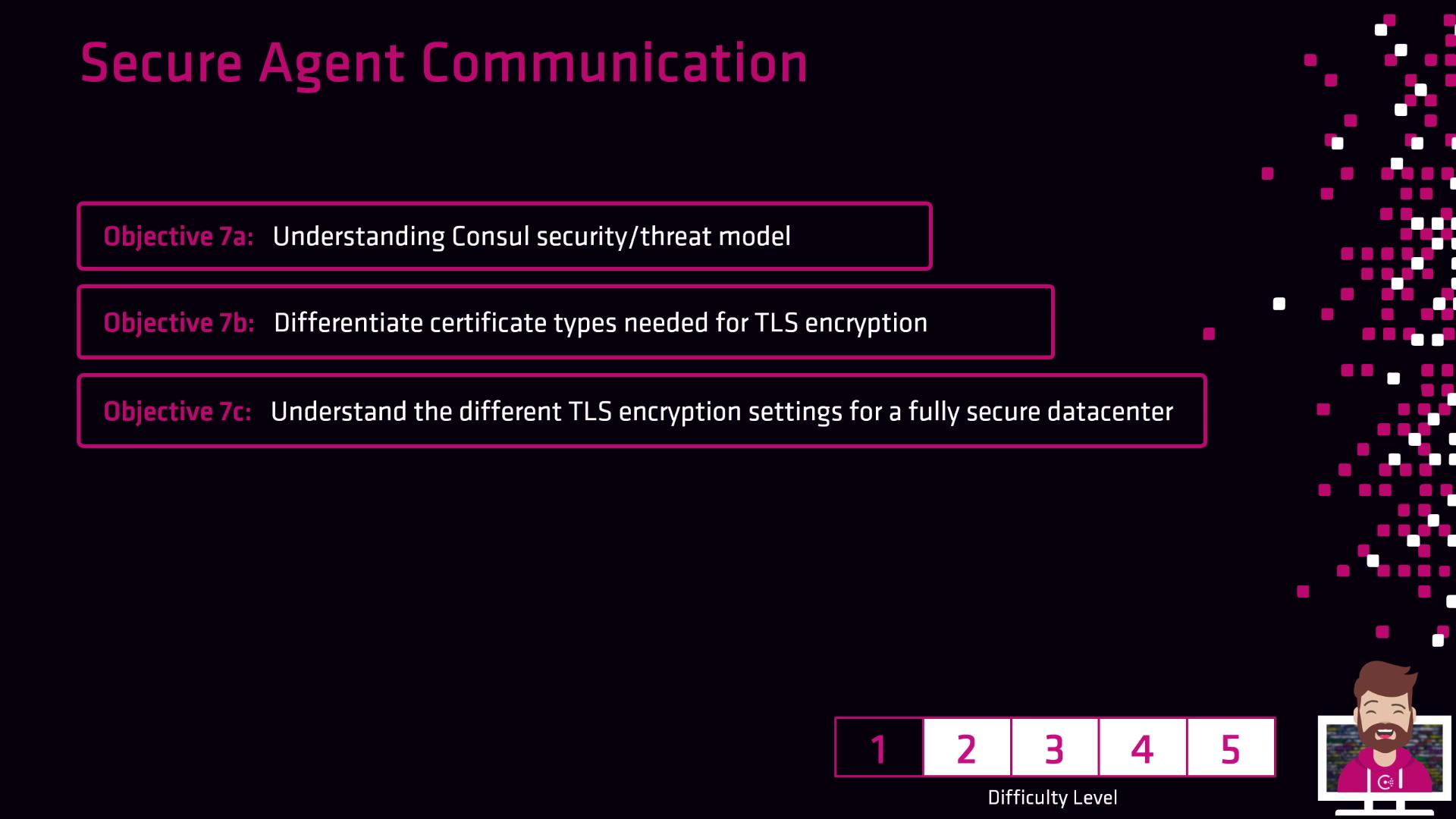
Table of Contents
Consul Security Model
Consul’s security model is built around a zero-trust philosophy, where every component must authenticate and authorize requests. The threat model assumes:- Agents or servers may be compromised.
- Network traffic could be intercepted or manipulated.
- Attackers might attempt to impersonate nodes or services.
Consul uses mutual TLS (mTLS) to enforce identity verification and data confidentiality across all RPC calls.
Key Security Principles
- Authentication: Verify node and service identity using TLS certificates.
- Authorization: Control access via ACL tokens.
- Encryption: Encrypt all RPC and gossip traffic with TLS.
TLS Certificate Types
Consul requires several certificate types to establish encrypted channels. Use the table below to understand their roles:| Certificate Type | Purpose | Example Configuration |
|---|---|---|
| Server CA | Signs TLS certificates for Consul servers | ca.pem |
| Client Certificate | Authenticates Consul clients (agents) to servers | client.pem, client-key.pem |
| Gossip Encryption Key | Secures gossip layer traffic (optional) | gossip-encryption-key |
Protect your private keys (
.pem files). Unauthorized access may allow attackers to impersonate nodes.Configuring TLS Encryption
To enforce TLS encryption in Consul, update your agent and server configuration files (config.hcl) with the following parameters:
Best Practices
- Rotate TLS certificates and gossip keys regularly.
- Use a dedicated CA for your Consul datacenter.
- Automate certificate issuance with HashiCorp Vault or your PKI.