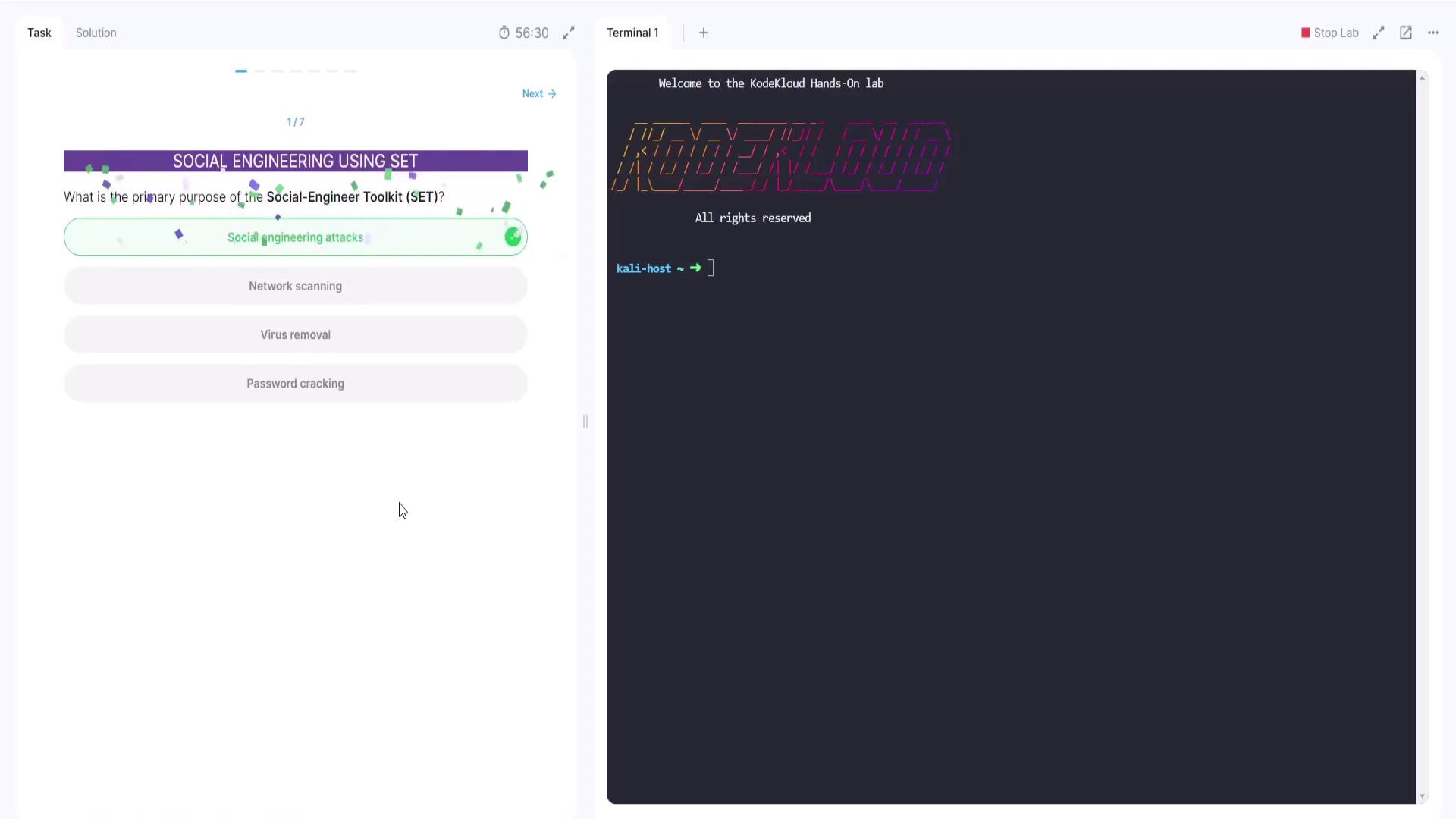
This article demonstrates using the Social Engineering Toolkit to clone websites for social engineering attacks and credential harvesting.
Hi, and welcome back!In this lesson, we explore the Social Engineering Toolkit (SET) to demonstrate how to clone websites—a common technique used in social engineering attacks. SET is a comprehensive suite of penetration testing tools designed to identify vulnerabilities in your network. In this lab, our focus is on website cloning and credential harvesting.
Social engineering attacks frequently rely on phishing, where attackers send emails that appear to be from reputable organizations (e.g., banks or financial institutions). These emails typically urge the target to click on a link leading to a cloned webpage. The cloned site closely resembles the authentic site, tricking users into entering their login credentials. Once entered, these credentials are captured by the attacker for misuse.
Next, the lab asks: Which of the following is a common attack vector used in SET? The available options are:
Buffer overflows
SQL injection
Credential harvester
Denial of service
While buffer overflows and SQL injections are associated with other attack categories, and denial of service is not related to website cloning, the technique relevant to this context is credential harvesting. This method deceives users into entering their login details on a cloned website, consequently capturing their credentials.A sample terminal output shows:
Copy
Ask AI
Welcome to the KodeKloud Hands-On labKODEKLOUDAll rights reservedkali-host ➜ []
The correct answer, “credential harvester,” is selected and confirmed.
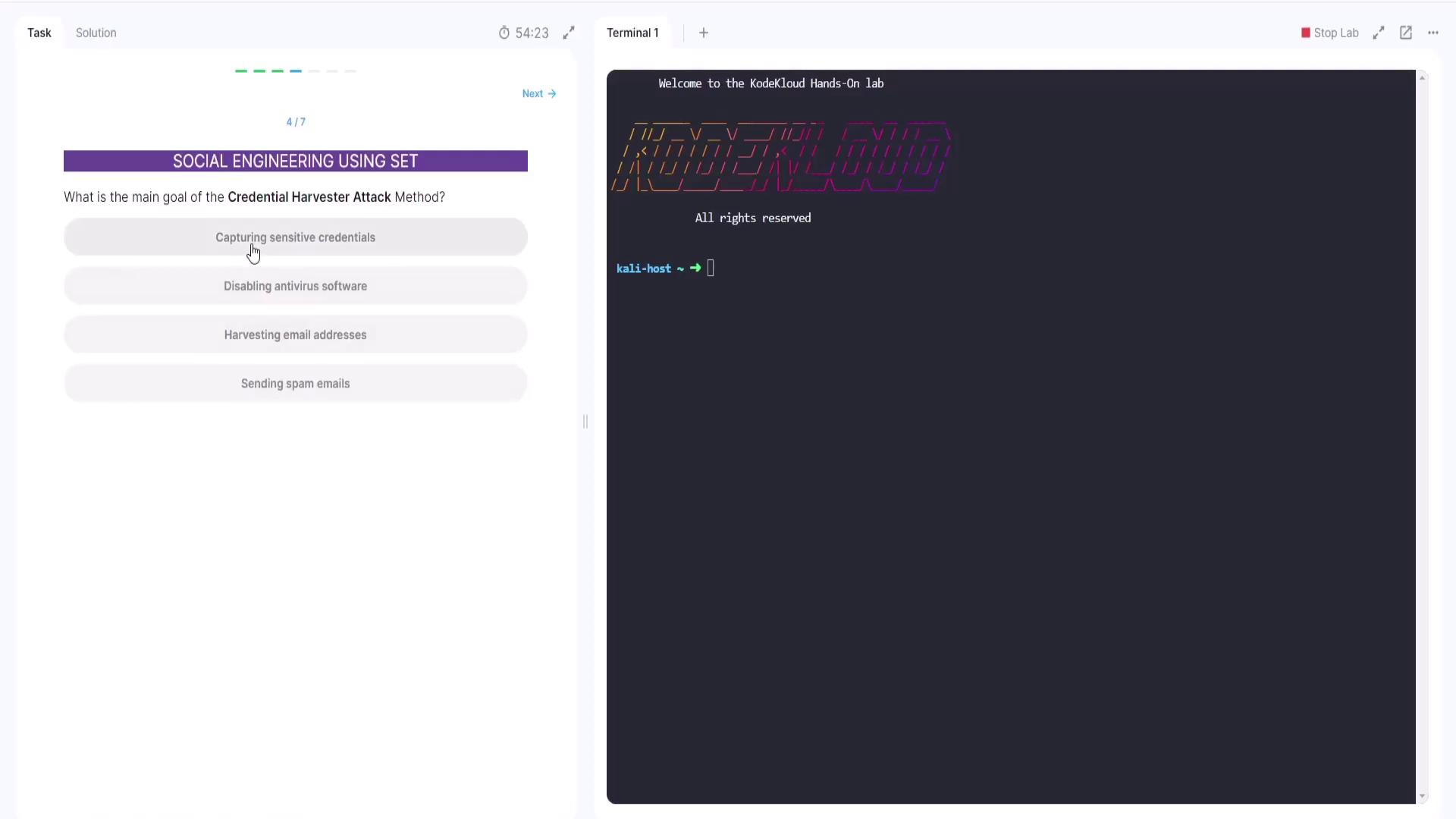
Question 3: Purpose of the Website Attack Vectors Module
The third question asks: What does the website attack vectors module in SET primarily aim to do? Its main function is to create fake (cloned) websites designed to capture user credentials. The correct answer is that it generates cloned websites.A sample output from the lab illustrates:
Copy
Ask AI
Welcome to the KodeKLOUD Hands-On labKODEKLOUDAll rights reservedkali-host ~ > []
This confirms that the module generates cloned websites.
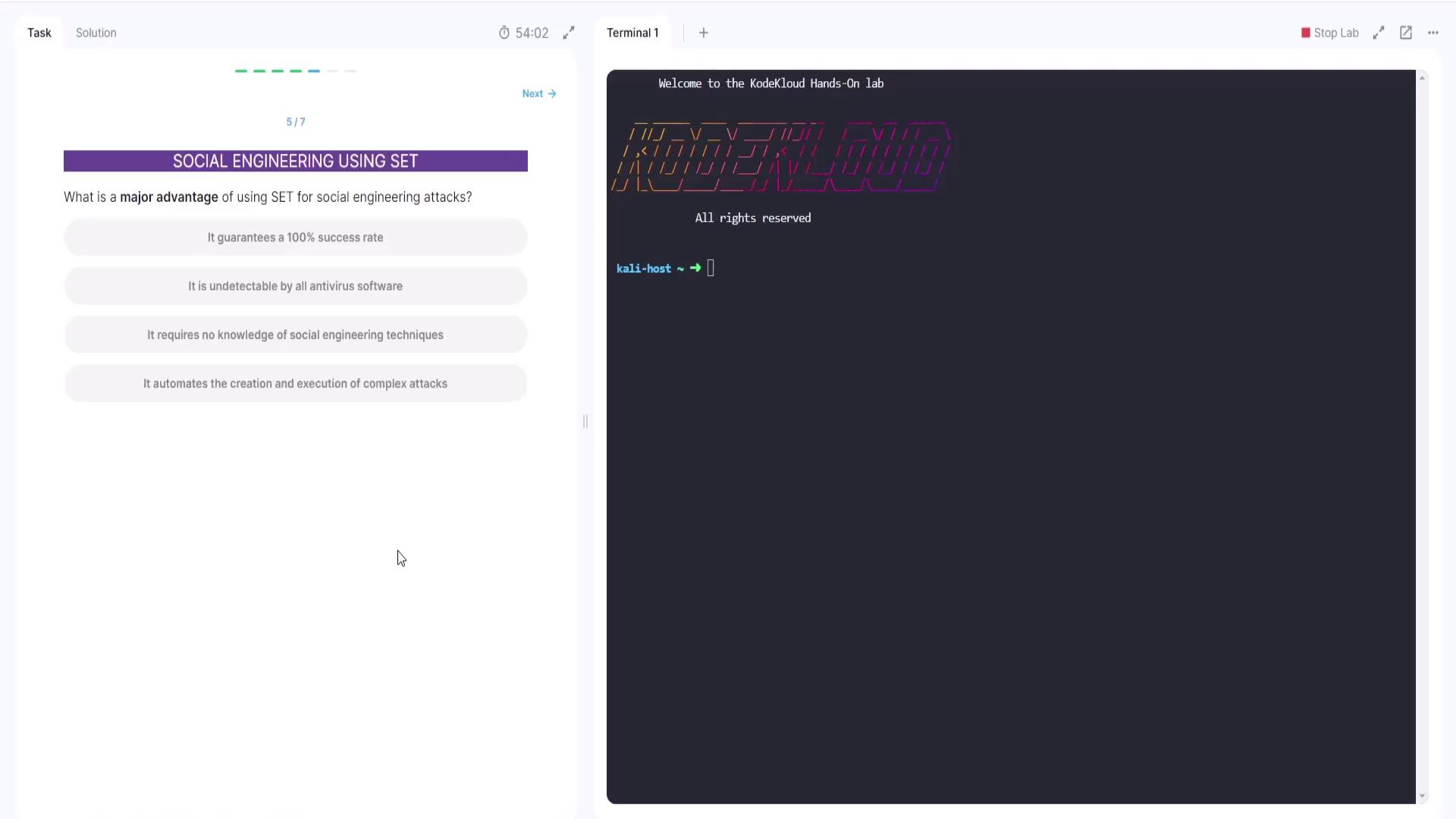
Question 5: Advantage of Using SET for Social Engineering
The next question evaluates the advantages of using SET. The options include:
Guarantees a 100% success rate
(Incorrect – no method can guarantee complete success as the target must be deceived into clicking the link.)
Undetectable by antivirus software
(Not entirely correct – this attack does not typically involve installing malware detectable by antivirus software.)
Requires no knowledge of social engineering techniques
(Incorrect – successful use of SET requires an understanding of social engineering principles.)
Automates the creation and execution of complex attacks
(Correct – SET streamlines and automates various stages of the attack process.)
The system confirms the correct answer: “automates the creation and execution of complex attacks.”
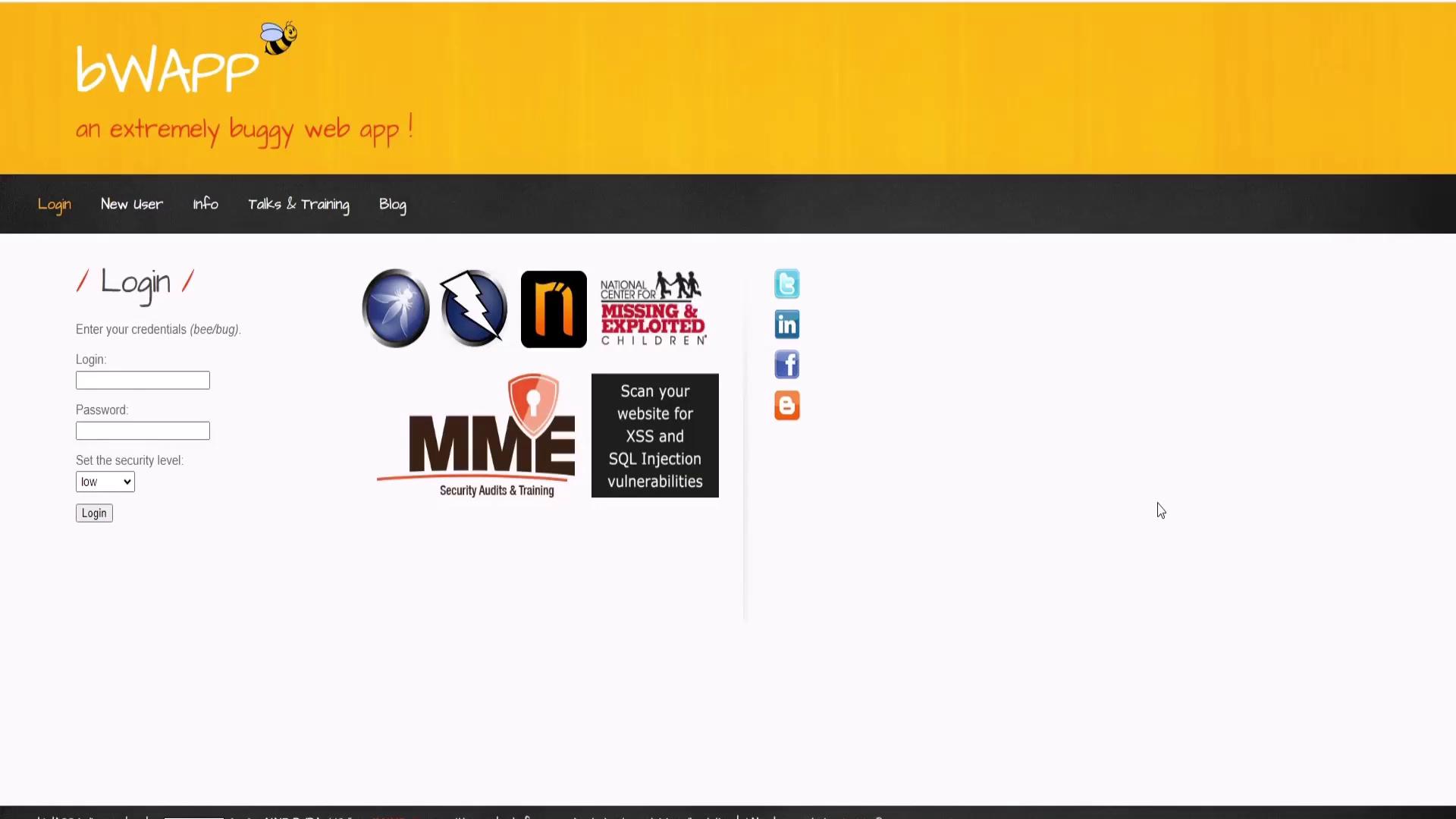
In this section, we demonstrate how to use SET to clone a website and launch a social engineering attack aimed at harvesting user credentials.First, visit the target website that you want to clone. The following screenshot shows a legitimate login page:
This page features fields for both a username and a password. The goal here is to create a cloned version of the site using SET.
Begin by launching SET with root privileges. Open your terminal and run:
Copy
Ask AI
sudo setoolkit
Upon launching, SET displays its main menu with several options:
Copy
Ask AI
Welcome to the Social-Engineer Toolkit (SET)Created by: David Kennedy (ReL1K)Version: 0.8.3Codename: 'Maverick'Follow us on Twitter: @TrustedSecHomepage: https://www.trustedsec.comIt's easy to update using the PenTesters Framework! (PTF)Visit https://github.com/trustedsec/ptf to update all your tools!Select from the menu:1) Social-Engineering Attacks2) Penetration Testing (Fast-Track)3) Third Party Modules4) Update the Social-Engineer Toolkit5) Update SET configuration6) Help, Credits, and About99) Exit the Social-Engineer Toolkitset>
From the subsequent menu, choose the Website Attack Vectors option:
Copy
Ask AI
Select from the menu:1) Spear-Phishing Attack Vectors2) Website Attack Vectors3) Infiltration Media Generator4) Create a Payload and Listener5) Mass Mailer Attack6) Arduino-Based Attack Vector7) Wireless Access Point Attack Vector8) QRCode Generator Attack Vector9) Powershell Attack Vectors10) Third Party Modules99) Return back to the main menu.set>
For this demonstration, we focus on the credential harvesting attack method. This method clones a website and captures the credentials entered by users.After selecting the appropriate website attack vector option (typically by entering “2”), SET displays further details about the available attack methods, such as the Java Applet, Metasploit Browser Exploit, and Credential Harvester. Review the descriptions, then select the site cloner option.
If you are using the credential harvester, SET will prompt you for the IP address for POST back. You can press Enter to use the default settings or input a custom URL as provided in your instructions. For example:
Copy
Ask AI
set:webattack> Enter the url to clone: https://bwapp.hakhub.net/
SET then clones the target website. After processing, it notifies you that the cloning is complete and prompts you to open the cloned website by clicking the “cloned” button at the top of the interface.You can compare the cloned website side-by-side with the legitimate one. The cloned site is designed to closely mimic the original, effectively deceiving most users.A final sample output from SET is shown below:
Copy
Ask AI
set:webattack<2set:webattack> IP address for the POST back in Harvester/Tanabbing [172.25.0.11]:set:webattack> Enter the url to clone: https://bwap.hakhub.net/
Ensure you follow all legal guidelines when conducting tests with SET. This demonstration is intended for authorized and ethical use only.
Thank you for joining this lab walkthrough. Now it’s your turn to complete the lab using the provided instructions and tools. Happy testing!