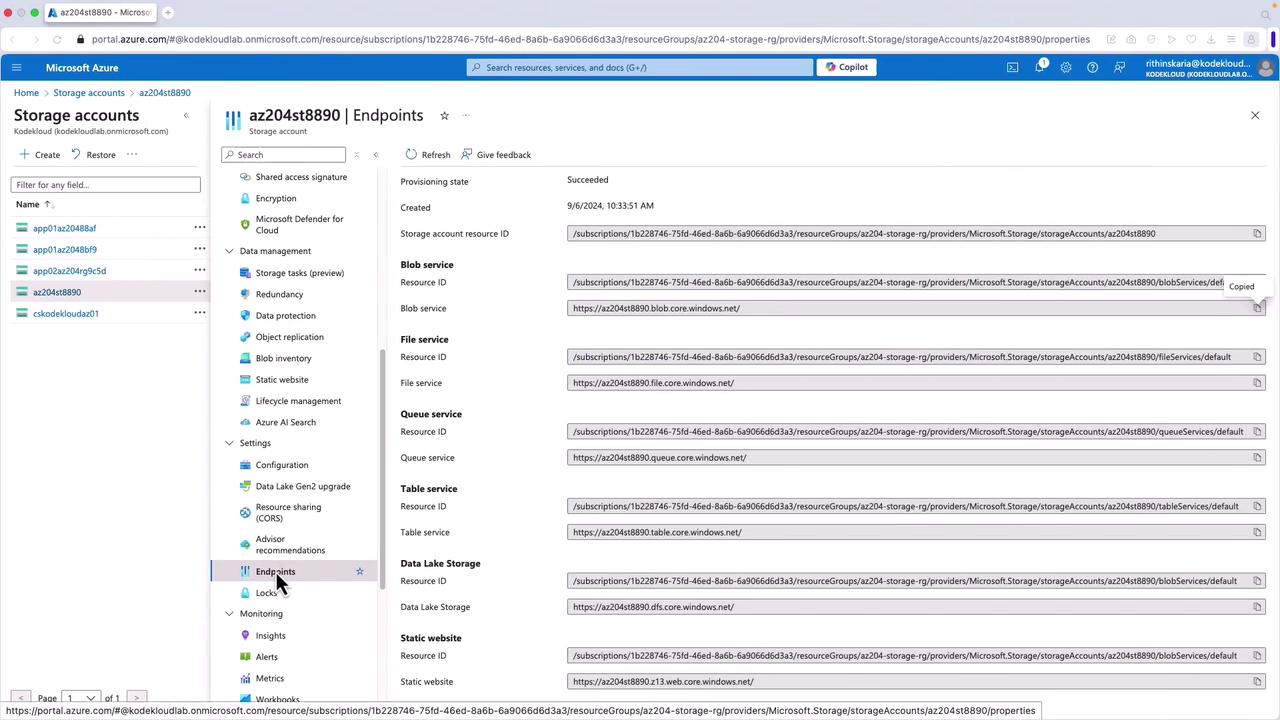
Overview of Azure Blob Client Classes
Each client class is designed for a specific function:-
BlobClient
Directly interacts with individual blobs within your storage account. It supports operations such as uploading, downloading, and deleting blobs—essential for managing file uploads and retrieving stored data. -
BlobClientOptions
Configures connection settings for Azure Blob Storage. With this class, you can adjust custom configurations including retry policies, request timeouts, and logging preferences, ensuring your application meets operational requirements. -
BlobContainerClient
Manages storage containers along with the blobs inside. This client class offers methods to create, delete, and list containers, as well as to enumerate blobs within them. Containers serve as logical groupings for blob objects. -
BlobServiceClient
Handles high-level service interactions with the storage account. It facilitates operations that affect the entire service or multiple containers, such as listing containers and managing lifecycle access policies. -
BlobUriBuilder
Builds or modifies a blob’s uniform resource identifier (URI), including modifications to the container or storage account URI. It is particularly useful when generating pre-signed URLs with Shared Access Signatures or dynamically adjusting the target resource during storage operations.
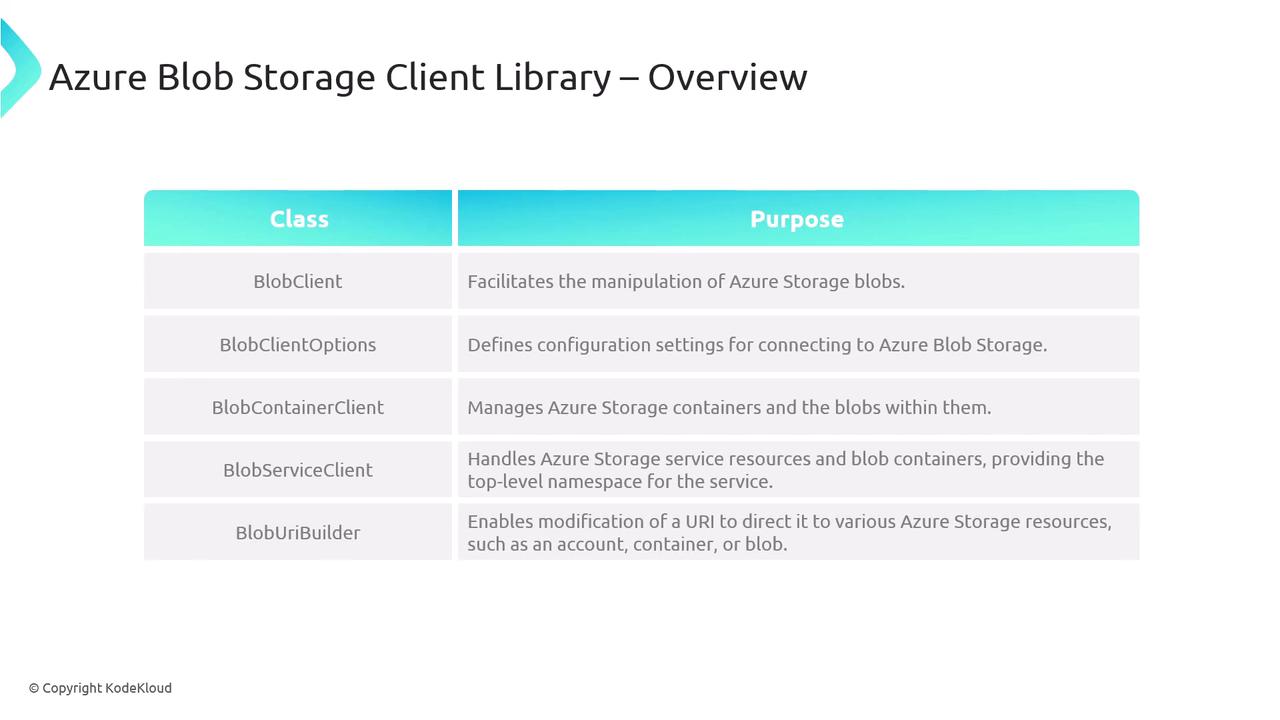
Creating a Client Object
To interact with Azure Blob Storage, you first need to create a BlobServiceClient. This client is essential for operations such as uploading, downloading, and managing blobs. Follow these key steps to create a client object:- Provide the endpoint URI.
- Construct the URI in your code.
- Authenticate using the DefaultAzureCredential class.
Endpoint URI
The endpoint URI directs to the storage account where your resources reside. Typically, the storage account URL follows this pattern: https://.blob.core.windows.net Replace{accountname} with your unique storage account name to generate the correct endpoint URI. This URI is the foundation of any interaction with the storage service and can be built manually or retrieved dynamically using the Azure Storage Management Library.
Authentication
The final step is authentication. Using theDefaultAzureCredential class provides a unified approach to manage various authentication methods, such as managed identities or service principals. This approach adheres to best practices like the principle of least privilege, ensuring robust security management in cloud environments.
Using
DefaultAzureCredential automatically manages token retrieval and refresh, simplifying the authentication process in your cloud applications.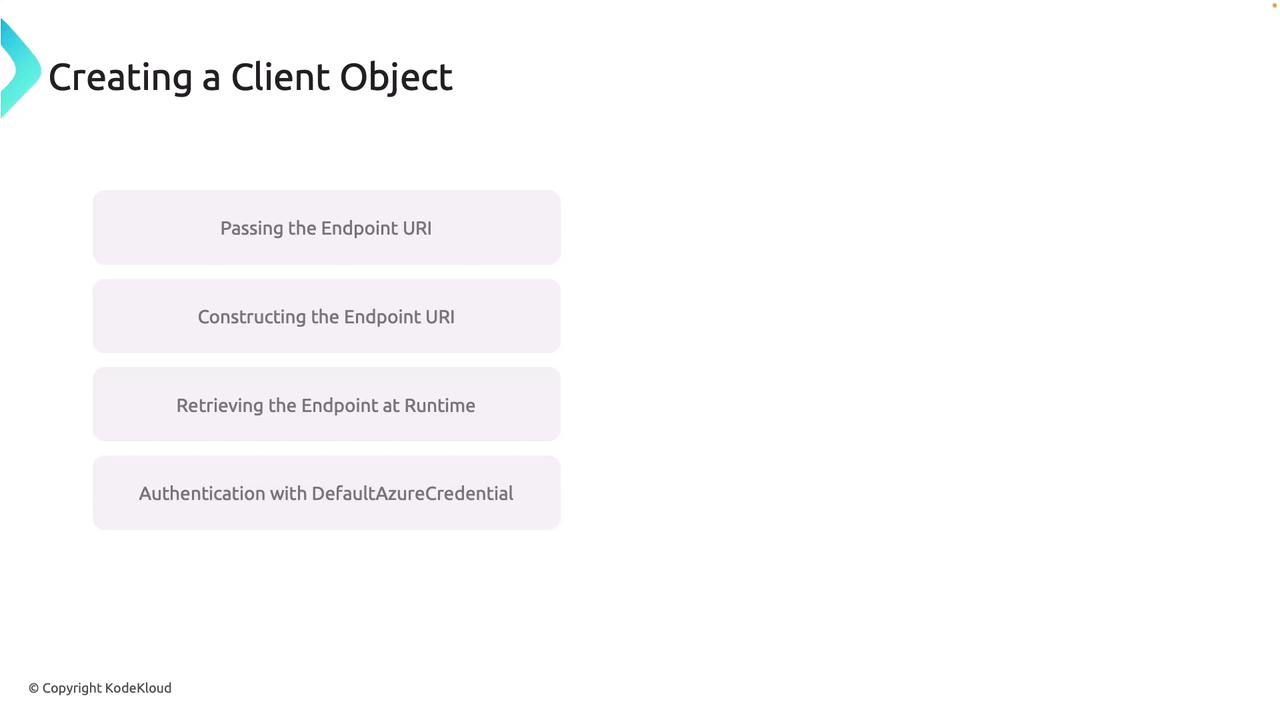
Code Example: Creating a BlobServiceClient
Below is a sample C# code snippet demonstrating how to create a BlobServiceClient:Working with the Blob Storage Client in Visual Studio
Learn how to create a simple console application in Visual Studio using .NET 6 to interact with the Blob Storage Client.Step 1: Create a Console Application
- Open Visual Studio and create a new console application.
- Name your project (for example, “BlobClientObjectDemo”).
Step 2: Manage NuGet Packages
Add the following NuGet packages to your project:- Azure.Identity
- Azure.Storage.Blobs
Step 3: Write the Code
The code below demonstrates a complete console application that initializes a BlobServiceClient, retrieves the service endpoint, and lists all containers in the storage account:az login, the application will fail to authenticate.