API Management policies enable dynamic changes to API behavior at runtime for security, data modification, and error handling without altering the underlying code.
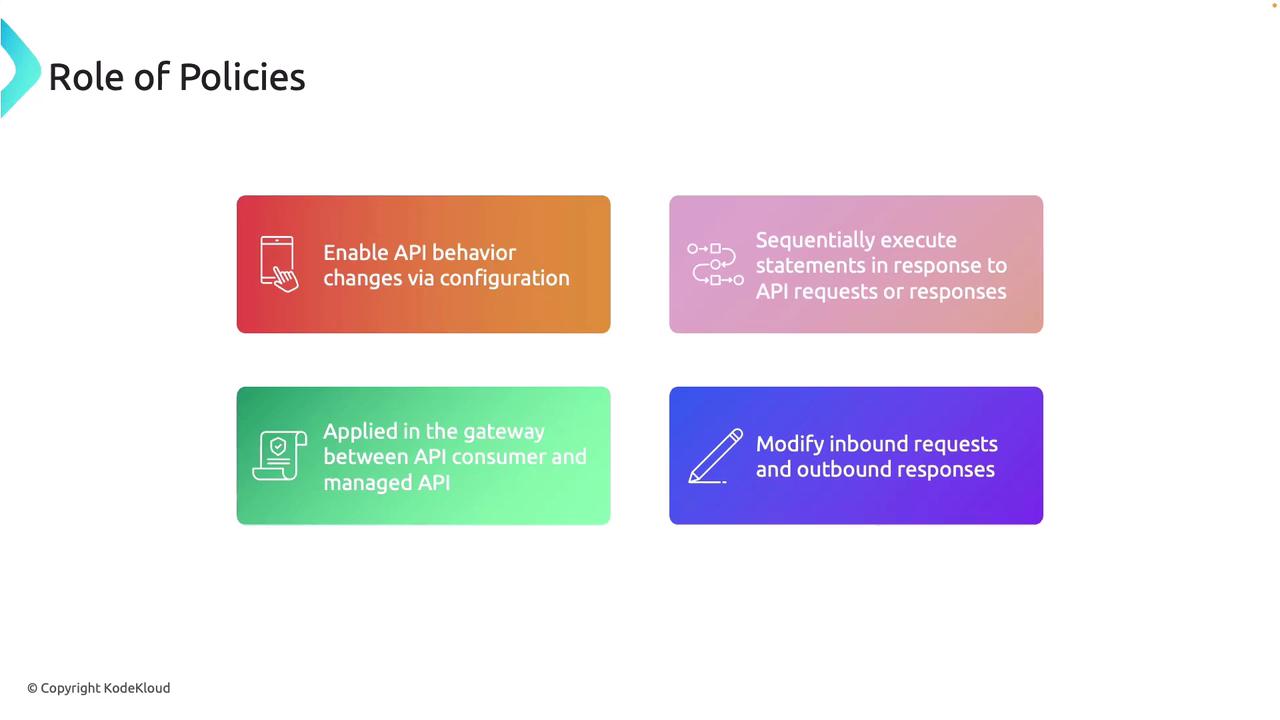
API Management policies empower you to dynamically change the behavior of your APIs at runtime without modifying the underlying code. In this guide, we will explore the role of these policies in controlling request and response flows, enabling quick adaptations for security, data modification, and error handling.Policies execute sequentially as an API processes requests and responses. They are applied at the API Management level to control the flow of traffic between consumers and backend services, ensuring efficient customization and robust response handling.
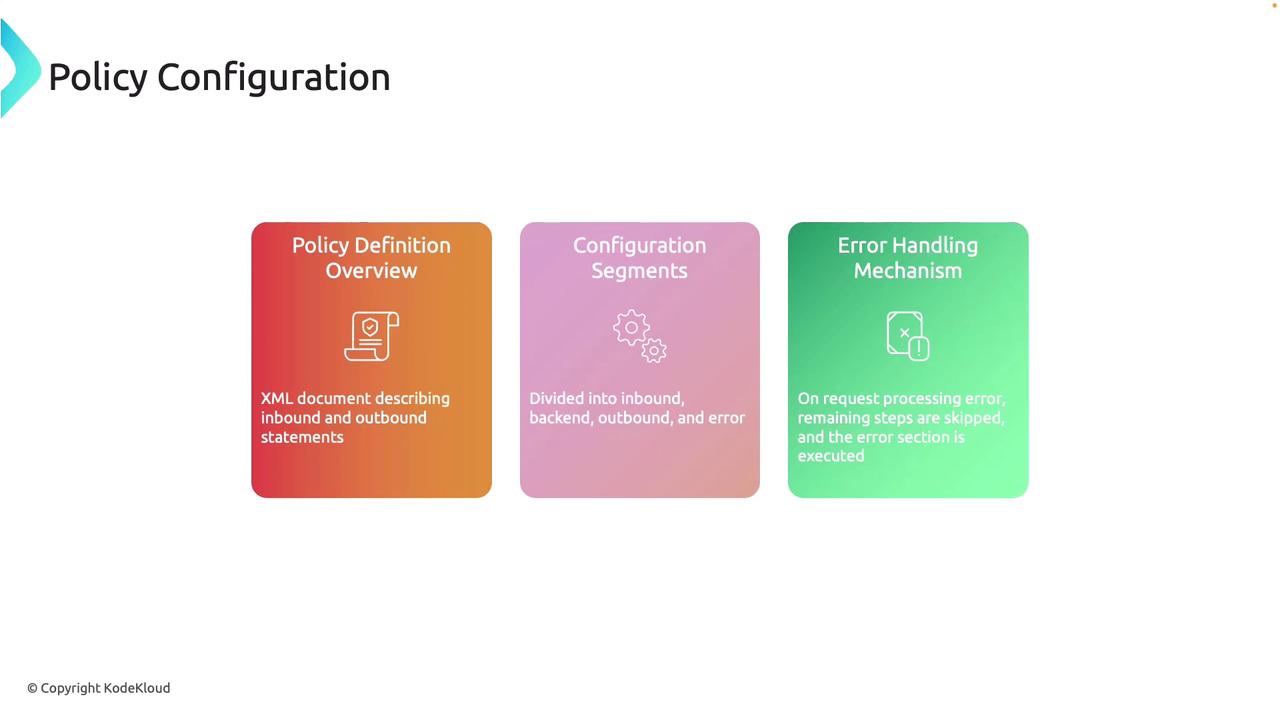
Below is an example of a fundamental policy structure outlining the different processing segments:
Copy
Ask AI
<policies> <inbound> <!-- statements to be applied to the request go here --> </inbound> <backend> <!-- statements to be applied before the request is forwarded to the backend service go here --> </backend> <outbound> <!-- statements to be applied to the response go here --> </outbound> <on-error> <!-- statements to be applied if there is an error condition go here --> </on-error></policies>
For example, consider a simple find-and-replace policy implemented in the inbound section. This policy modifies the incoming request by replacing a specific string value:
This XML configuration demonstrates how API Management gives you granular control over API behaviors. This design supports improved security, performance, and flexibility without changing the backend code.
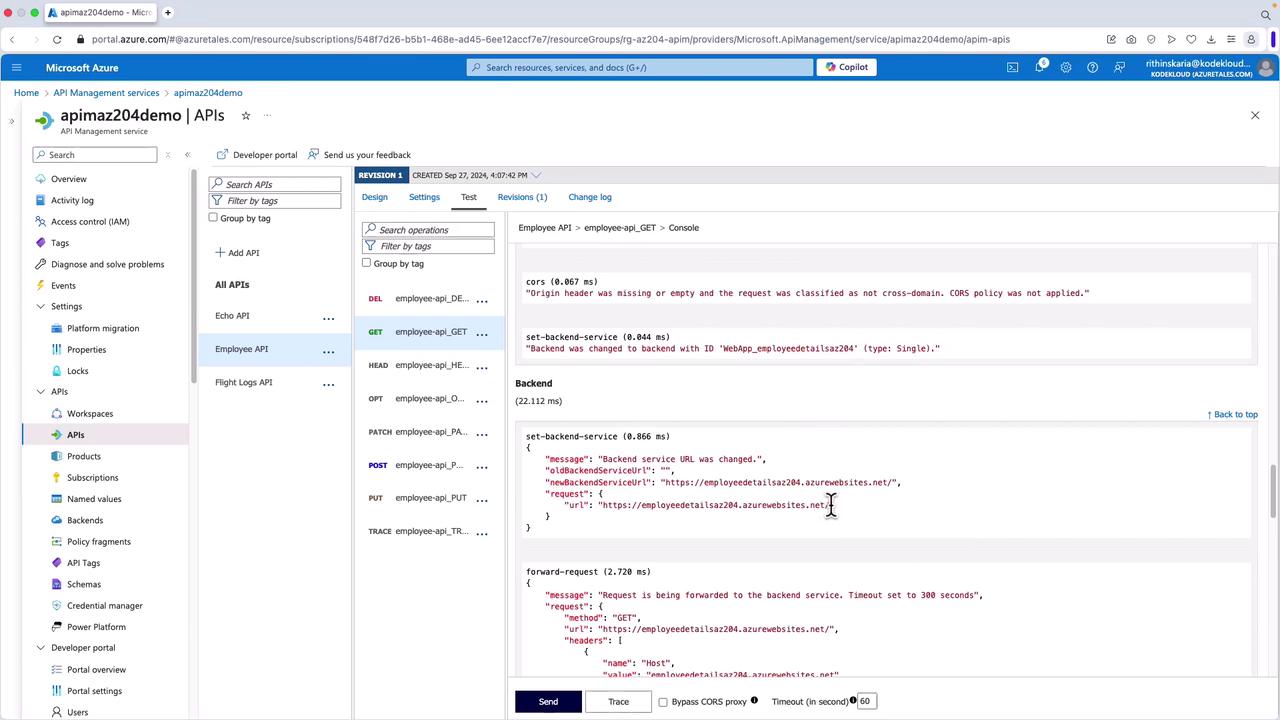
Let’s examine how policies are applied in a real-world scenario through the Azure Portal. Consider an API Management instance with multiple backend services, such as the Employee API and the Flight Logs API. The following inbound policy example shows how the Employee API routes requests to a specific backend service:
When testing the Employee API via the test tab in the Azure Portal, you might execute a GET request like this:
Copy
Ask AI
GET https://apimaz204edemo.azure-api.net/api/employee/ HTTP/1.1
Resulting in an error response similar to:
Copy
Ask AI
HTTP/1.1 404 Not Foundcontent-length: 0date: Fri, 27 Sep 2024 13:10:36 GMTvary: Originx-powered-by: ASP.NET
The error can occur if the inbound policy, such as URI rewriting, is missing or misconfigured. The backend service URL might not match the intended API path.
To address this issue, advanced policies like URI rewriting can be applied. A rewrite URI policy updates the request URL to match the correct backend endpoint. Here is the policy syntax:
This policy allows you to dynamically modify request paths. For example, if you need to ensure that the request includes “/api/employee”, you can adjust the URI accordingly.
Another example shows how an incoming request path can be rewritten to target a different operation:
Copy
Ask AI
<!-- Assuming incoming request is /get?a=b&c=d and the operation template is set to /get?a={b} --><policies> <inbound> <rewrite-uri template="/put" /> </inbound> <outbound> <base /> </outbound></policies>
Ensure that the URI template used in the rewrite policy matches the backend endpoint accurately to avoid misrouting or errors in request processing.
API Management policies crafted through XML provide a robust mechanism to control API behavior effectively. They allow you to implement security protocols, modify requests and responses dynamically, and gracefully handle errors—all while keeping the backend code intact. By leveraging these policies, organizations can ensure efficient API management, smoother scaling, and enhanced user experiences.For further insights into API management and configuration best practices, consider exploring the following resources: