

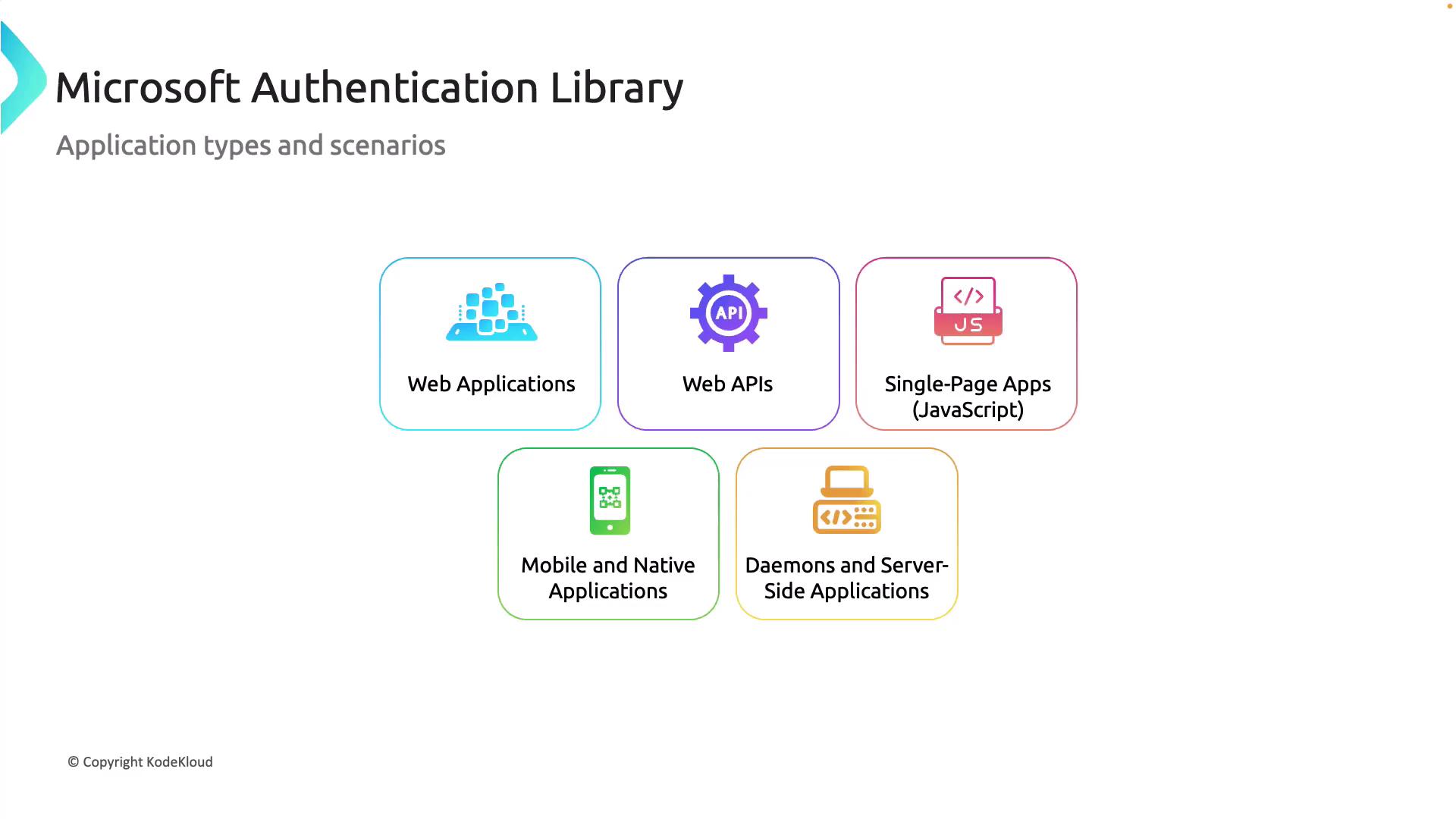
Application Types and Scenarios
MSAL is designed to meet various authentication needs in diverse scenarios, including:- Web Applications: Secure authentication for standard web-based applications.
- Web APIs: Token-based access control to secure and authorize API requests.
- Single-Page Applications (SPAs): Modern JavaScript frameworks can efficiently handle authentication flows managed by MSAL.
- Mobile and Native Applications: Ensures secure and seamless user authentication on iOS and Android platforms.
- Daemons or Server-Side Applications:
Authentication Flows
MSAL supports multiple secure authentication flows designed to accommodate a variety of application needs and operating environments.1. Authorization Code Flow
This is the most commonly used flow for both native and web applications. In this flow, applications redirect users to a login page. Once the user logs in, MSAL retrieves an authorization code, which is then exchanged for an access token. For example, when a user logs into applications such as Microsoft Teams or Outlook, tokens are securely acquired using this method.2. Client Credentials Flow
Ideal for service or daemon applications that run without user interaction, the client credentials flow allows an application to authenticate using a client ID paired with a client secret or certificate. For instance, an application accessing Azure Key Vault to retrieve secrets would leverage this approach.Keep in mind that using certificates instead of client secrets can enhance security for production environments.
3. On-Behalf-Of (OBO) Flow
The on-behalf-of flow enables an application to access another service on behalf of a signed-in user. This is particularly useful when one API needs to call Microsoft Graph on behalf of a user—such as fetching emails from Outlook or querying user data—with the user’s identity.4. Implicit Flow
Designed for single-page applications, the implicit flow retrieves tokens immediately without intermediary server involvement. However, due to enhanced security concerns, modern applications typically favor the authorization code flow with Proof Key for Code Exchange (PKCE).5. Device Code Flow
This flow is tailored for devices with limited input capabilities, such as IoT devices or smart TVs. With device code flow, users are required to visit a URL and enter a unique code to authenticate. This method is commonly utilized in scenarios like signing in on a Microsoft Xbox, where the code is provided via a terminal command (e.g., from azcopy).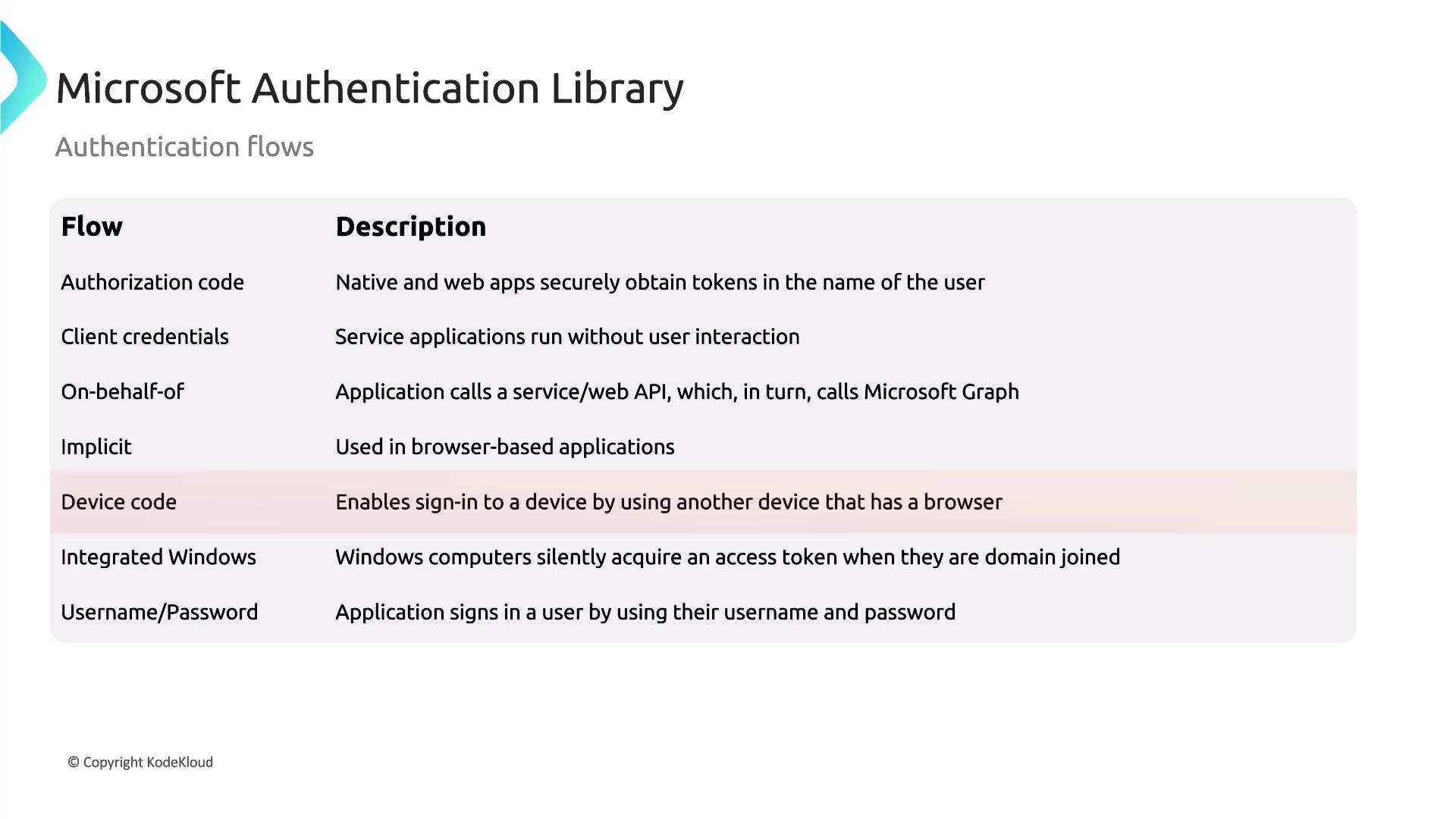
6. Integrated Windows Flow
Suited for organizations leveraging Windows Active Directory or Azure AD (Microsoft Entra ID), the integrated Windows flow enables domain-joined devices to automatically authenticate without prompting for credentials. For example, users on Windows machines connected to a corporate network can access work applications seamlessly.7. Username/Password Flow
This flow directly collects a user’s credentials and exchanges them for tokens. Although it is the simplest method, it poses significant security risks, such as the potential for compromised passwords. Modern applications are encouraged to transition to more secure authentication methods.Avoid using the Username/Password flow in production environments due to its inherent security vulnerabilities.