

Linux Path Mappings
Path mappings on Linux-based applications are vital—especially in containerized environments using both Windows and Linux containers on App Service. They enable you to add or mount custom storage to your containerized applications, allowing you to manage persistent data like user uploads, logs, or any content that needs to persist beyond the lifecycle of a container. When you access the path mappings section in the Azure portal for a Linux-based app, you will notice an option called mounted storage. This feature facilitates linking external storage solutions, such as Azure File Storage, directly to your containerized application. For example, you might mount an Azure File Share to store images or documents associated with your application.
Windows Path Mappings
Before delving further, it is important to understand two key concepts within Windows path mappings: handler mappings and virtual applications/directories.Handler Mappings
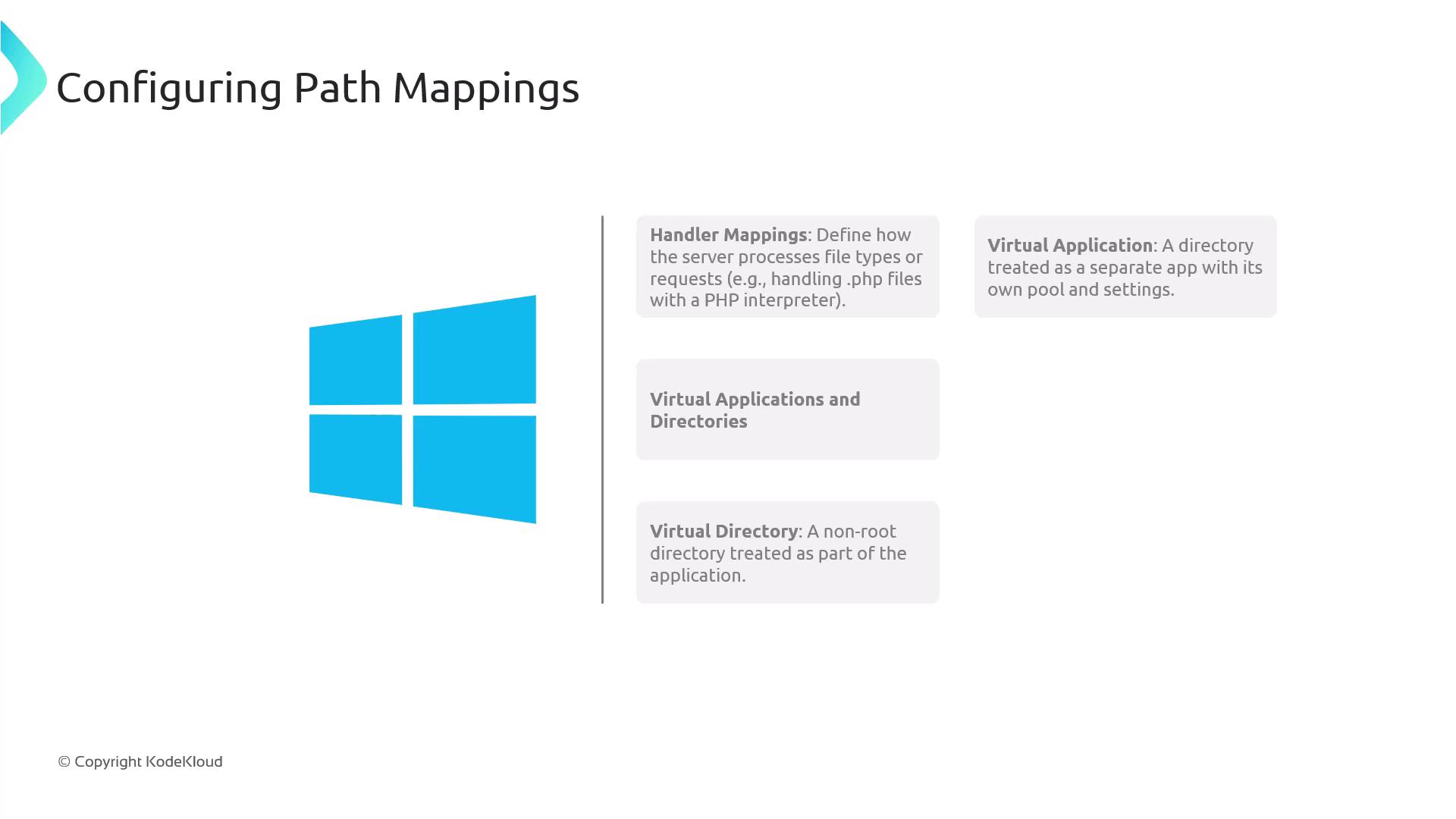
A handler mapping in IIS specifies how the server should process different file types or incoming requests. Essentially, a handler is executed to process a request associated with a specific file type. For instance, when serving PHP files, IIS needs to process.php files using the appropriate PHP interpreter. By setting up a handler mapping, you ensure that requests for .php files trigger the PHP interpreter correctly.
Virtual Applications and Directories
- Virtual Directory: Represents a folder that is not located in the root of the application but is integrated as part of it. This is particularly useful if you have content distributed across different drives or network shares.
- Virtual Application: Extends the concept of a virtual directory by treating it as an independent application. It can utilize its own application pool and settings, making it ideal for managing distinct segments of your website—such as separating an API from the frontend.
Using the Azure Portal to Configure Path Mappings
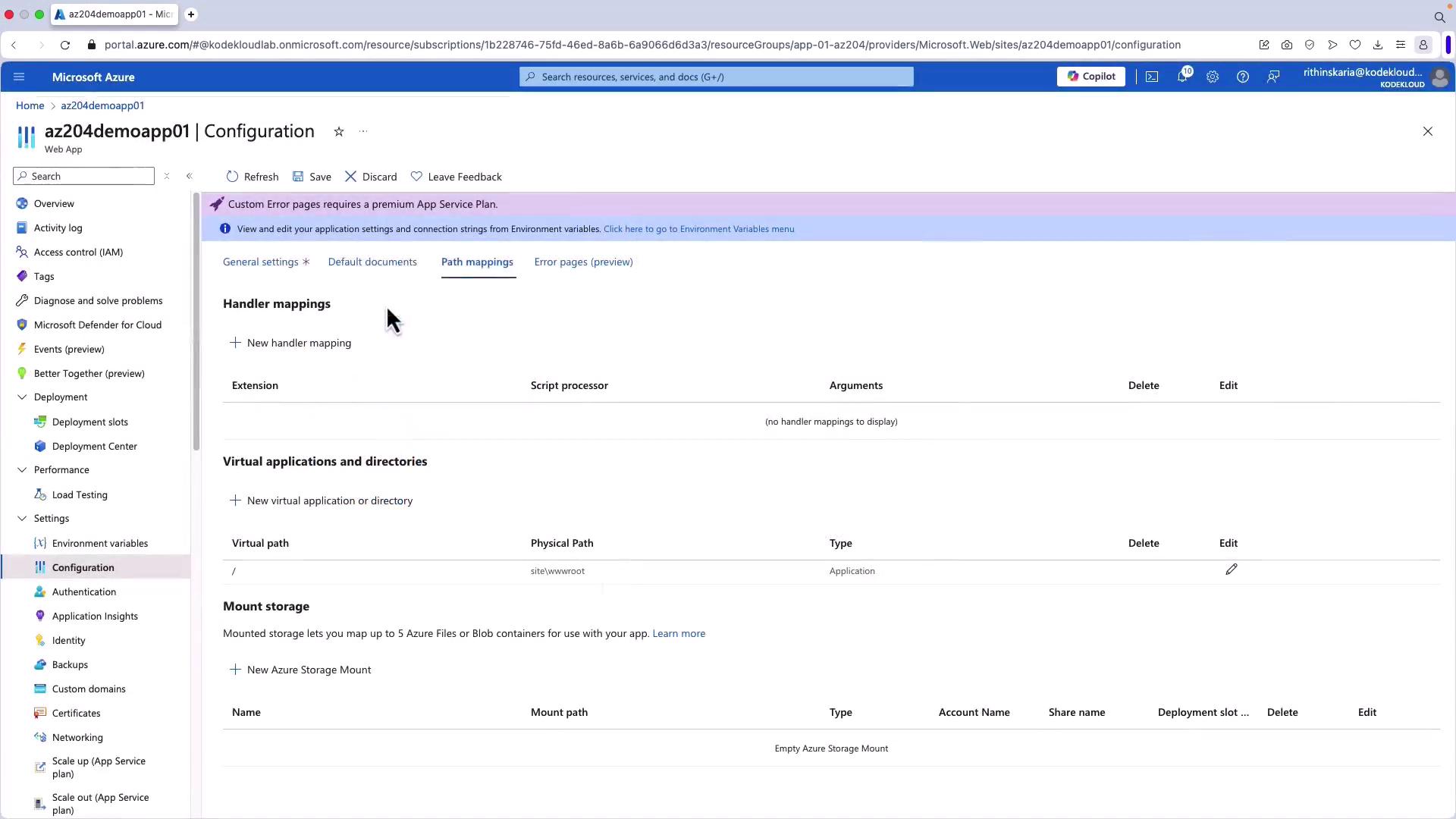
The Azure portal offers an intuitive interface for setting up your path-based mappings—both for handler mappings and virtual applications/directories. Follow these steps to configure your mappings:- Navigate to the general settings for your web application.
- Select the Path Mappings option to add or modify your handler mappings and virtual directories.
.php files to the PHP interpreter located at /usr/bin/php with the argument -a.
In addition to setting up handler mappings, you can configure virtual applications and directories. Below is an example of a basic configuration that maps the virtual root to your application’s base path:
site\wwwroot, which serves as your application’s main directory. You can add additional mappings as needed by specifying the virtual path alongside its corresponding physical path.
Furthermore, the Azure portal enables the configuration of mounted storage settings for containerized applications. By clicking on “New Azure Storage Mount,” you can provide a name (e.g., “file share Azure”), select a storage account, and choose the file share to mount. You will also assign a mount path (for example, /mnt/disk1) where the storage will be accessible. For more advanced configurations, you can specify the share name and access key in the advanced settings.
Ensure that the physical paths you specify match the actual paths on your server or container, as discrepancies can result in incorrect routing or application errors.