

Creating the Rust File
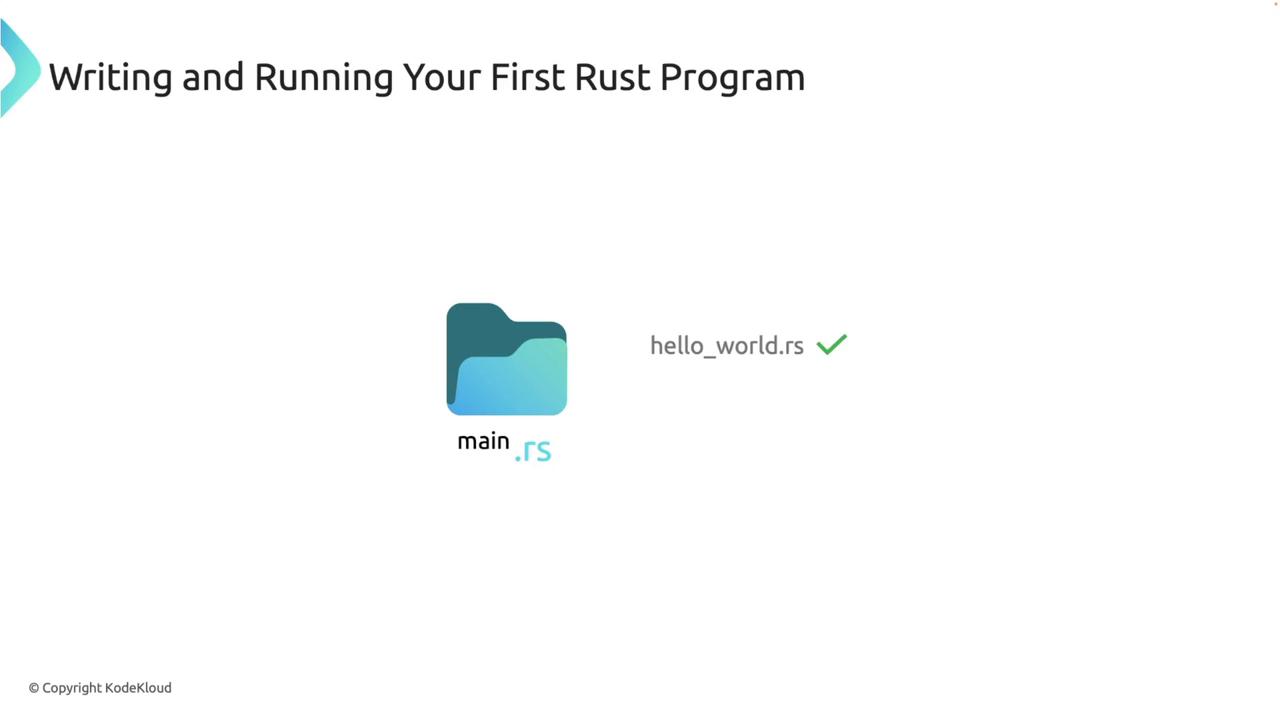
Begin by creating a new Rust source file namedmain.rs. Remember that Rust source files must have the .rs extension. If you want to use multiple words for the filename, separate them with an underscore. For example, use hello_world.rs instead of hello world.rs.
Writing the Code
Open themain.rs file in your favorite text editor or IDE and add the following code. This simple program prints “Hello, world!” to the terminal:
main function, which serves as the entry point for every Rust executable program. Inside the main function, the println! macro (identified by the exclamation mark) outputs the string “Hello, world!” to the console.
In Rust, semicolons are used to differentiate between expressions and statements. Understanding when and how to use them is essential to prevent unexpected behavior.
Compiling and Running the Program
Once you have saved the file, open your terminal and navigate to the directory where yourmain.rs file is located. You will compile the program using the Rust compiler (rustc), which generates an executable file.
Step 1: Compile the Program
Run the following command in your terminal:main.
Step 2: Execute the Program
To run your compiled Rust program, execute the following command:Recap of Steps
In this lesson, you have:- Created a
main.rsfile. - Defined a
mainfunction that prints a message using theprintln!macro. - Compiled the Rust program with
rustc. - Executed the generated executable file from your terminal.
While using
rustc is sufficient for compiling simple programs, larger projects benefit from Cargo—a tool that manages dependencies, build configurations, and code sharing.Quick Exercise: Creating a New Rust Project with Cargo
Before wrapping up, try creating a new project using Cargo. Write your “Hello, world!” program within the Cargo project structure and build it. To ensure your code remains consistent and properly formatted, use therustfmt tool included with the Rust distribution. Simply run:
