


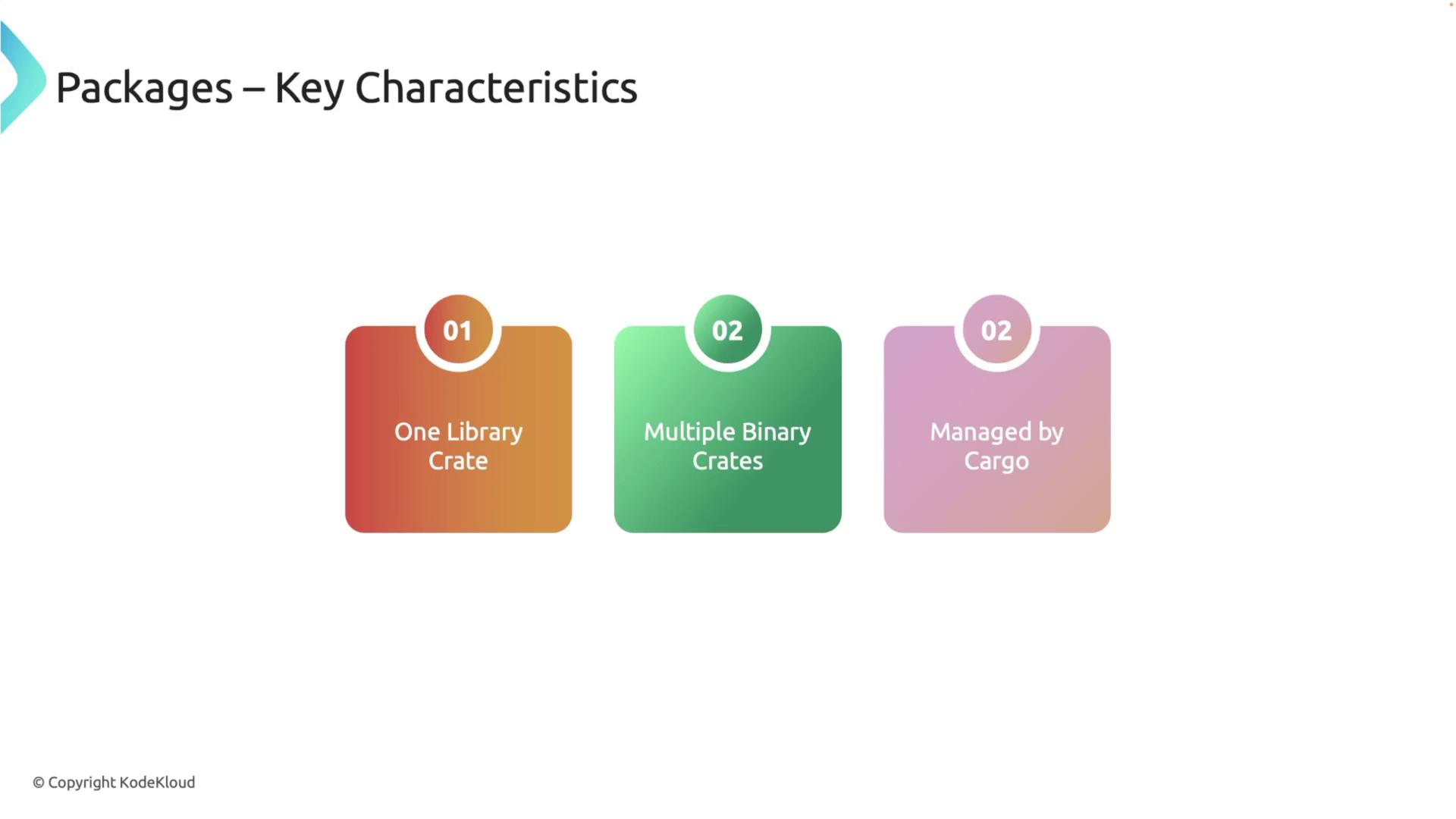
src folder containing a main source file with the entry point of your executable. Below is an example of the Cargo.toml file:
Adding Multiple Crates to a Package
Rust packages can include multiple crates, allowing you to organize complex projects by separating functionality. For example, you can add a library crate to an existing package and link it to the main binary crate so that its functions become available to the executable. First, navigate to your package directory (my_package) and create a new library crate. In this lesson, we add a library called text_magic. Execute the following commands:
text_magic with its own Cargo.toml file and a lib file located in the src folder.
Now, add some functions to the text_magic library. Let’s start with a function that adds two numbers, along with its test:
my_package/Cargo.toml) and add a dependency that points to the local text_magic library:
text_magic library in your main file. Update src/main.rs as follows:
reverse function from the text_magic library.
Publishing Your Library to crates.io
Once your package is ready and you wish to share it with others, you can publish it to crates.io. In this example, we publish thetext_magic library.
First, make sure the Cargo.toml file in text_magic is complete with metadata such as package name, version, authors, description, and license. Open the file in your code editor and update it as follows:
text_magic directory:
--allow-dirty flag:
text_magic v0.1.0 has been uploaded to crates.io.
Using the Published Text Magic Crate in a New Project
Let’s create a new binary package that utilizes the publishedtext_magic library from crates.io. From your workspace directory, run:
src/main.rs and import the library functions as shown below:
text_magic library is functioning as expected in a new project.
Organizing Multiple Packages into a Workspace
Workspaces are a powerful feature that enable you to manage large projects composed of multiple interrelated crates. By sharing the same target directory, workspaces simplify dependency management and streamline builds. To set up a workspace, create a new directory to house all your packages. For example, create a workspace calledmy_workspace:
-p flag:
cargo new command.
Happy coding!