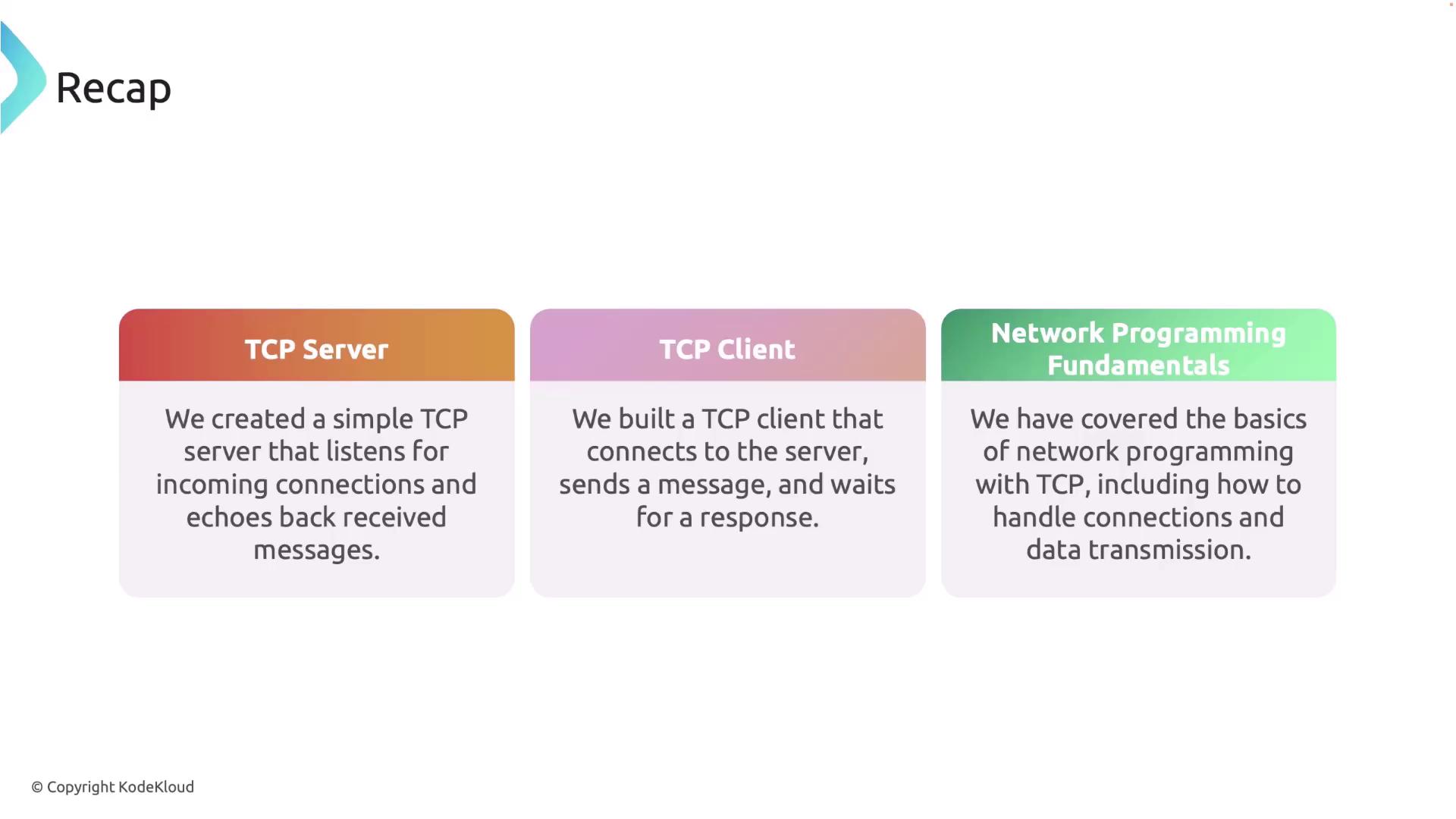
Setting Up a Simple TCP Server
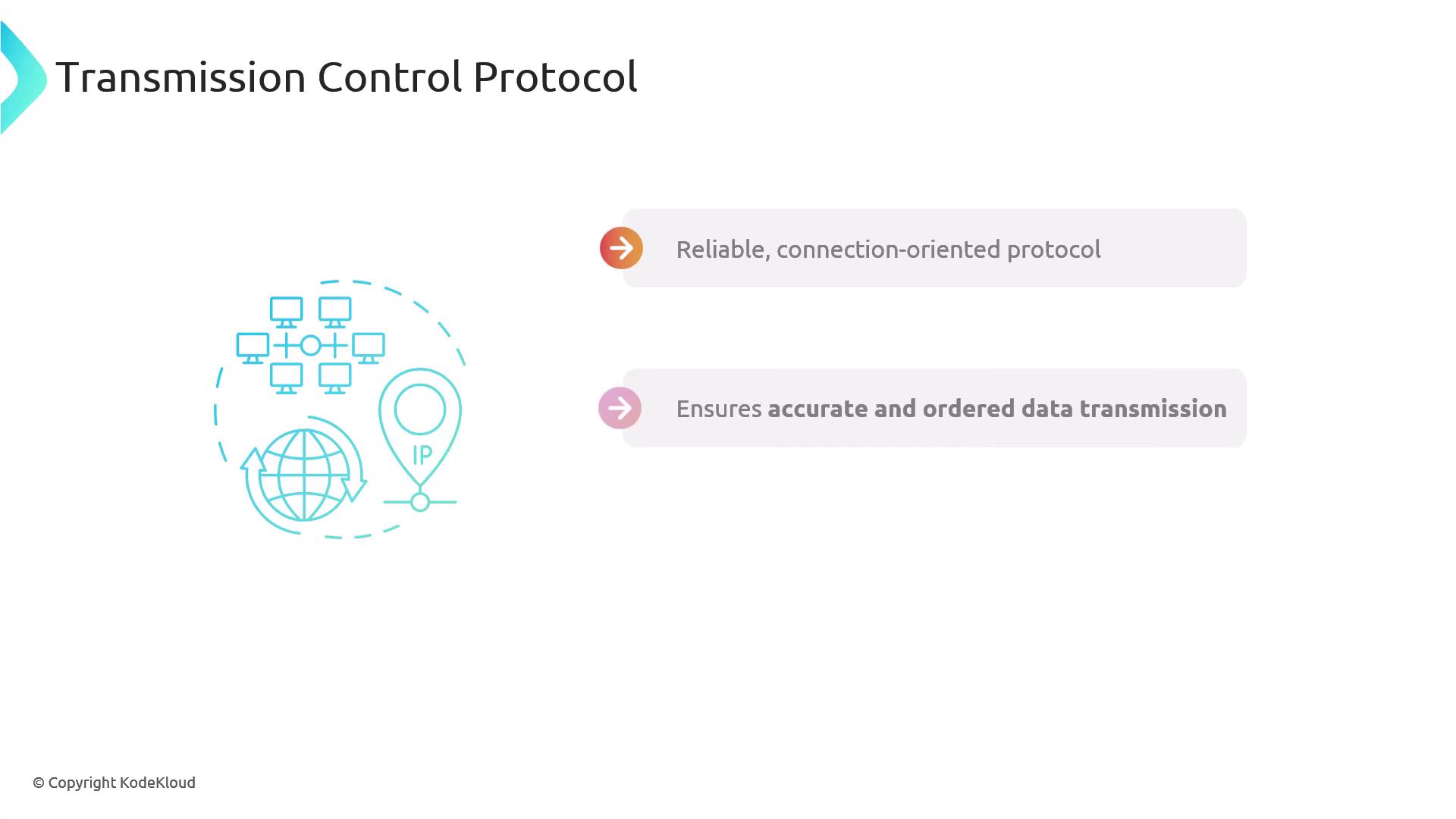
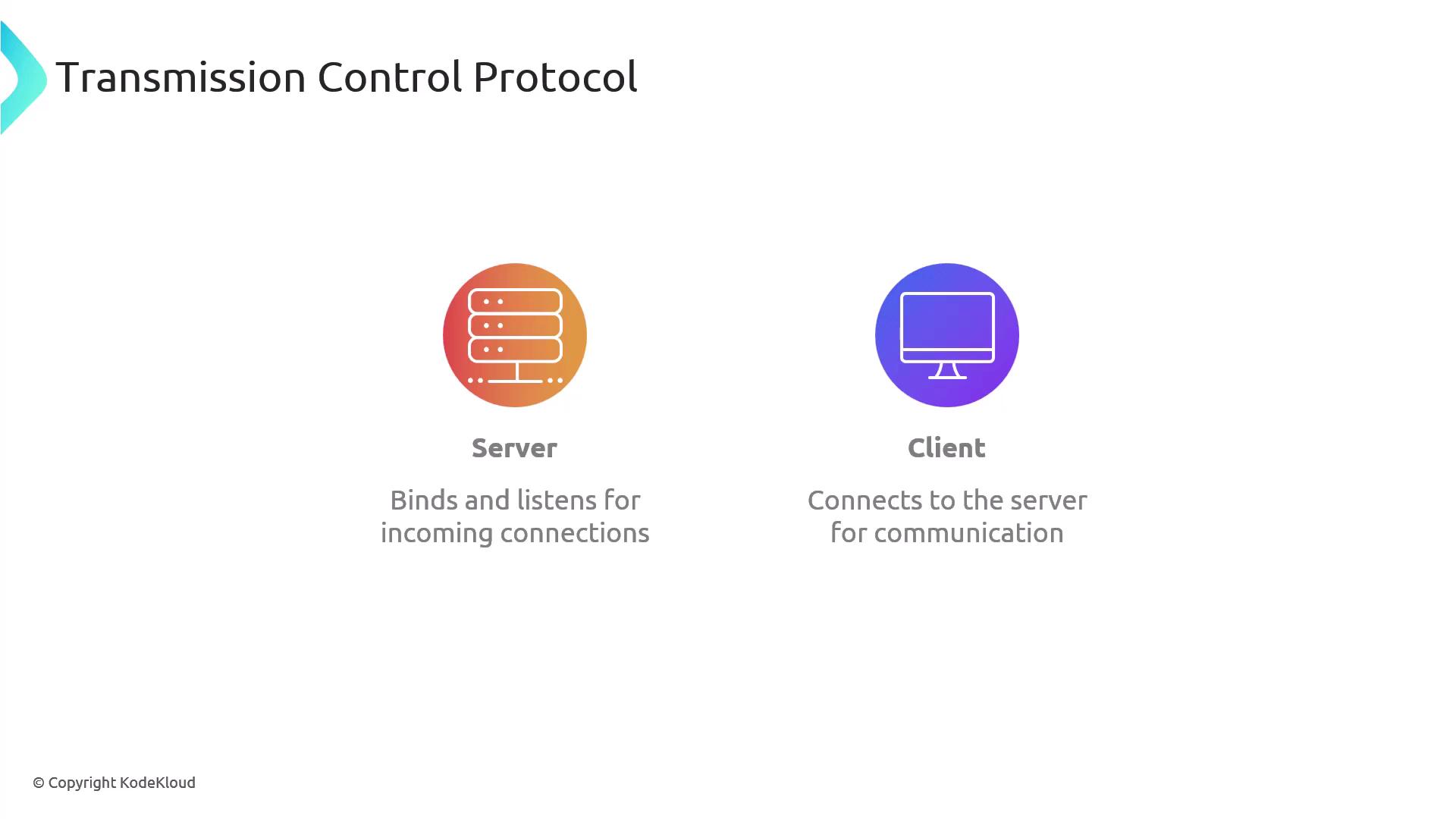
A TCP server waits on a specified address and port for incoming connections. Once a connection is established, it can both send and receive data. Follow these steps to create a simple TCP server:-
Open your terminal and create a new Cargo project for the TCP server:
-
Open the project in Visual Studio Code and navigate to the
main.rsfile. Begin by importing the necessary modules:TcpListenerfor listening to incoming connections,TcpStreamfor handling the connection, and the I/O traitsReadandWritefor data streaming. -
Implement the function to handle client communication. This function continuously reads data from the TCP stream into a 512-byte buffer. If a client disconnects or an error occurs, the connection is gracefully terminated. Otherwise, the server echoes the received data back to the client and prints it to the console.
127.0.0.1:7878. Every time a client connects, the server reads the incoming data, echoes it back, and logs the details to the console. Any errors or disconnections are recorded appropriately.
Compile your TCP server using the following command:After building, run the server and prepare to test it.
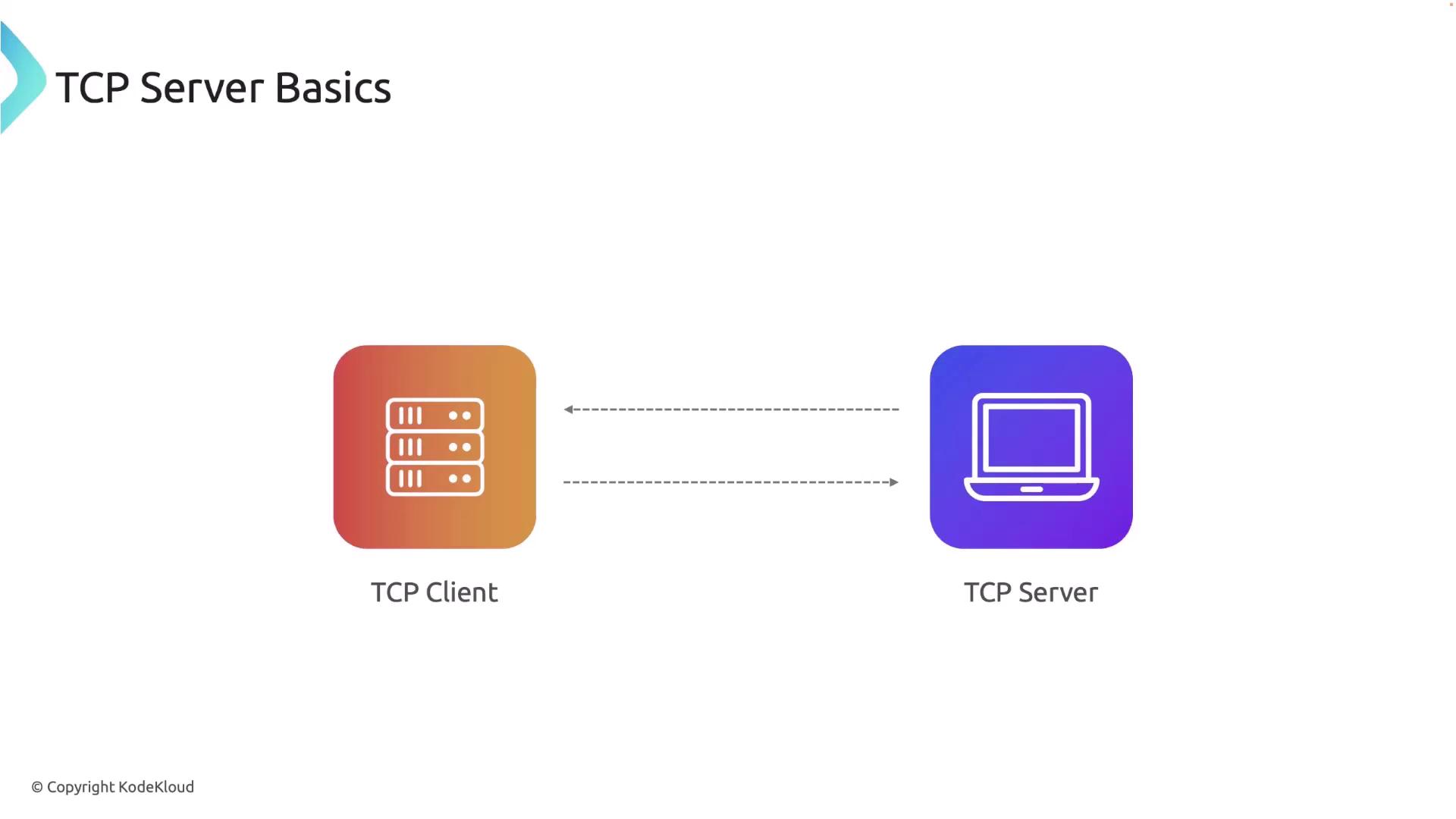
Creating the TCP Client
Now, let’s develop the TCP client. Follow these steps:-
Create a new Cargo project for the TCP client by running:
-
Open the project in Visual Studio Code and edit the
main.rsfile. Import the required modules forTcpStreamand I/O operations. -
The TCP client will attempt to connect to the server at
127.0.0.1:7878. Upon a successful connection, it sends a message (“Hello, server!”) to the server and waits for the echoed response.
Build the TCP client using:Make sure to run the TCP client after starting the TCP server.
Recap
In this lesson, you learned how to:-
Build a TCP Server in Rust
- Listens on
127.0.0.1:7878. - Uses a 512-byte buffer to read client data.
- Echoes the received data back to the client.
- Logs connection details and errors.
- Listens on
-
Develop a TCP Client in Rust
- Connects to the TCP server on
127.0.0.1:7878. - Sends a greeting message (“Hello, server!”) to the server.
- Receives and logs the echoed message from the server.
- Connects to the TCP server on