This article explores using Rust LLDB, a debugging tool tailored for Rust development, guiding through essential concepts and procedures.
In this lesson, we explore a powerful debugging tool tailored for Rust development: Rust LLDB. Although debugging might seem challenging at first, this guide will walk you through the essential concepts and procedures step by step.
LLDB (Low-Level Debugger) is an efficient and user-friendly debugger that is part of the LLVM project. As the default debugger on macOS, it enables you to pause program execution, inspect variables, and step through code interactively.
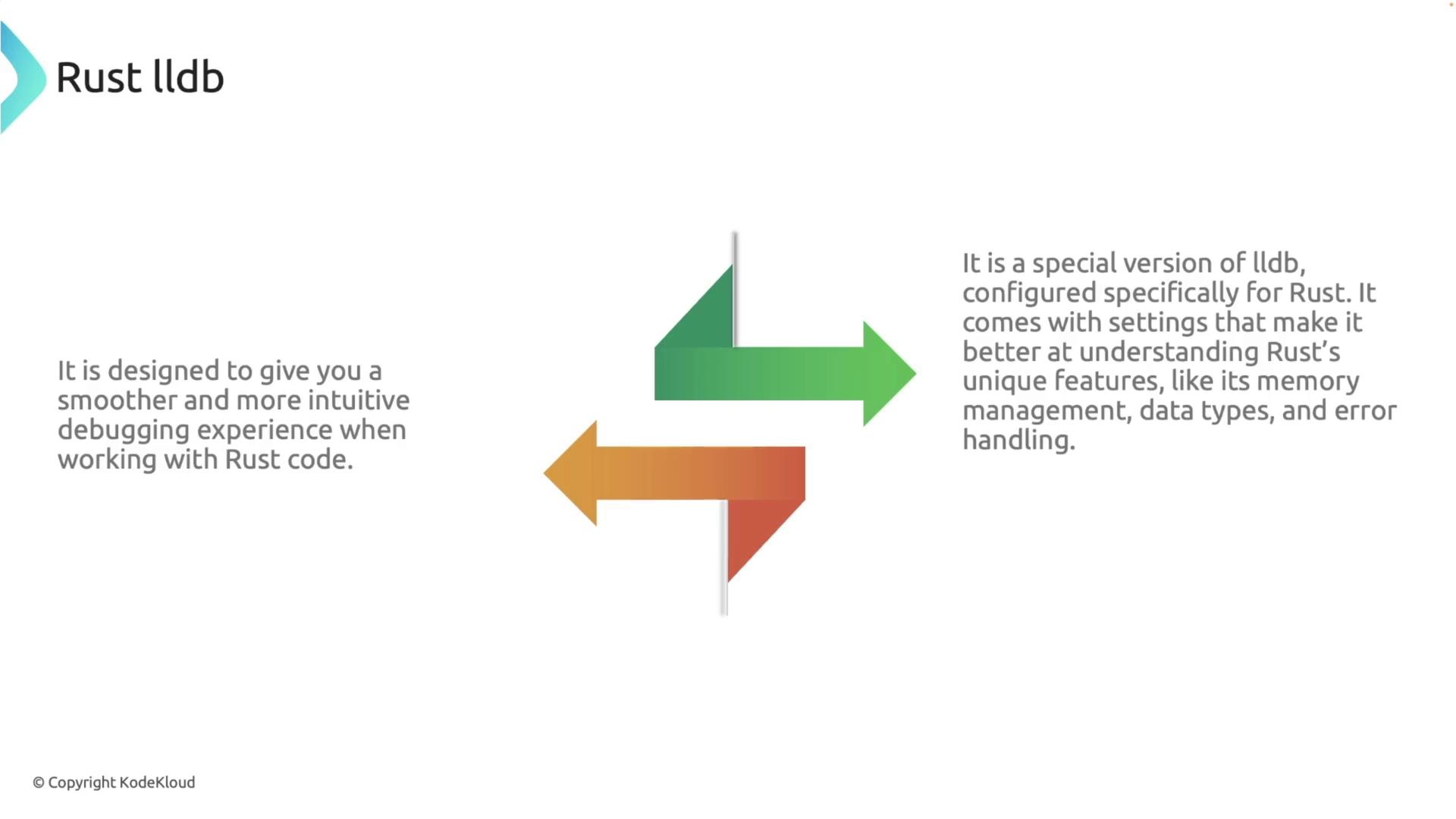
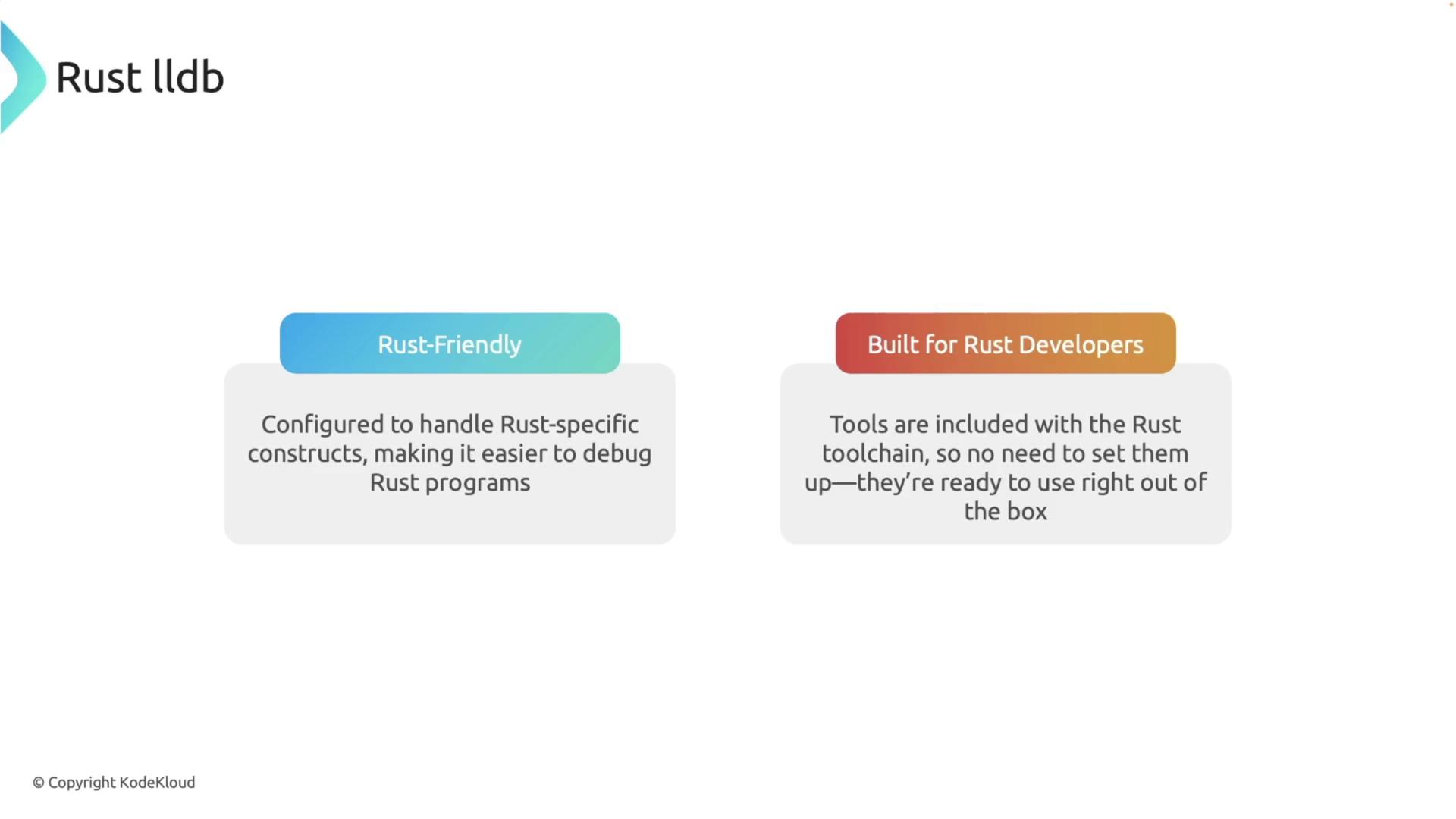
Rust LLDB is a customized version of LLDB designed specifically for Rust. It is configured to understand Rust’s unique memory management, data types, and error handling. This Rust-friendly debugger is integrated seamlessly into the Rust toolchain. If you installed Rust via Rustup, Rust LLDB is already available. Confirm your installation with:
Copy
Ask AI
rust-lldb --version
If version information is displayed, Rust LLDB is installed and ready to use.
Rust LLDB is ready to use out of the box as it comes bundled with the Rust toolchain.
To demonstrate the debugging process, let’s intentionally introduce a subtle bug. Instead of subtracting 1 in the recursive call, we accidentally add 1:
Copy
Ask AI
fn factorial(n: u32) -> u32 { if n <= 1 { 1 } else { n * factorial(n + 1) // Bug: should be n - 1 }}fn main() { let number: u32 = 5; let result: u32 = factorial(number); println!("The factorial of {} is {}", number, result);}
Rebuild the project with:
Copy
Ask AI
cargo build --quiet
This error causes the recursion never to satisfy the base case, leading to a stack overflow.Next, navigate to your project directory (for example, “debug-rust”) and launch Rust LLDB with:
Copy
Ask AI
rust-lldb target/debug/debug_rust
Once launched, you’ll see the LLDB prompt. Type help for a list of available commands.
You can set breakpoints to inspect your code execution. To set a breakpoint at the beginning of the factorial function, enter:
Copy
Ask AI
(lldb) breakpoint set --name factorial
Alternatively, set a breakpoint at a specific line (e.g., line 5):
Copy
Ask AI
(lldb) breakpoint set --line 5
A sample output might look like:
Copy
Ask AI
(lldb) breakpoint set --name factorialBreakpoint 1: where = debug_rust`debug_rust::factorial::hc2078a81714cb92f + 20 at main.rs:2:8, address = 0x00000001000148c(lldb) breakpoint set --line 5Breakpoint 2: where = debug_rust`debug_rust::factorial::hc2078a81714cb92f + 36 at main.rs:5:23, address = 0x00000001000149c
Now, start the debugging session by running:
Copy
Ask AI
(lldb) run
When the first breakpoint is hit, you will see output similar to:
Copy
Ask AI
Process 70628 launched: '/Users/priyadav/projects/debug_rust/target/debug/debug_rust' (arm64)Process 70628 stopped* thread #1, name = 'main', queue = 'com.apple.main-thread', stop reason = breakpoint 1.1frame #0: 0x00000001000148c debug_rust`factorial::hc2078a81714cb92f(n=5) at main.rs:2:8 1 fn factorial(n: u32) -> u32 { -> 2 if n <= 1 { 3 1 4 } else { 5 n * factorial(n + 1) 6 } 7 }Target 2: (debug_rust) stopped.
At this point, inspect variables like n:
Copy
Ask AI
(lldb) print n(unsigned int) 5
Stepping through the code reveals that the value of n increases rather than decreasing. For example, after stepping into the recursive call, you might see:
This confirms that n becomes 6 and continues increasing, which prevents the recursion from reaching its base case and ultimately leads to a stack overflow.
Using an incorrect recursive call (i.e., adding instead of subtracting) will cause an infinite loop, leading to a stack overflow error. Always verify the logic of recursive functions.
Exit the debugger and correct the error by replacing n + 1 with n - 1 in the recursive call. The fixed code is:
Copy
Ask AI
fn factorial(n: u32) -> u32 { if n <= 1 { 1 } else { n * factorial(n - 1) }}fn main() { let number: u32 = 5; let result: u32 = factorial(number); println!("The factorial of {} is {}", number, result);}
Compile and run your project:
Copy
Ask AI
cargo run --quiet
The output should now correctly display:
Copy
Ask AI
The factorial of 5 is 120
For comparison, running the buggy version would result in a stack overflow error:
Copy
Ask AI
fn factorial(n: u32) -> u32 { if n <= 1 { 1 } else { n * factorial(n + 1) }}fn main() { let number: u32 = 5; let result: u32 = factorial(number); println!("The factorial of {} is {}", number, result);}
Copy
Ask AI
cargo run --quietthread 'main' has overflowed its stackfatal runtime error: stack overflowzsh: abort cargo run --quiet
By using Rust LLDB to step through your code and inspect variable values, you can efficiently pinpoint and resolve subtle bugs in your Rust applications.