Learn to organize your Rust project by moving modules into separate files for better maintainability, readability, and reduced naming conflicts.
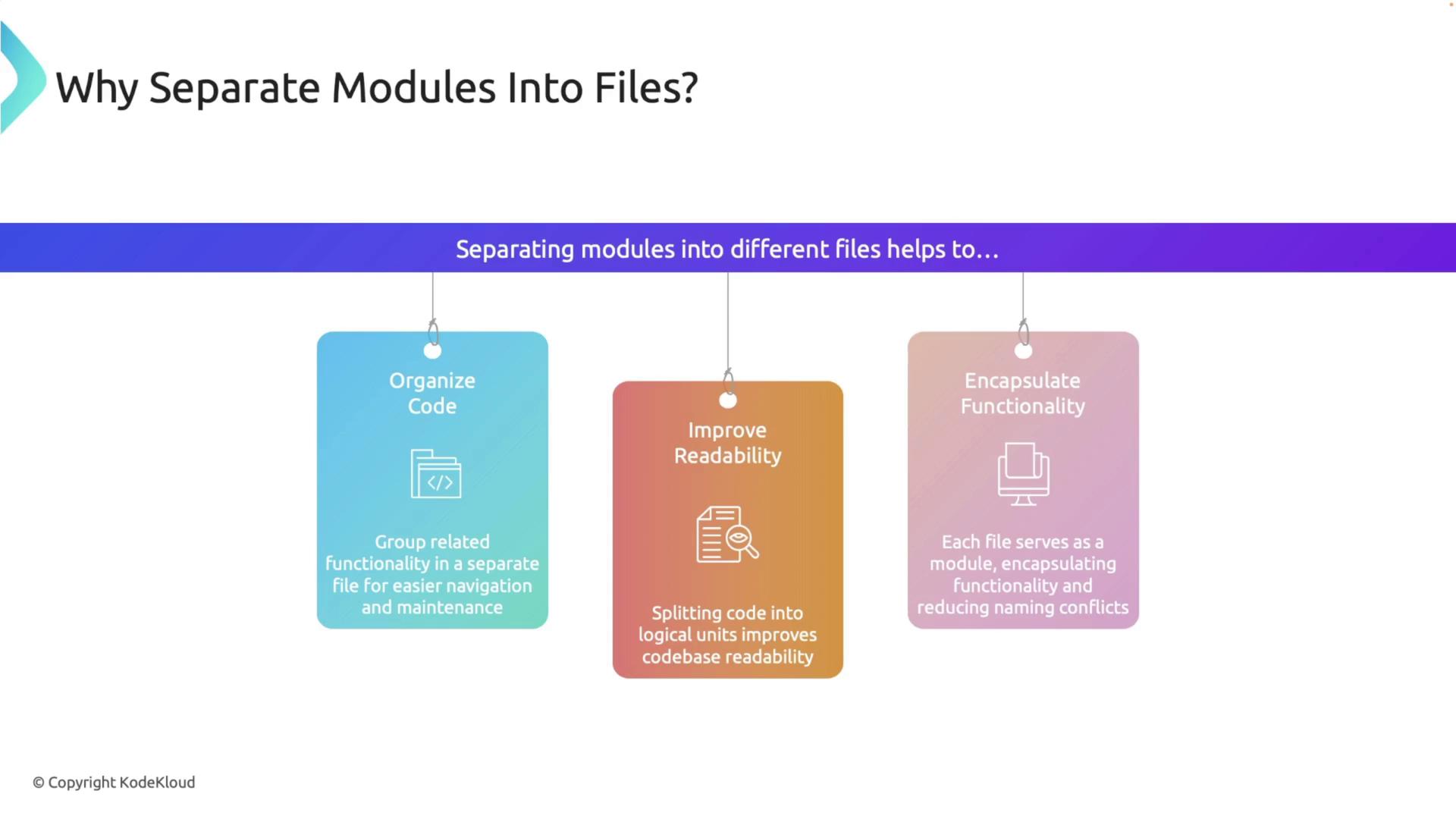
In this lesson, you’ll learn how to organize your Rust project by moving modules into separate files. As your project scales, consolidating all your code into a single file can become challenging. Splitting your code into logical modules increases maintainability, enhances code readability, and minimizes naming conflicts.Modules in Rust encapsulate specific functionality, allowing you to manage and maintain your code efficiently.
Below is an example that demonstrates how to refactor a module from a single file structure to a multi-file layout.
Within the source directory, create a folder named math. Then, move the math.rs file into this folder and rename it to mod.rs. Your project structure should now look like this:
Suppose you need to add functionality handled by a new sub-module called operations. Create a file named operations.rs inside the math directory with the following content:
Copy
Ask AI
// src/math/operations.rspub fn multiply(a: i32, b: i32) -> i32 { a * b}pub fn divide(a: i32, b: i32) -> Option<i32> { if b != 0 { Some(a / b) } else { None }}
Then, update the mod.rs file within the math directory to include the sub-module:
Copy
Ask AI
// src/math/mod.rspub mod operations;pub fn add(a: i32, b: i32) -> i32 { a + b}pub fn subtract(a: i32, b: i32) -> i32 { a - b}
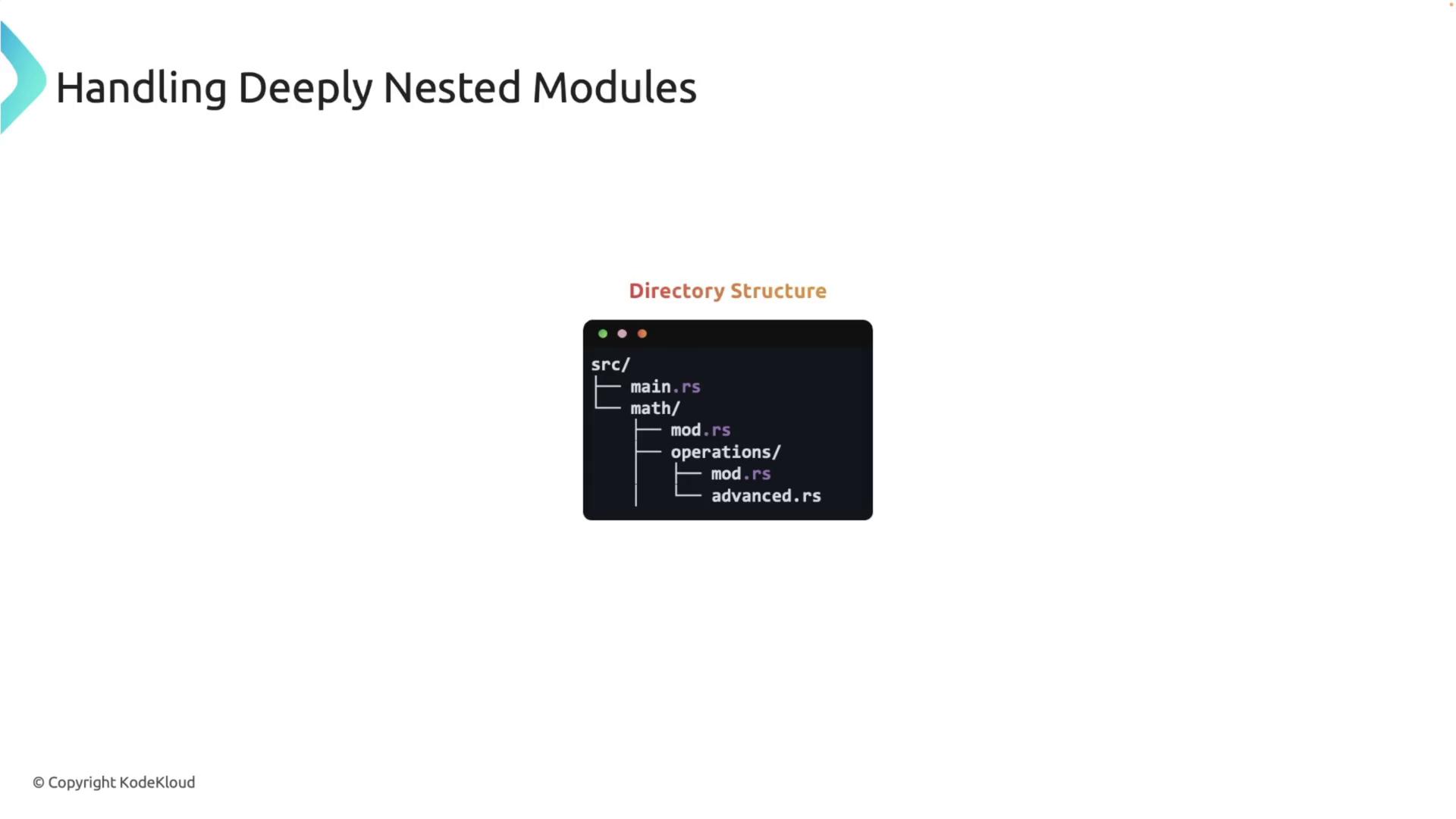
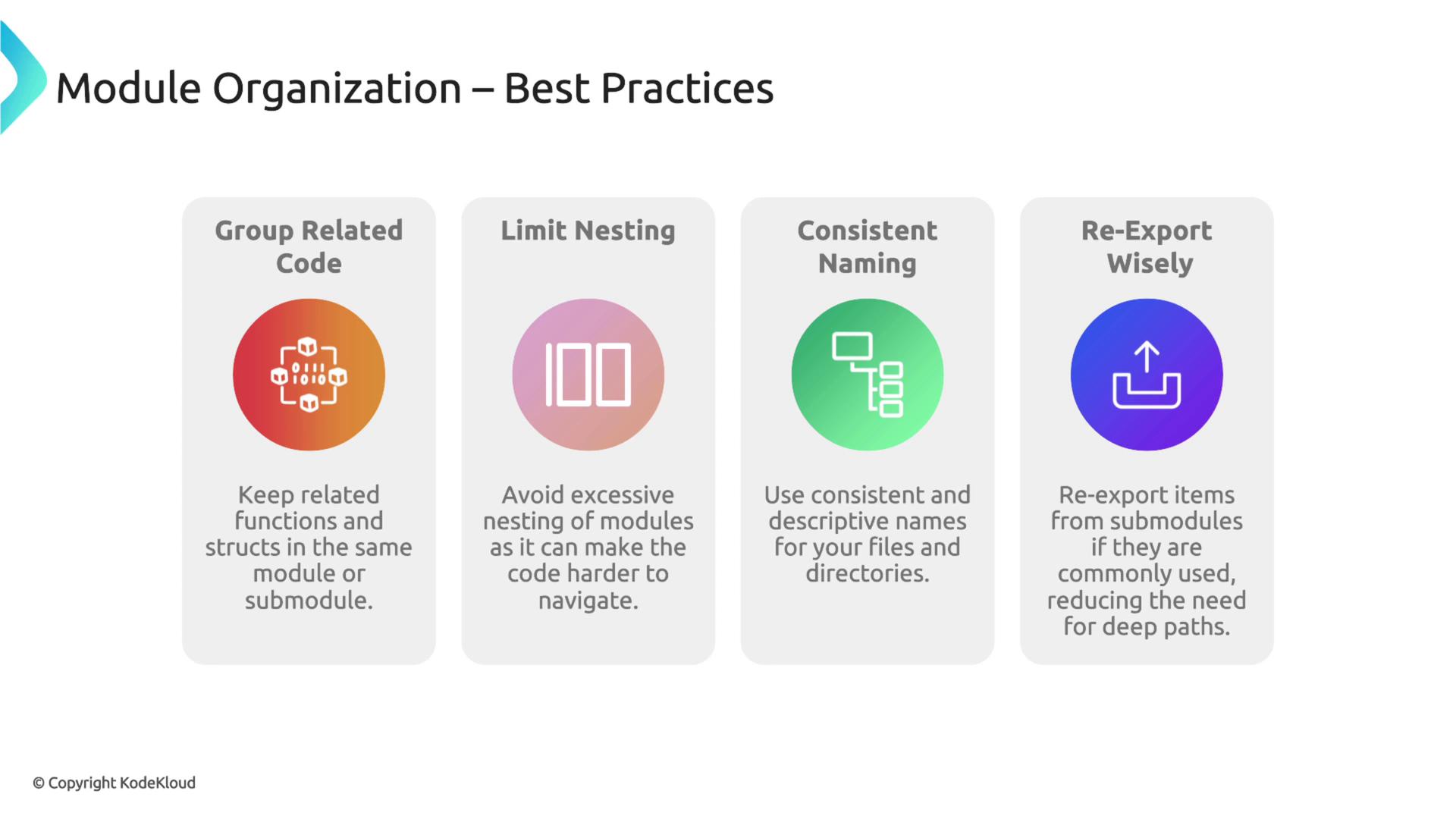
For projects that involve deeper module nesting, the same directory organization principles apply. Each module or sub-module should be represented either as a directory (with a mod.rs file) or as an individual .rs file.
Consider a scenario where your math module with an operations sub-module needs an additional advanced sub-module.