This lesson explores Hashmaps in Rust, covering their creation, manipulation, and performance considerations.
In this lesson, we explore Hashmaps in Rust. A Hashmap is a collection of key-value pairs where each key is unique. It provides fast lookups, insertions, and deletions by employing a hashing algorithm that maps keys to specific memory locations. For example, in a student record system, a student ID can be the key, while the student’s name or grade becomes the value.You can create a Hashmap using the HashMap::new() function or by collecting key-value pairs from an iterator. Below is an example demonstrating how to create an empty Hashmap and insert data into it:
Copy
Ask AI
use std::collections::HashMap;fn main() { // Creating a new empty HashMap let mut student_grades = HashMap::new(); // Inserting data: keys are student names, values are grades student_grades.insert("Alice", 85); student_grades.insert("Bob", 78); // Printing the HashMap println!("{:?}", student_grades);}
In this example, an empty Hashmap is created to hold student names as keys and their grades as values. Data is inserted using the insert() method, and the complete map is printed to the console.
You can also build a HashMap directly from an iterator. In the example below, we define two vectors—one for student names and one for their respective grades. The vectors are converted into iterators using the into_iter() method, paired using zip(), and finally collected into a Hashmap with collect().
Copy
Ask AI
use std::collections::HashMap;fn main() { // Vectors of names and grades let names = vec!["Alice", "Bob", "Charlie"]; let grades = vec![85, 78, 92]; // Creating a HashMap using the collect() method let student_grades: HashMap<_, _> = names.into_iter().zip(grades.into_iter()).collect(); println!("{:?}", student_grades);}
Output:
Copy
Ask AI
{"Alice": 85, "Bob": 78, "Charlie": 92}
Here, the keys “Alice”, “Bob”, and “Charlie” are associated with the grades 85, 78, and 92, respectively.
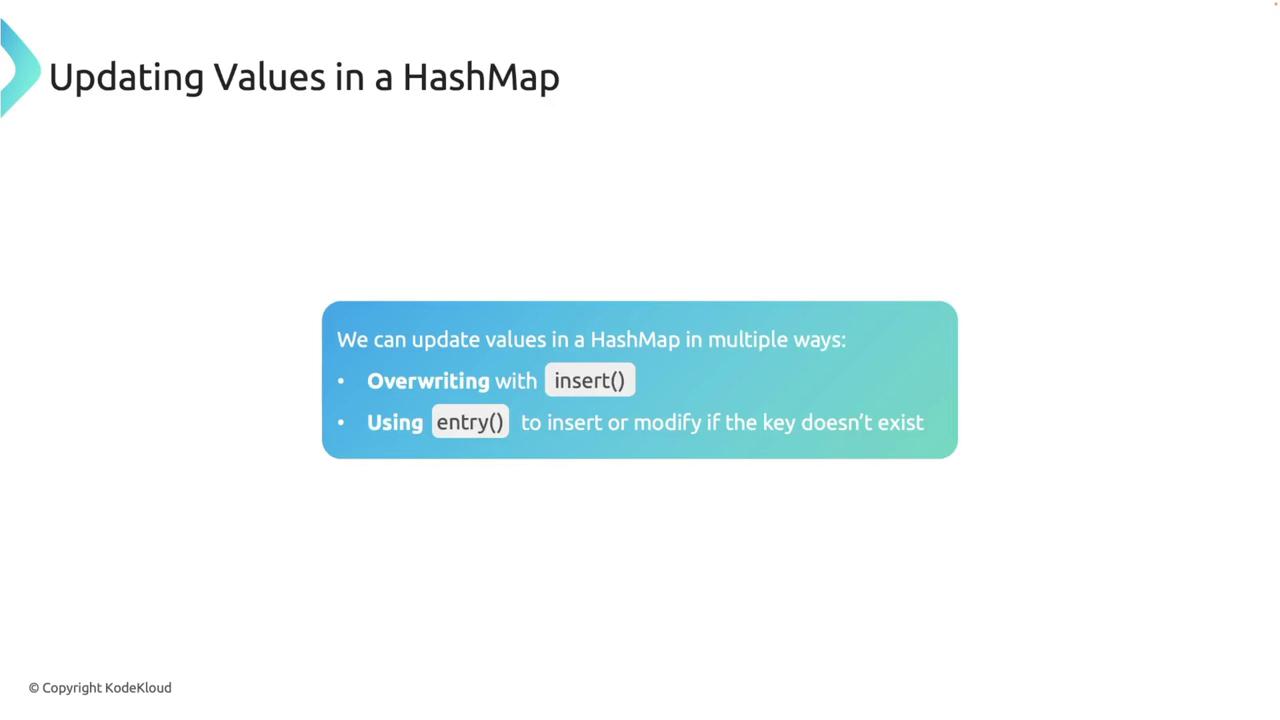
Elements can be added to a HashMap using the insert() method. If the key already exists, the new value will overwrite the existing one. Consider the following example that updates Alice’s grade:
Copy
Ask AI
use std::collections::HashMap;fn main() { let mut student_grades = HashMap::new(); student_grades.insert("Alice", 85); student_grades.insert("Alice", 90); // Overwrites the previous value println!("{:?}", student_grades);}
Output:
Copy
Ask AI
{"Alice": 90}
Alternatively, you can use the entry() method, which inserts a value only if the key is not already present:
Copy
Ask AI
use std::collections::HashMap;fn main() { let mut student_grades = HashMap::new(); student_grades.entry("Alice").or_insert(85); student_grades.entry("Alice").or_insert(90); // Does not overwrite println!("{:?}", student_grades);}
The get() method returns an Option (either Some(value) if the key exists or None if it does not). This allows you to handle both cases using pattern matching:
Copy
Ask AI
use std::collections::HashMap;fn main() { let mut student_grades = HashMap::new(); student_grades.insert("Alice", 85); // Accessing the value using get() let grade = student_grades.get("Alice"); match grade { Some(g) => println!("Alice's grade is {}", g), None => println!("No grade found for Alice"), }}
Indexing provides a more concise way to access values, but it will panic if the key does not exist. Ensure that the key is present before using this method:
Copy
Ask AI
use std::collections::HashMap;fn main() { let mut student_grades = HashMap::new(); student_grades.insert("Alice", 85); // Accessing the value using indexing println!("Alice's grade is {}", student_grades["Alice"]);}
When you insert a key that already exists, its associated value is replaced by the new one:
Copy
Ask AI
use std::collections::HashMap;fn main() { let mut student_grades = HashMap::new(); student_grades.insert("Alice", 85); student_grades.insert("Alice", 90); // Overwrites the previous value println!("{:?}", student_grades);}
The entry() method checks if the key exists. It inserts the provided value only if the key is missing; otherwise, the existing value remains unchanged:
Copy
Ask AI
use std::collections::HashMap;fn main() { let mut student_grades = HashMap::new(); student_grades.entry("Alice").or_insert(85); student_grades.entry("Alice").or_insert(90); // Does not overwrite println!("{:?}", student_grades);}
To remove an element from a HashMap, use the remove() method with the key as its argument:
Copy
Ask AI
use std::collections::HashMap;fn main() { let mut student_grades = HashMap::new(); student_grades.insert("Alice", 85); student_grades.remove("Alice"); println!("{:?}", student_grades); // Should print an empty HashMap}
Output:
Copy
Ask AI
{}
You can also iterate over a HashMap using a foreach loop to access both keys and values, which is useful for processing or displaying all elements in the map.
HashMaps in Rust do not implement the Copy trait, so moving a HashMap transfers ownership. In the following example, ownership of student_grades is transferred to new_student_grades, making the original variable inaccessible:
Copy
Ask AI
use std::collections::HashMap;fn main() { // Create a HashMap and insert an element let mut student_grades: HashMap<String, i32> = HashMap::new(); student_grades.insert(String::from("Alice"), 85); // Move ownership to new_student_grades let new_student_grades: HashMap<String, i32> = student_grades; println!("{:?}", new_student_grades);}
Attempting to use student_grades after this move results in a compile-time error.
You can borrow an immutable reference to a HashMap, allowing data access without transferring ownership. Both the original variable and its borrowed reference can be used concurrently:
Copy
Ask AI
use std::collections::HashMap;fn main() { // Create a HashMap and insert an element let mut student_grades: HashMap<String, i32> = HashMap::new(); student_grades.insert(String::from("Alice"), 85); // Borrow an immutable reference to the HashMap let borrowed_grades: &HashMap<String, i32> = &student_grades; println!("Borrowed grades: {:?}", borrowed_grades.get("Alice")); println!("Original grades: {:?}", student_grades.get("Alice"));}
To modify a HashMap while referencing it, borrow a mutable reference. The following example demonstrates how to insert a new element through a mutable reference:
Copy
Ask AI
use std::collections::HashMap;fn main() { // Create a HashMap and insert an element let mut student_grades: HashMap<String, i32> = HashMap::new(); student_grades.insert(String::from("Alice"), 85); // Borrow a mutable reference to modify the HashMap let borrowed_grades: &mut HashMap<String, i32> = &mut student_grades; // Insert a new entry using the mutable reference borrowed_grades.insert(String::from("Bob"), 90); // Both borrowed_grades and student_grades now reflect the change println!("Modified grades: {:?}", borrowed_grades); println!("Original grades: {:?}", student_grades);}
Hashmaps are generally efficient, but several factors can affect their performance:
Hash Collisions: Multiple keys may hash to the same value, causing collisions. Rust uses a collision resolution strategy to manage these scenarios.
Rehashing: When a HashMap becomes overly full, it may rehash its entries into a larger array. Although rehashing is computationally expensive, Rust handles it automatically.
Hash Function: Rust’s default HashMap employs a cryptographically secure hashing algorithm. While this enhances security, it might be slower compared to non-secure alternatives. In performance-critical applications where security is less of a concern, you can opt for a different hashing function.
Understanding rehashing, load factors, and the underlying hash functions can help optimize the performance of your application when working with Hashmaps.