

Why Logging Matters
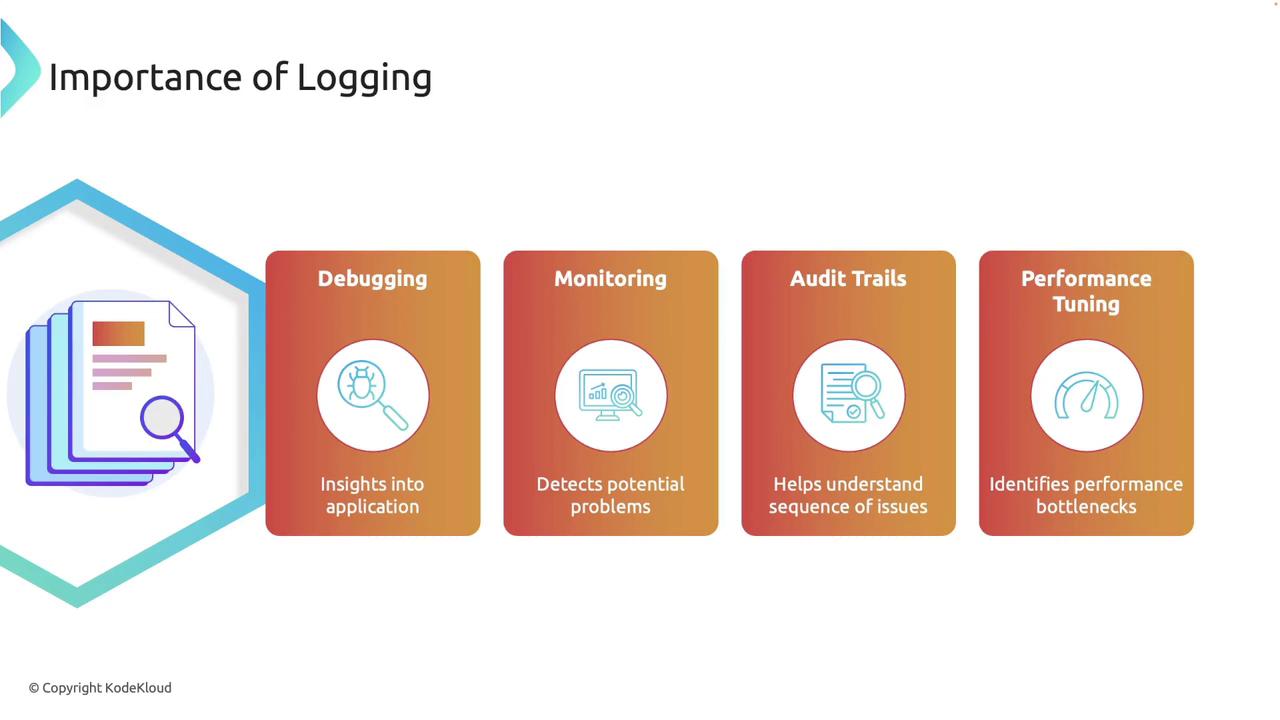
Effective logging serves multiple purposes:- Debugging: Logs reveal what your application is doing, making it easier to identify and resolve issues.
- Monitoring: In production, logs are invaluable for monitoring application health and detecting issues before they escalate.
- Audit Trails: Detailed logs provide a sequence of events leading to specific states or errors.
- Performance Tuning: By recording operation durations, logs help pinpoint performance bottlenecks.
Using the log Crate
In Rust, thelog crate is widely used for logging. It introduces macros like info, warn, error, and debug to emit log messages without coupling to a specific backend. This flexibility lets you choose and switch your logging implementation as needed.
Setting Up the Basic Logger
First, add the following dependencies to yourCargo.toml:
env_logger crate simplifies logger initialization, allowing you to control behavior via environment variables. Consider the following example:
warn, error, and higher severities are printed. Adjust the logging level by setting the RUST_LOG environment variable. For example, specifying debug will enable all log messages:
info restricts the output to info, warning, and error messages:
RUST_LOG=warn to print only warnings and errors:
Using
env_logger makes your logging behavior dynamic, adapting to various execution environments without code changes.Advanced Logging with Structured Logging (Slog)
For production environments and large-scale applications, structured logging provides machine-readable logs with key-value data for enhanced analysis. The slog framework is designed for this purpose.Adding Dependencies for Slog
Include the following dependencies in yourCargo.toml:
| Dependency | Role | Example Usage |
|---|---|---|
| slog | Core structured logging framework | Logger::root(...) |
| slog-async | Provides asynchronous, non-blocking logging | slog_async::Async::new(...) |
| slog-term | Enhances terminal output formatting | slog_term::TermDecorator::new().build() |
| slog-json | Outputs logs in JSON format | Configurable drain for JSON logs |
| slog-log | Integrates slog with standard log macros | Use along with conventional logging patterns |
Setting Up Slog
Below is an example demonstrating how to configure and useslog with asynchronous logging and terminal formatting:
The use of
slog_async ensures that logging does not block your application, which is crucial for high-throughput systems.Explaining the Slog Components
-
Decorator and Drain:
Theslog_term::TermDecoratorenhances terminal output, and theFullFormatdrain uses this decorator to produce readable logs. The drain is fused to gracefully handle logging errors. -
Asynchronous Logging:
Wrapping the drain withslog_async::Asyncensures that log messages are handled in a non-blocking, asynchronous manner, which is beneficial for performance. -
Structured Log Messages:
Using theo!()macro and structured logging functions likeinfo!allows you to attach additional metadata (such as version and user details) to each log entry, facilitating centralized log analysis.
Conclusion
In this article, we’ve covered two popular logging solutions in Rust:-
Conventional Logging with the log Crate:
Set up an easy-to-use logging system with environment-controlled behavior usingenv_logger. -
Advanced Structured Logging with Slog:
Configure and implement structured, asynchronous logging suitable for production environments.