

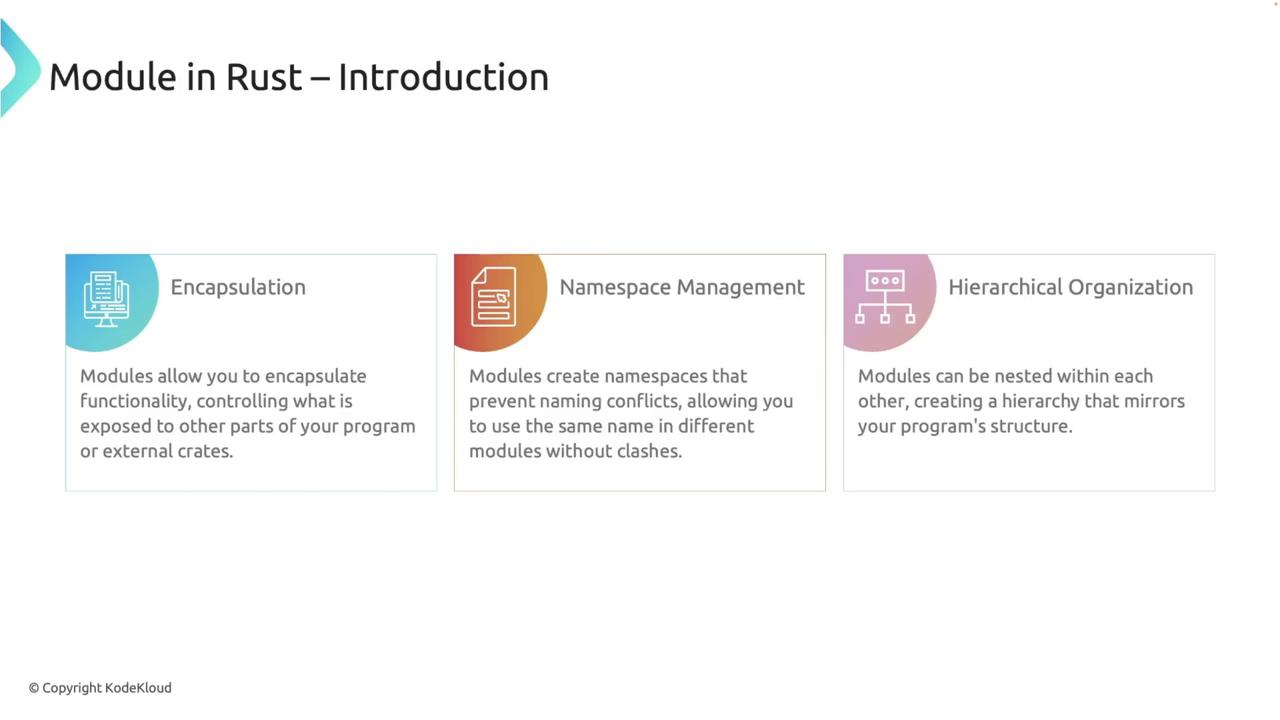
- Encapsulation: Control what functionality is exposed to other parts of your program or external crates.
- Namespace Management: Prevent naming conflicts by allowing identical names to be used in different modules.
- Hierarchical Organization: Nest modules within each other to mirror your project’s structure.
Defining Modules Inline
You can define a module within the same file using themod keyword. For instance, consider a module called math that contains two functions: add and subtract for basic arithmetic operations.
math module encapsulates the arithmetic functions. Since Rust items are private by default, the pub keyword is used to make these functions accessible outside of the module. You then access the functions using the module’s namespace (e.g., math::add).
Splitting Modules Across Multiple Files
For larger projects, splitting your code across multiple files enhances organization. To move themath module into its own file, create a file named math.rs in the same directory as your main.rs and place the module’s code in it. In your main file, declare the module with:
main.rs and math.rs. For example, running:
If the
math.rs file does not exist, you can create it using the command: touch src/math.rs.Module File Resolution
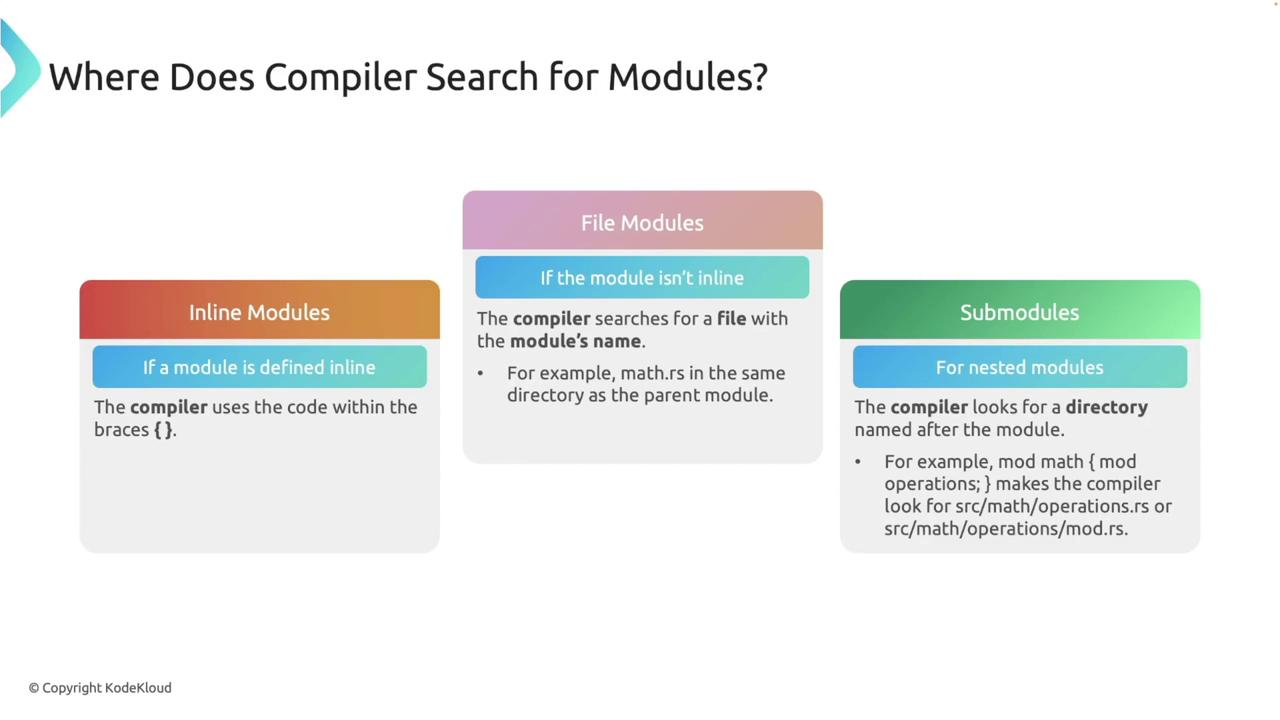
When you declare a module, Rust’s compiler searches for the module’s code in specific locations:- Inline Modules: Defined within curly braces directly in the file.
- File Modules: The compiler searches for a file named after the module (e.g.,
math.rs) in the same directory as the parent module. - Submodules: For nested modules, the compiler looks for a directory named after the module.
Visibility and the pub Keyword
By default, functions and other items within a module are private. Use thepub keyword to expose specific items outside the module. Consider the following example:
private_function from outside the module (for example, in main) will result in a compile-time error:
Bringing Items into Scope with use
Theuse keyword simplifies access to module items by bringing them directly into the current scope. For example:
use eliminates the need to repeatedly type the module path, which is especially advantageous in larger projects.
Absolute and Relative Paths
Rust allows you to access items using either absolute or relative paths.Absolute Paths
An absolute path starts from the crate root. For example:Relative Paths
Relative paths navigate the module hierarchy based on the current location. Consider this example with a nested module:Navigating Up the Module Hierarchy with super
Thesuper keyword allows you to move up one level in the module hierarchy, enabling a nested module to access items from its parent. For example:
child module calls the parent_function from its parent module using the super keyword. Running the program produces the following output:
If functions such as
child_function are not called, the compiler might produce a warning about unused code. These warnings can be safely ignored if the code is intentional.Re-exporting Items with pub use
Re-exporting simplifies access by exposing items from nested modules at a higher level in your module hierarchy. This is done withpub use. Consider the following example:
multiply function is re-exported from the operations module, allowing it to be accessed directly via math::multiply. Running this program produces:
Summary
This lesson explored how Rust modules are used to encapsulate and organize code effectively. Key takeaways include:- Defining inline modules and splitting them into separate files for better organization.
- Understanding Rust’s module file resolution process.
- Controlling visibility with the
pubkeyword. - Simplification of access using the
usekeyword. - Navigating module hierarchies with absolute and relative paths, including the use of the
superkeyword. - Re-exporting items with
pub useto streamline module interfaces.