

Tokens are written to Vault’s storage backend and cannot be disabled. Each token carries one or more policies, determining its permissions. By default, every token inherits the
default policy.Token Types Comparison
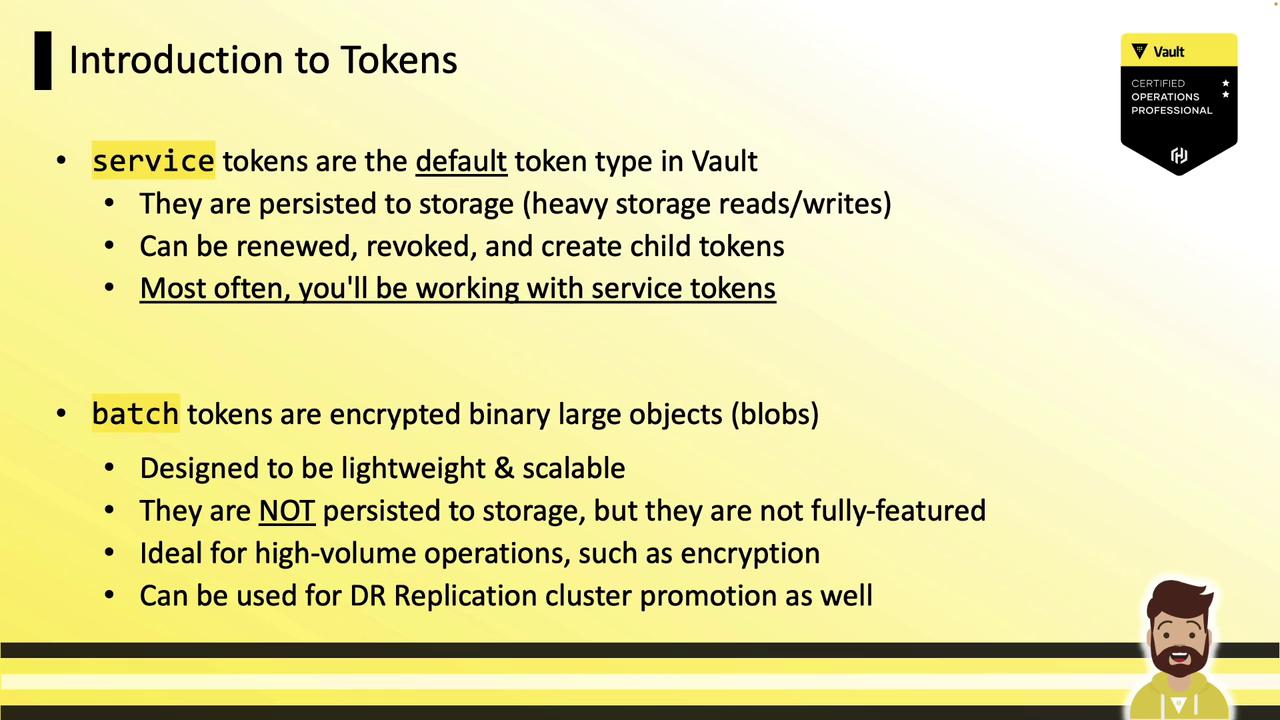
Vault supports multiple token types. Below is a comparison of the two primary types:| Token Type | Prefix | Persistence | Renewable | Typical Use Case |
|---|---|---|---|---|
| Service Token | hvs | Stored on disk | Yes | Long-lived sessions, child token creation |
| Batch Token | hvb | Ephemeral | No | High-volume operations, DR replication sales |
Creating Tokens
Vault lets you tailor tokens for different scenarios: periodic, use-limited, or orphan. Below are examples for each.Periodic Tokens
Periodic tokens have no maximum TTL and can be renewed indefinitely at a fixed interval.Ideal for long-running applications that can renew instead of rotating tokens frequently.
Use-Limited Tokens
Use-limited tokens expire after a specified number of uses or when the TTL is reached.Orphan Tokens
Orphan tokens have no parent relationship. They remain valid even if the creator token is revoked.Configuring Auth Methods for Token Types
You can configure other auth backends (e.g., AppRole) to issue specific token types:token_type="batch"→ batch tokensperiod="72h"→ periodic tokens
Authenticating with a Token
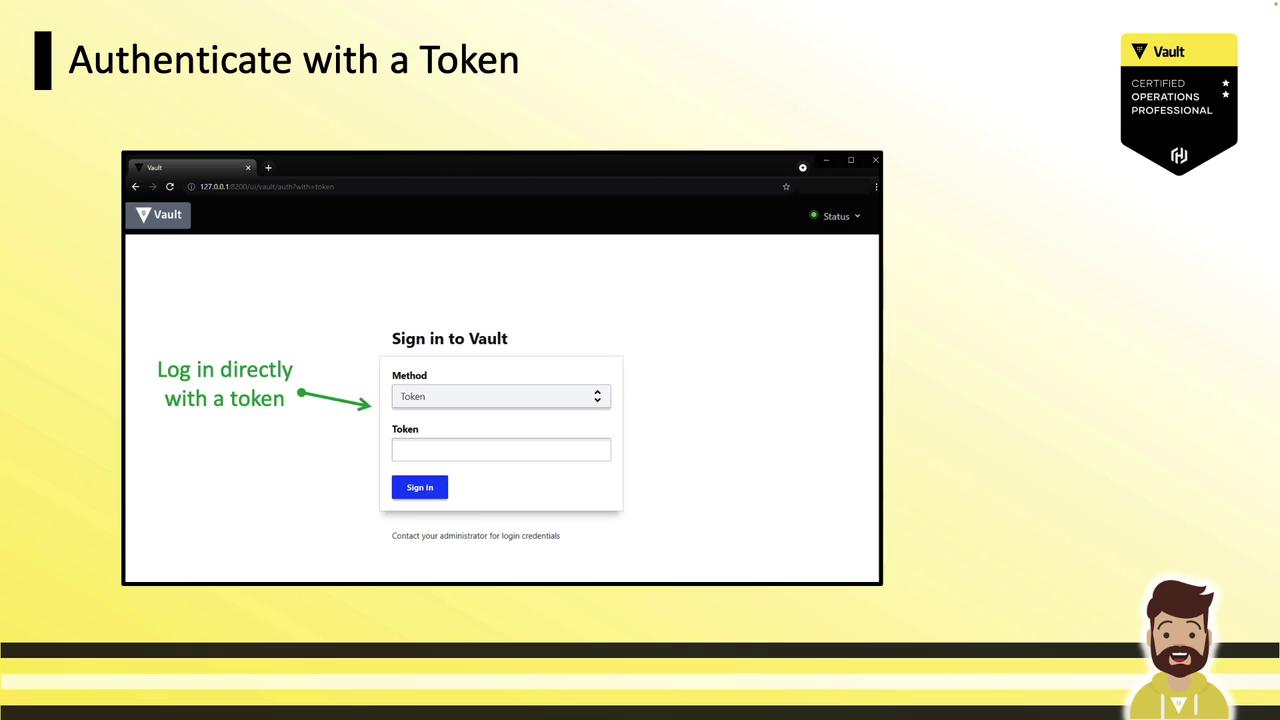
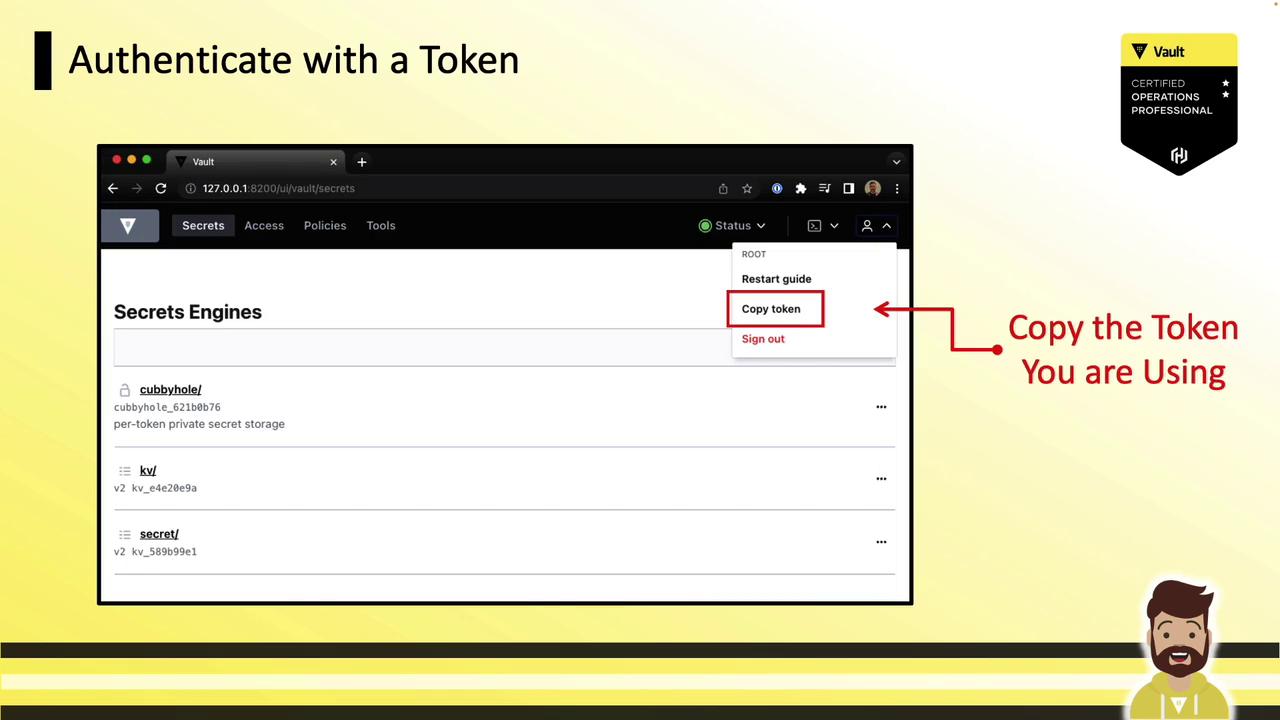
UI
- Choose the Token auth method.
- Paste your token and click Sign In.
API
Include the token in theX-Vault-Token header or as a Bearer token:
CLI
Interactive login (token entry hidden from history):Avoid embedding long-lived tokens in scripts or logs. Use short-lived, renewable tokens and dynamic secrets where possible.
Revoking Tokens
Revoke any token, including root, with:Tokens are Vault’s fundamental authentication mechanism. You now know how to choose the right token type, create periodic/use-limited/orphan tokens, configure auth backends for specific token issuance, and authenticate or revoke tokens. For further reading, explore the Vault Authentication Methods guide.