

Supported Database Plugins
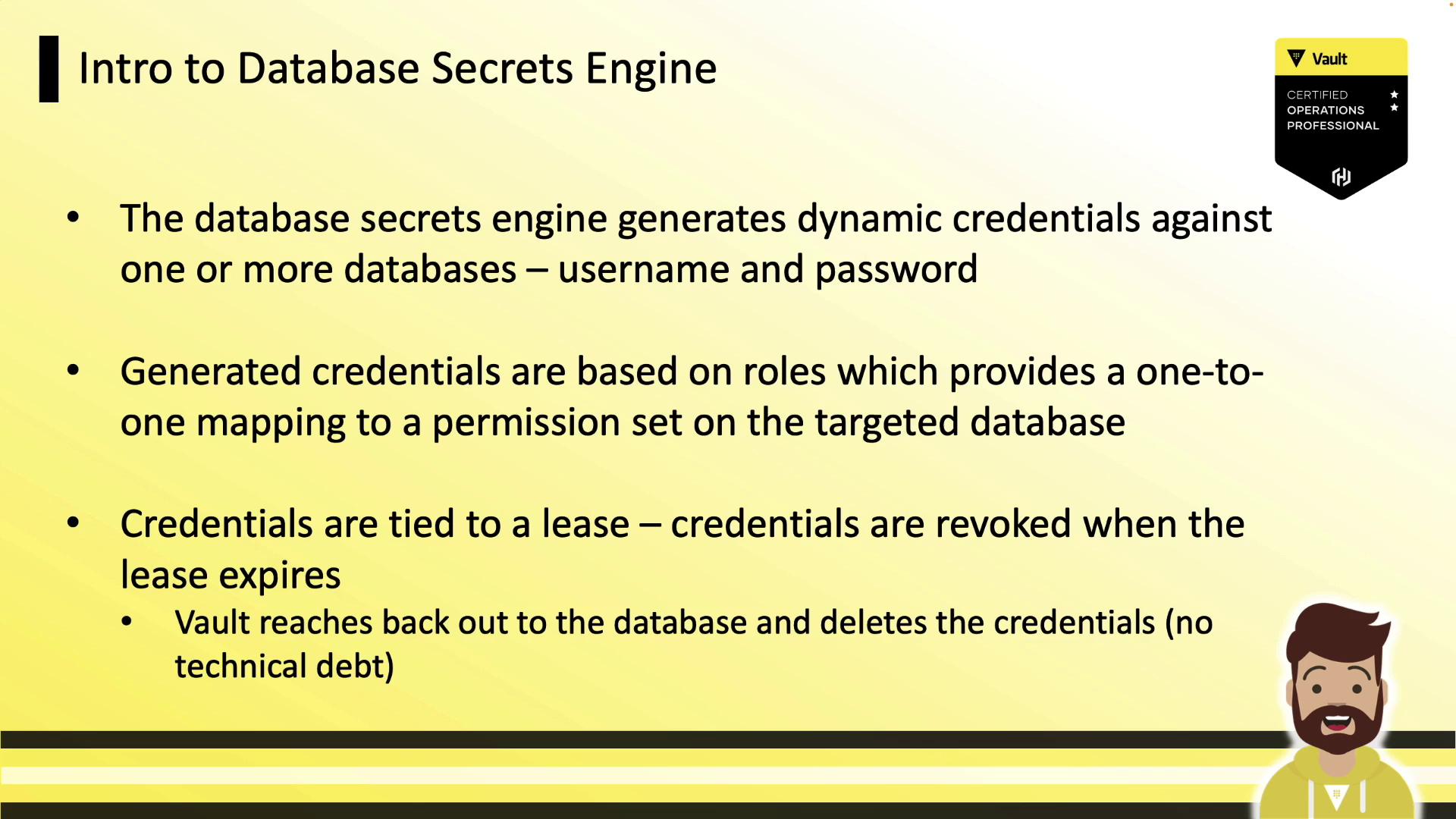
Vault ships with numerous database plugins out of the box. Below is a selection of popular platforms:| Database Platform | Use Case |
|---|---|
| Cassandra | Distributed NoSQL storage |
| Couchbase | In-memory document store |
| Elasticsearch | Full-text search & analytics |
| Microsoft SQL | Enterprise RDBMS |
| Oracle | High-performance transactional RDBMS |
| MySQL | Widely-used open-source database |
| PostgreSQL | Advanced open-source relational DB |
| MongoDB | Flexible document database |
| Snowflake | Cloud-native data warehouse |
| Redshift | Petabyte-scale analytics |
If your database isn’t listed, implement a custom database plugin.
Configuration Workflow
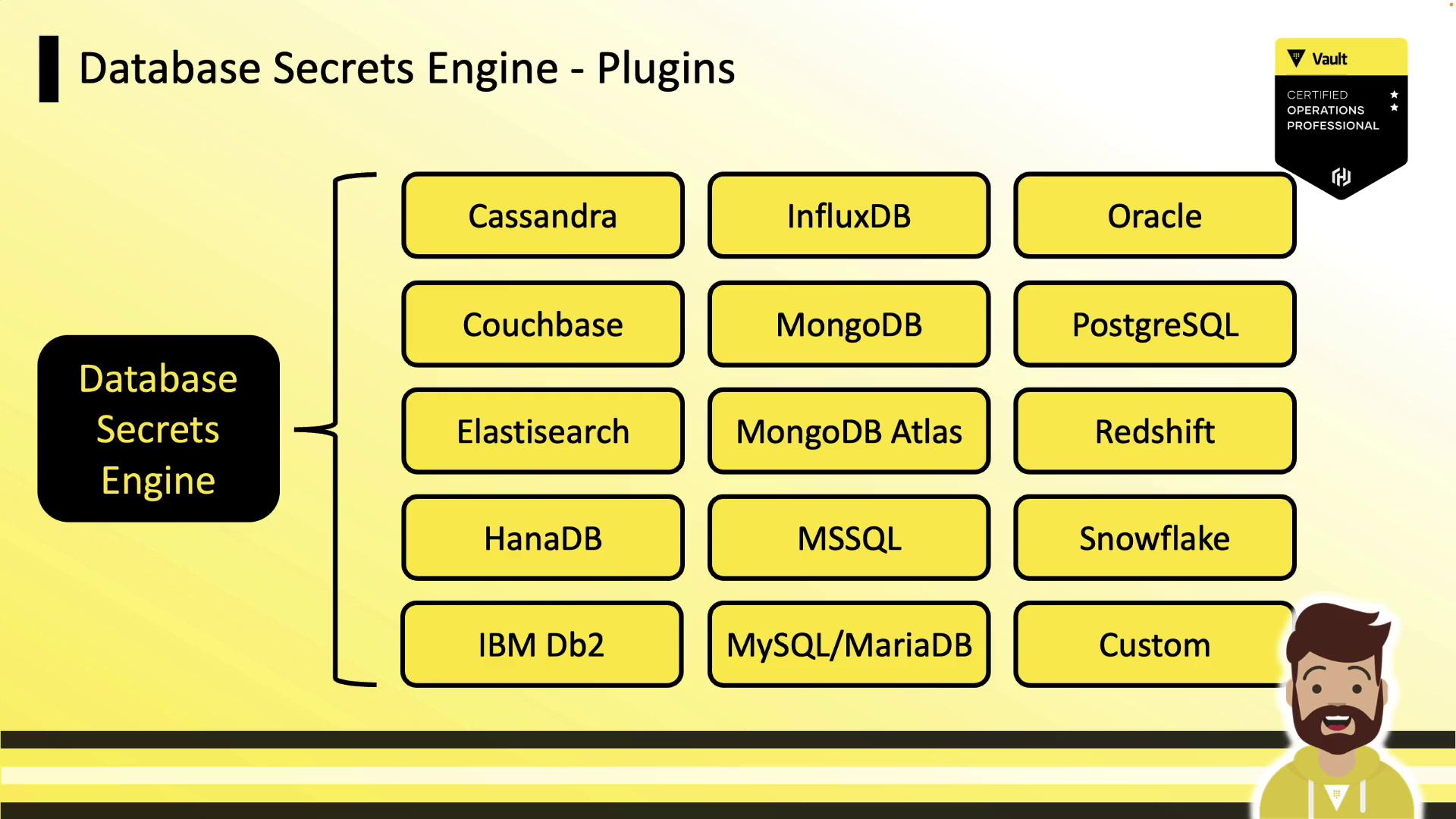
Setting up the Database Secrets Engine consists of two main steps:- Configure Vault’s connection to your database (using a management account).
- Define Vault roles that map to SQL statements granting the appropriate permissions.
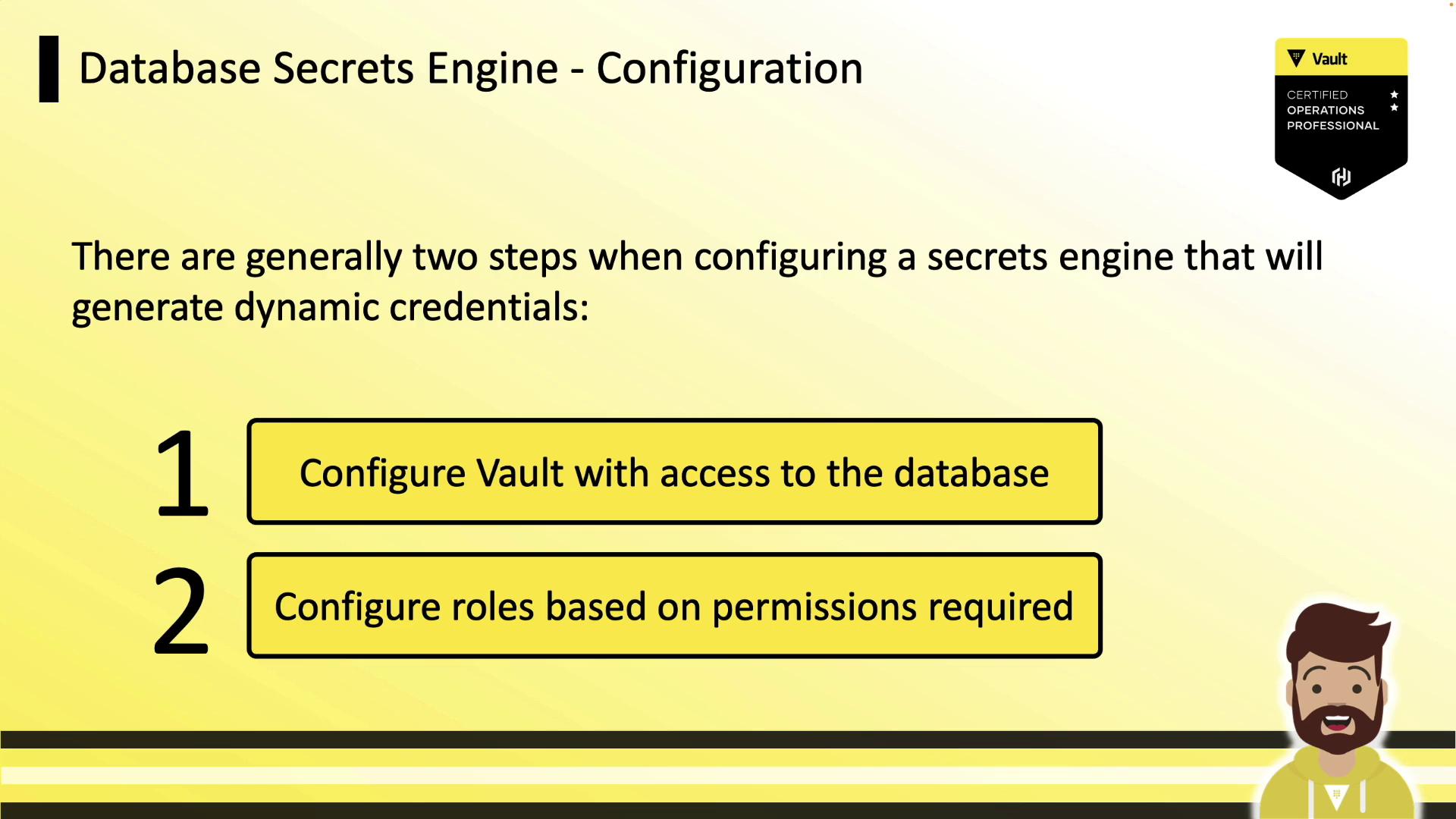
1. Enable the Engine and Configure a Connection
Enable the secrets engine:prod-database:
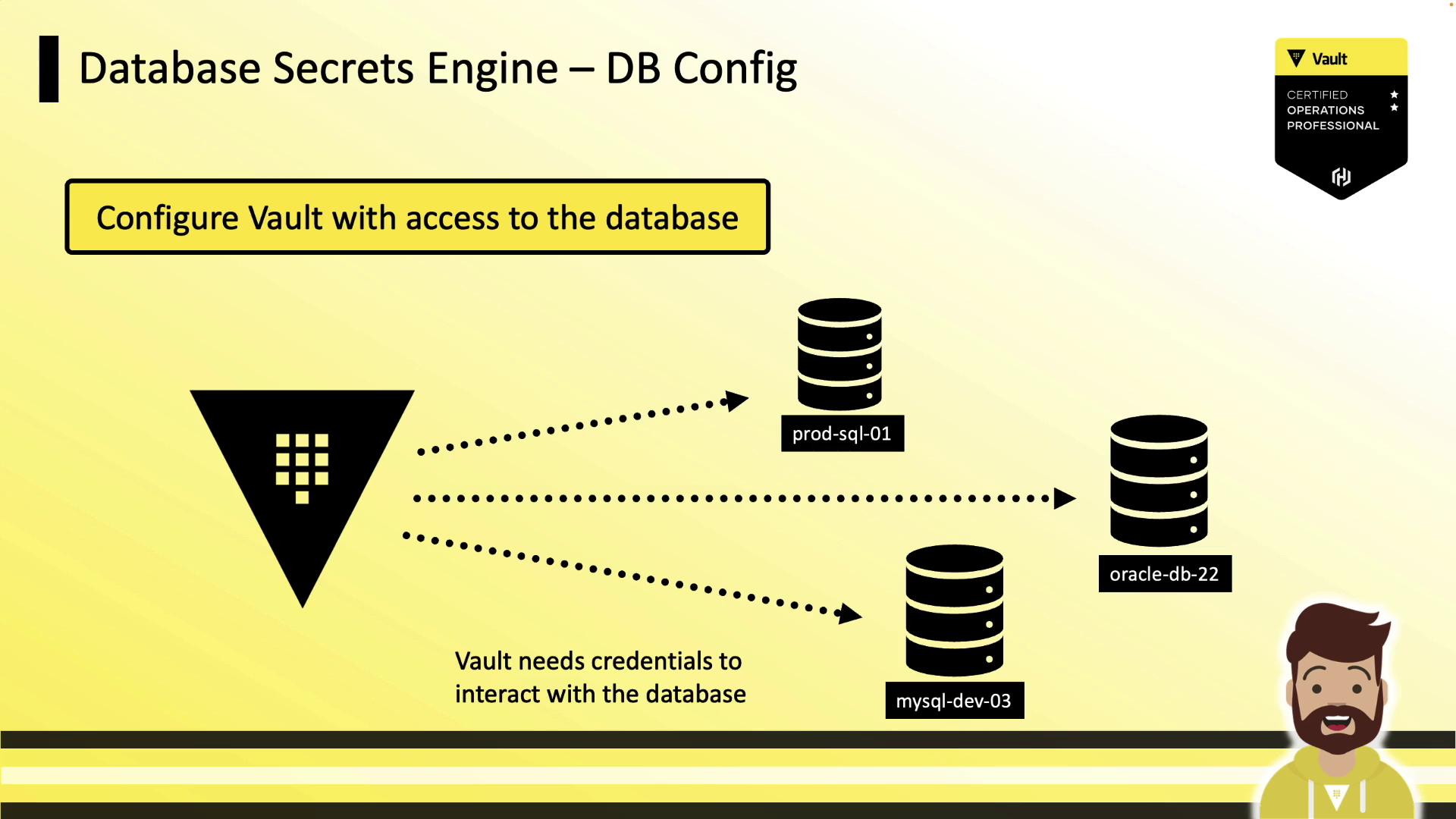
plugin_name: selects the plugin (e.g.,mysql-database-plugin,mysql-rds-plugin).connection_url: uses{{username}}and{{password}}placeholders.allowed_roles: limits which Vault roles can issue credentials.username/password: initial credentials Vault uses to manage users (these values are masked on read).
2. Rotate Root Credentials
Regularly rotating root credentials reduces human exposure. Vault’srotate-root endpoint generates new admin credentials and updates the database behind the scenes:
Defining Roles
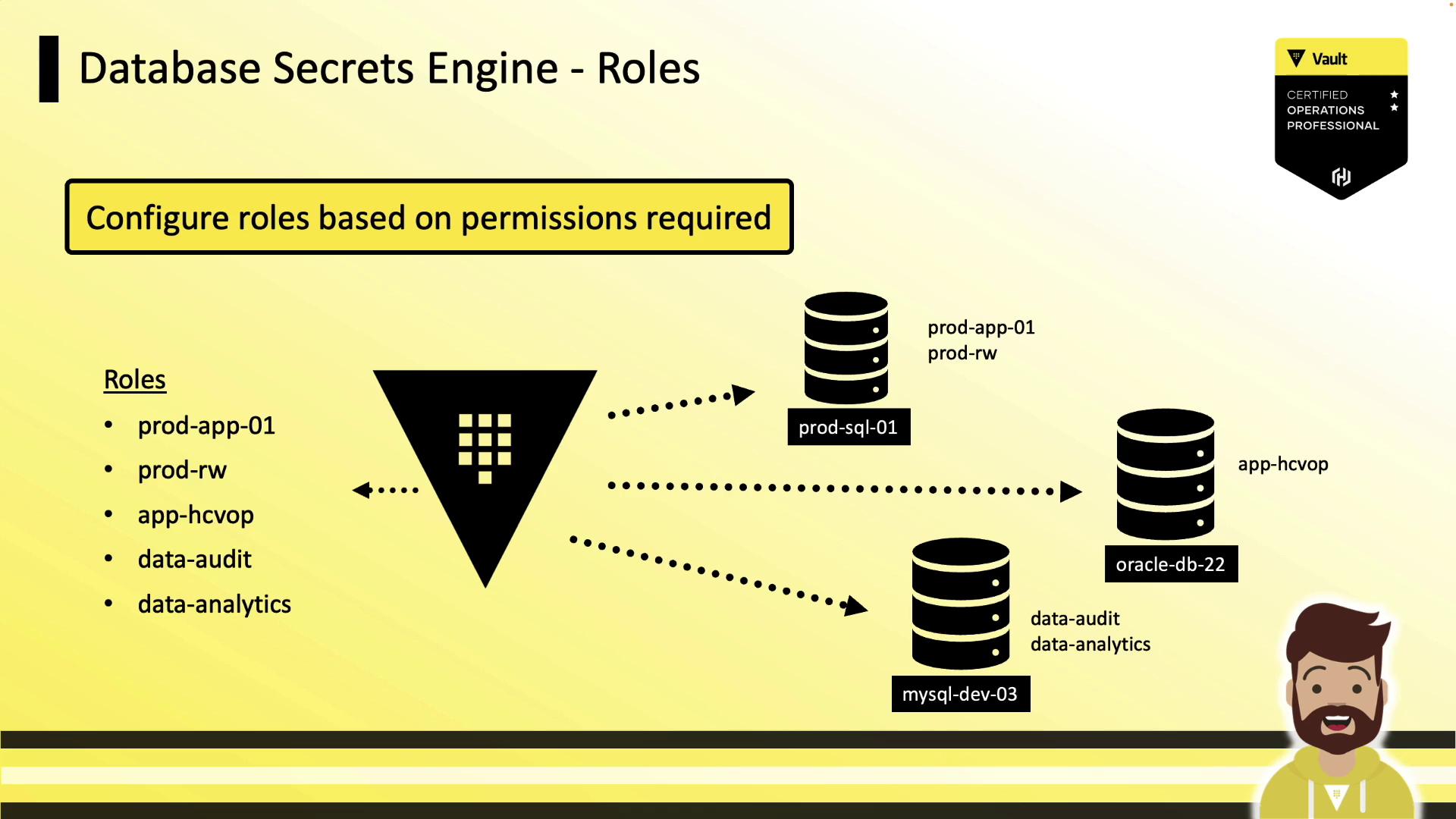
Roles define the SQL statements Vault runs to create and grant permissions to a dynamic user. Each role is tied to a configured database connection.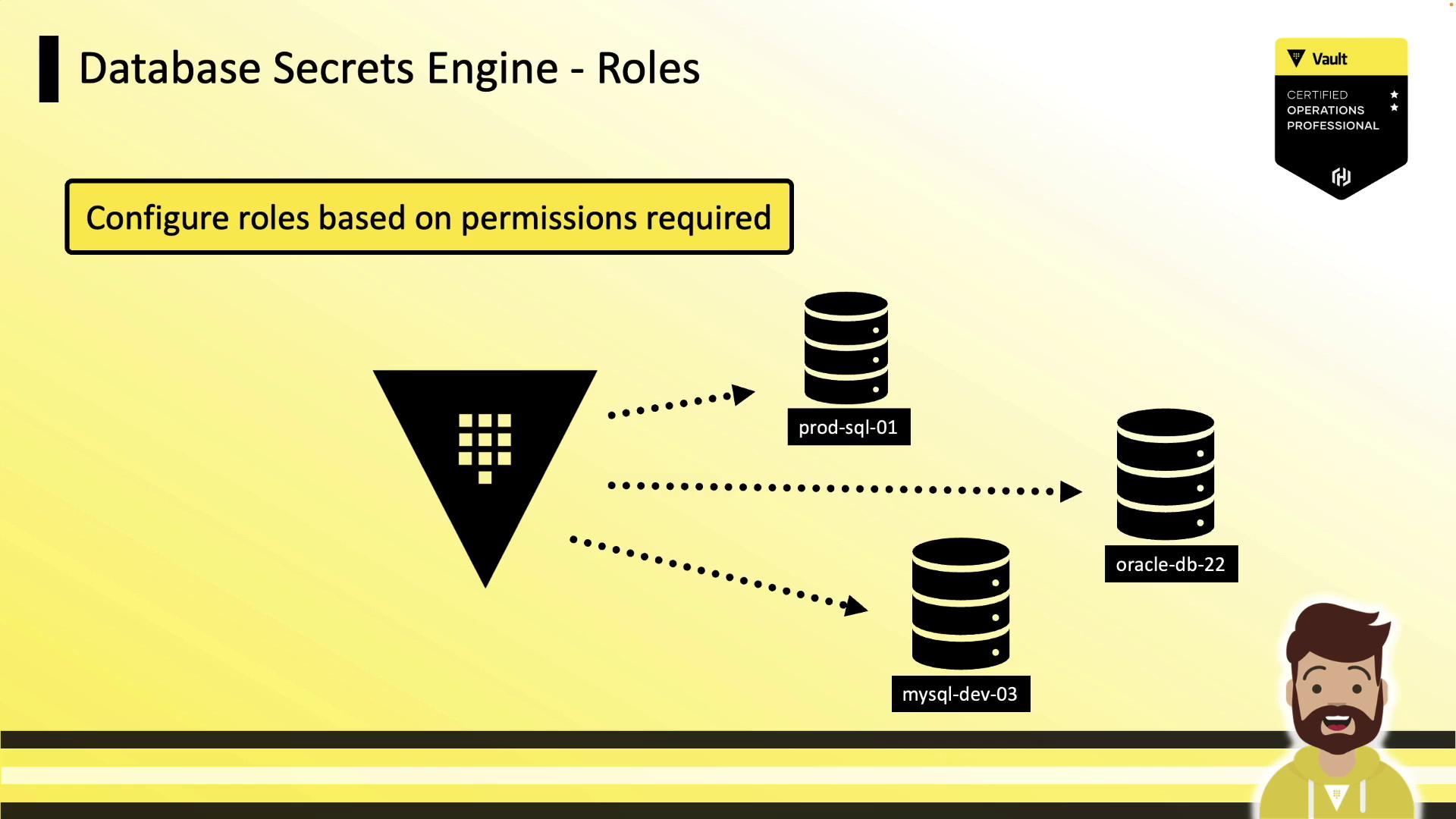
Example: Dynamic Role
This example creates anapp-hcvop role that grants read-only access:
db_name: references the database config (prod-database).creation_statements: templated SQL for creating and granting privileges.default_ttl/max_ttl: control lease duration and renewability.
Static Roles
For applications that require a fixed username (e.g.,ecommerce_user), use a static role. Vault will only rotate the password, preserving the username—ideal for legacy or COTS software.
Password Policies
Vault auto-generates strong passwords by default (20 characters, mixed case, numbers, dash). You can attach a custom Vault policy to match your database’s requirements.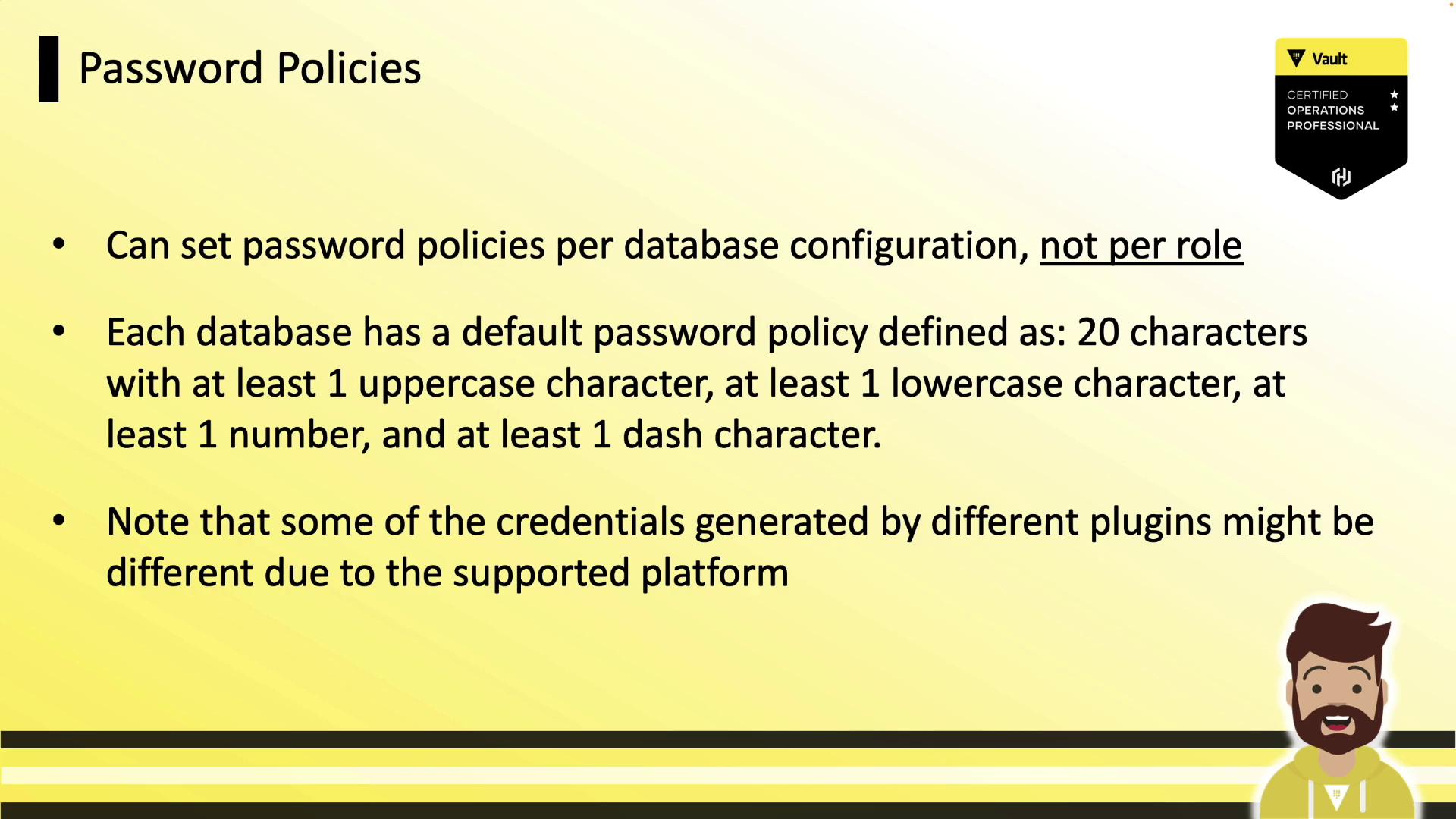
Ensure your password policy adheres to backend constraints such as maximum length and allowed characters.
Generating Dynamic Credentials
Applications request credentials by reading from the role’s path. Vault creates the user, returns the credentials, and sets the lease TTL: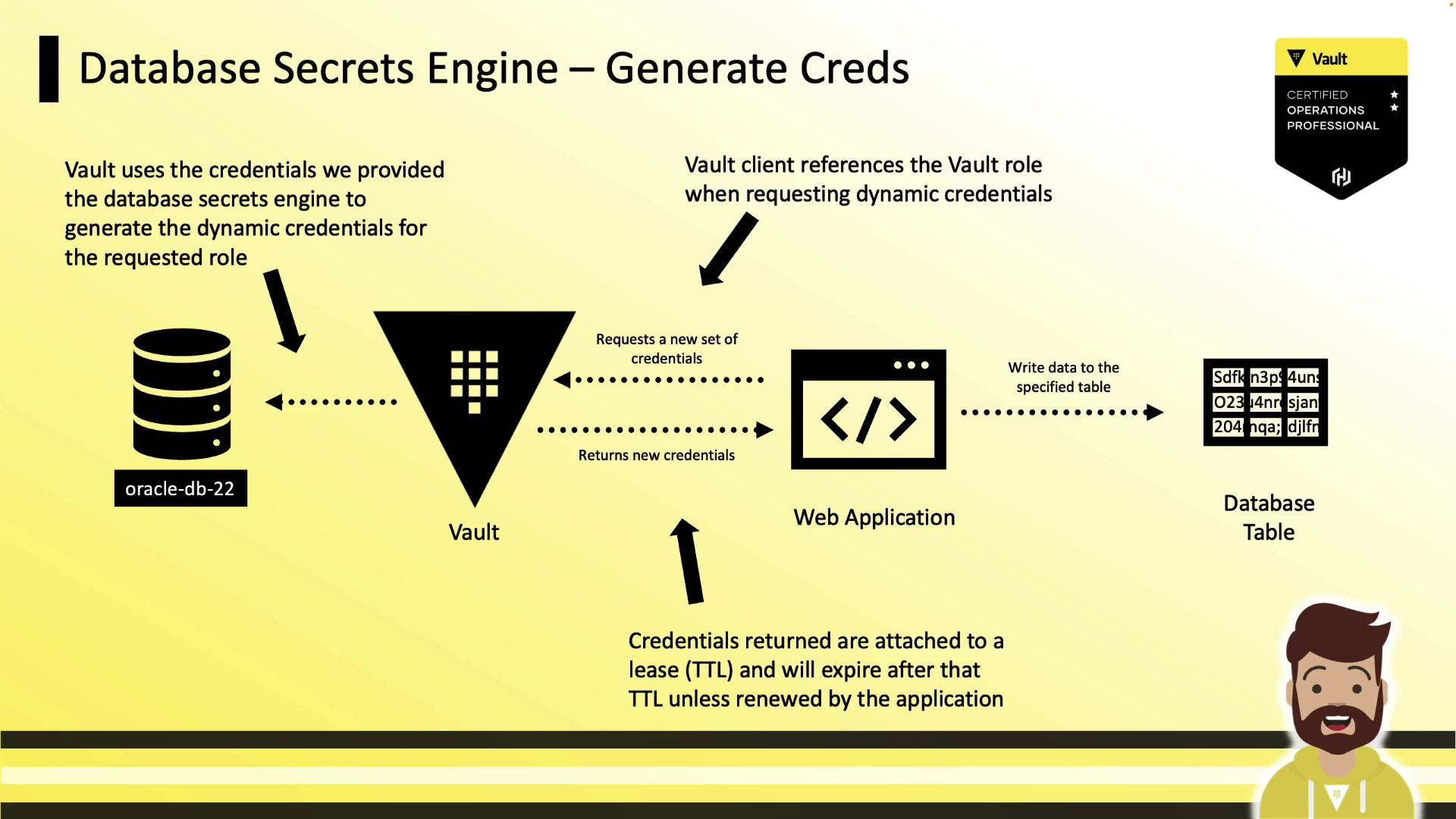
Vault Policy for Credential Generation
Grant your application’s Vault token permission to read fromdatabase/creds/<role>:
With Vault’s Database Secrets Engine, you can automate the lifecycle of database credentials—improving security, simplifying audits, and eliminating long-lived static accounts.