

- General recommendations (platform & deployment)
- Operating system recommendations (Linux/Windows)
- Vault-specific recommendations
1. General Recommendations
1.1 Deployment Model
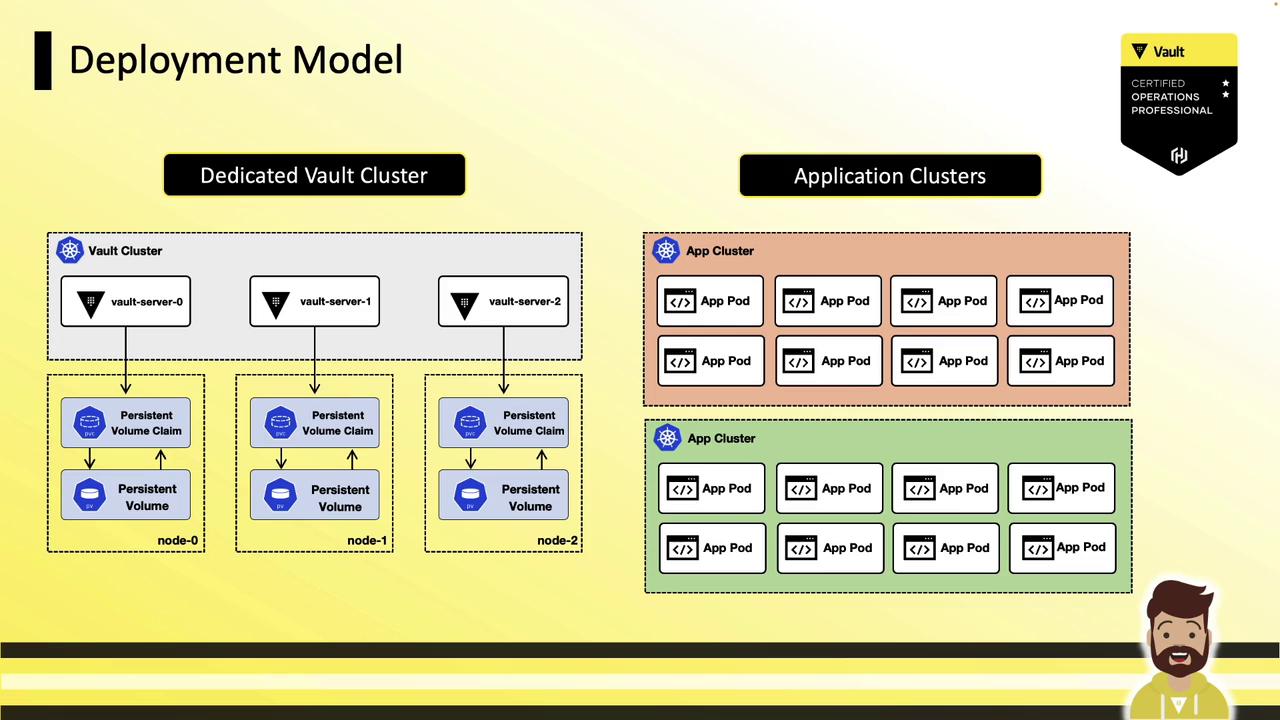
Deploy Vault with minimal resource sharing—single tenancy is ideal. Moving from physical hardware to VMs to containers increases the attack surface. If you’re using Kubernetes, VMware, or cloud, dedicate separate clusters or nodes for Vault.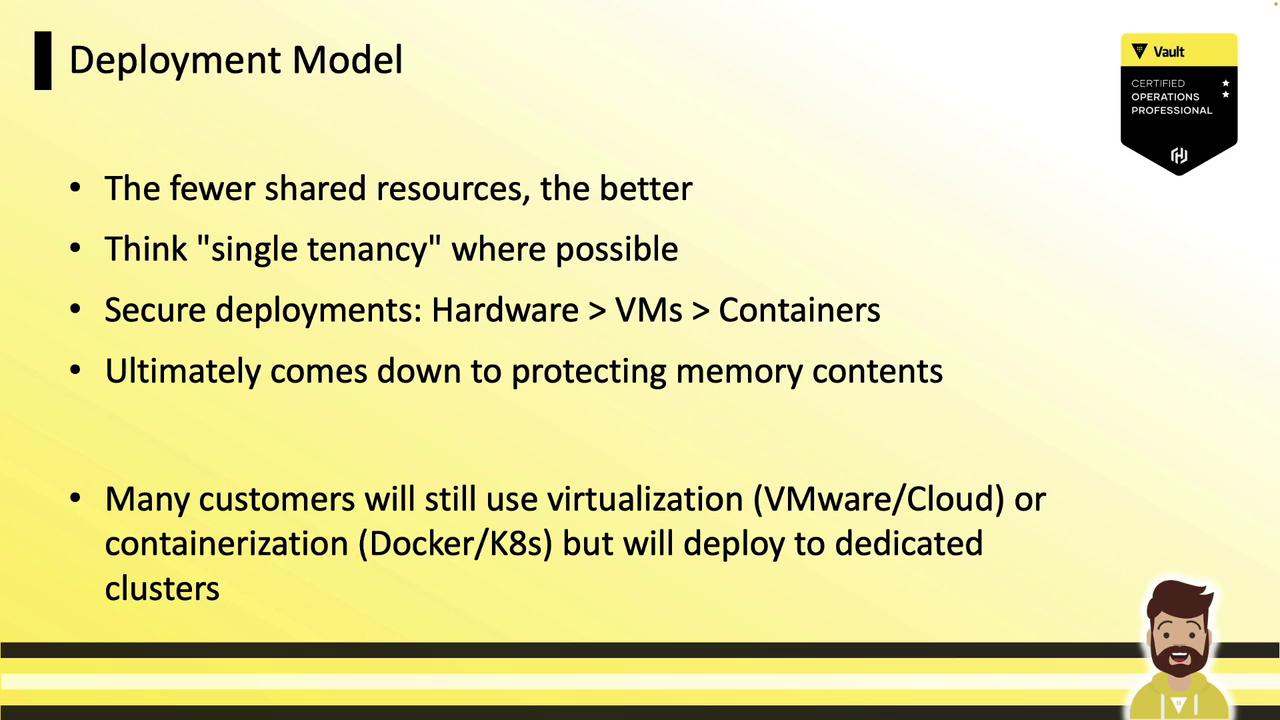
1.2 Restrict Node Access
Direct SSH/RDP orkubectl exec/docker exec on Vault nodes should be prohibited. Use the Vault API/CLI from a hardened jump box. For secure interactive sessions, consider HashiCorp Boundary.
1.3 Limit Services on Vault Nodes
Run only Vault (plus telemetry or log agents such as Splunk, Sumo Logic, or Datadog). Fewer services mean fewer firewall rules and less risk of binary tampering or memory exposure.1.4 Permit Only Required Firewall Ports
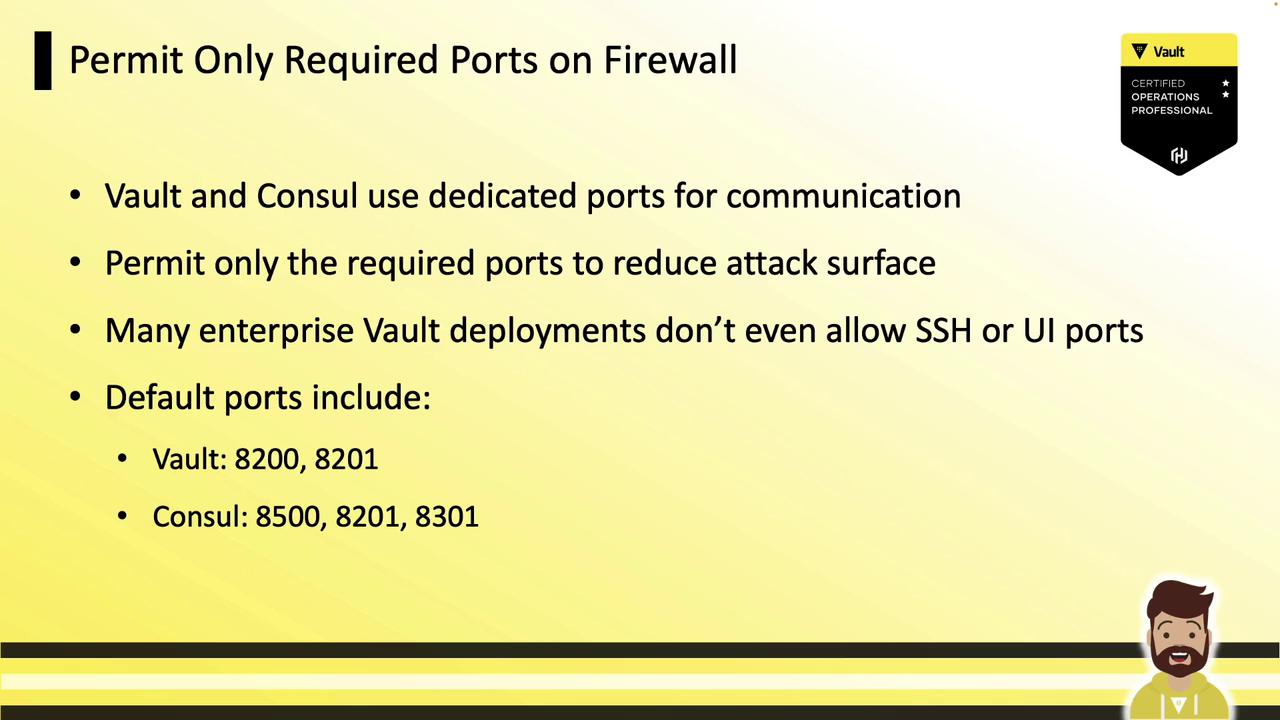
Restrict ingress to only Vault’s and Consul’s necessary ports. By default:| Service | Port | Protocol | Purpose |
|---|---|---|---|
| Vault API | 8200 | TCP | Client communication |
| Vault cluster (Raft) | 8201 | TCP | Node replication |
| Consul HTTP (if used) | 8500 | TCP | Consul UI/API |
| Consul RPC | 8300 | TCP | Raft & internal RPC |
| Consul Serf | 8301 | TCP/UDP | Gossip |
1.5 Allow Outbound Connections to Backends
Vault requires outbound connectivity to its secret backends (e.g., cloud APIs, databases, LDAP, object storage).| Backend | Ports | Protocol |
|---|---|---|
| Cloud Platform API | 443 | TCP |
| MySQL | 3306 | TCP |
| LDAP | 389, 636 | TCP |
| S3 / Azure Blob | 443 | TCP |

1.6 Simplify with Integrated Storage
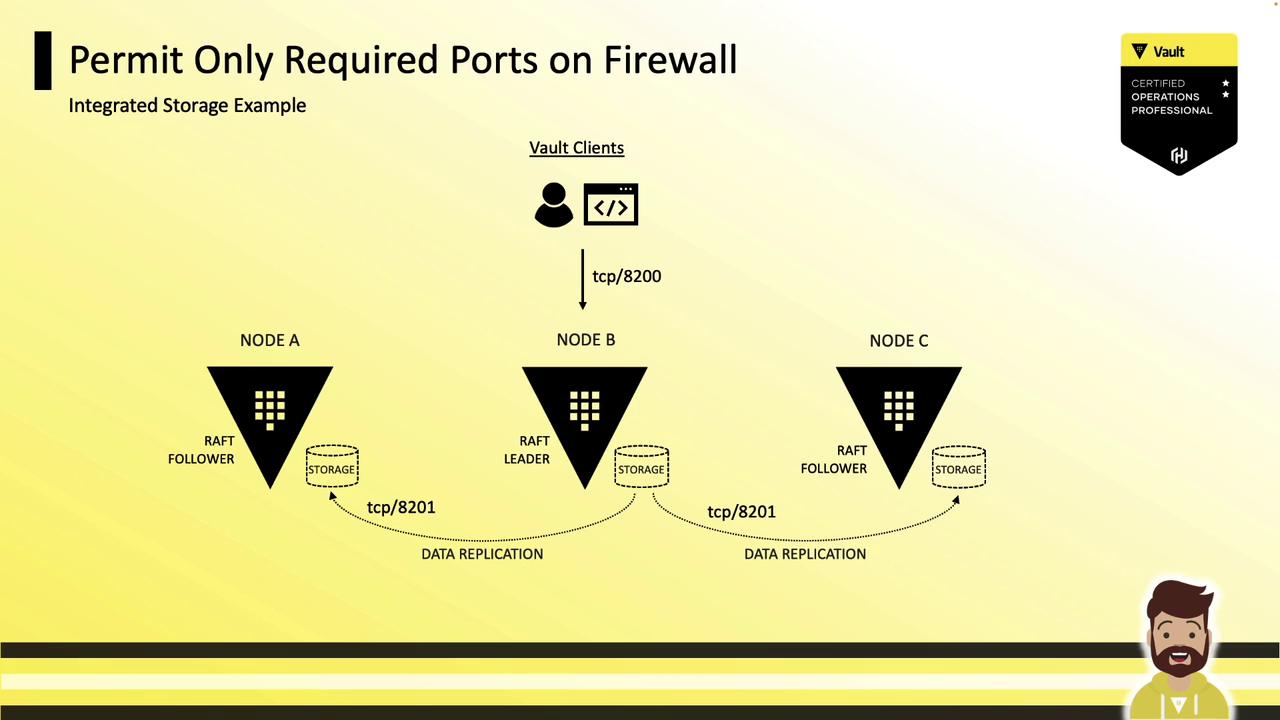
Using Vault’s Raft-based Integrated Storage reduces the number of open ports—only 8200 (client) and 8201 (Raft). No Consul ports are needed.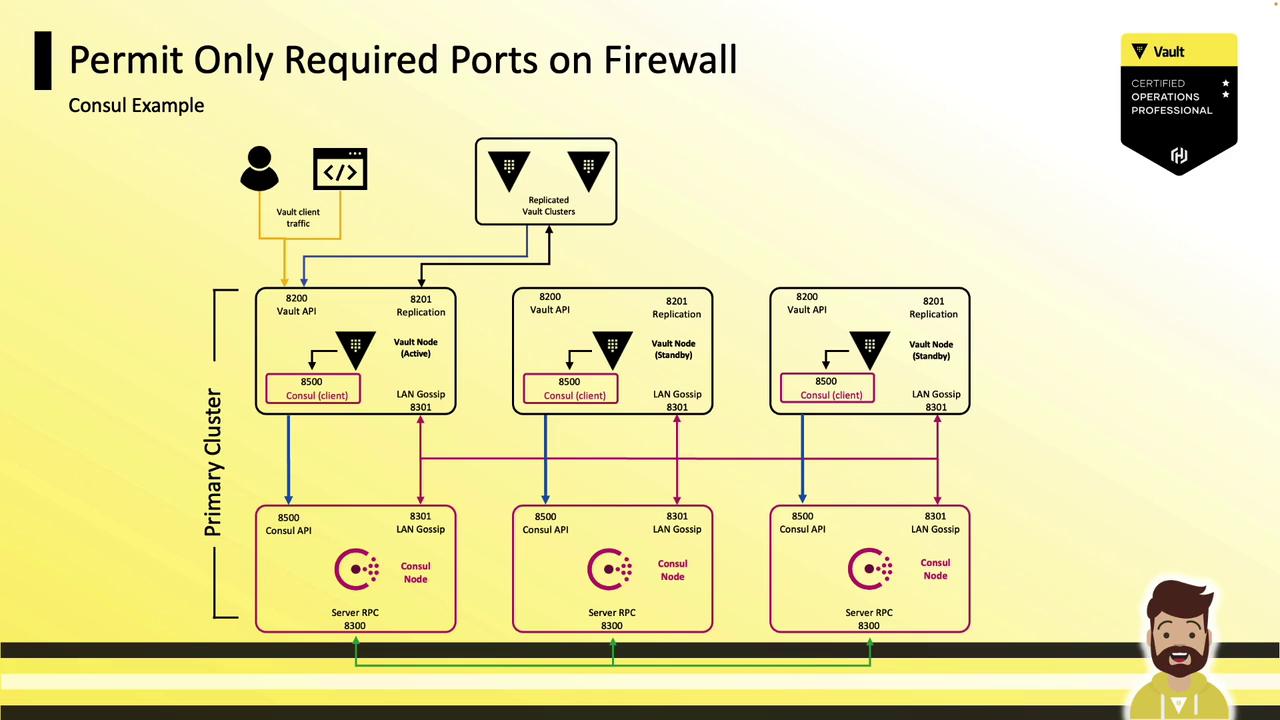
1.7 Immutable Upgrades
Adopt immutable infrastructure: destroy unhealthy nodes and spin up new ones via automation. Leverage Consul Autopilot or Raft Autopilot to maintain quorum. Always add and replicate to new nodes before decommissioning old ones to avoid data loss.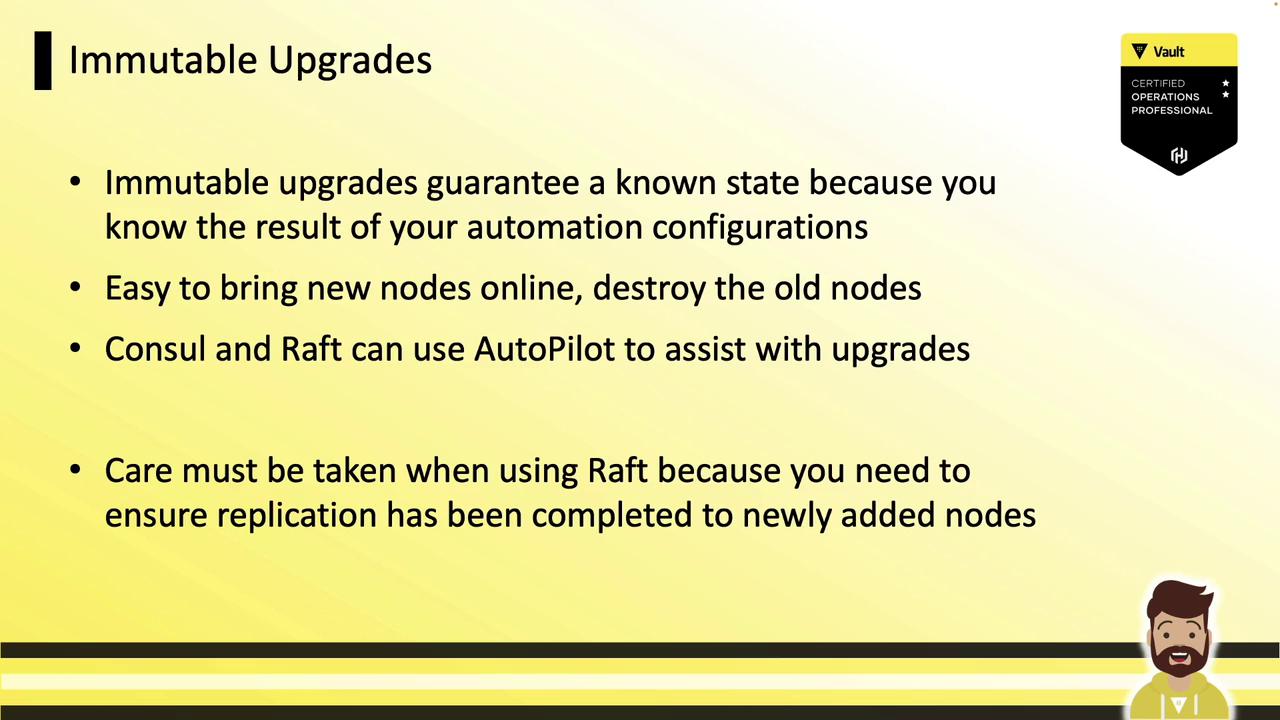
2. Operating System Recommendations
2.1 Run Vault as a Non-Root User
Create a dedicatedvault user and restrict directory ownership:
2.2 Secure Critical Directories and Files
Audit and enforce strict permissions on binaries, configs (/etc/vault.d), plugins, service definitions, logs, and snapshots:
2.3 Protect the Storage Backend
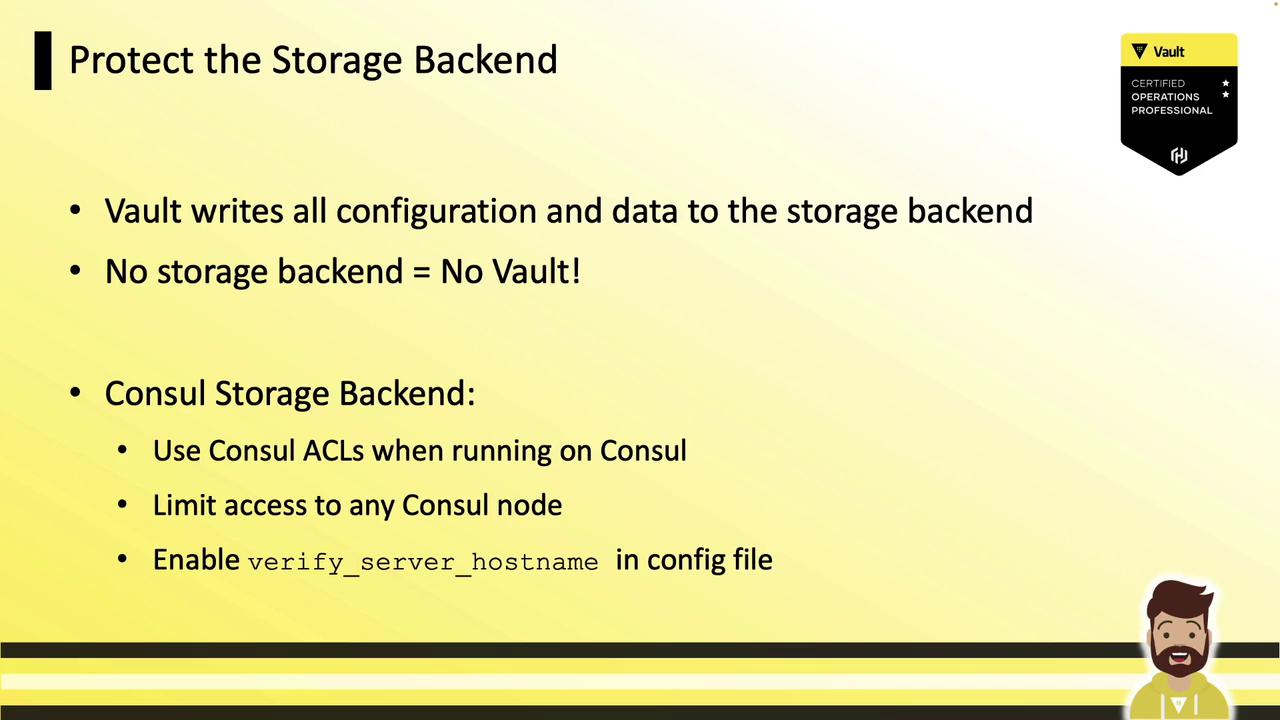
When using Consul storage, enable ACLs, enforce TLS, limit node access, and verify hostnames inconsul.hcl.
2.4 Disable Shell History
Prevent sensitive data from ending up in shell history:
2.5 Configure SELinux or AppArmor
Enable SELinux/AppArmor to align with CIS/DISA benchmarks and enhance OS-level protection.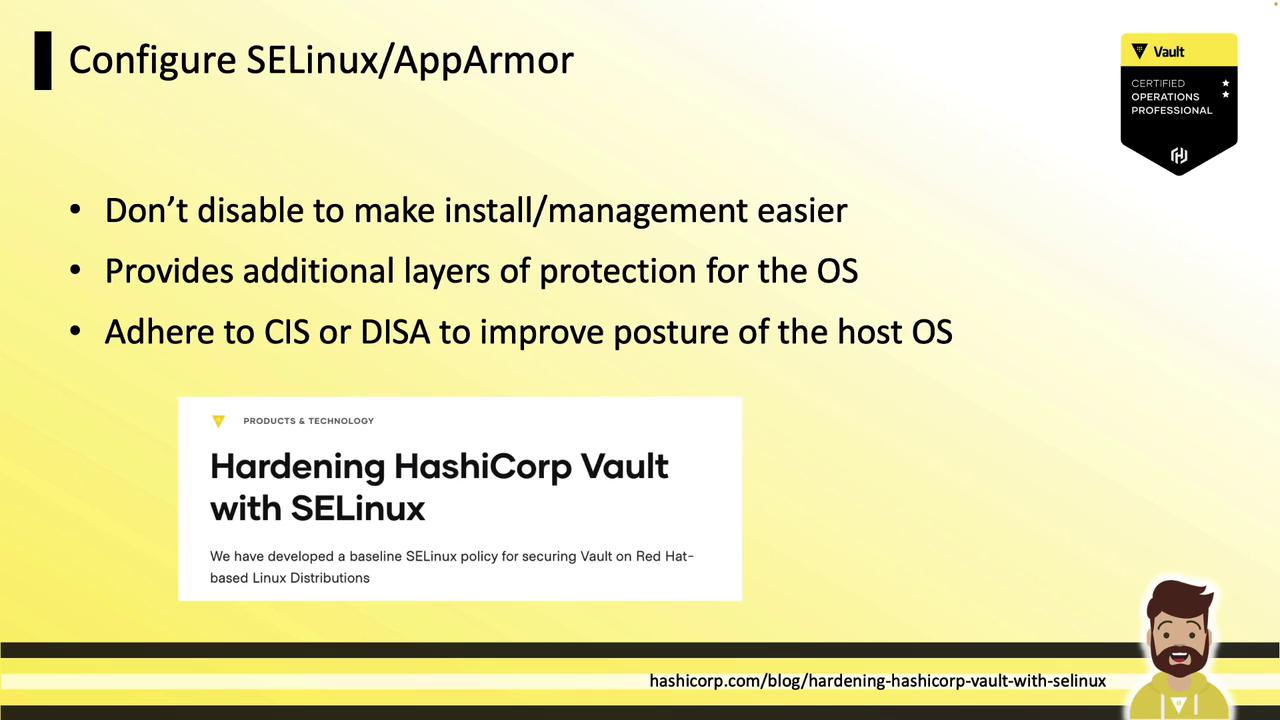
2.6 Turn Off Core Dumps
Disabling core dumps prevents leakage of memory contents and encryption keys in the event of a crash.2.7 Protect and Audit the Vault Service File
Monitor the systemd or service definition file for unauthorized changes, which could indicate binary tampering.2.8 Frequent OS Patching
Regularly update Vault hosts. With immutable architectures, rebuild nodes using tools like Packer, Satellite, or Spacewalk.
2.9 Disable Swap
Prevent sensitive data from being written to disk by disabling swap or usingmlock on Linux.
3. Vault-Specific Recommendations
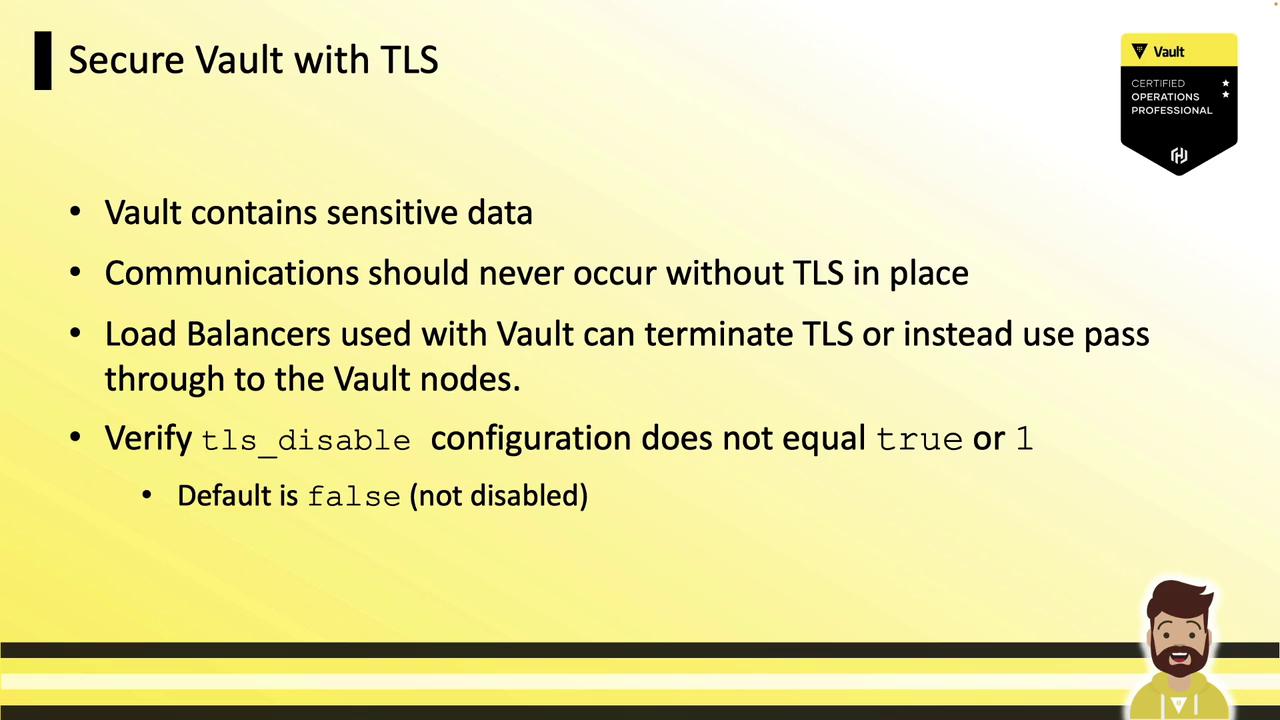
3.1 Enforce TLS Everywhere
Configure trusted TLS certificates invault.hcl (except for local development).
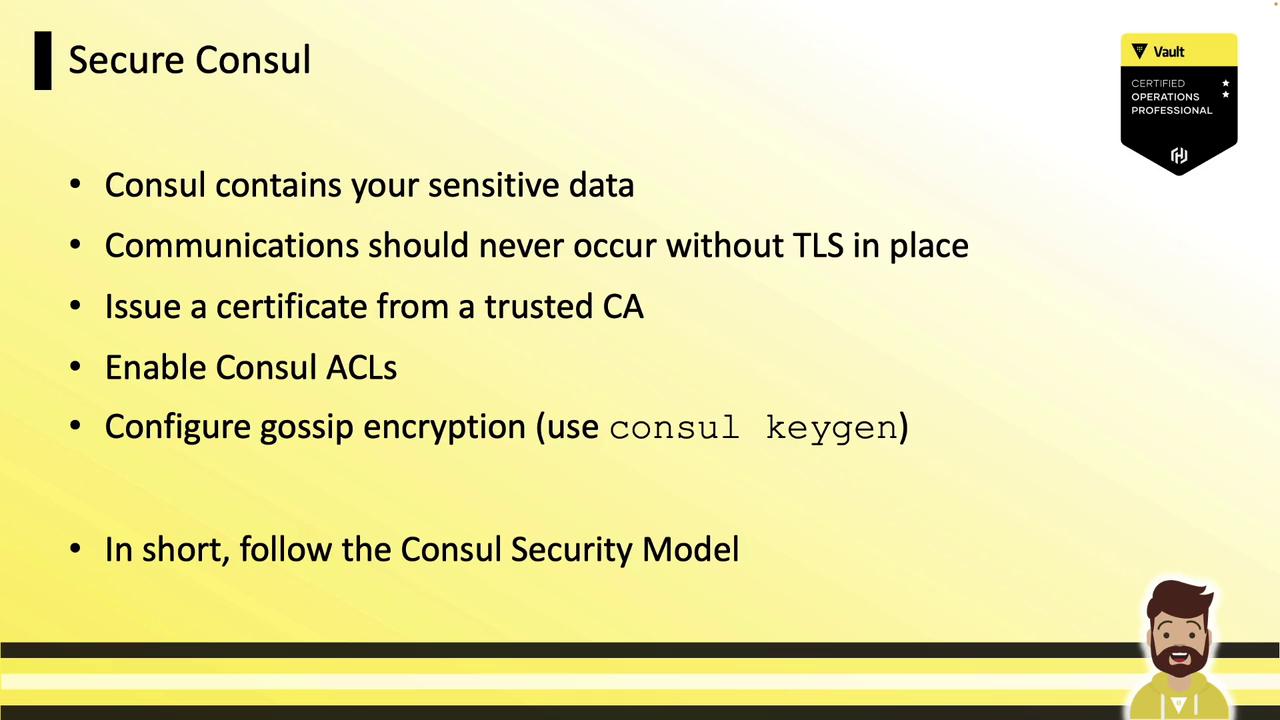
3.2 Secure Consul Backend
For Consul storage, enforce TLS, trusted certs, ACLs, and gossip encryption (generate withconsul keygen).
3.3 Enable Auditing
Activate one or more audit devices, send logs to a centralized server, archive them, and configure alerts for critical events.
3.4 Avoid Clear-Text Credentials
Never embed access keys or HSM credentials invault.hcl. Use environment variables or cloud IAM roles/MSIs instead.
Avoid clear-text secrets in configuration files. Leverage IAM roles or environment variables for dynamic credentials.
3.5 Upgrade Vault Frequently
Track new releases at releases.hashicorp.com/vault. Regular updates deliver security fixes and new cipher suites.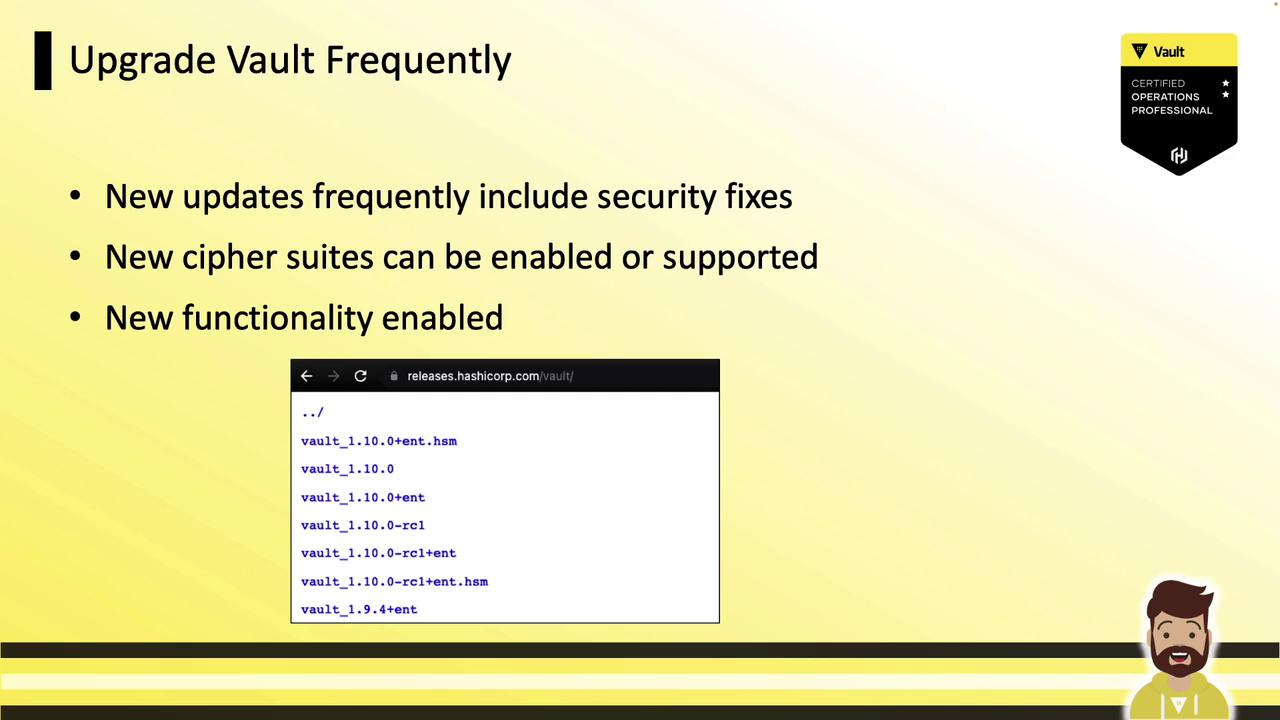
3.6 Discontinue Root Tokens
Root tokens bypass ACLs and never expire. Revoke the root token after setup:3.7 Verify Binary Integrity
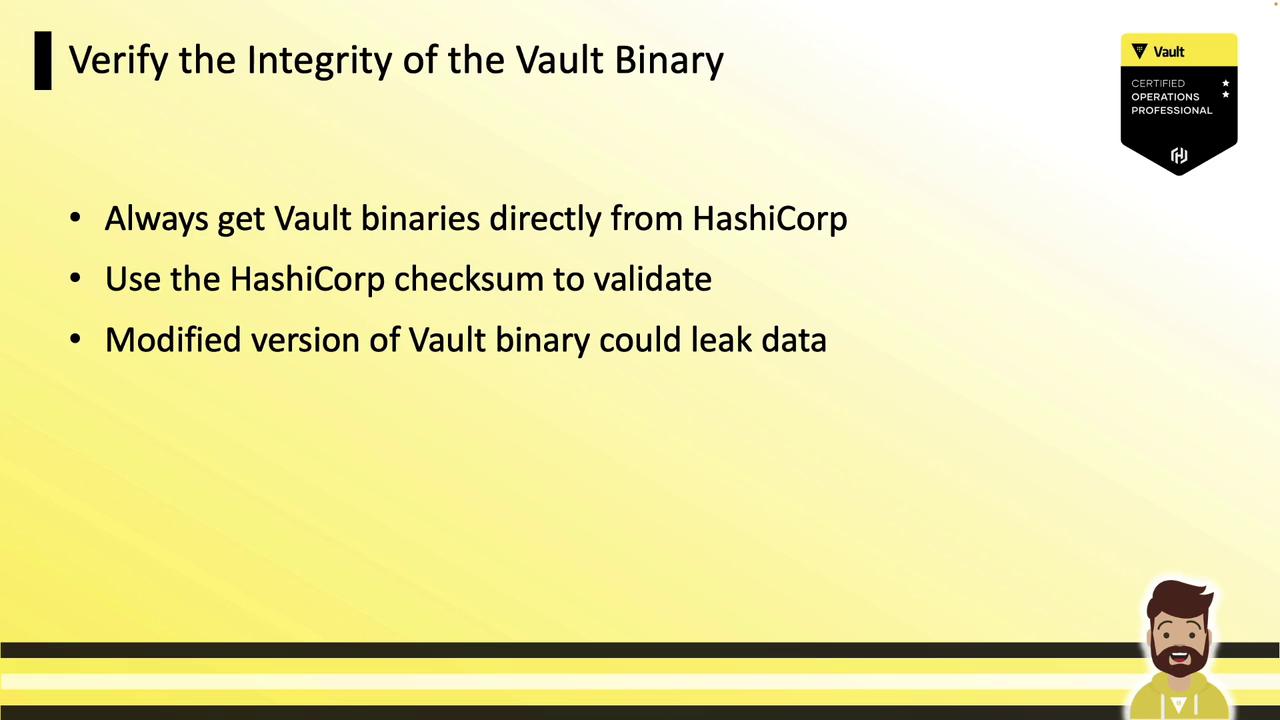
Download Vault binaries from HashiCorp and validate checksums before use.Always verify the SHA256 checksum against the value provided on the official HashiCorp site to prevent tampering.
3.8 Disable Unused UI
If you don’t need the Vault web UI, disable it invault.hcl:
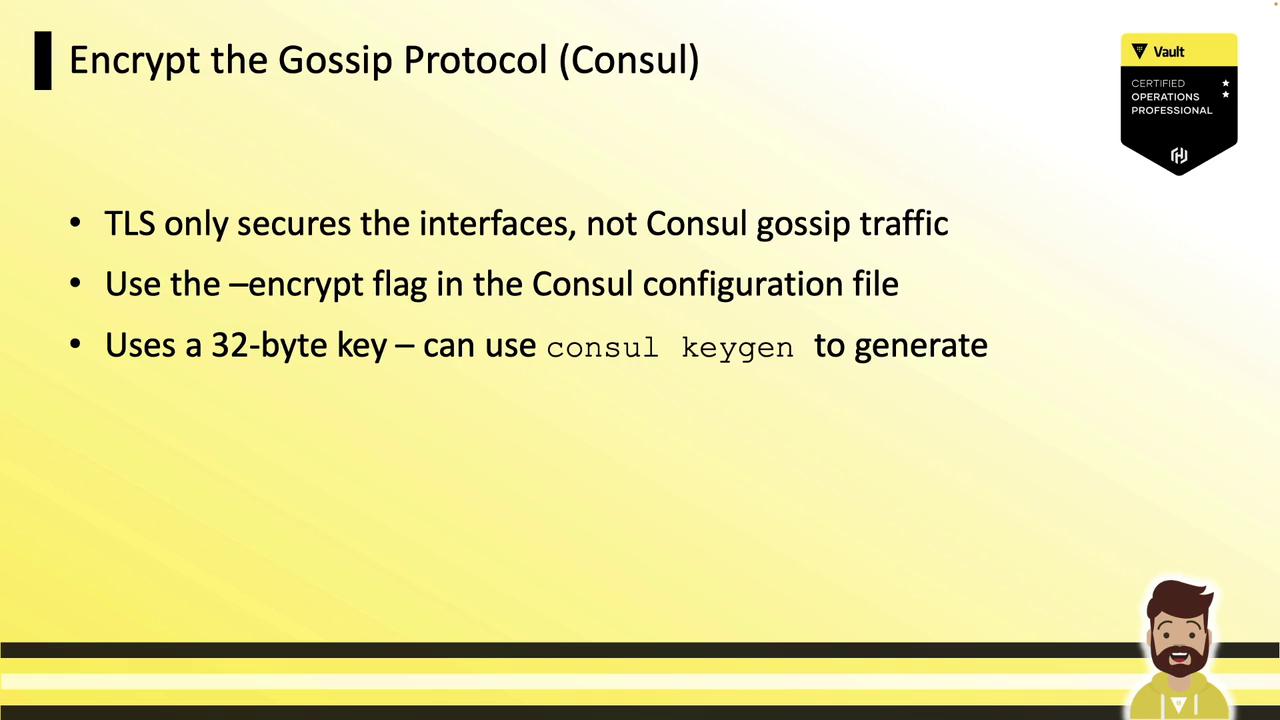
3.9 Encrypt Gossip Protocol
Consul gossip traffic isn’t protected by TLS—use a 32-byte key generated withconsul keygen and rotate with consul keyring.
3.10 Secure Unseal/Recovery Keys
During initialization, use PGP keys (e.g., via Keybase) so each operator receives an encrypted unseal key. Store keys offline and distribute among team members—losing them results in irreversible data loss.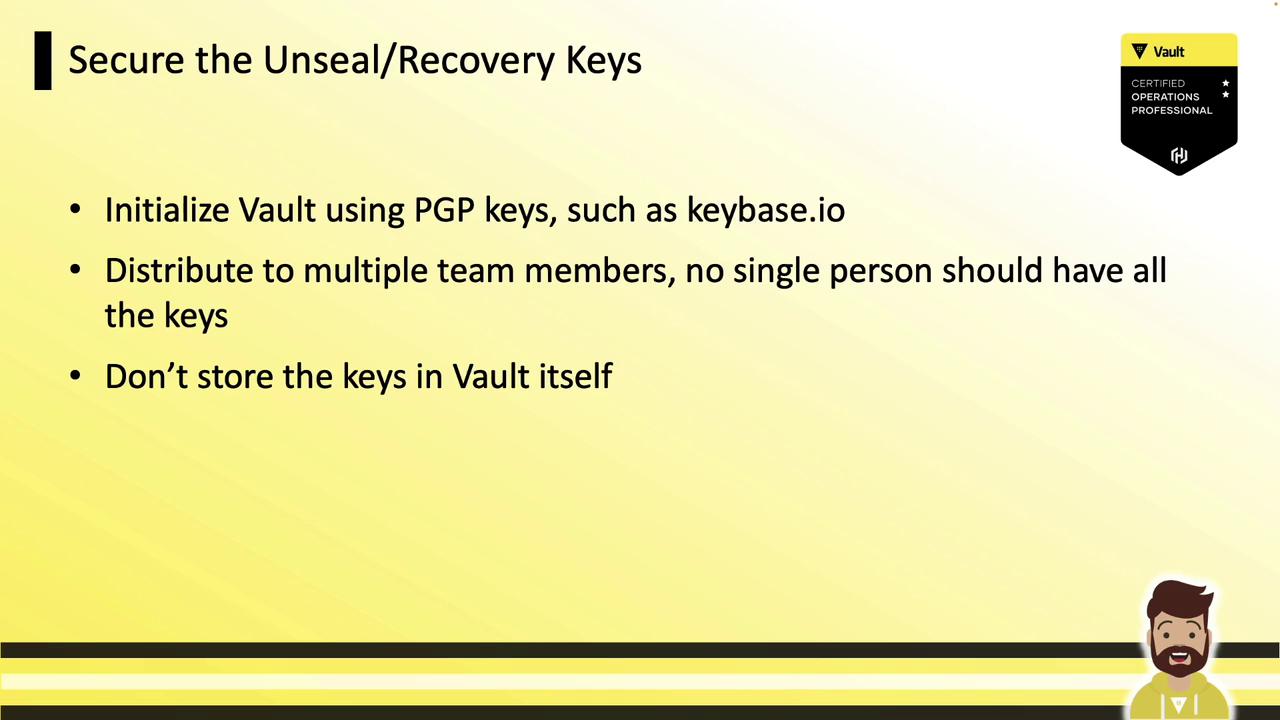
3.11 Minimize Token and Lease TTLs
Define the smallest TTLs needed and set maximum TTLs to prevent runaway renewals. This also reduces load on the storage backend via garbage collection.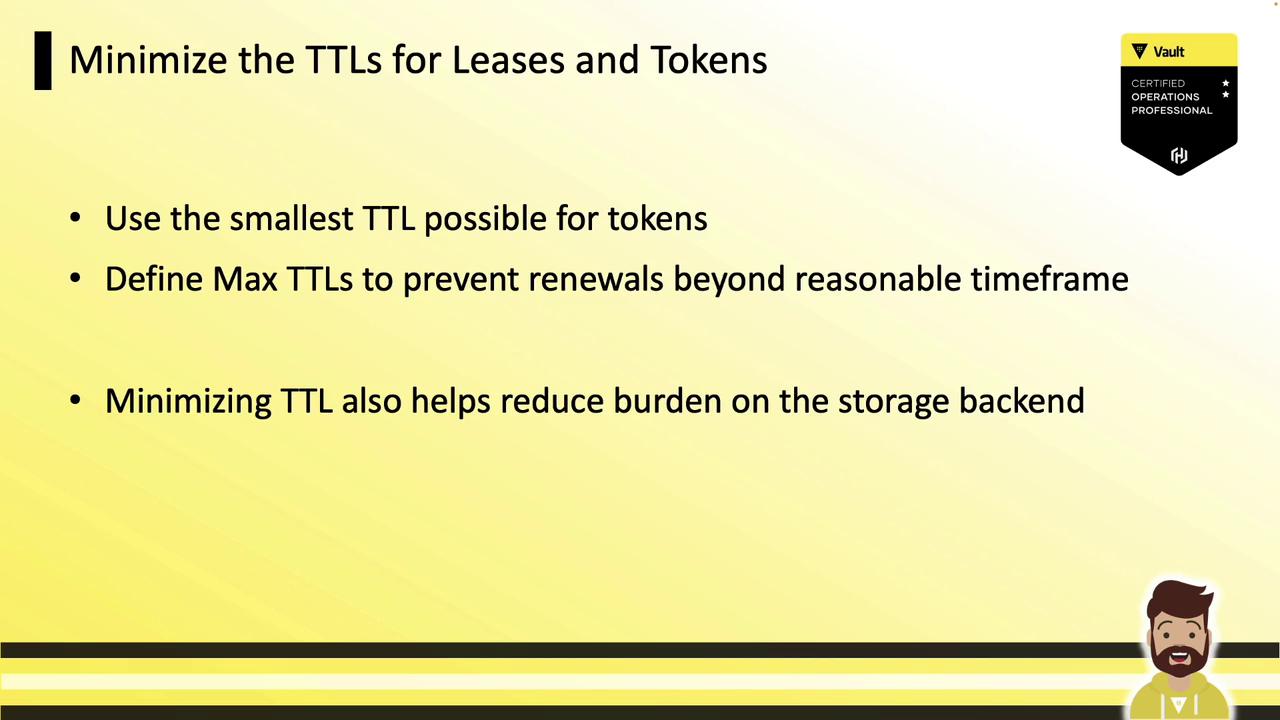
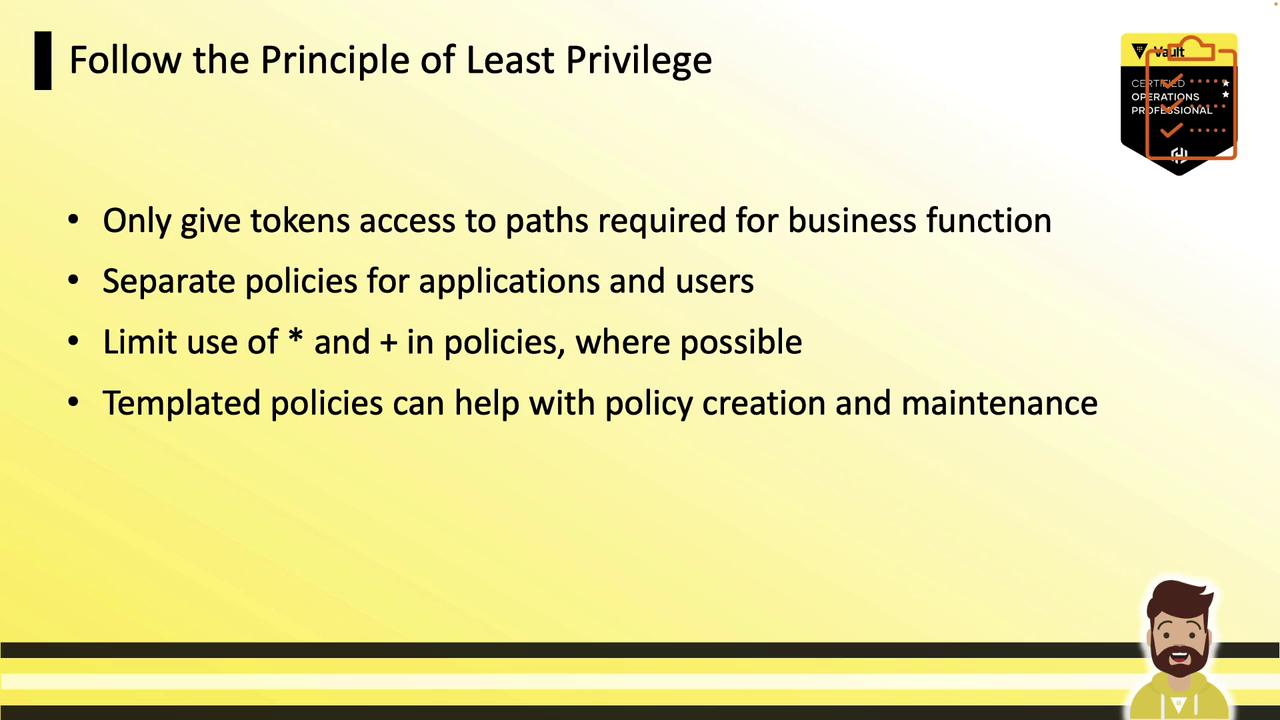
3.12 Follow the Principle of Least Privilege
Grant tokens only the permissions required. Separate policies for applications and users, limit wildcards (*, +), and consider templated policies for consistency.
3.13 Perform Regular Backups
Automate and schedule snapshots, then test restores:3.14 Integrate with Identity Providers
Leverage your existing IdP (AD, Okta, etc.) to manage user authentication. When a user is disabled upstream, Vault access is revoked automatically.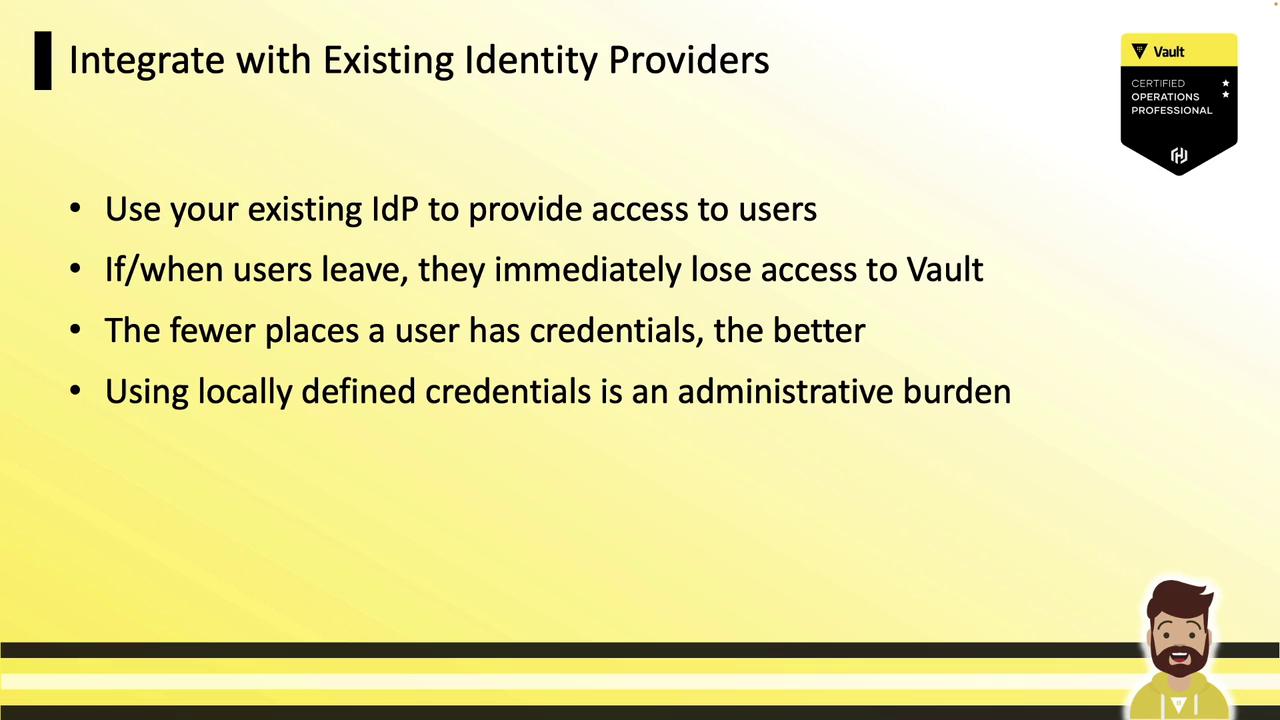
4. Monitoring and Alerting
Centralize your Vault audit logs in a SIEM or log collector (Splunk, Sumo Logic, Datadog) and set up alerts for critical events:- Root token usage or creation
- Policy modifications
- Auth method creations
- Transit configuration changes or key deletions
- Audit log failures
