

root.
Prerequisites
- Vault Enterprise 1.11 installed and unsealed
roottoken available
Listing and Creating Namespaces via CLI
-
List existing namespaces:
If none exist, you’ll see:
-
Create a top-level namespace named
hcvop:Output: -
Verify it’s listed:
Creating Child Namespaces
Method 1: use the-namespace flag.
VAULT_NAMESPACE:
hcvop:
Exploring Namespaces in the UI
Fetch your root token if needed:- Open the Vault UI.
- Log in with your root token.
- Click the Namespaces dropdown—you’ll see
hcvop/listed:
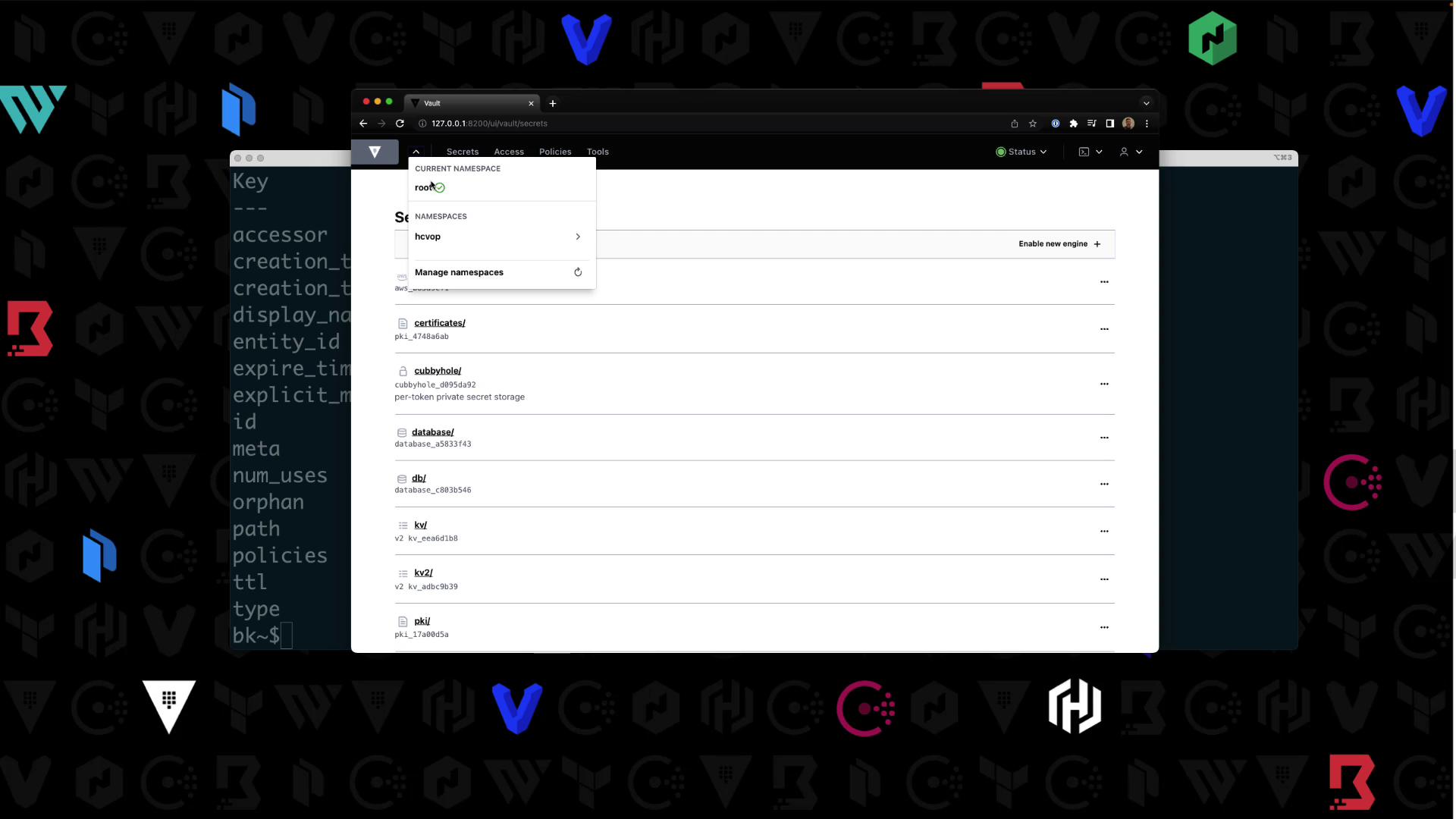
- Select
hcvop, re-enter your token, then switch between itscertificationandtrainingchild namespaces.
Enabling Secrets Engines in a Child Namespace
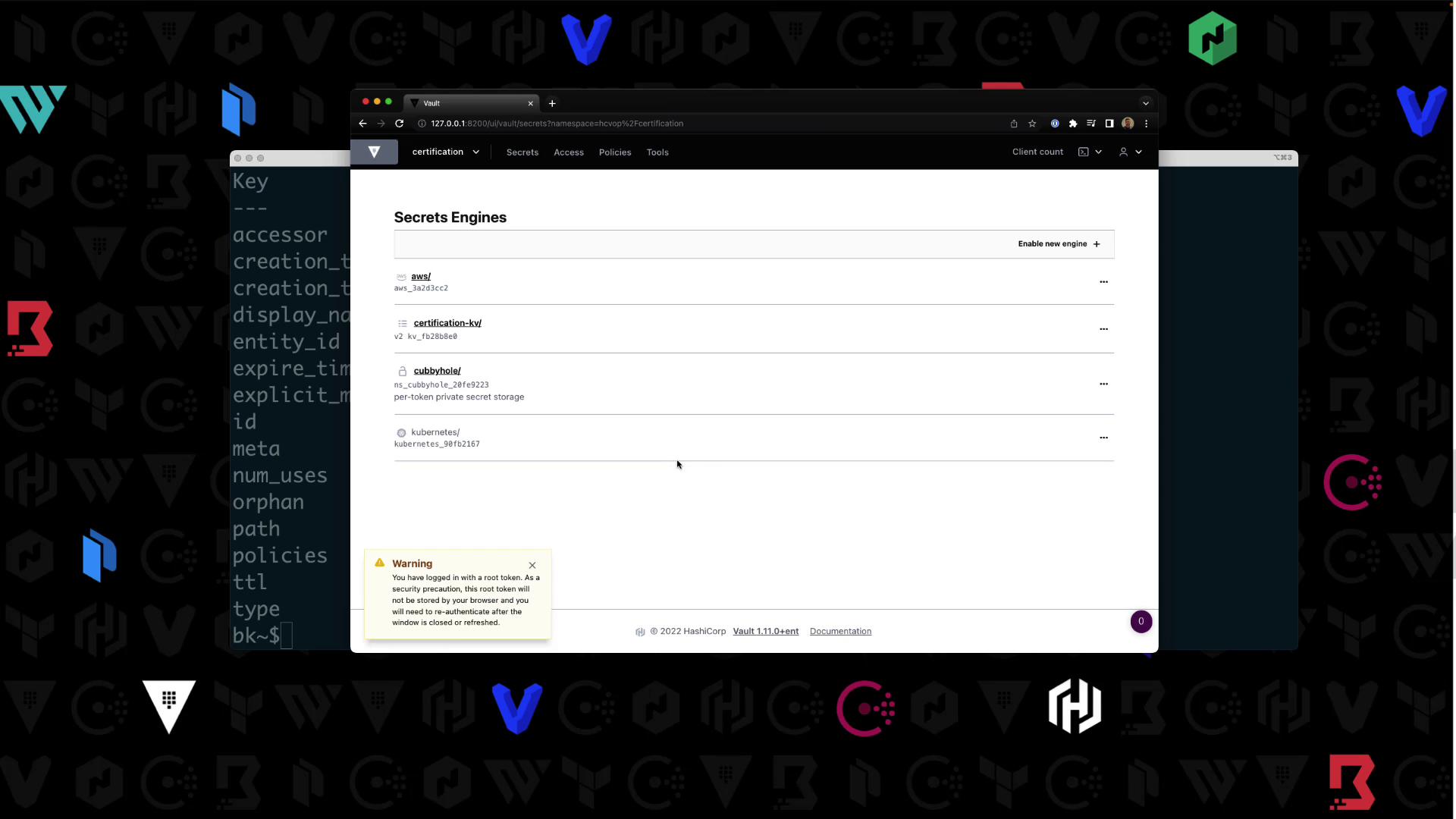
Targethcvop/certification in your shell:
| Path | Type | Description |
|---|---|---|
| aws/ | aws | AWS credential management |
| certification-kv/ | kv | Key/Value secrets engine v2 |
| cubbyhole/ | ns_cubbyhole | Per-token private secret storage |
| identity/ | ns_identity | Identity store |
| sys/ | ns_system | System control & debugging |
Writing a Policy in a Namespace
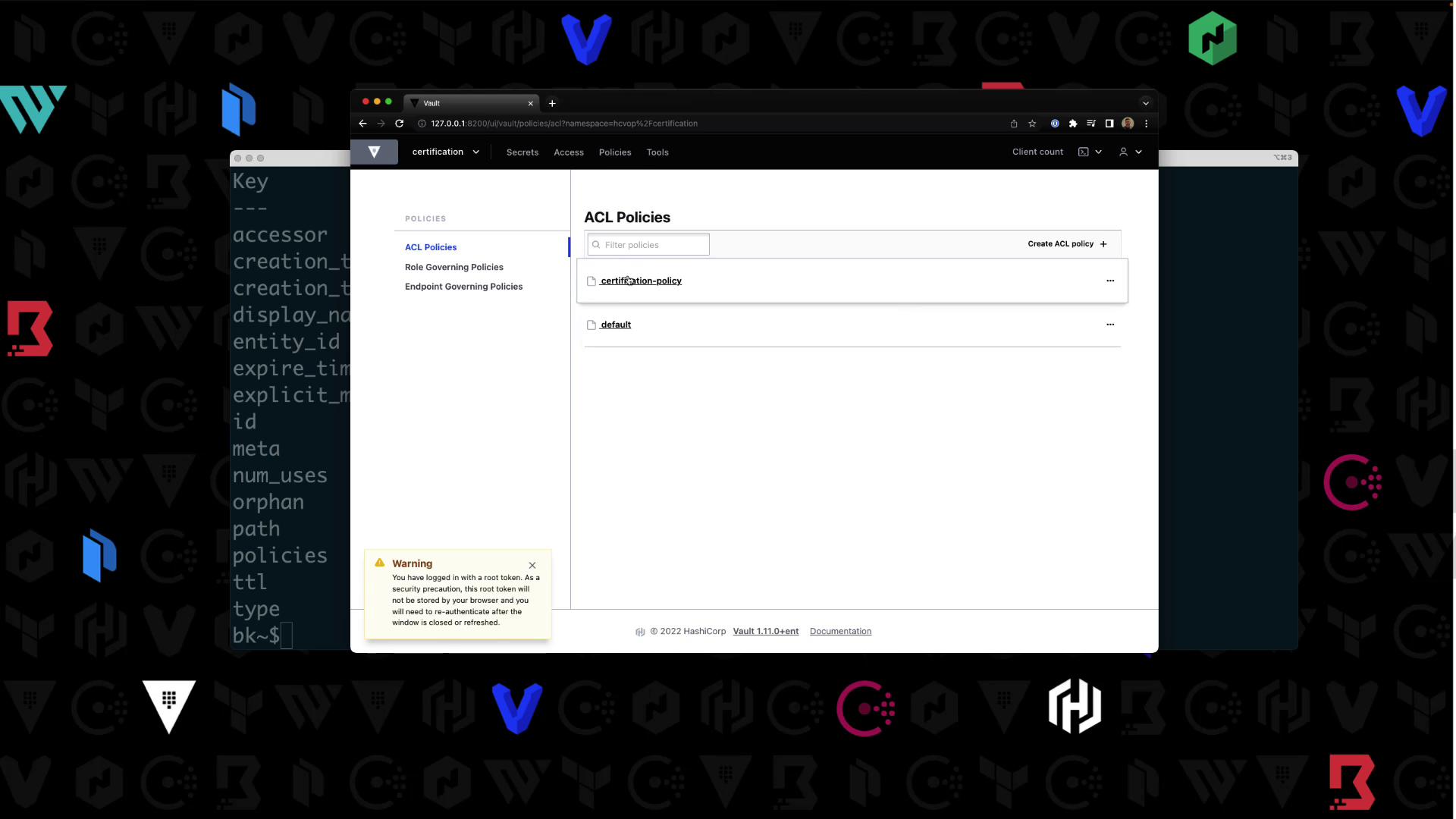
Still inhcvop/certification, write certification-policy:
Enabling Userpass Authentication
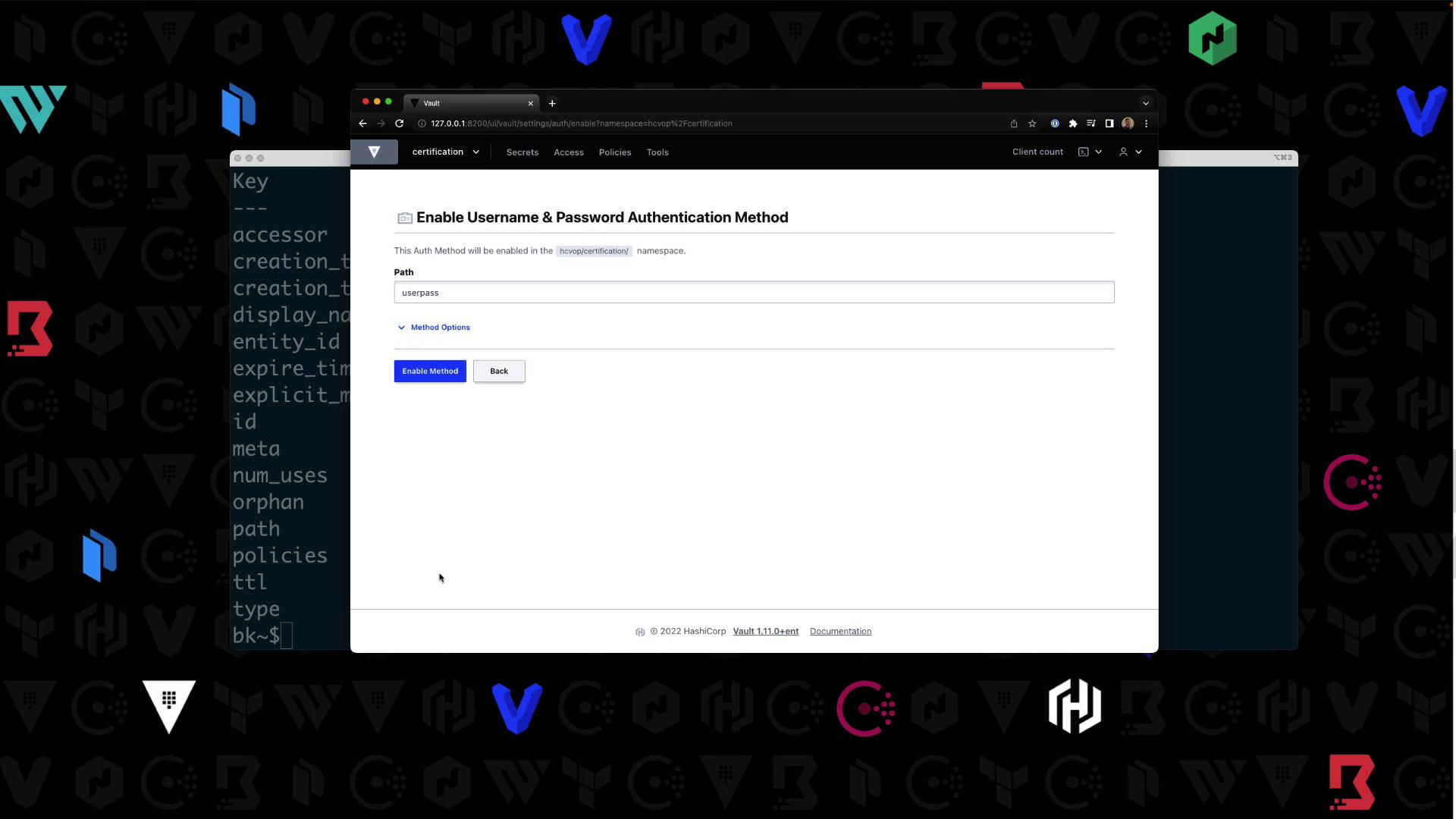
Authentication methods are namespace-specific. Confirm your context is
hcvop/certification.- In the UI, navigate to Auth > Enable new method.
- Select Username & Password, then click Enable:
- Create a user
Bryanwith passwordHCVOPand attachcertification-policy:
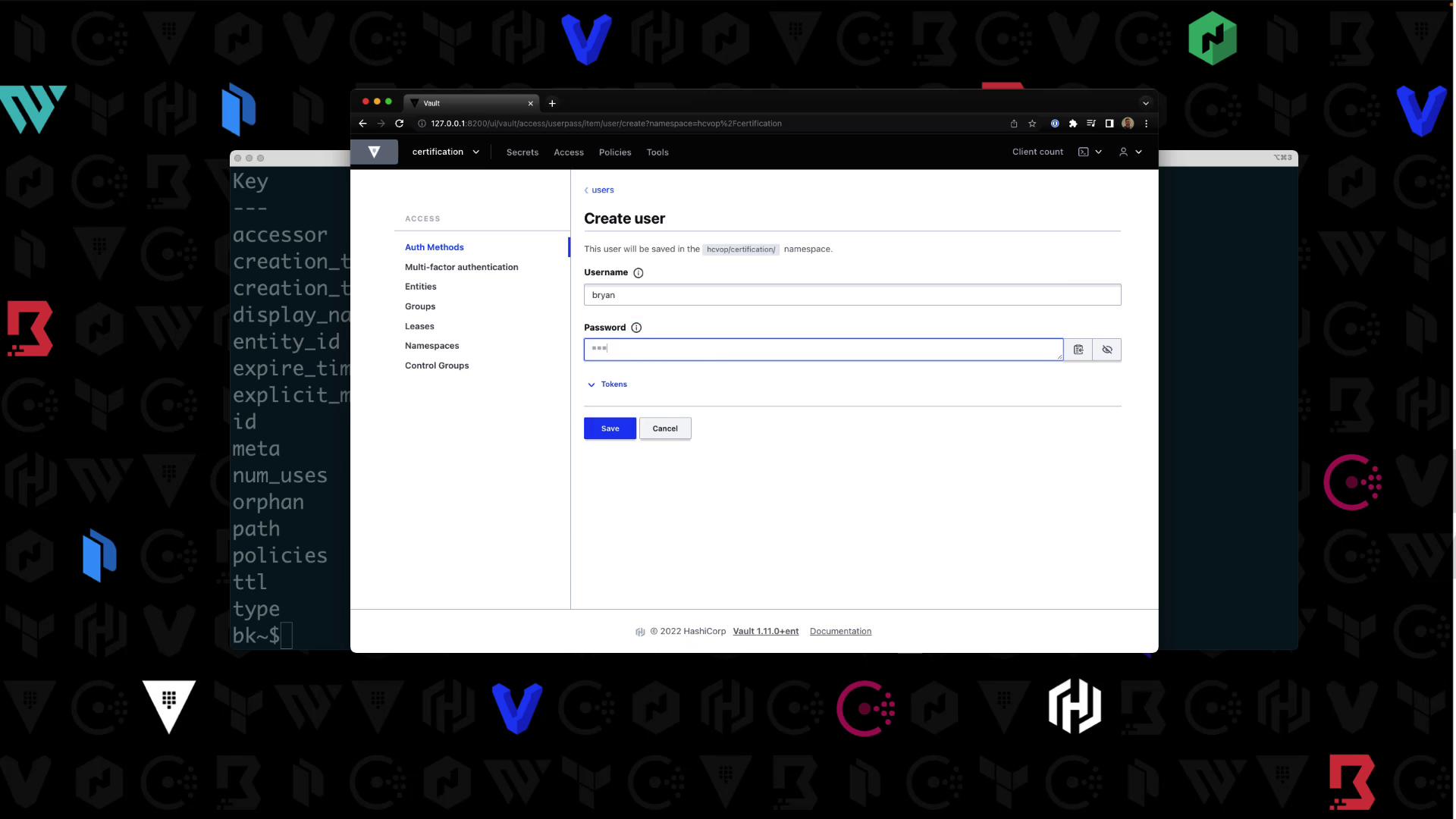
Logging in as the New User
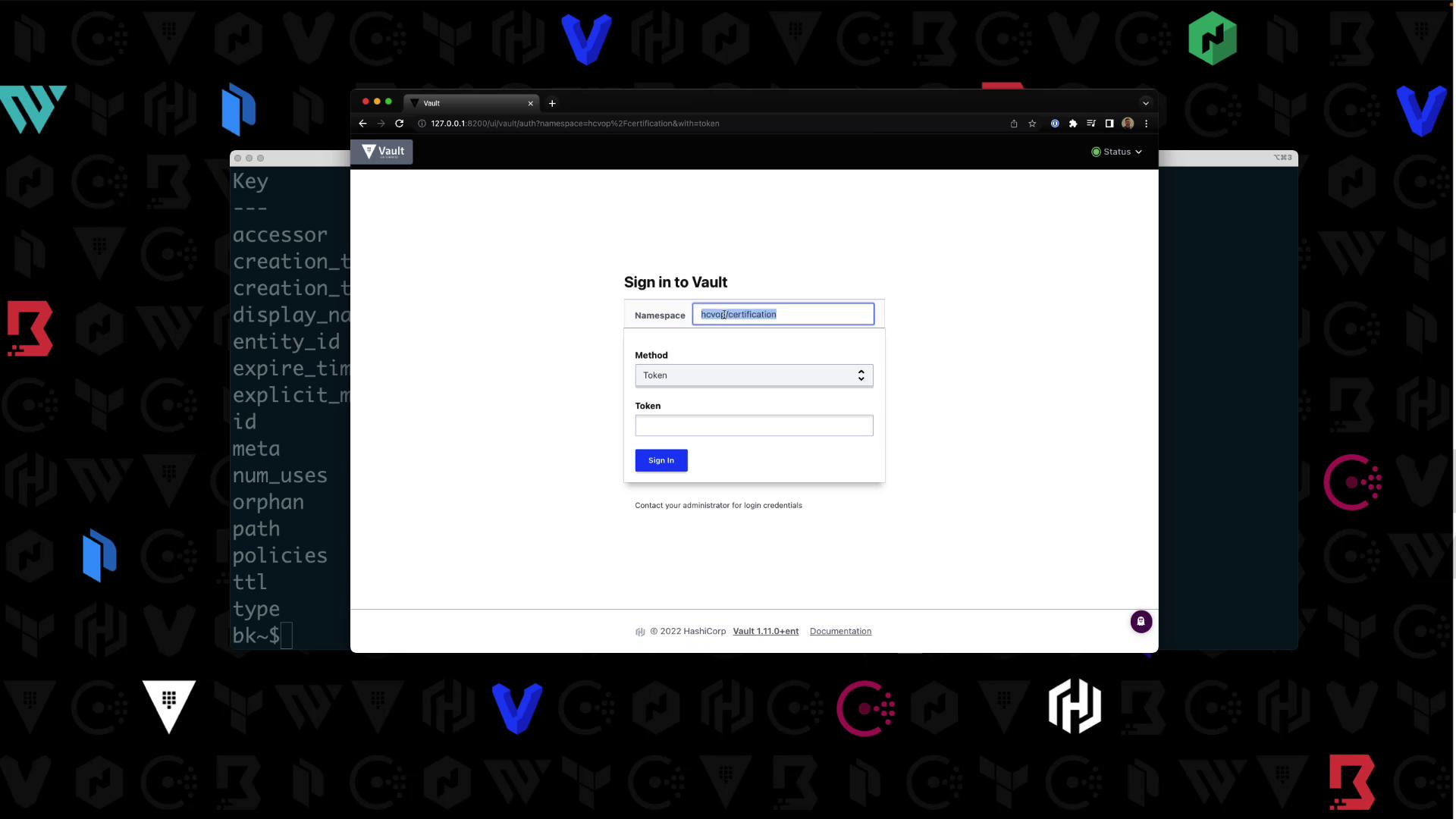
Log out of the root session. On the UI login page:- Namespace:
hcvop/certification - Method: Username & Password
- Credentials:
Bryan/HCVOP
certification-kv/ engine. Other paths (e.g., aws/) will return an authorization error:
Extending the Policy
To allow users to list policies:Summary
You can target a namespace in two ways:- Add
-namespace=<ns>to your Vault commands - Export
VAULT_NAMESPACE=<ns>
Learn more: Vault Namespaces