

What Are Auth Methods?
Auth methods in Vault validate credentials, assign identities, and issue client tokens. Every interaction with Vault—whether by a person or a machine—begins with authentication. Vault maps your credentials (from an external identity provider or an internal user store) to one or more policies, then issues a token that inherits those policies with a time-to-live (TTL).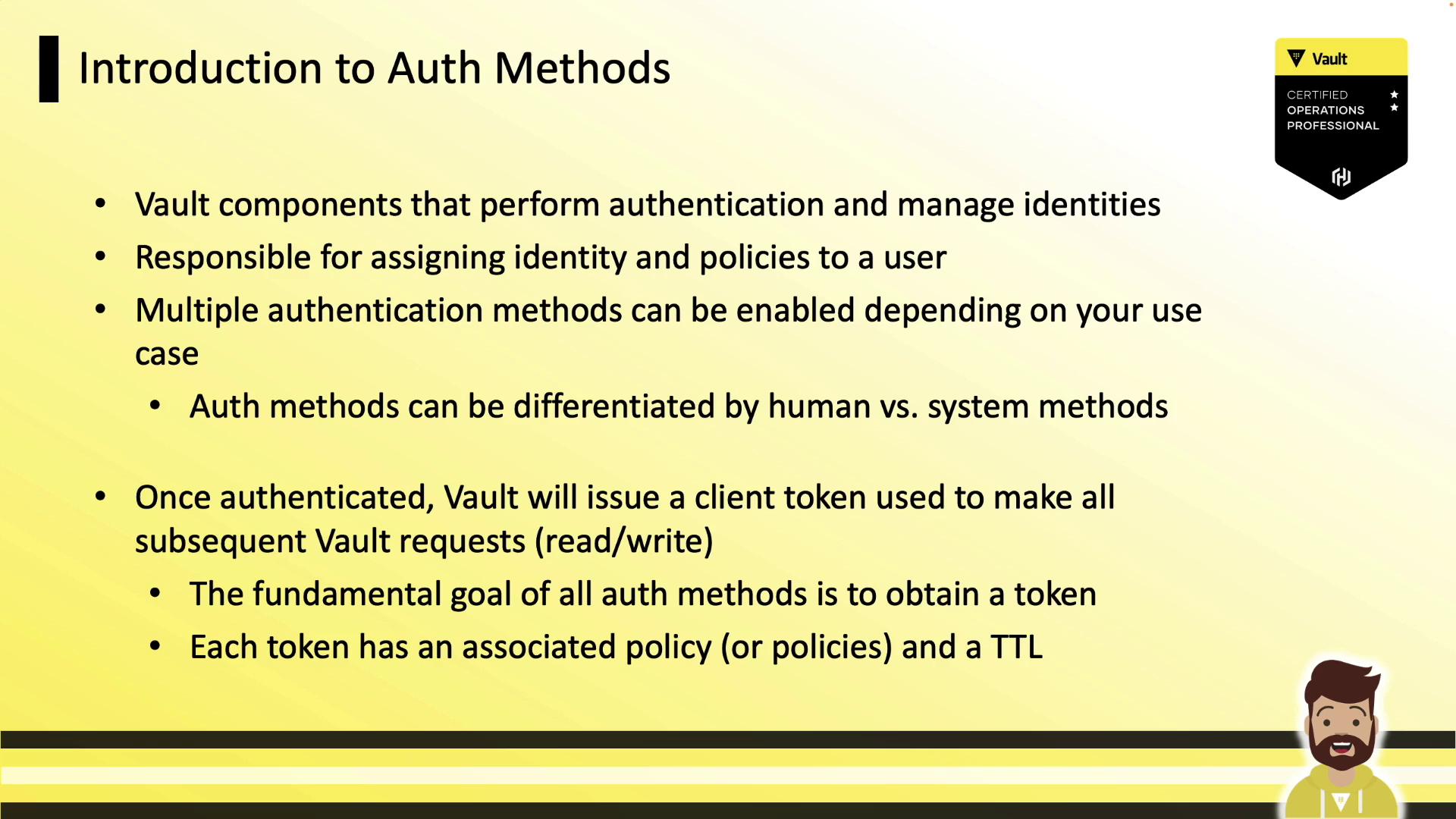
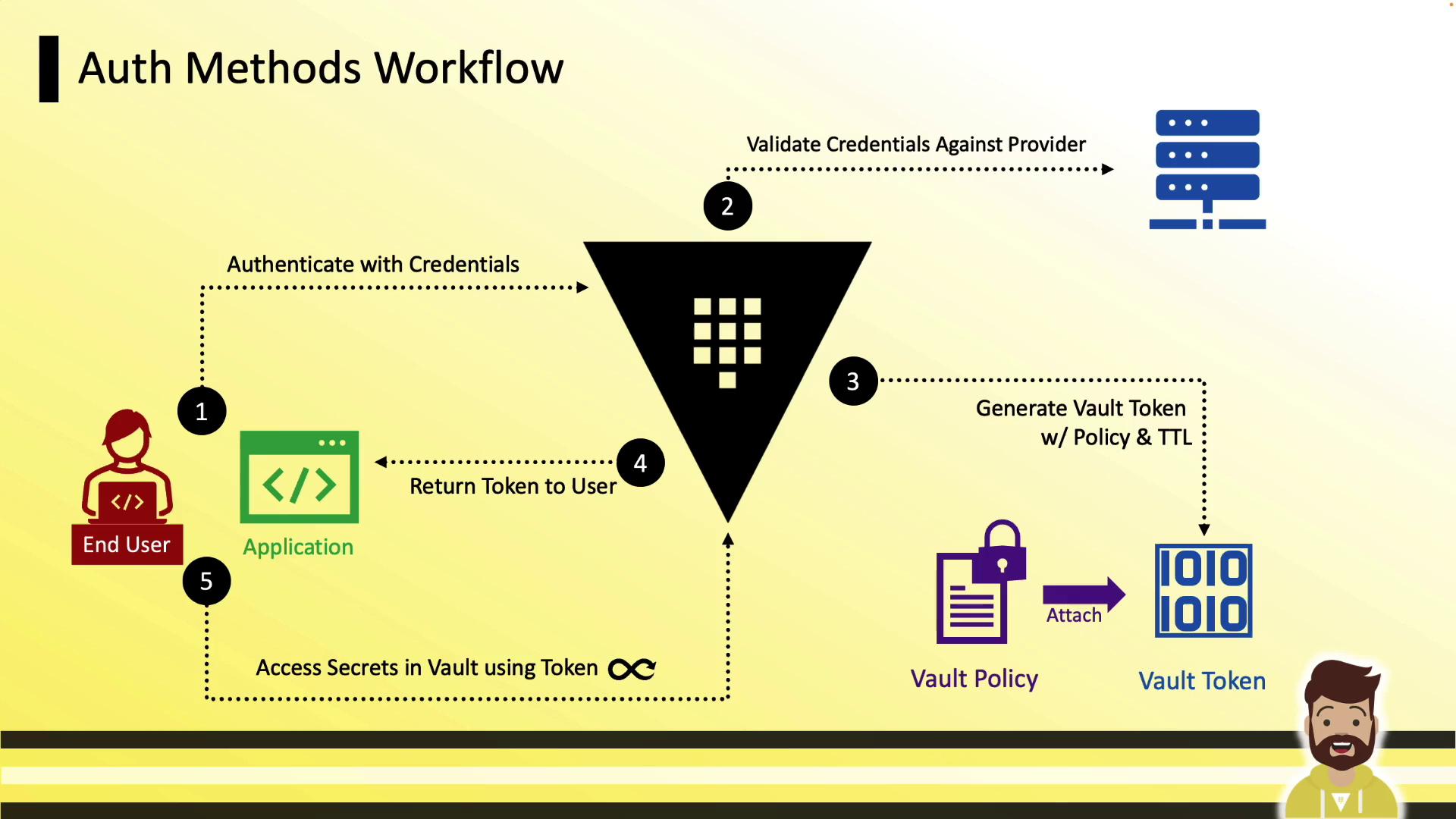
Auth Methods Workflow
- Client (human or system) submits credentials to an auth method (e.g., LDAP, userpass, JWT).
- Vault validates credentials internally or with an external provider.
- On success, Vault creates a token, attaches policies, and sets TTLs.
- The client uses the token to read secrets, write data, or generate dynamic credentials until the token expires.
Supported Auth Methods
Vault supports a wide range of authentication methods, including cloud platforms, OIDC/OAuth providers, identity services, and built-in options.| Category | Methods |
|---|---|
| External (human/system) | AWS, Azure, Kubernetes, GitHub, Okta, OIDC, JWT, RADIUS, and more |
| Internal (built-in Vault) | AppRole, userpass, token, TLS |
On Vault certification exams, focus on built-in methods (AppRole, userpass, token) since they don’t require external integrations.

Human vs. System Authentication
Human-based auth methods integrate with identity providers or prompt users for credentials and MFA.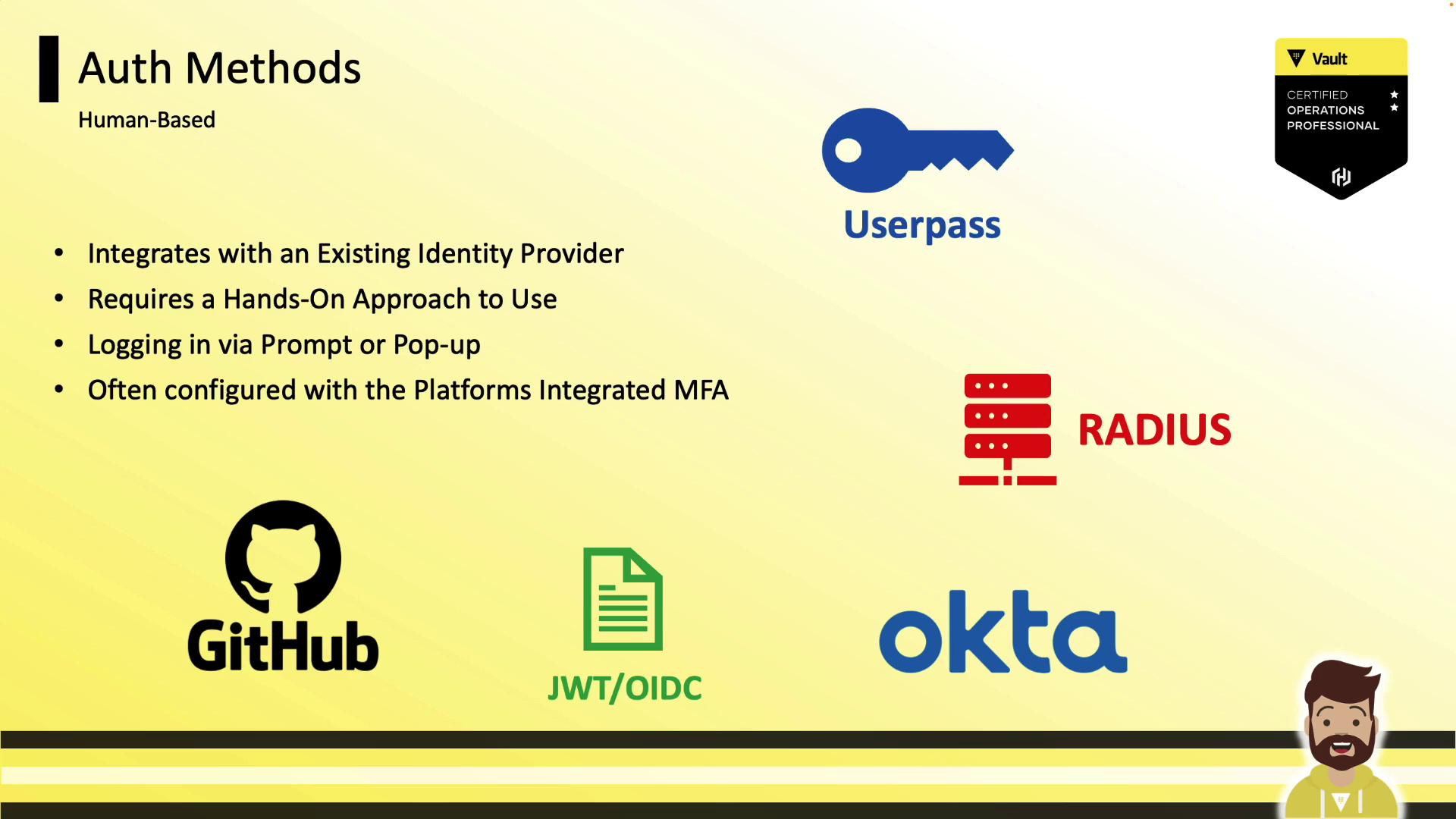
- GitHub
- JWT/OIDC
- Okta
- RADIUS
- userpass
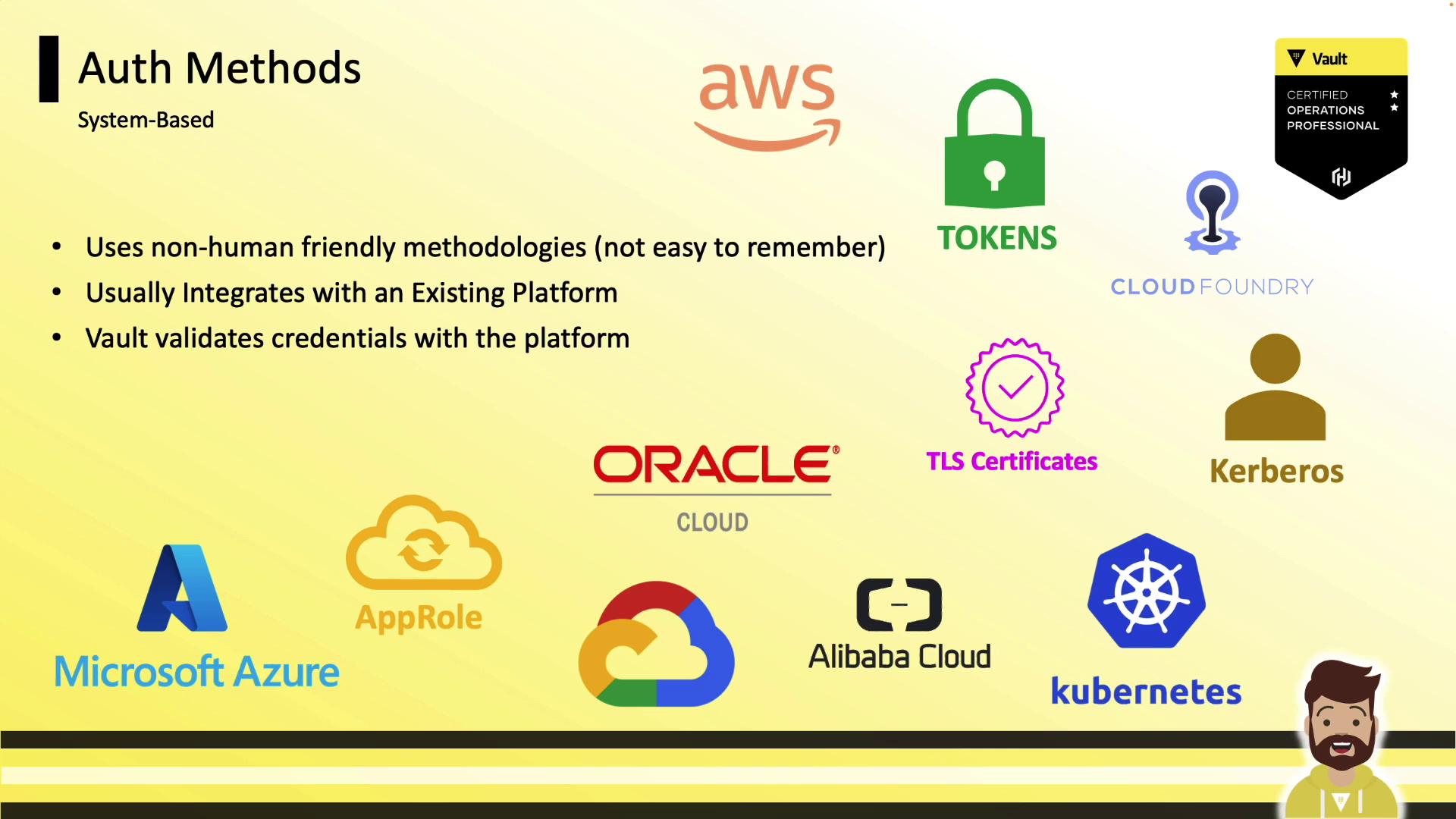
- AWS, Azure, GCP, Kubernetes, Alibaba, Oracle Cloud
- Kerberos (via Active Directory)
- TLS certificates
Managing Auth Methods in Vault
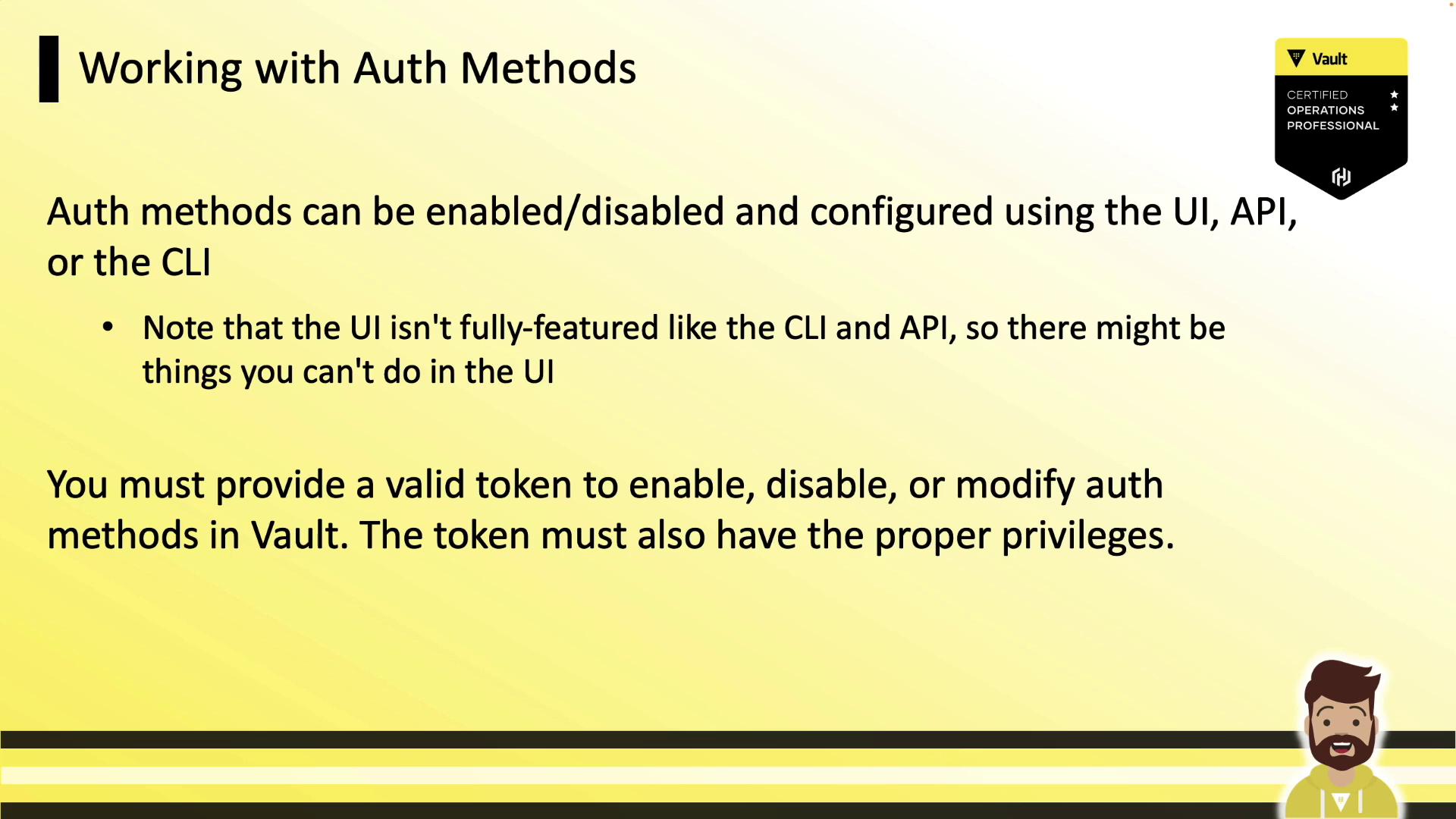
By default, Vault enables only two auth methods:identity and token. You can enable additional methods (even the same type at different paths). The token method is always active and cannot be disabled. To make changes, you need a valid Vault token with appropriate policies.
All auth method operations require a Vault token with the
sys/auth/* capability. Without it, enable/disable and configuration commands will fail.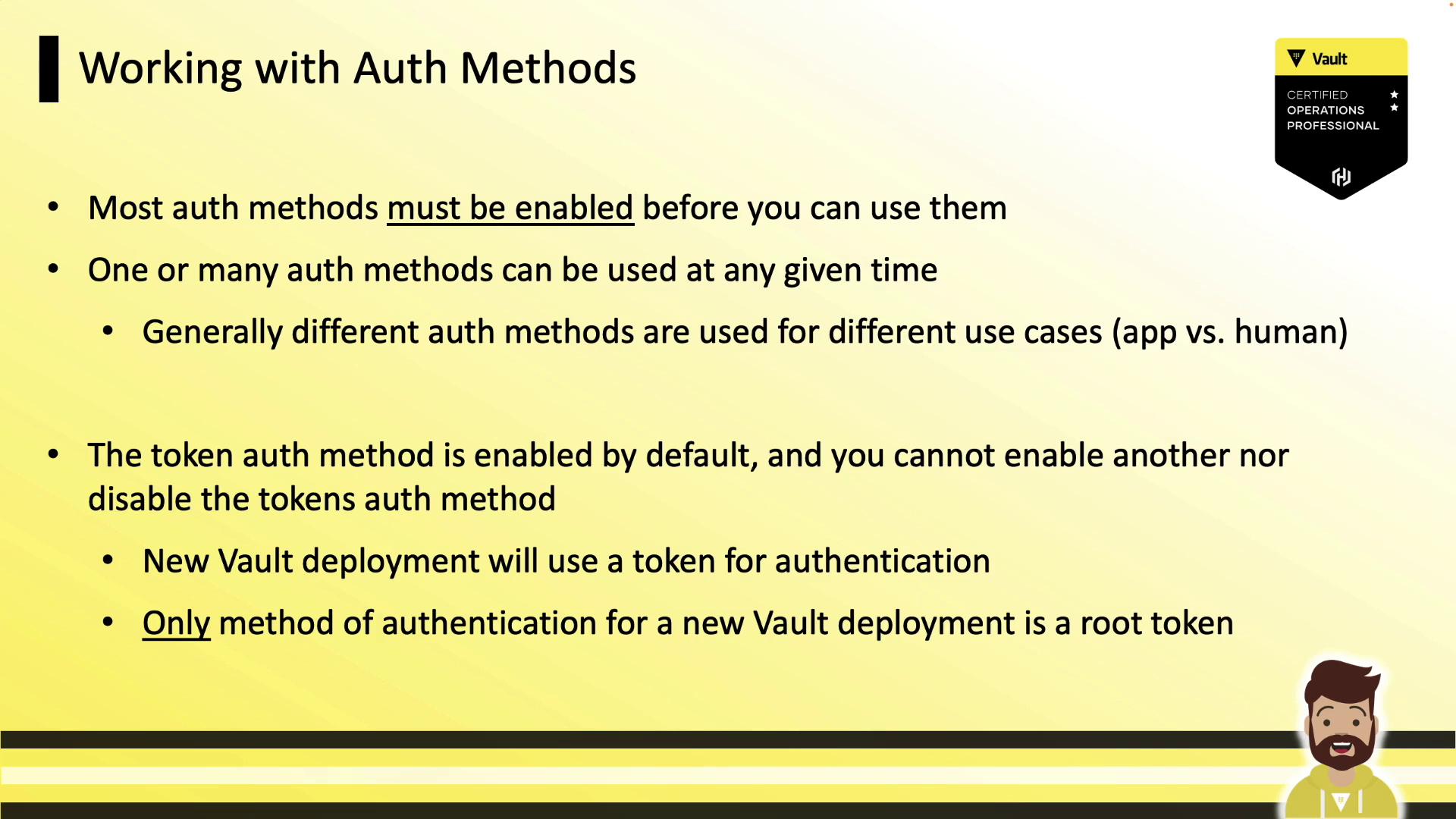
CLI: Enable, Disable, and List Auth Methods
Enable the AppRole method at its default path:Custom Path Example
Tuning Auth Methods
Adjust the max lease TTL fortraining/:
Using an Auth Method
When interacting with credentials or roles, prefix the path withauth/. For example, create an AppRole role:
API Example: Enable an Auth Method
approle/.