

- List and inspect enabled secrets engines
- Upgrade a KV v1 mount to KV v2
- Enable a brand-new KV v2 engine
- Write, read, and version secrets
- Perform soft deletes (undelete) and hard deletes (destroy)
- Manage metadata and custom metadata
- Configure KV v2 prefixes in ACL policies
- Interact with KV v2 via the HTTP API
1. List Existing Secrets Engines
First, verify which engines are enabled:training/ mount is KV v1.
| Path | Type | Description |
|---|---|---|
| cubbyhole/ | cubbyhole | Per-token private secret storage |
| identity/ | identity | Identity data store |
| sys/ | system | System control endpoints |
| training/ | kv (v1) | Default KV v1 mount |
| transit/ | transit | Encryption/decryption as a service |
vault secrets list command.
2. Upgrade an Existing KV v1 Mount to KV v2
To enable versioning on the existingtraining/ mount:
-
Inspect the mount in detail:
-
Enable versioning:
-
Confirm the mount now uses KV v2:
options: {version: 2} for the training/ path.
Upgrading to v2 is non-destructive. All existing KV v1 data remains accessible under the new KV v2 mount.
3. Enable a New KV v2 Engine
To create a fresh KV v2 mount atkvv2/:
kvv2/ with type: kv and options: {version: 2}.
4. Writing and Reading Versioned Secrets
4.1 Write a Secret
The CLI automatically prepends
/data/ when writing, so you only specify kvv2/apps/circleci.4.2 Read the Latest Version
5. Versioning Secrets
Update to create version 2:6. Soft Delete and Undelete
6.1 Soft Delete
vault kv get kvv2/apps/circleci shows metadata without data.
6.2 Undelete
7. Hard Delete (Destroy)
Permanently remove version 1:destroyed = true; it cannot be undeleted.
Destroying versions is irreversible. Always ensure you have backups or retention policies if you need historic data.
8. Metadata Operations
8.1 View All Metadata
cas_requiredcurrent_versionmax_versions- Per-version status (created, deleted, destroyed)
8.2 Add Custom Metadata
9. JSON Output and Filtering
Fetch JSON and parse withjq:
10. Cleanup: Delete All Metadata
To remove both data and metadata for a secret path:vault kv list kvv2/apps now returns nothing.
11. KV v2 Prefixes in ACL Policies
When you write ACL policies for KV v2, include bothdata/ and metadata/ paths:
12. Managing Secrets via the Web UI
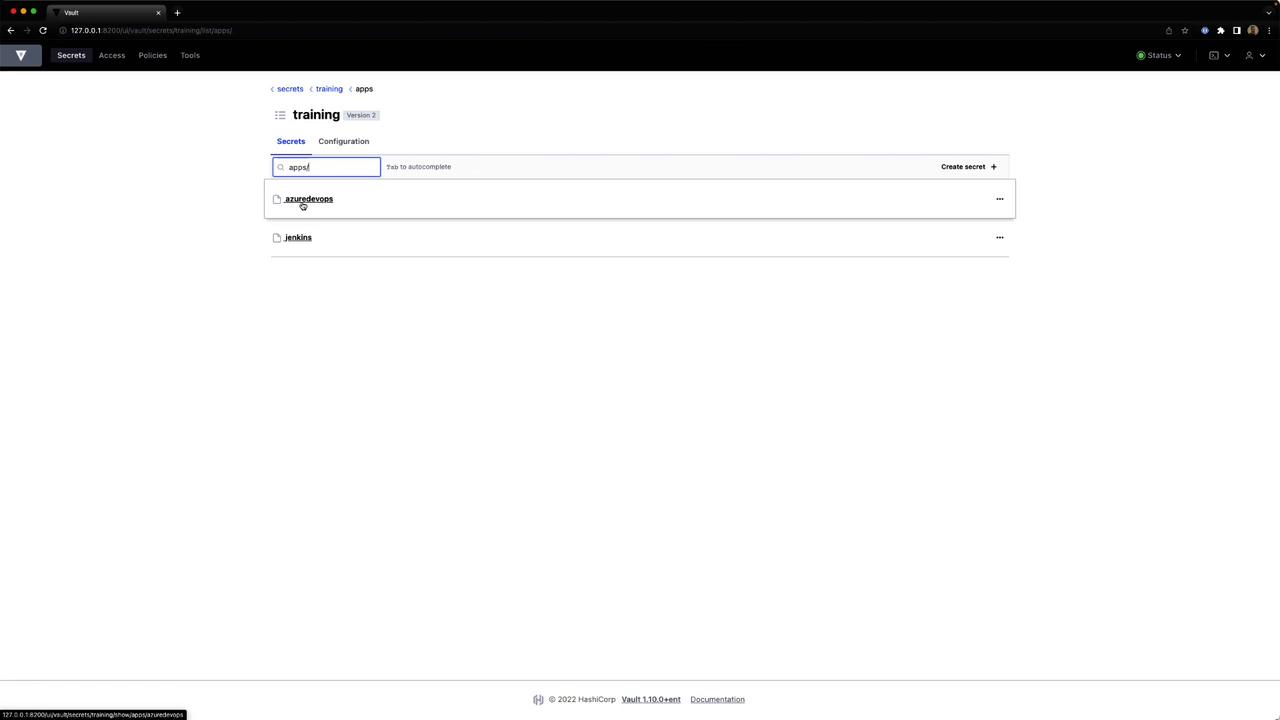
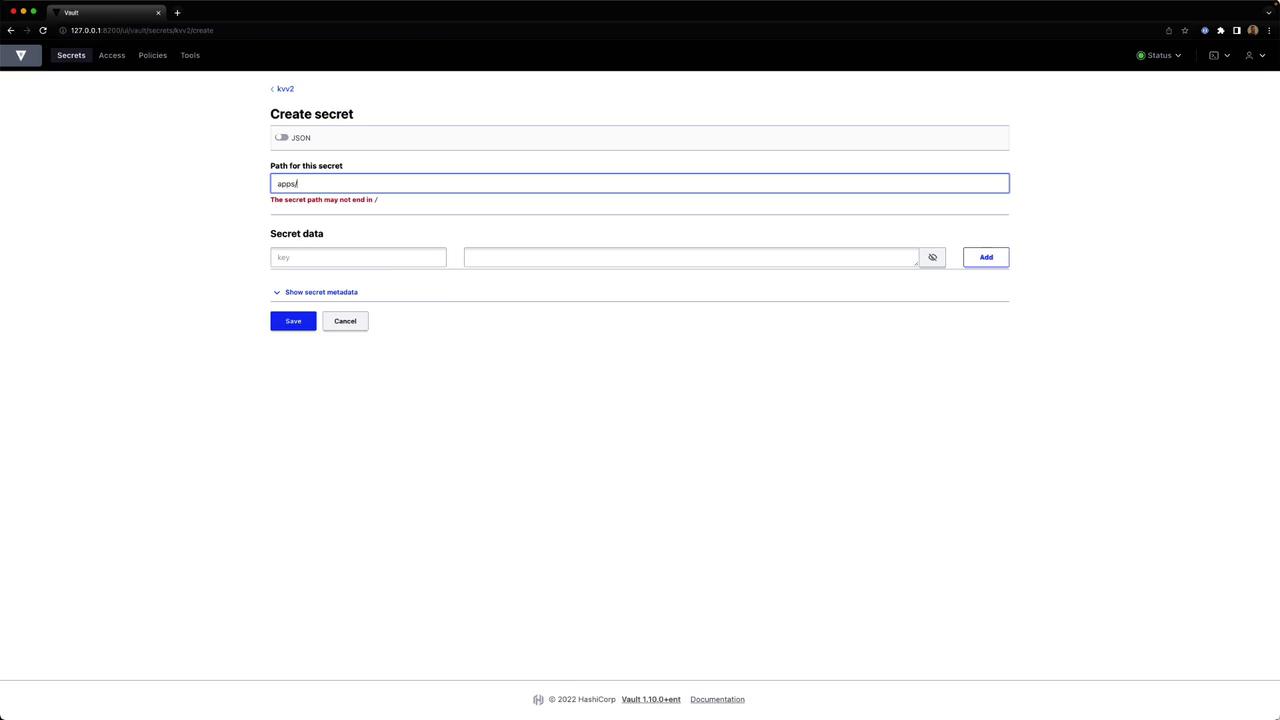
Vault’s UI offers point-and-click management for KV v2 secrets: Browse secrets and create a new entryClick Secrets > kvv2 and select Create secret.
Provide
artifact = "jenkins" or other key-value pairs, then save.
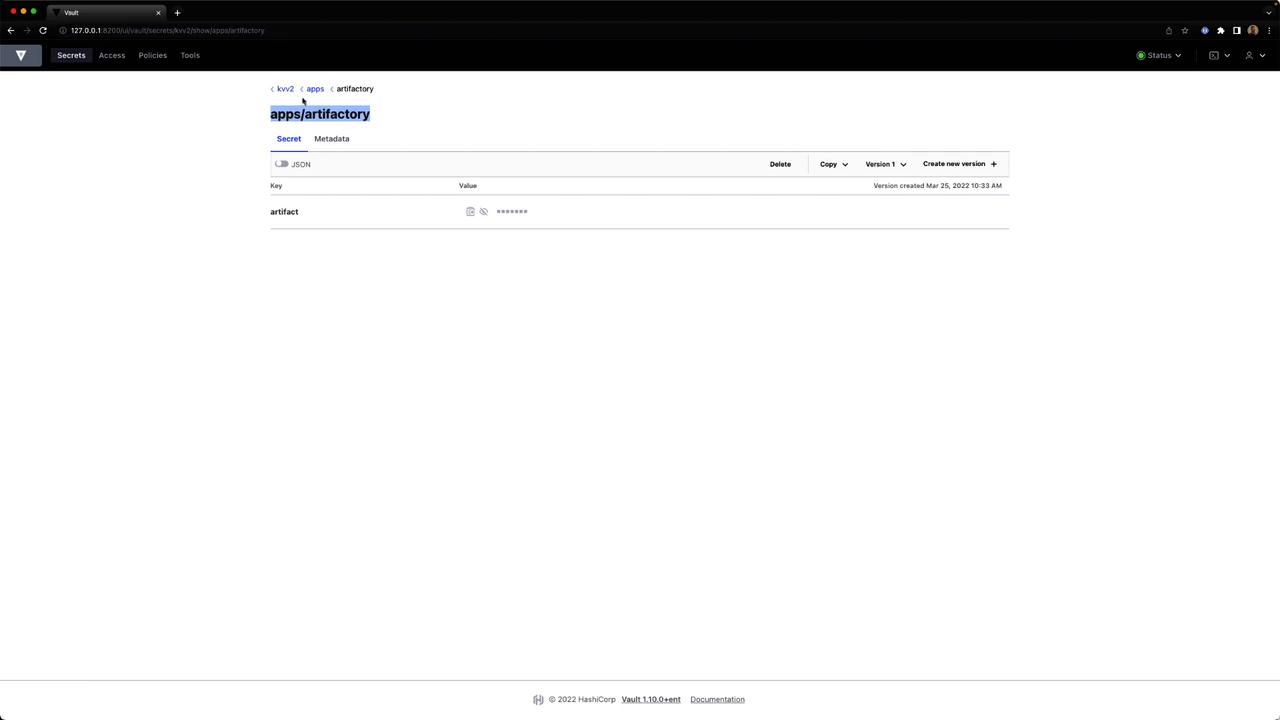
Select the secret to see its JSON key-value data.
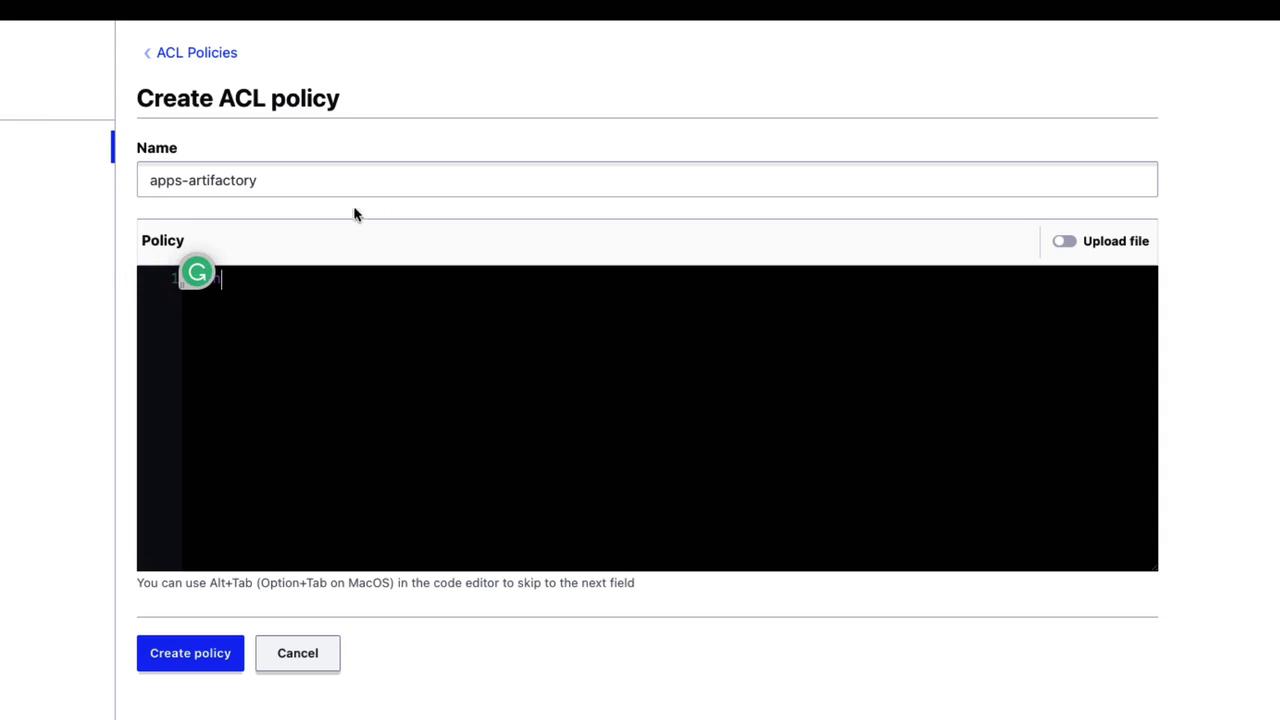
Under Policies, click Create policy, enter a name and HCL, then save.
13. Accessing KV v2 via the HTTP API
To retrieve secret data over HTTP, include/data/ in the path:
/data/ prefix.