

btk.pub, frank.pub, and susan.pub—located in your current directory.
Prerequisites
- Vault server (v1.10.0+ent) installed and running
- Three PGP public keys:
btk.pub,frank.pub,susan.pub - GPG (GnuPG) installed for decryption
1. Verify Your PGP Keys
List the.pub files to ensure your public keys are accessible:
Make sure these files are the intended public keys. Do not expose your private keys.
2. Confirm Vault Is Uninitialized
Check Vault’s status before initialization:3. Initialize Vault with Encrypted Shares
Run thevault operator init command to:
- Create 3 recovery shares
- Require 2 shares to meet the threshold
- Encrypt each share with our PGP keys
The file
vaultinit.txt contains sensitive data. Store it in a secure location—never commit it to version control.Initialization Parameters
| Parameter | Value |
|---|---|
| recovery-shares | 3 |
| recovery-threshold | 2 |
| recovery-pgp-keys | btk.pub, frank.pub, susan.pub |
4. Review the Initialization Output
Since the command redirected output tovaultinit.txt, your console is blank. Display the file to see each encrypted share and the root token:
5. Decrypt a Recovery Share
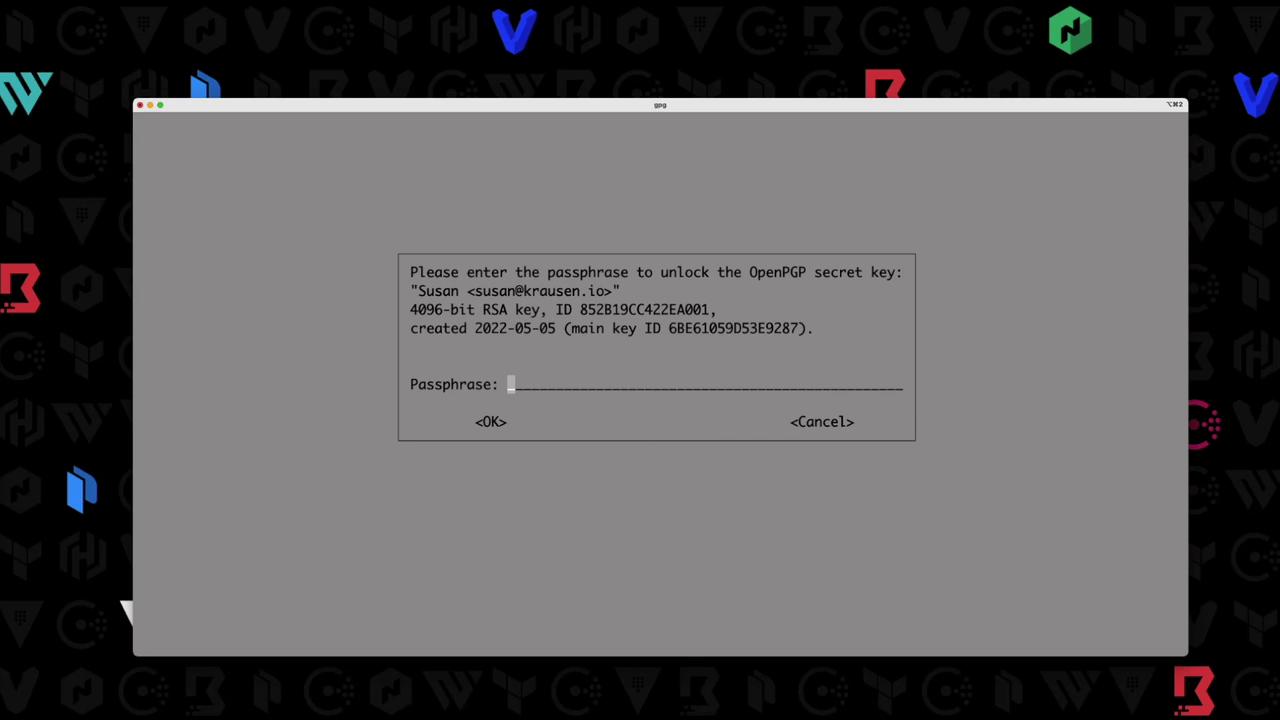
To decrypt the share encrypted for Susan:Ensure you have Susan’s private key and know the GPG passphrase to unlock it.
6. Next Steps
With at least two decrypted shares (meeting the threshold), you can:- Unseal Vault or a DR cluster
- Generate a new root token
- Perform emergency recovery