

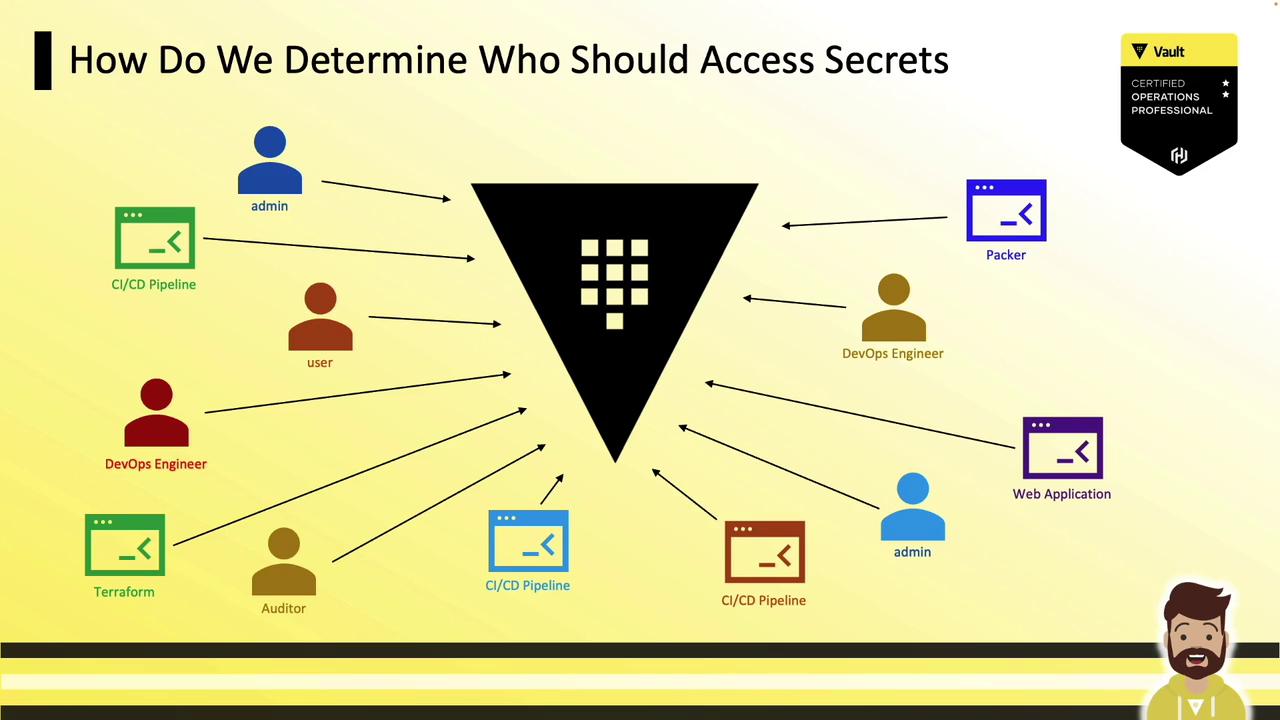
What Are Vault Policies?
Vault policies are declarative rules (in HCL or JSON) that grant or deny capabilities on Vault paths. They provide fine-grained, RBAC-style access control. Most operators prefer HCL for readability.Always adhere to the principle of least privilege. Grant only the permissions required for an entity to perform its tasks.
deny rules to override grants. Policies are attached to tokens and other auth entities; multiple policies on a token combine their permissions cumulatively.
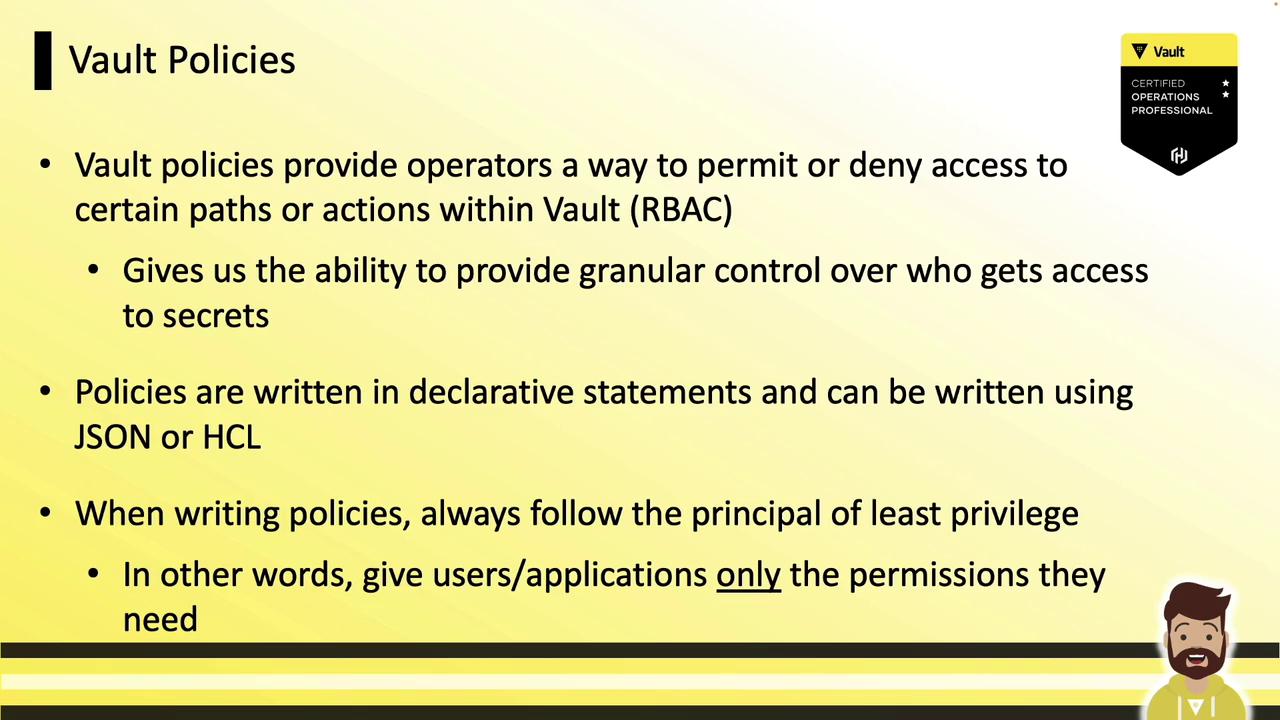
Built-In (Out-of-the-Box) Policies
Immediately after deployment, Vault includes two default policies:| Policy Name | Type | Description |
|---|---|---|
| root | Superuser | Full privileges (create, read, update, delete, list, sudo). Non-editable and auto-attached only to root tokens. |
| default | Baseline | Basic token operations (lookup-self, renew-self, revoke-self, capabilities-self). Editable but cannot be deleted; auto-attach can be disabled. |
root policy returns an error (no readable rules):
Use root tokens sparingly. They grant complete control over the Vault cluster.
Managing Policies with the CLI
Vault’s CLI offersvault policy subcommands: list, read, write, delete, and fmt.
List all policies:
Managing Policies in the UI
In the Vault web UI, go to Policies to view ACLs. Theroot policy appears grayed out (non-editable). Use the three-dot menu on any other policy to edit or delete it, or click Create ACL Policy to add a new one.

Managing Policies via the HTTP API
Vault’s HTTP API exposes policy management endpoints. To write a policy:- Header:
X-Vault-Tokenfor auth - Method:
PUTto create or update - URL:
/v1/sys/policy/<policy-name> - Body (
payload.json): JSON with a"policy"field containing HCL or JSON rules
payload.json:
Anatomy of a Vault Policy
Each policy consists of one or more path blocks:Understanding Vault Paths
Every Vault feature—secret engines, auth methods, KV data—is namespaced under a path. Examples: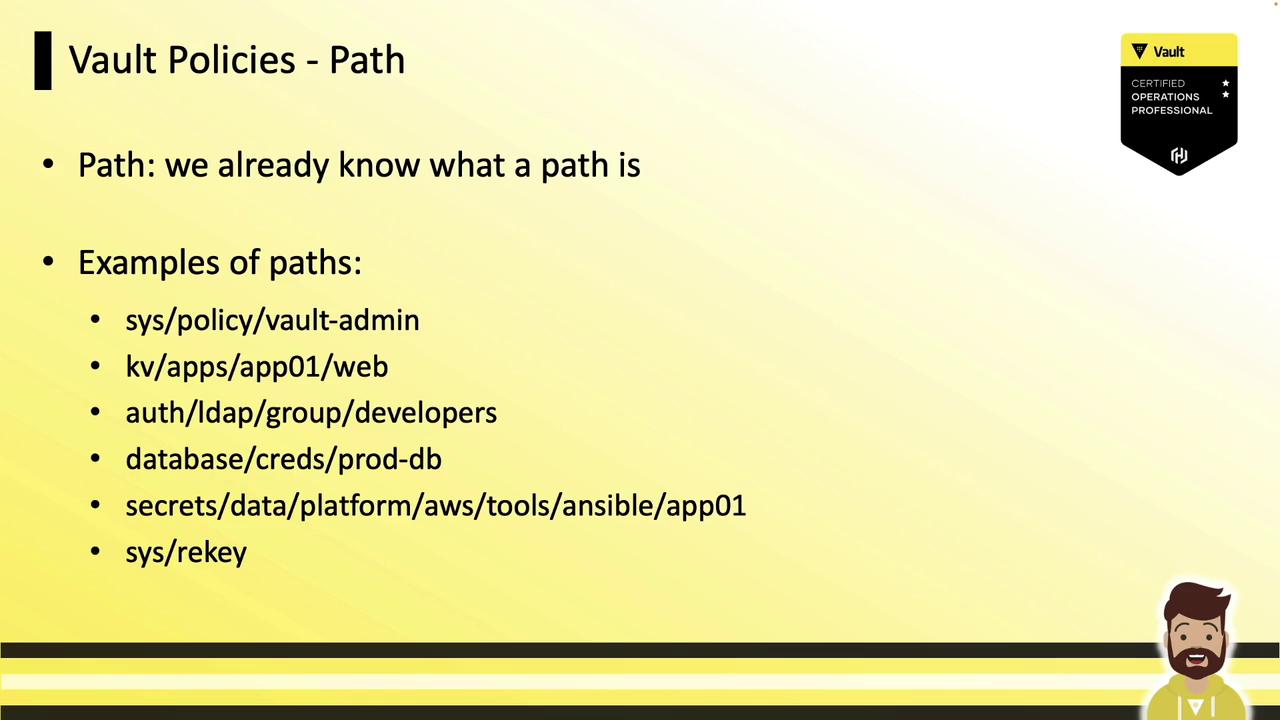
sys/policy: Manage Vault’s own ACLskv/app1/app01/web: KV v1 secretsdatabase/creds/my-role: Dynamic DB credentialsauth/token/renew-self: Token renewal endpoint
secrets), include the data prefix:
secrets = mount point, data = v2 API prefix.
Root-Protected Paths
Certain operations require a root token orsudo capability. Examples:
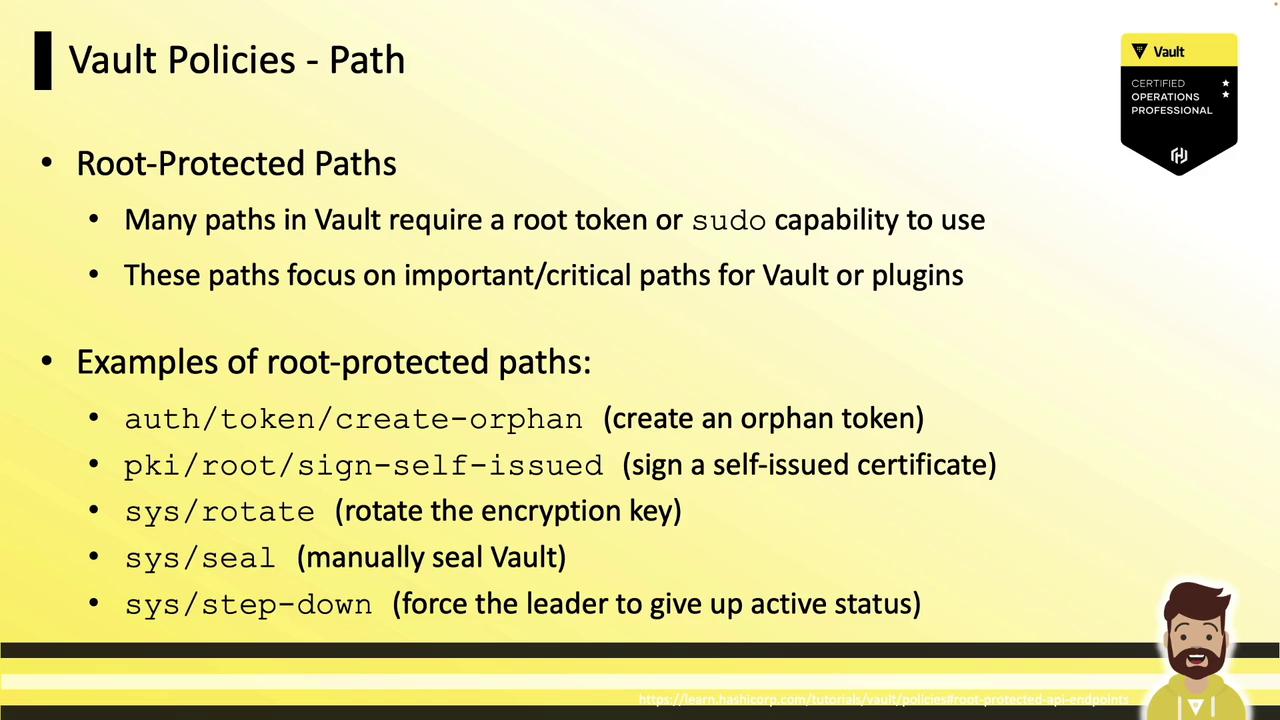
auth/token/create-orphan: Create orphan tokenspki/root/sign-self-issued: Sign certificatessys/rotate: Rotate encryption keyssys/seal: Seal the Vaultsys/step-down: Force leader step-down
sudo:
Grant sudo sparingly—only highly trusted operators should have these elevated rights.