

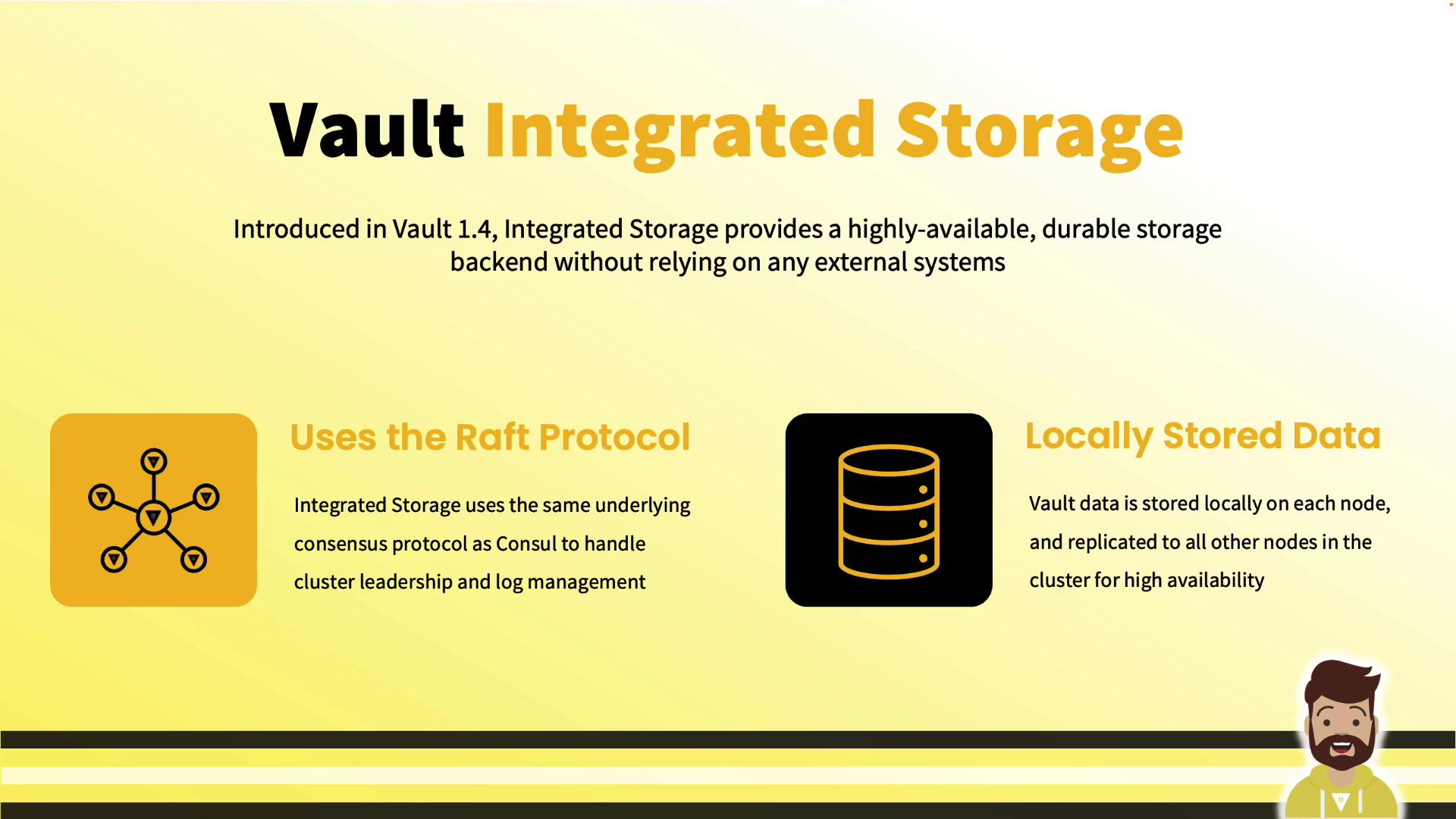
Why Integrated Storage?
Prior to Vault 1.4, enterprise deployments required Consul or another external backend—adding complexity, network hops, and extra operational overhead. Integrated Storage solves this by:- Storing all Vault data on each node’s local disk
- Replicating data across nodes via Raft
- Eliminating any external dependency for storage
Key Benefits
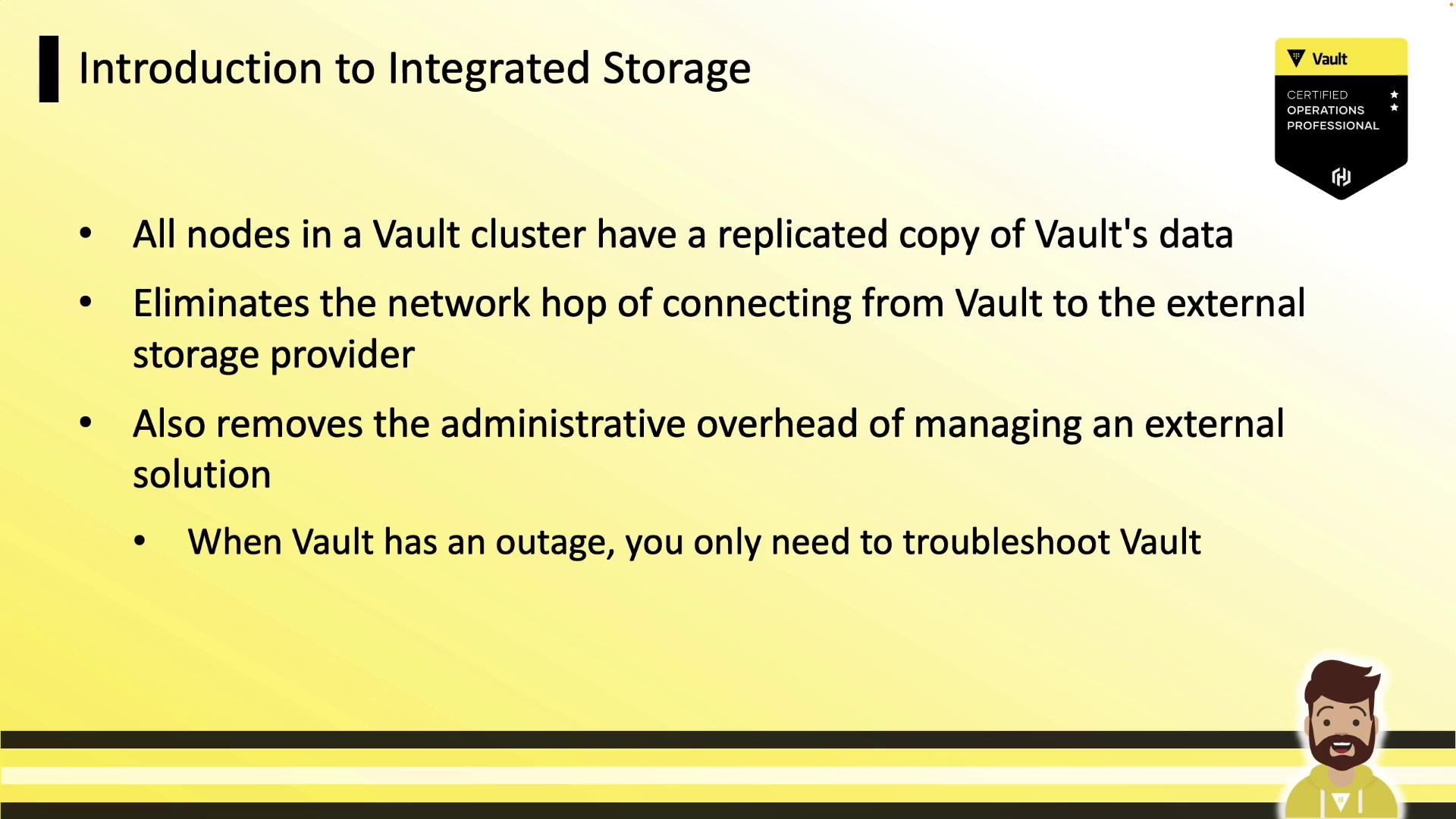
- No external backend: Run Vault without Consul or other storage.
- Reduced latency: Reads and writes occur on local disk.
- Simplified operations: Troubleshoot only Vault, not two systems.
For best performance, use storage-optimized volumes with high IOPS.
Feature Evolution
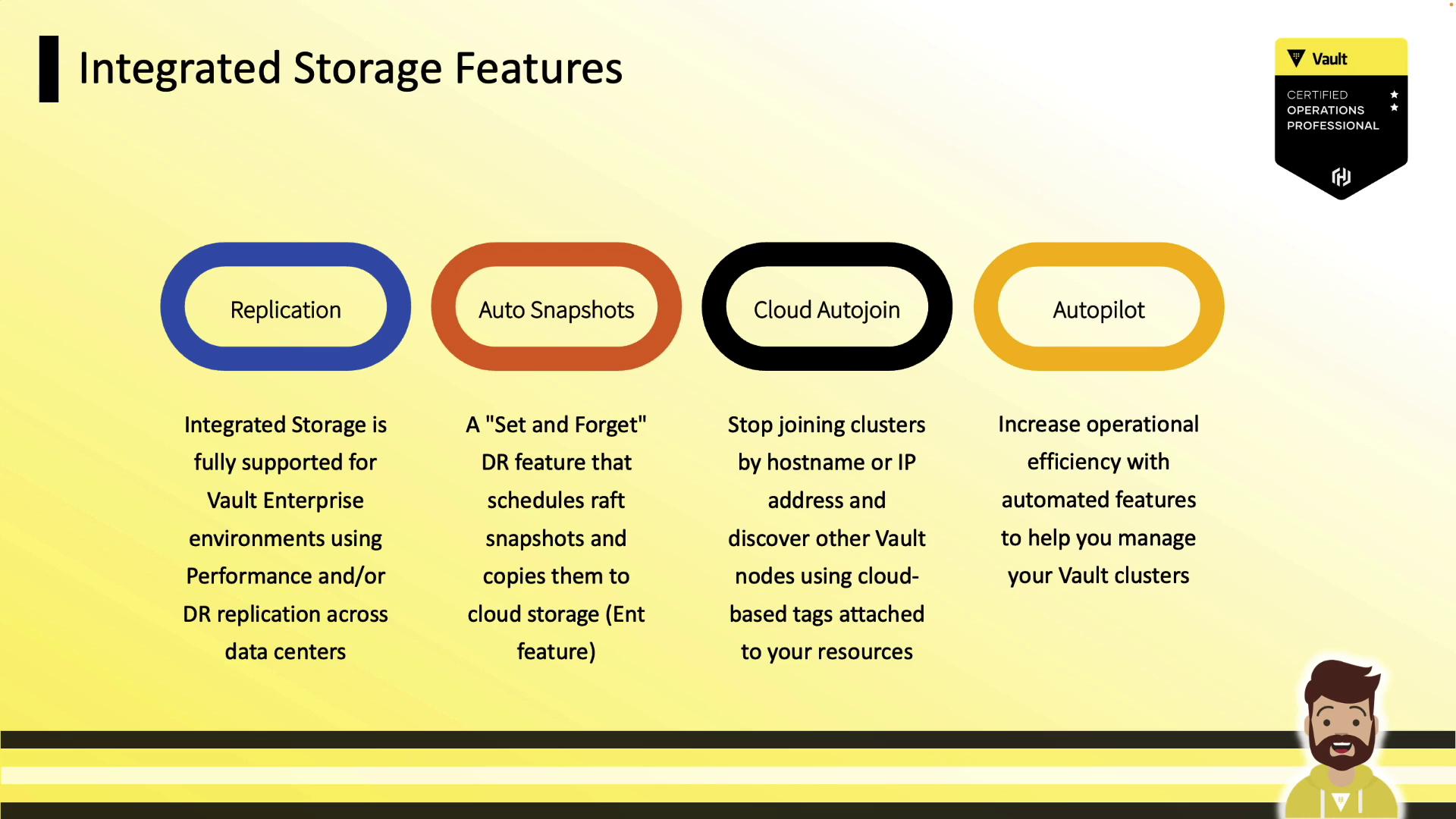
Since version 1.4, Vault’s Integrated Storage has gained:| Feature | Availability |
|---|---|
| Raft Replication | OSS & Enterprise |
| Auto Snapshots | Enterprise |
| Cloud Auto-Join | Enterprise |
| Autopilot (cleanup, upgrades) | Enterprise |
Comparative Advantages
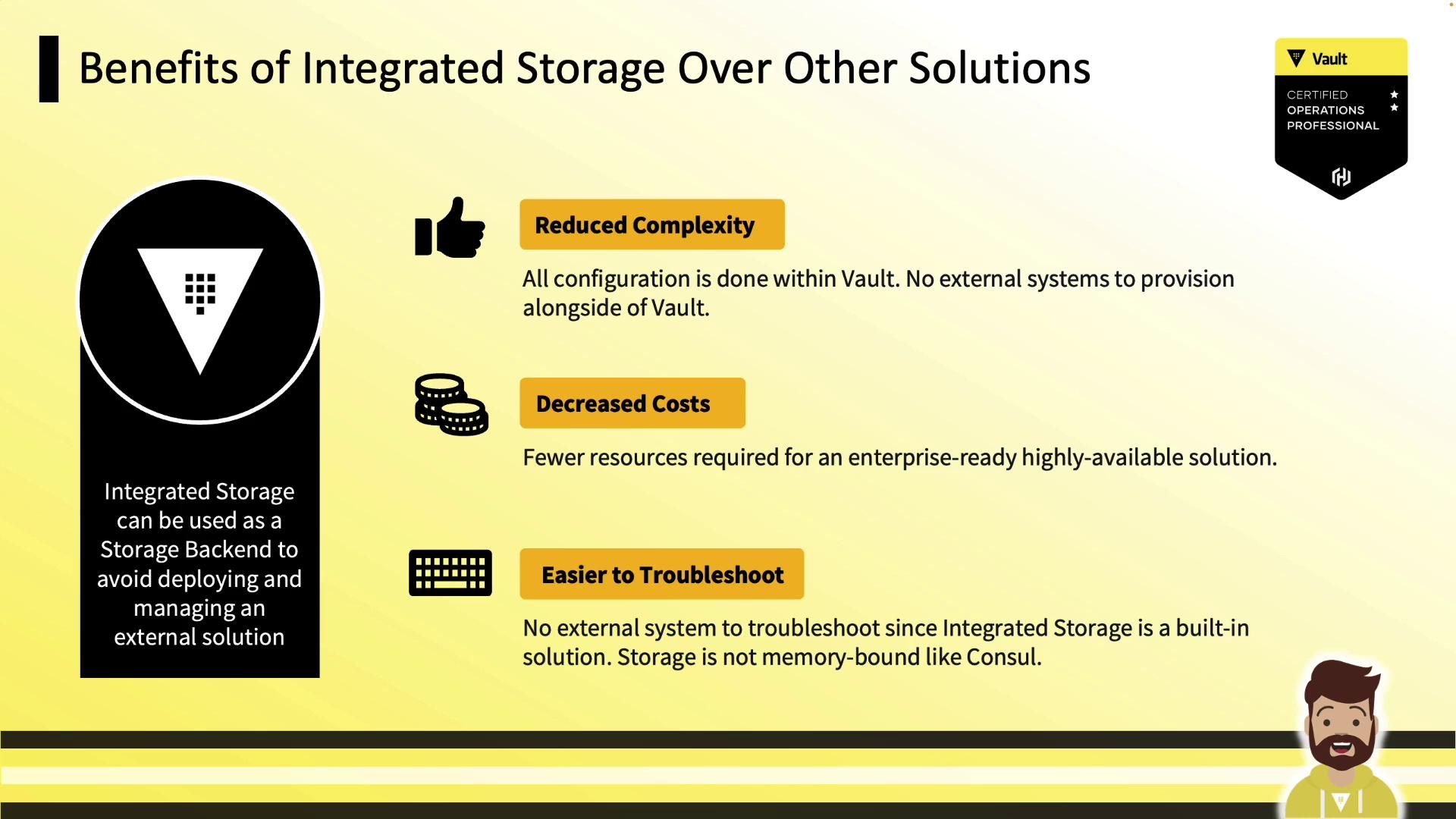
- Lower complexity: Single system for secrets and storage
- Cost savings: No additional Consul cluster or VMs
- Easier troubleshooting: Inspect only Vault logs and metrics
- Disk-backed: No in-memory bottlenecks
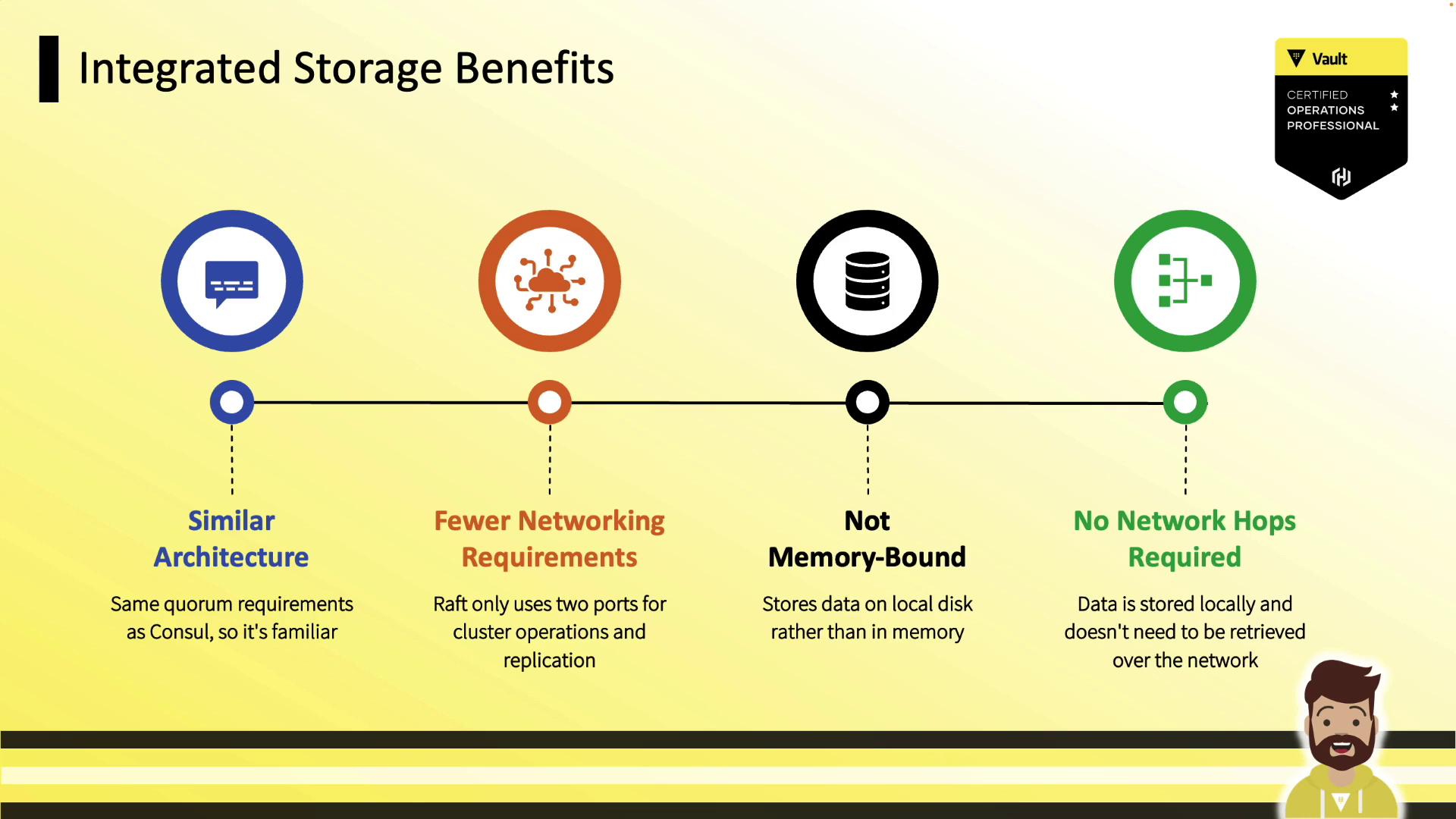
- Familiar Raft if you know Consul
- Only two ports: 8200 (API), 8201 (Raft RPC)
- Durable writes to disk
Reference Architectures
| Architecture | Nodes | Fault Zones | Quorum | Ports |
|---|---|---|---|---|
| Development Cluster | 3 | 3 (AZs or racks) | 2/3 | 8200 & 8201 |
| Production Cluster | 5 | 3 (AZs or racks) | 3/5 | 8200 & 8201 |
| Enterprise Replication | Primary/DR | Multi-region | N/A | 8200 & 8201 |
Development Cluster (3 Nodes)
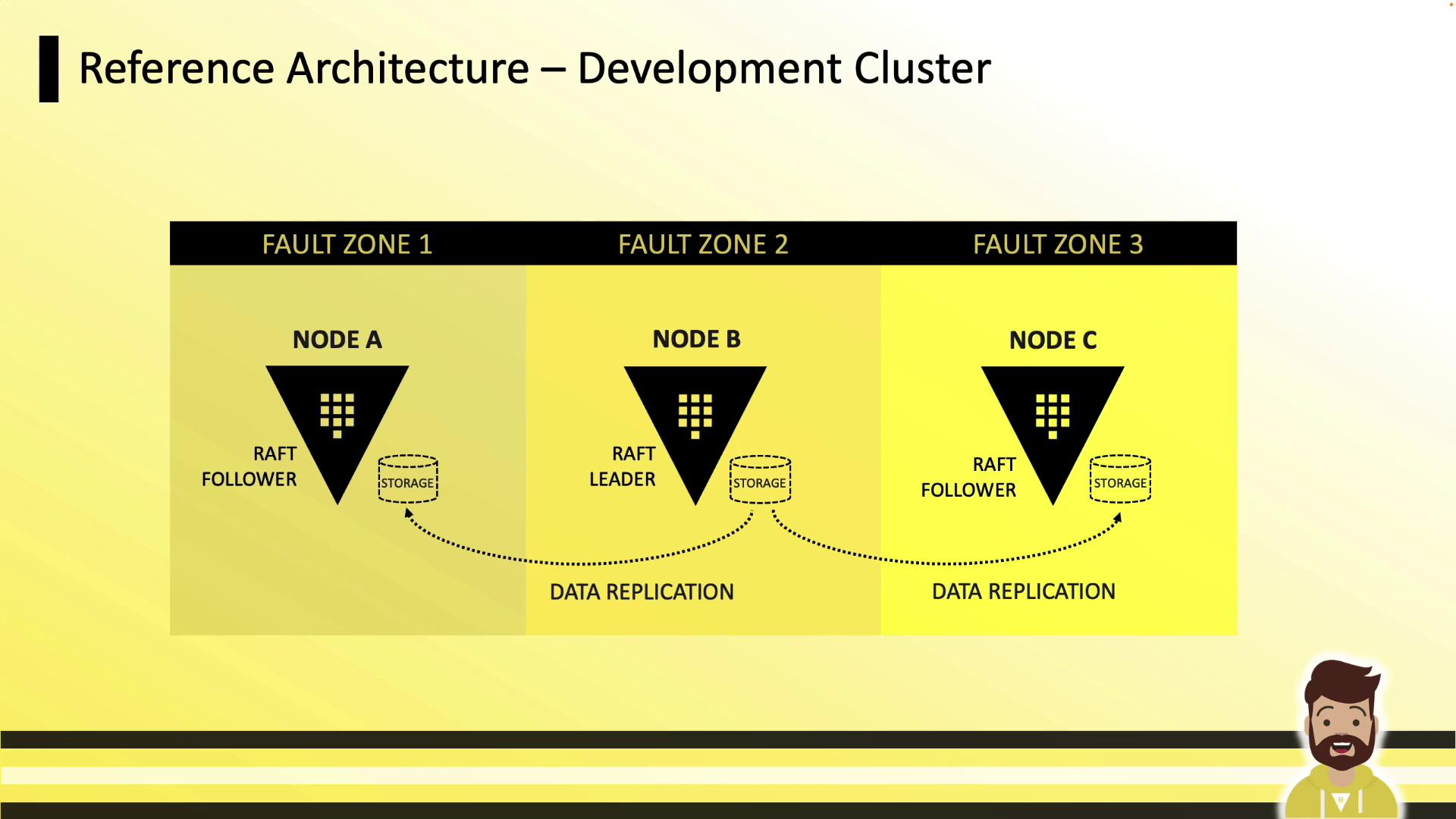
- Three nodes in separate fault zones
- Local disk on each node
- Leader handles replication to followers
Production Cluster (5 Nodes)
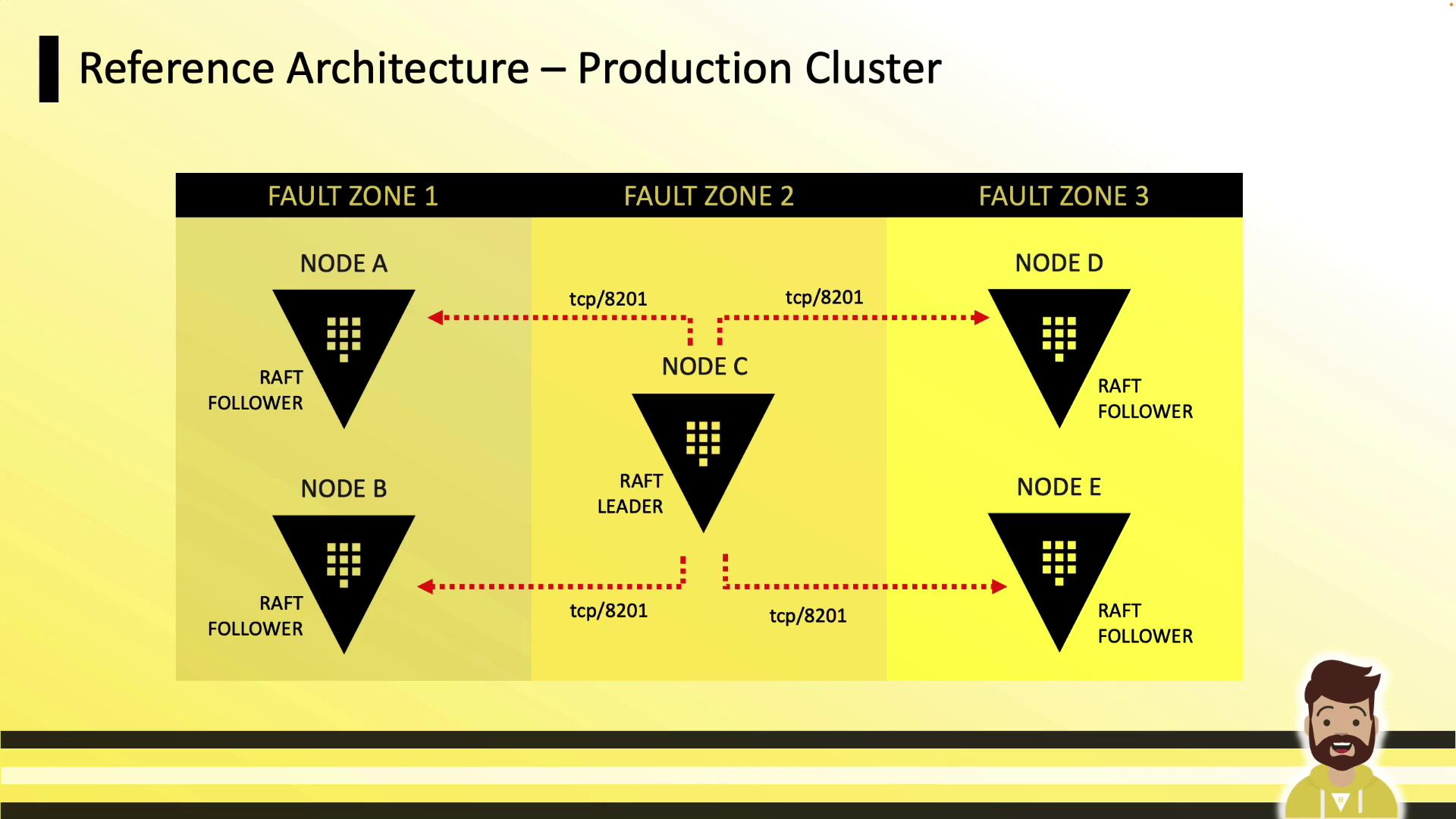
- Five nodes across three zones
- Tolerates up to two node failures (quorum of three)
- TCP 8201 for Raft RPC; 8200 remains API
Enterprise Replication
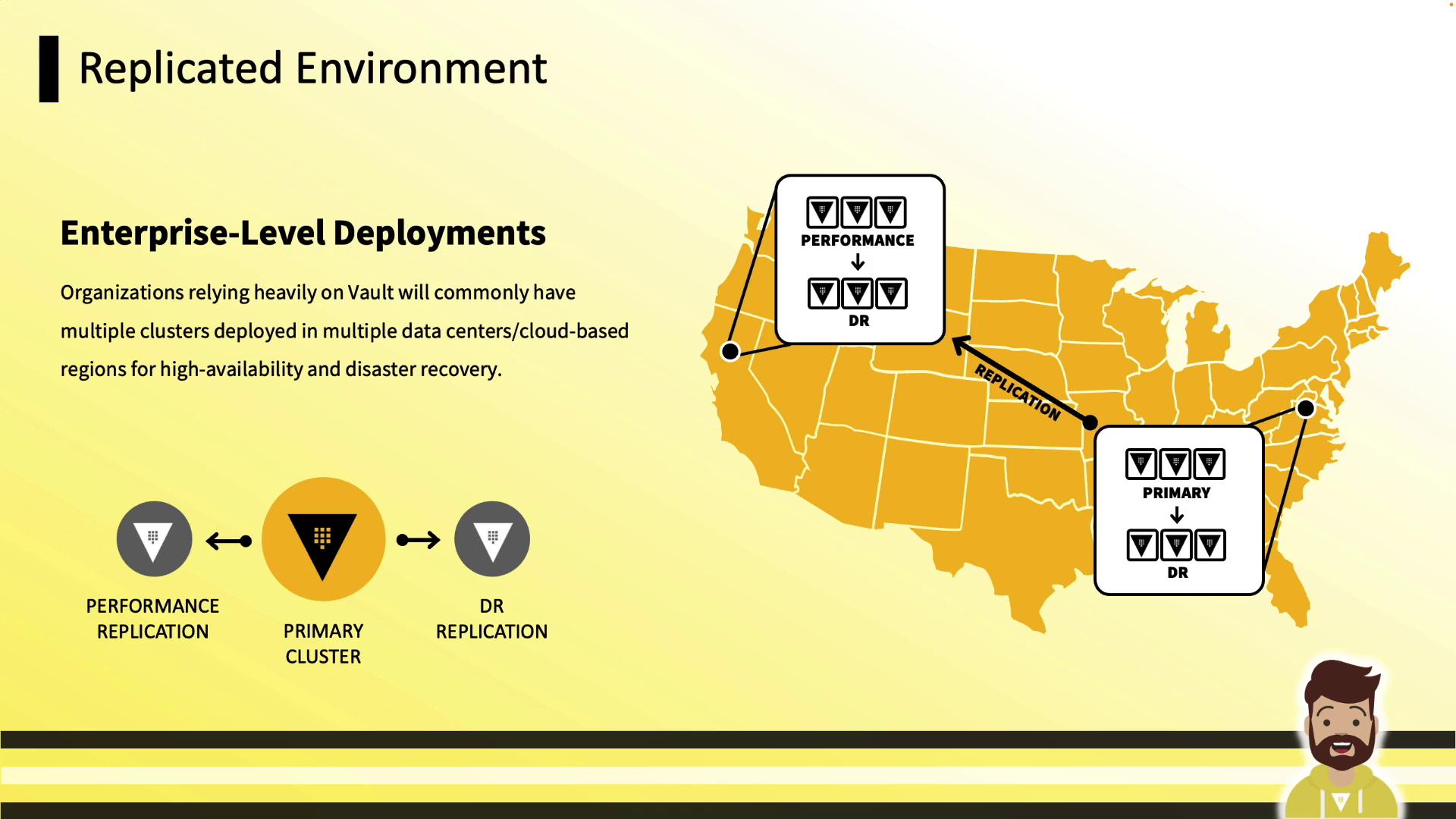
Performance Requirements
| Resource | Recommendation |
|---|---|
| CPU & Memory | Consolidate Vault + Raft; monitor & scale |
| Storage | High-IOPS, ample capacity (disk full → Vault stops) |
| Networking | Low latency, high throughput between nodes |
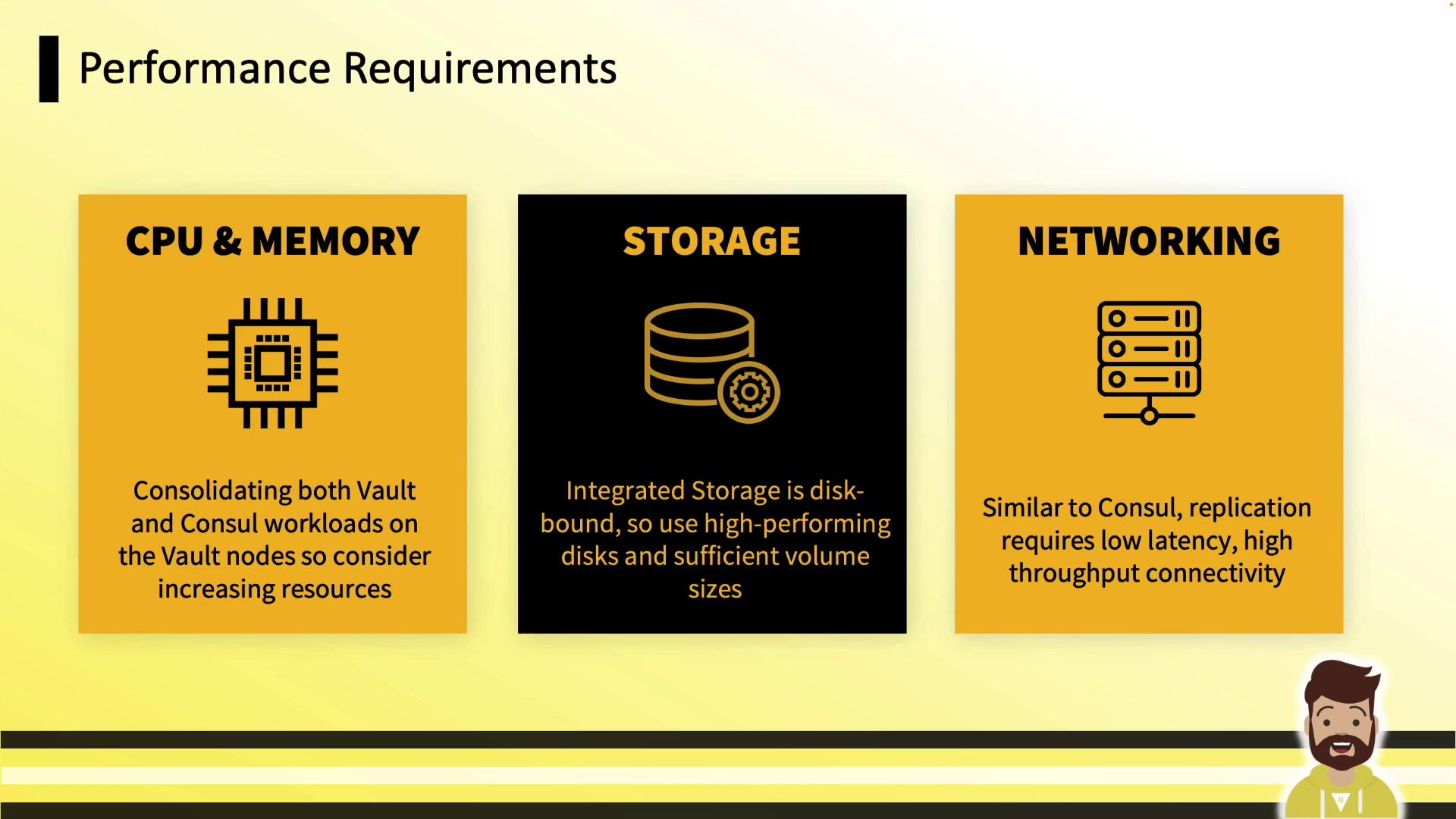
If storage fills up, Vault will halt. Monitor disk usage closely.
Configuration Overview
Add an Integrated Storage stanza to your Vault HCL configuration (see Vault Raft Storage Docs):Common storage "raft" Parameters
path: Local directory for Raft data (use high-performance disk)node_id: Unique identifier for this noderetry_join: Discovery and join strategy (static or cloud auto-join)performance_multiplier: Adjust election & heartbeat intervals
Retry Join Options
Vault supports two methods to join a Raft cluster:- Static Join: Specify
leader_api_addrfor existing nodes. - Cloud Auto-Join: Use
auto_joinwith cloud tags (AWS, Azure, GCP).
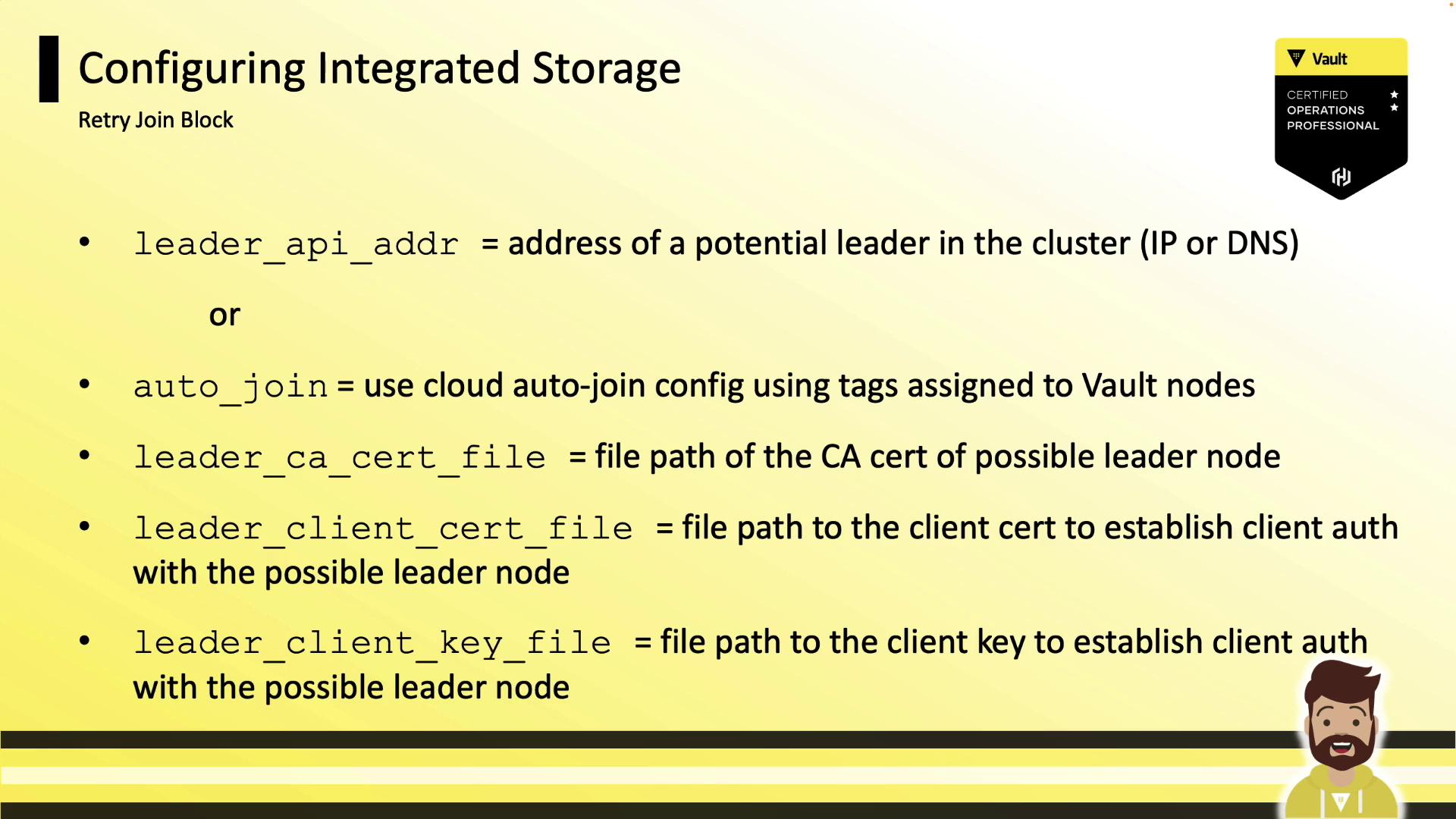
retry_join blocks to cover diverse discovery methods:
Cluster Initialization & Day-2 Operations
1. Initialize and Unseal the First Node
2. Join Additional Nodes
On each follower:3. Remove a Node Gracefully
4. View Cluster Membership
5. Raft Snapshots
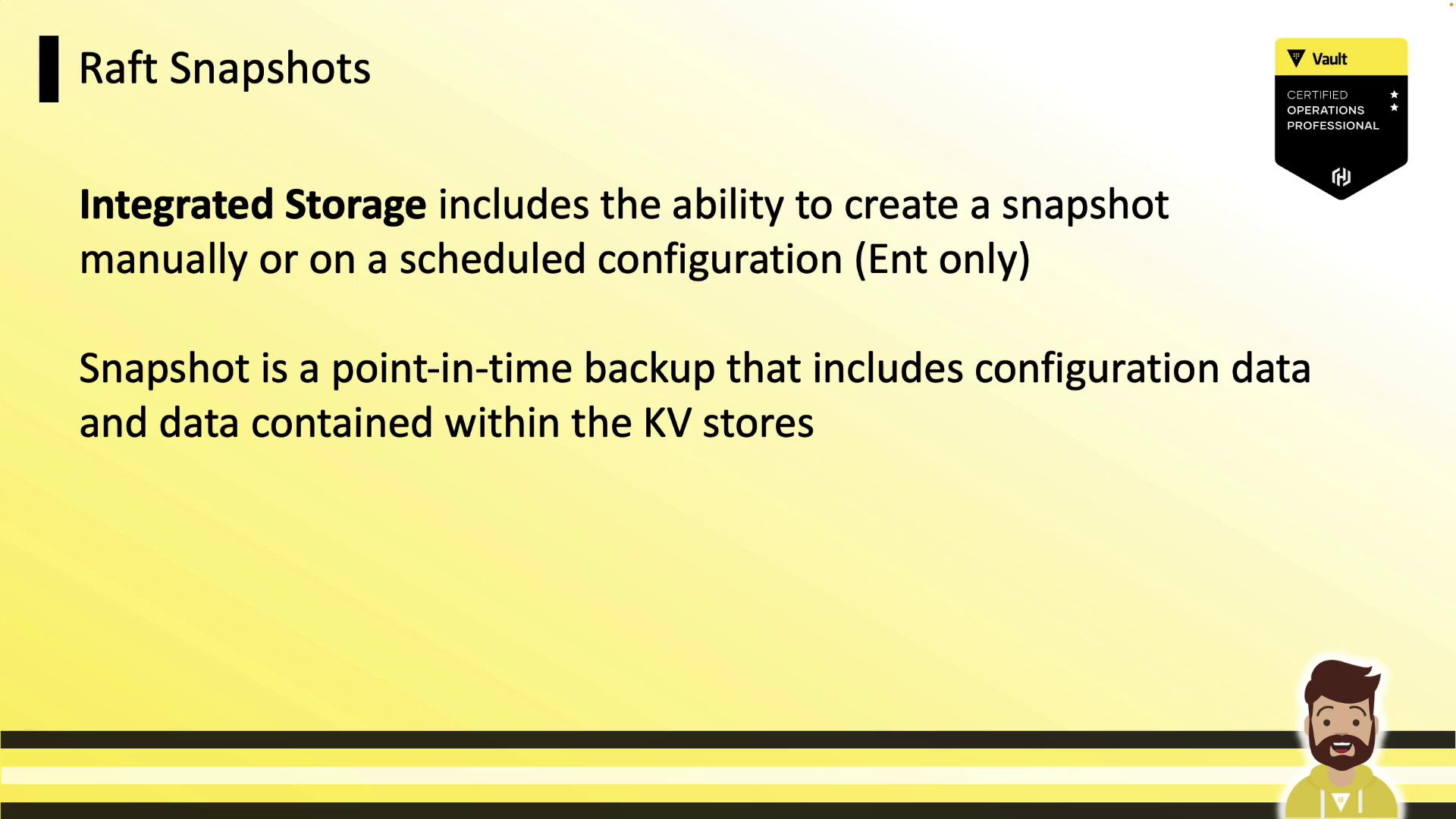
Manual Snapshot
Restore from Snapshot
Integrated Storage is now the default choice for Vault clusters, offering durability, high availability, and simplified operations without sacrificing performance. Use these guidelines to plan, configure, and manage your Vault Integrated Storage deployments effectively.