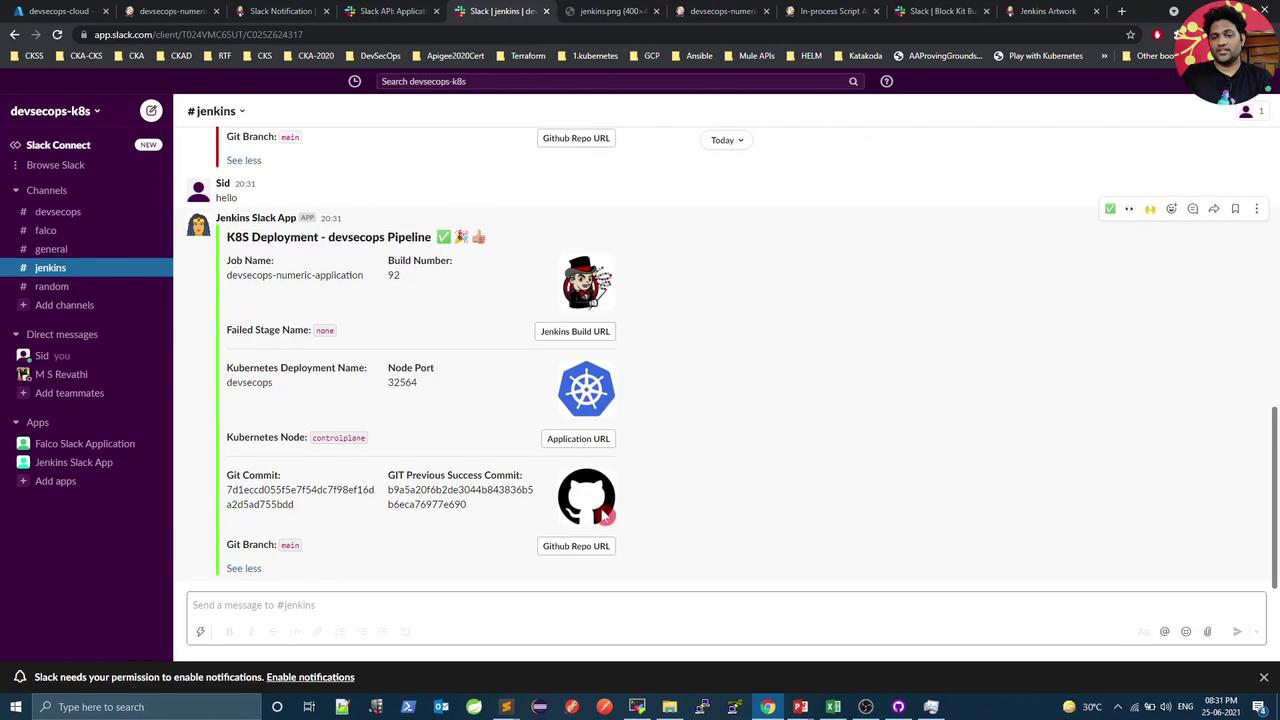
Learn to identify failed stages in Jenkins Pipelines and send notifications to Slack without redundant failure blocks.
In this lesson, you’ll learn how to programmatically determine which stage failed in a Jenkins Pipeline and send that stage name to Slack—all without adding redundant post { failure { … } } blocks to every stage.
Adding post { failure { … } } to each stage quickly becomes unmanageable as pipelines grow. Instead, we’ll use the Jenkins Blue Ocean Plugin API at the end of the build to discover failed stages automatically.
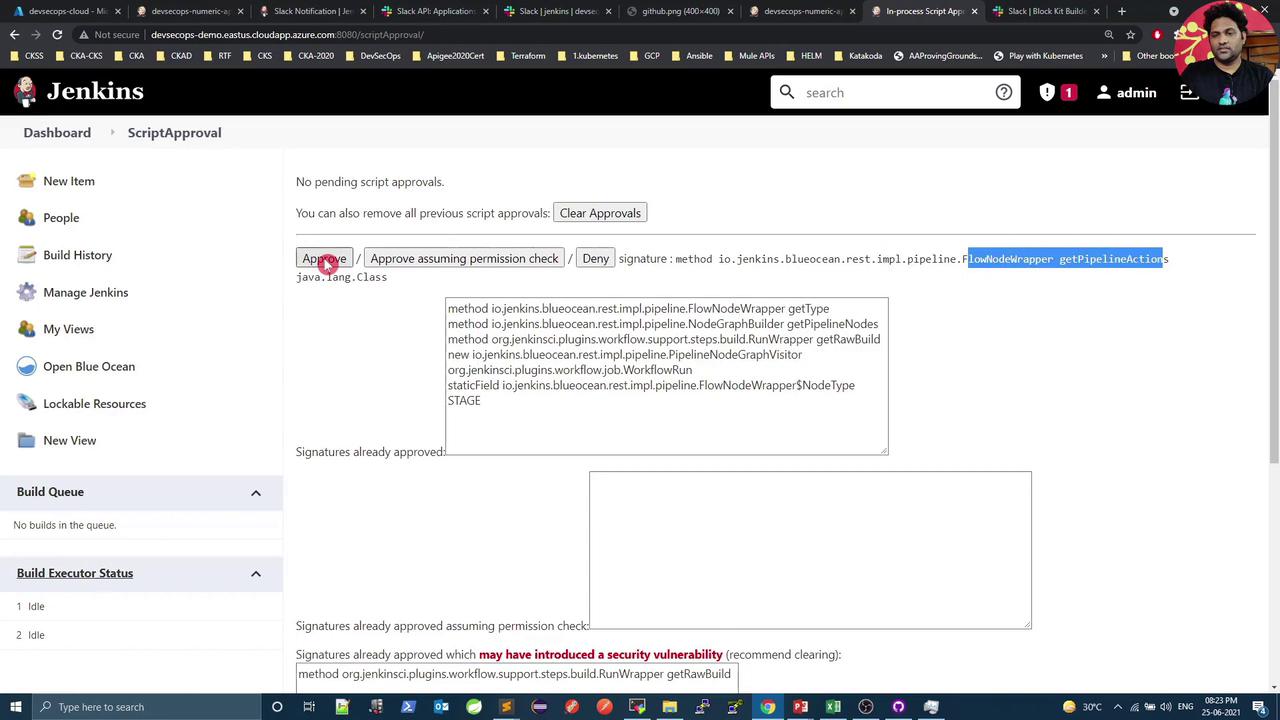
Define two Groovy helper methods—getStageResults to collect stage data and getFailedStages to extract failures. Place these in a Shared Library or at the top of your Jenkinsfile.
The methods are annotated with @NonCPS to ensure they run outside the Pipeline CPS engine.
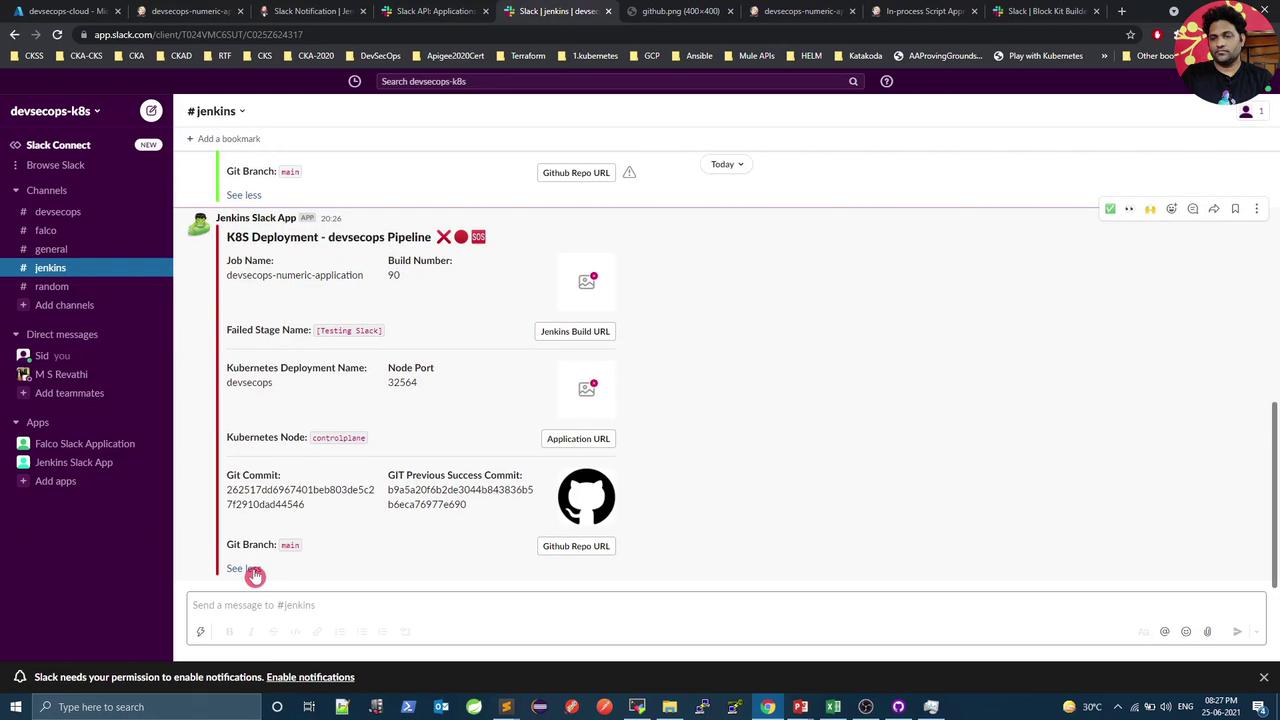
Below is a sample pipeline illustrating how to use these methods in the post section. On failure, we extract the first failed stage name and embed it in a Slack alert.
Leveraging the Jenkins Blue Ocean API to detect failed stages keeps your pipeline concise and scalable. You’ll get accurate Slack alerts pinpointing the exact stage that failed—no repetitive post { failure { … } } blocks required.