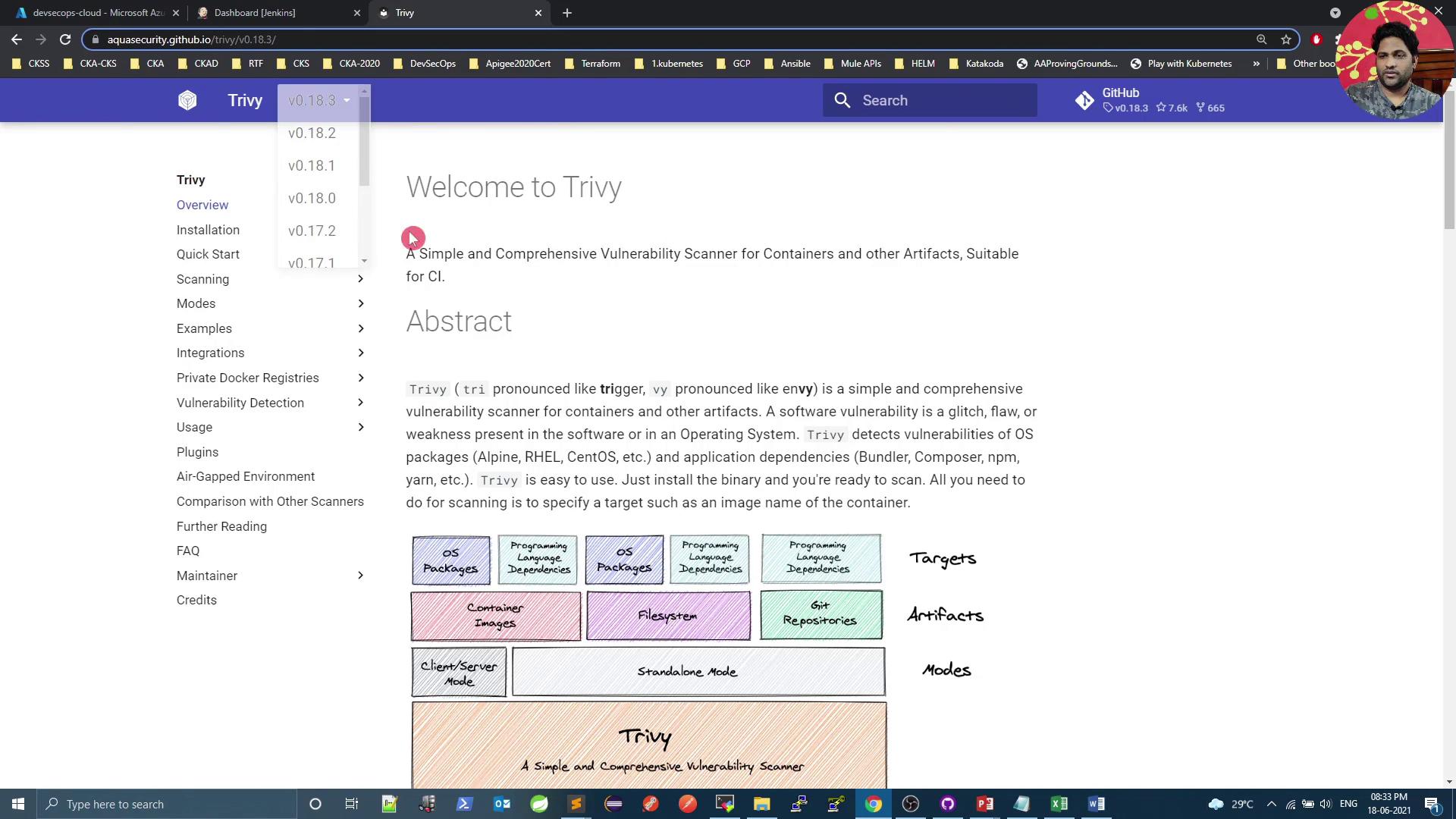
This tutorial demonstrates using Trivy to scan container images for vulnerabilities in Docker.
In this tutorial, we’ll use Trivy—the open-source vulnerability scanner from Aqua Security—to analyze a base image defined in your Dockerfile. Trivy can operate in standalone or client-server mode and supports three artifact types:
Container images
File systems
Git repositories
Throughout this guide, we’ll focus on scanning container images with Trivy’s Docker image.
Refer to the official Trivy Documentation for detailed information on supported targets and scanning modes.
Scan the python:3.4-alpine image and cache the vulnerability database locally:
Copy
Ask AI
docker run --rm \ -v $HOME/Library/Caches:/root/.cache/ \ aquasec/trivy:0.18.3 \ python:3.4-alpine
Sample output:
Copy
Ask AI
2021-06-18T15:04:39.306Z INFO Detected OS: alpine2021-06-18T15:04:39.306Z INFO Detecting Alpine vulnerabilities...2021-06-18T15:04:39.306Z WARN This OS version is no longer supported: alpine 3.9.2Total: 37 (UNKNOWN: 0, LOW: 4, MEDIUM: 16, HIGH: 13, CRITICAL: 4)...
Mounting a cache directory speeds up repeated scans by storing the vulnerability database locally.
docker run --rm \ -v $HOME/Library/Caches:/root/.cache/ \ aquasec/trivy:0.18.3 \ --severity CRITICAL \ --exit-code 1 \ python:3.4-alpineecho $? # Returns 1 if any CRITICAL vulnerabilities are detected
Ignore LOW severity issues while still failing on HIGH+:
Copy
Ask AI
docker run --rm \ -v $HOME/Library/Caches:/root/.cache/ \ aquasec/trivy:0.18.3 \ --severity LOW \ --exit-code 0 \ python:3.4-alpineecho $? # Always returns 0, even if LOW or MEDIUM are found