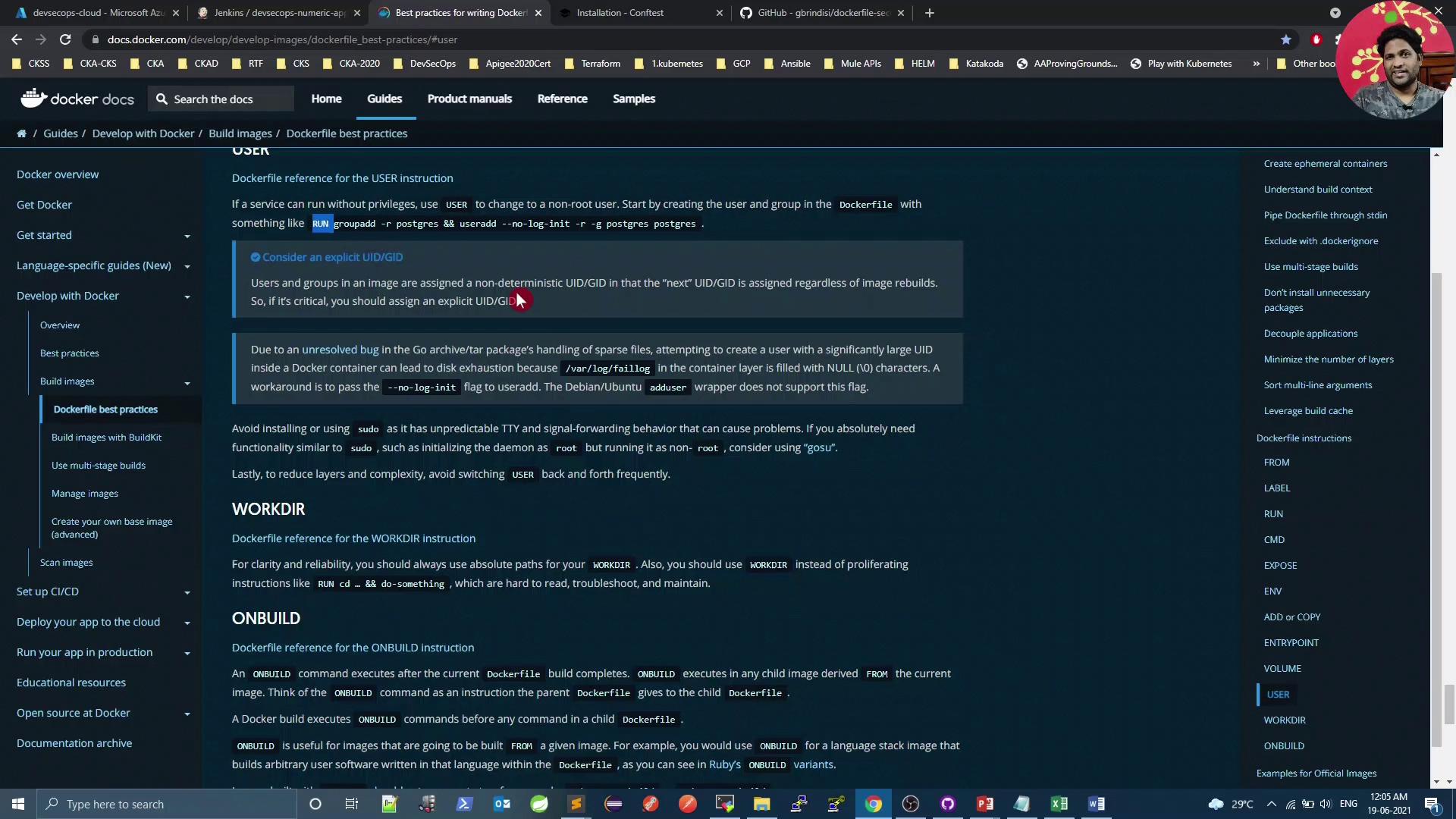
In this tutorial, we’ll show you how to automatically enforce Dockerfile security best practices using Open Policy Agent’s Conftest. You’ll learn to:
Review key Dockerfile guidelines
Understand Kubernetes’ default container user
Install and configure Conftest
Write and run Rego policies against your Dockerfile
Integrate policy checks into a CI/CD pipeline
Remediate common security violations
Table of Contents Dockerfile Security Best Practices Follow Docker’s official guidelines to reduce vulnerabilities:
Best Practice Description Example Minimal base image Use smaller images (e.g., Alpine) to reduce attack surface. FROM alpine:3.15Pin image tags Avoid floating latest tags. FROM nginx:1.21.0Use COPY over ADD Prevent unintended archive extraction or remote downloads. COPY src/ /app/Non-root user Create and switch to a non-root account. USER appuserCombine RUN steps Limit image layers by chaining commands. RUN apk add --no-cache curl && rm -rf /var/cache/apk/*Secure ENV vars Do not embed secrets in ENV. Use runtime Kubernetes Secrets .
Example: building a minimal BusyBox image
mkdir myproject && cd myproject echo "hello" > hello cat > Dockerfile << EOF FROM busybox COPY hello / RUN cat /hello EOF docker build -t helloapp:v1 .
Good vs. avoid:
# GOOD: simple file copy COPY requirements.txt /tmp/ RUN pip install --requirement /tmp/requirements.txt # AVOID if you just need to copy (adds unused tar extraction) ADD https://example.com/big.tar.xz /usr/src/things/
To run as non-root:
FROM alpine:3.15 RUN addgroup -S appgrp && adduser -S appuser -G appgrp WORKDIR /home/appuser COPY app.sh . USER appuser CMD [ "./app.sh" ]
Default Container User in Kubernetes By default, containers run as root in Kubernetes pods1
$ kubectl get pods NAME READY STATUS RESTARTS AGE app-5d8f7f6c67-abcde 1/1 Running 0 10m $ kubectl exec -it app-5d8f7f6c67-abcde -- id uid = 0 ( root ) gid = 0 ( root ) groups = 0 ( root ) ,1 ( bin ) ,2 ( daemon ) ,...
Running containers as root increases risk of privilege escalation. Always switch to a non-root user in your Dockerfile.
Installing OPA Conftest Conftest evaluates your Dockerfile against custom policies written in Rego.Linux
wget \ https://github.com/open-policy-agent/conftest/releases/download/v0.24.0/conftest_0.24.0_Linux_x86_64.tar.gz tar xzf conftest_0.24.0_Linux_x86_64.tar.gz sudo mv conftest /usr/local/bin
macOS
Windows (Scoop)
Alternatively, use the official Docker image:docker pull openpolicyagent/conftest
Writing Rego Policies Create a file opa-docker-security.rego containing rules like:
package main # 1. Block secrets in ENV keys secrets_env = ["passwd", "password", "secret", "key", "token", "apikey"] deny[msg] { input[i].Cmd == "env" val = lower(input[i].Value) contains(val, secrets_env[_]) msg = sprintf("Line %d: Potential secret in ENV key: %s", [i, input[i].Value]) } # 2. Trusted base images only (no slash) deny[msg] { input[i].Cmd == "from" count(split(input[i].Value[0], "/")) > 1 msg = sprintf("Line %d: Use a trusted base image", [i]) } # 3. No 'latest' tags deny[msg] { input[i].Cmd == "from" parts = split(input[i].Value[0], ":") contains(lower(parts[1]), "latest") msg = sprintf("Line %d: Do not use 'latest' tag for base images", [i]) } # 4. Avoid curl/wget in RUN deny[msg] { input[i].Cmd == "run" val = lower(concat(" ", input[i].Value)) matches = regex.find_all("(curl|wget)[^ ]*", val, -1) count(matches) > 0 msg = sprintf("Line %d: Avoid curl/wget in RUN", [i]) } # 5. No system upgrades in RUN upgrade_cmds = ["apk upgrade", "apt-get upgrade", "dist-upgrade"] deny[msg] { input[i].Cmd == "run" val = lower(concat(" ", input[i].Value)) contains(val, upgrade_cmds[_]) msg = sprintf("Line %d: Do not upgrade system packages in Dockerfile", [i]) } # 6. COPY not ADD deny[msg] { input[i].Cmd == "add" msg = sprintf("Line %d: Use COPY instead of ADD", [i]) } # 7. Must switch from root any_user { input[i].Cmd == "user" } deny[msg] { not any_user msg = "Use USER to switch from root" }
Scanning a Dockerfile with Conftest Given Dockerfile:
FROM adoptopenjdk/openjdk8:alpine-slim EXPOSE 8080 ARG JAR_FILE=target/*.jar ADD ${JAR_FILE} app.jar ENTRYPOINT [ "java" , "-jar" , "app.jar" ]
Run:
docker run --rm -v $( pwd ) :/project \ openpolicyagent/conftest test \ --policy opa-docker-security.rego Dockerfile
Output:
FAIL - Dockerfile - main - Line 3: Use COPY instead of ADD FAIL - Dockerfile - main - Do not run as root, use USER instead FAIL - Dockerfile - main - Line 1: Use a trusted base image
CI/CD Integration Add a Conftest scan to your Jenkins pipeline:
stage( 'Vulnerability Scan - Docker' ) { steps { parallel ( 'Dependency Scan' : { sh 'mvn dependency-check:check' }, 'Trivy Scan' : { sh 'bash trivy-docker-image-scan.sh' }, 'OPA Conftest' : { sh """ docker run --rm -v \$ (pwd):/project \ openpolicyagent/conftest test \ --policy opa-docker-security.rego Dockerfile """ } ) } }
A Conftest failure will halt the pipeline and highlight policy violations.
Fixing Policy Violations
Trusted base images – comment or adjust the rule if using a private registry.Replace ADD with COPY .Create and switch to a non-root user .
Adjusted Rego (disable trusted-base-image rule) package main # # Block untrusted base images # deny[msg] { # input[i].Cmd == "from" # count(split(input[i].Value[0], "/")) > 1 # msg = sprintf("Line %d: Use a trusted base image", [i]) # ... other rules unchanged ...
Revised Dockerfile FROM adoptopenjdk/openjdk8:alpine-slim EXPOSE 8080 ARG JAR_FILE=target/*.jar # Create non-root user RUN addgroup -S k8s-pipeline \ && adduser -S k8s-pipeline -G k8s-pipeline # Copy artifact & switch user COPY ${JAR_FILE} /home/k8s-pipeline/app.jar USER k8s-pipeline ENTRYPOINT [ "java" , "-jar" , "/home/k8s-pipeline/app.jar" ]
Commit and push your changes, then rerun the pipeline.
Verifying the Fixes docker run --rm -v $( pwd ) :/project \ openpolicyagent/conftest test \ --policy opa-docker-security.rego Dockerfile # 8 tests, 8 passed, 0 warnings, 0 failures, 0 exceptions
Deploy to Kubernetes and confirm non-root:
$ kubectl get pods NAME READY STATUS RESTARTS AGE app-7f9c5b4d8d-xyz12 1/1 Running 0 1m $ kubectl exec -it app-7f9c5b4d8d-xyz12 -- id uid = 100 ( k8s-pipeline ) gid = 101 ( k8s-pipeline ) groups = 101 ( k8s-pipeline )
References