

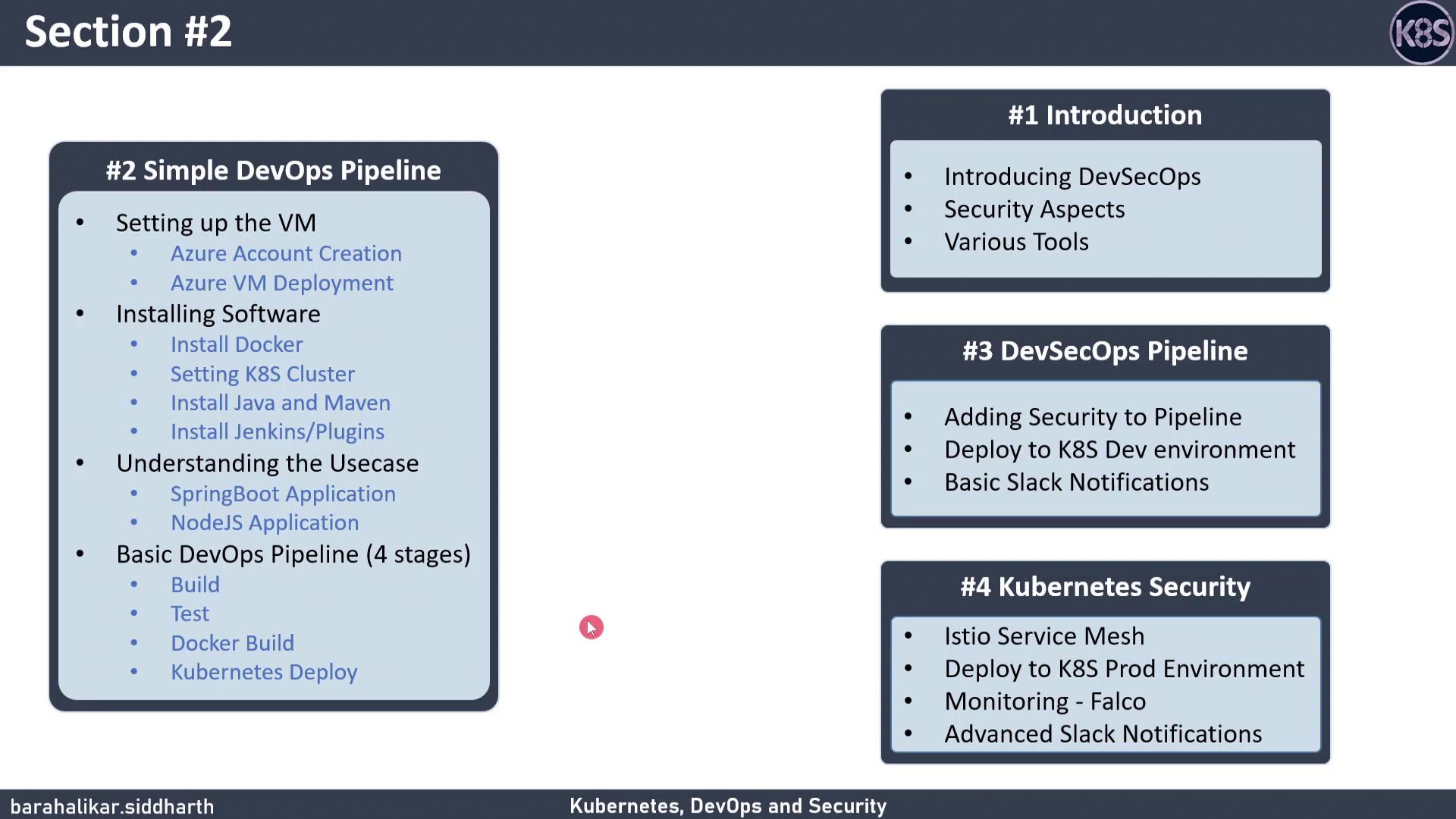
| Step | Description | Script Location |
|---|---|---|
| 1 | Set up a free Azure account | scripts/create-azure-account.sh |
| 2 | Create a Linux virtual machine | scripts/create-vm.sh |
| 3 | Deploy a single-node Kubernetes cluster | scripts/deploy-k8s-cluster.sh |
| 4 | Install software for hands-on labs | scripts/install-lab-software.sh |
Make sure you have:
- A Microsoft account to sign up for Azure Free Account.
azCLI installed locally.- Basic familiarity with Kubernetes Basics and Jenkins Pipelines.
1. Set Up a Free Azure Account
- Navigate to the Azure free tier page.
- Complete the sign-up form to obtain $200 in credits.
- Verify your email and phone number.
Free credits expire after 30 days. Monitor your usage in the Azure Portal to avoid unexpected charges.
2. Create a Virtual Machine
Use the Azure CLI to spin up a Linux VM:3. Deploy a Single-Node Kubernetes Cluster
Install Kubernetes withkubeadm:
4. Install Software for Hands-On Labs
Install common DevOps tools:5. Create a Basic Jenkins Pipeline
Here’s a simpleJenkinsfile with four stages: