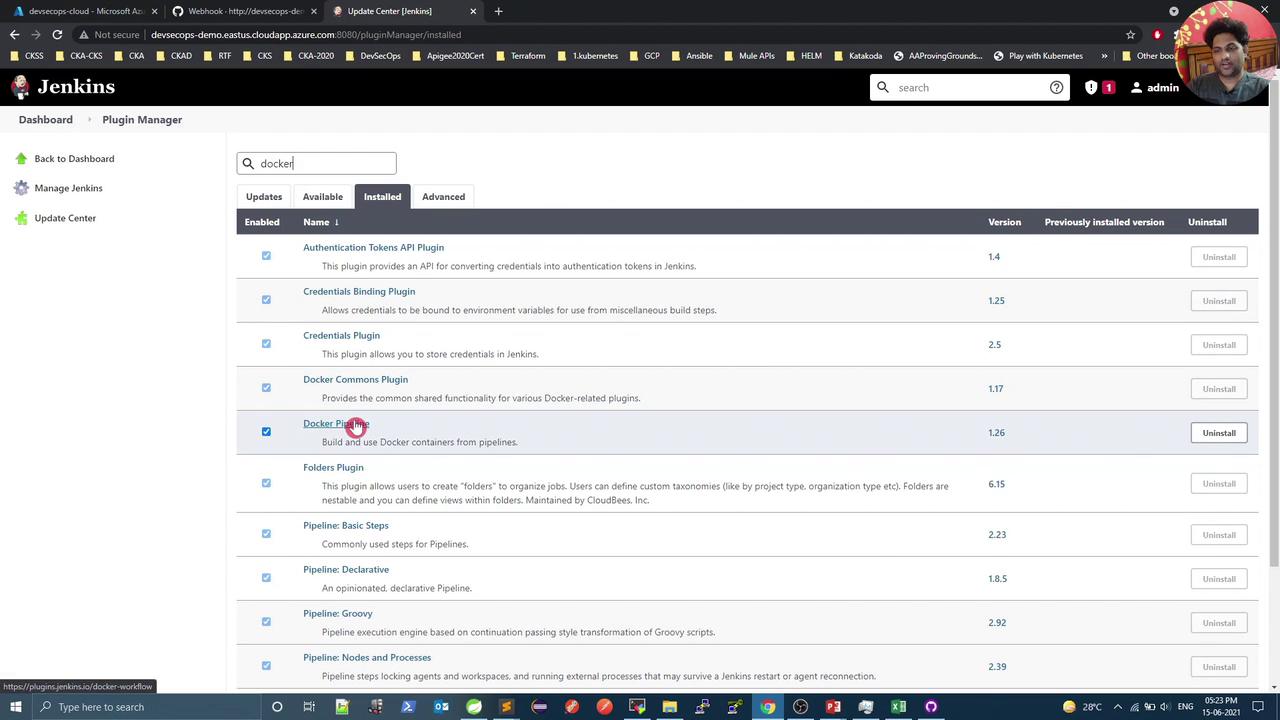
This article provides a guide to build and push a Docker image using a Jenkins Pipeline with Maven and Spring Boot.
In this hands-on guide, you’ll use a Jenkins Pipeline to build a Spring Boot JAR with Maven, run unit tests, then build and push a Docker image to Docker Hub, tagging it with the Git commit SHA.
On the VM where Docker runs, list existing images:
Copy
Ask AI
root@devsecops-cloud:~$ docker imagesREPOSITORY TAG IMAGE ID CREATED SIZEweaveworks/weave-npc latest d1a364dc548d 2 weeks ago 133MBweaveworks/weave-kube 2.8.1 f792d56d4ff 6 months ago 39.3MBk8s.gcr.io/kube-proxy v1.20.0 df29c2434e6 6 months ago 89MB...
Trigger the pipeline. The Docker Build step succeeds but the Push fails:
Copy
Ask AI
Successfully built c2552997972aSuccessfully tagged siddharth67/numeric-app:936d67ea8d593e435dcdf8878fef8578c71c886The push refers to repository [docker.io/siddharth67/numeric-app]denied: requested access to the resource is denied
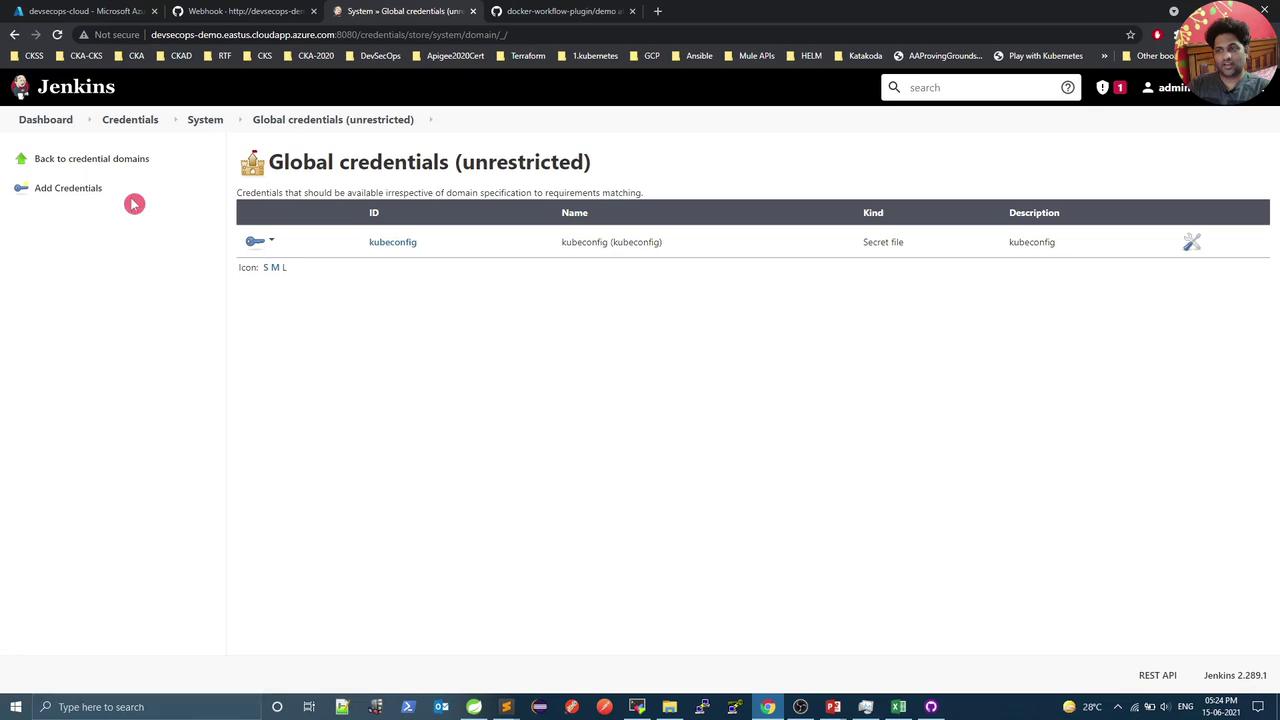
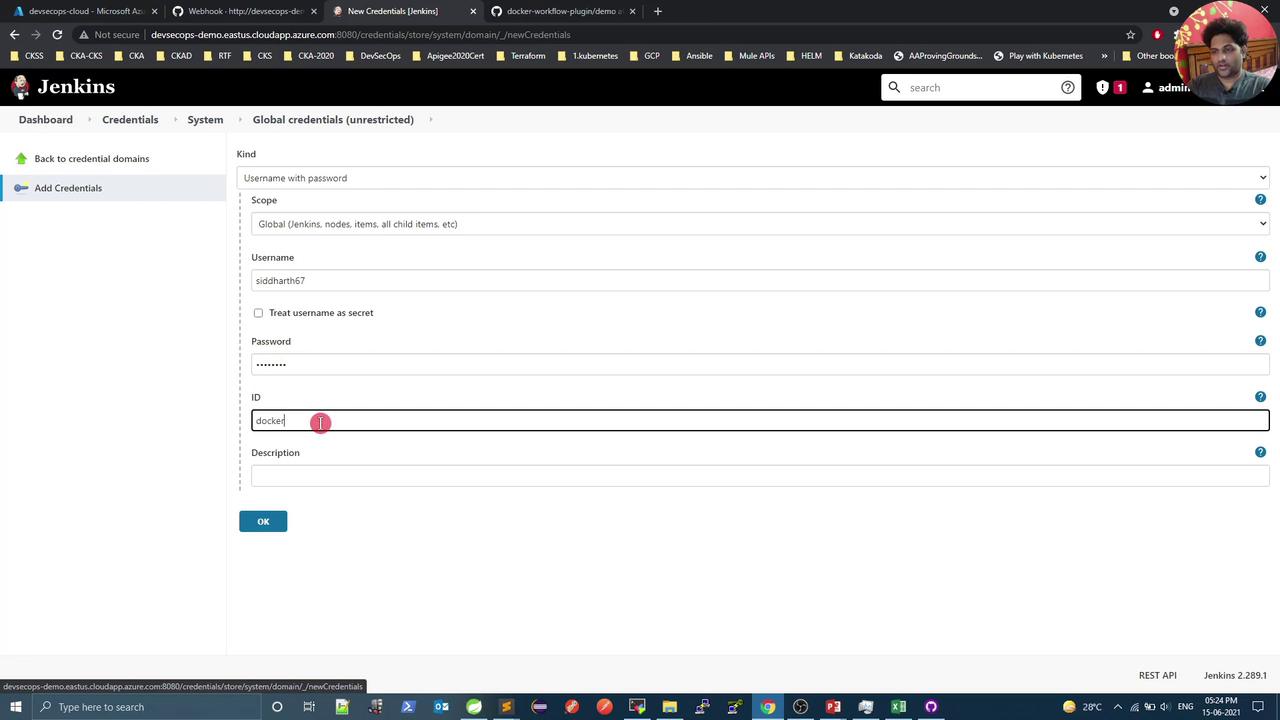
Push failure means Jenkins doesn’t have Docker Hub credentials configured.
root@devsecops-cloud:~$ docker imagesREPOSITORY TAG IMAGE ID CREATED SIZEsiddharth67/numeric-app 8be376a2279c6b3d924c62779a9e90c71 a014560b0908 32 seconds ago 122MBsiddharth67/numeric-app 93d6e7e8ad593a435bcdf8787b7fe8f5 c52599977e7a 4 minutes ago 122MBnginx latest d1a364dc548d 2 weeks ago 133MB...
You’ve now successfully built and pushed your Docker image. Next, integrate deployment to your Kubernetes cluster via the Jenkins Pipeline.