

- Overview of the CIS Benchmark PDF
- Manual Kubelet anonymous-auth check
- Installing and running kube-bench
- Parsing JSON output with
jq - CI/CD integration with Jenkins
CIS Kubernetes Benchmark PDF
Download the official CIS Kubernetes Benchmark from the CIS website:CIS Kubernetes Benchmark requires an email to access the PDF.
The PDF contains ~270 pages of guidelines, organized by test IDs per component. For instance, 4.2.1 in Worker Node Security Configuration verifies
--anonymous-auth=false.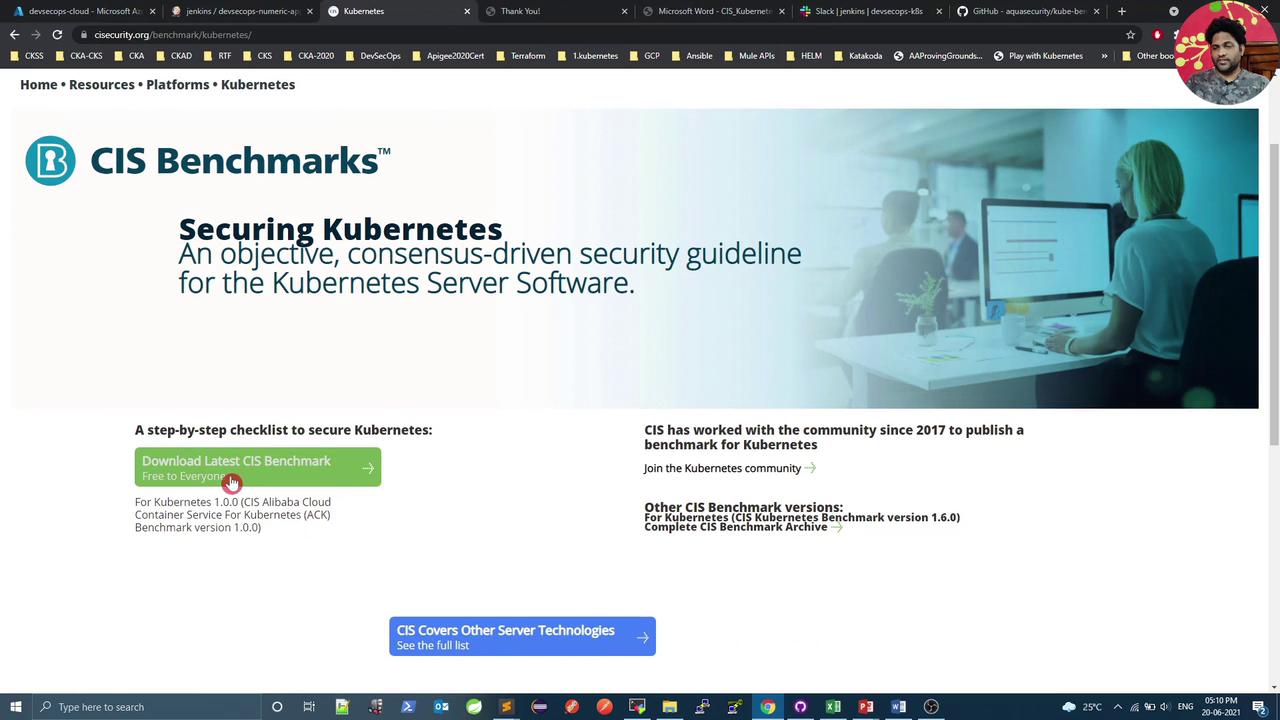

Manual Check: Kubelet Anonymous Auth
On a kubeadm-provisioned node, verify the running Kubelet process and its config file:config.yaml, confirm anonymous auth is disabled:
If anonymous auth is set to
true, update the YAML, then reload and restart the service:Installing kube-bench
kube-bench on GitHub is a Go-based tool from Aqua Security that automates CIS checks. To install on Ubuntu: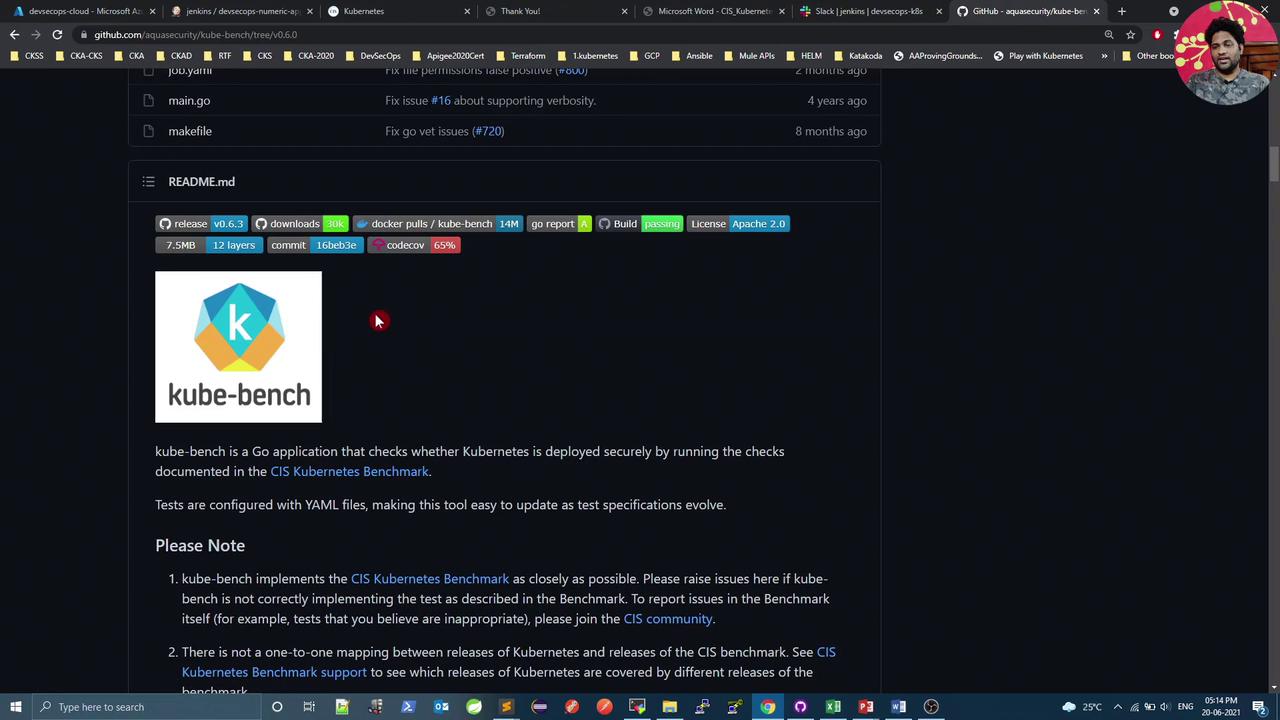
Running kube-bench
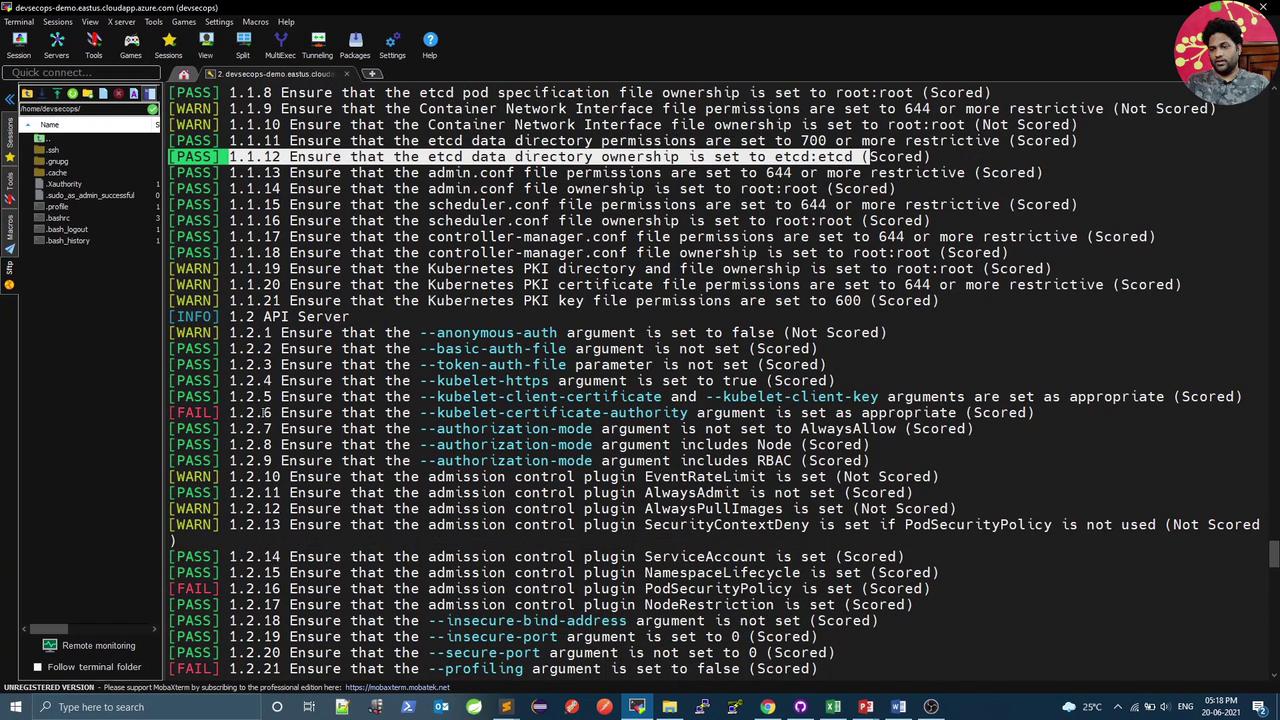
Execute all CIS checks (master, node, etcd, control plane):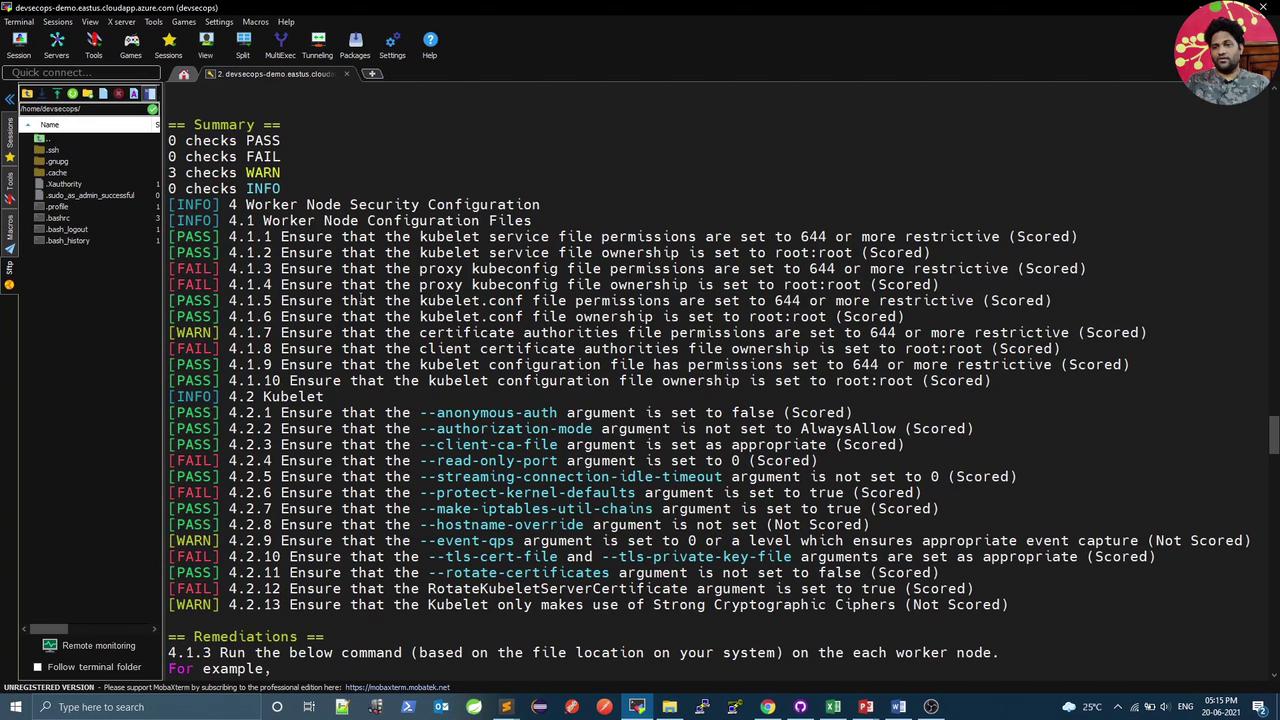
| Component | Command | Description |
|---|---|---|
| All | kube-bench | Run all CIS checks |
| Master | kube-bench master | Validate control plane configurations |
| Node | kube-bench node | Inspect worker node settings |
| Etcd | kube-bench etcd | Check etcd data store security |
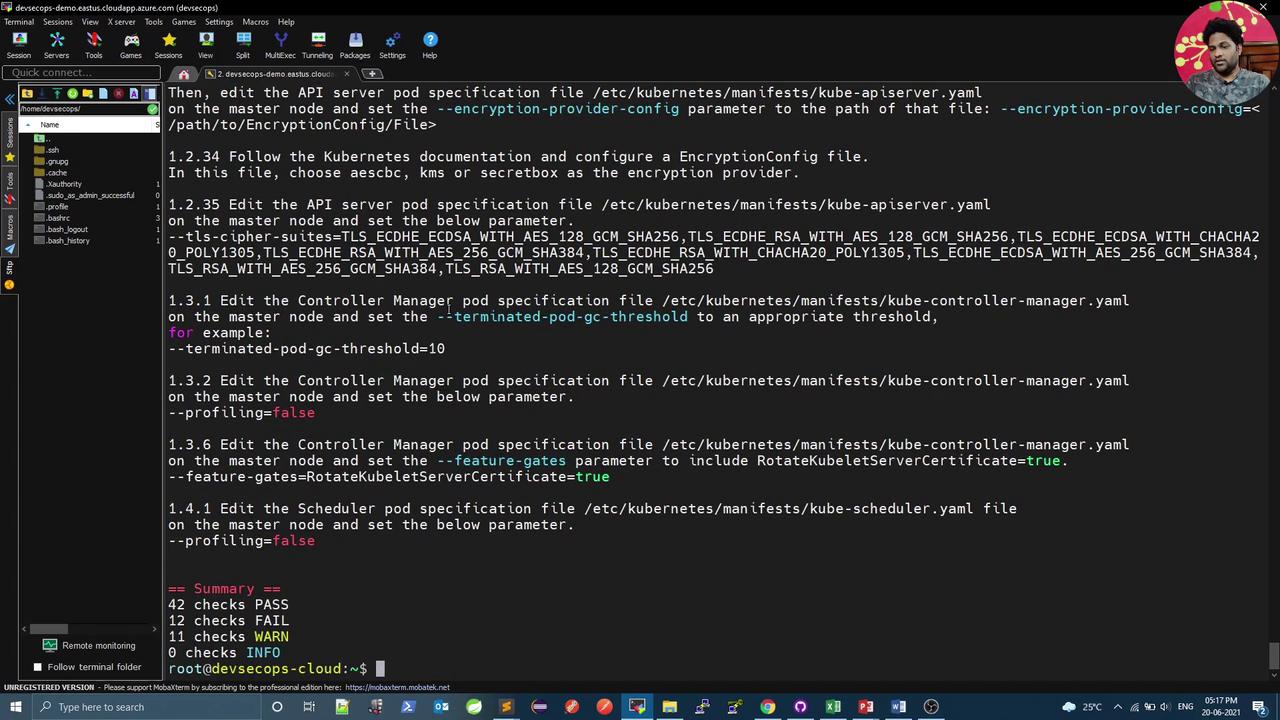
JSON Output and Filtering
For CI automation, output results in JSON and usejq to filter:
Ensure
jq is installed (sudo apt install jq) to parse JSON output.Jenkins Integration
Integrate kube-bench into a Jenkins pipeline to enforce CIS compliance:1 on failures. Example cis-kubelet.sh:
cis-master.sh (e.g., checks 1.1.12, 1.2.1) and cis-etcd.sh (e.g., check 2.2).
Failing any CIS test will mark the Jenkins stage as failed. Adjust thresholds as needed.
Conclusion
By combining kube-bench with JSON output andjq filters, you can automate CIS Kubernetes Benchmark checks in your CI/CD pipeline. These scans help ensure your cluster adheres to security best practices before production deployment.