This guide explains converting a Declarative Pipeline to a Scripted Pipeline while maintaining caching, timestamps, concurrent-build protection, and Node.js tool configuration.
In this guide, we’ll convert a Declarative Pipeline into a Scripted Pipeline while retaining:
Caching
Timestamps
Concurrent-build protection
Node.js tool configuration
We start from the Solar System repository on branch feature/advanced-demo, which currently has this Declarative Pipeline:
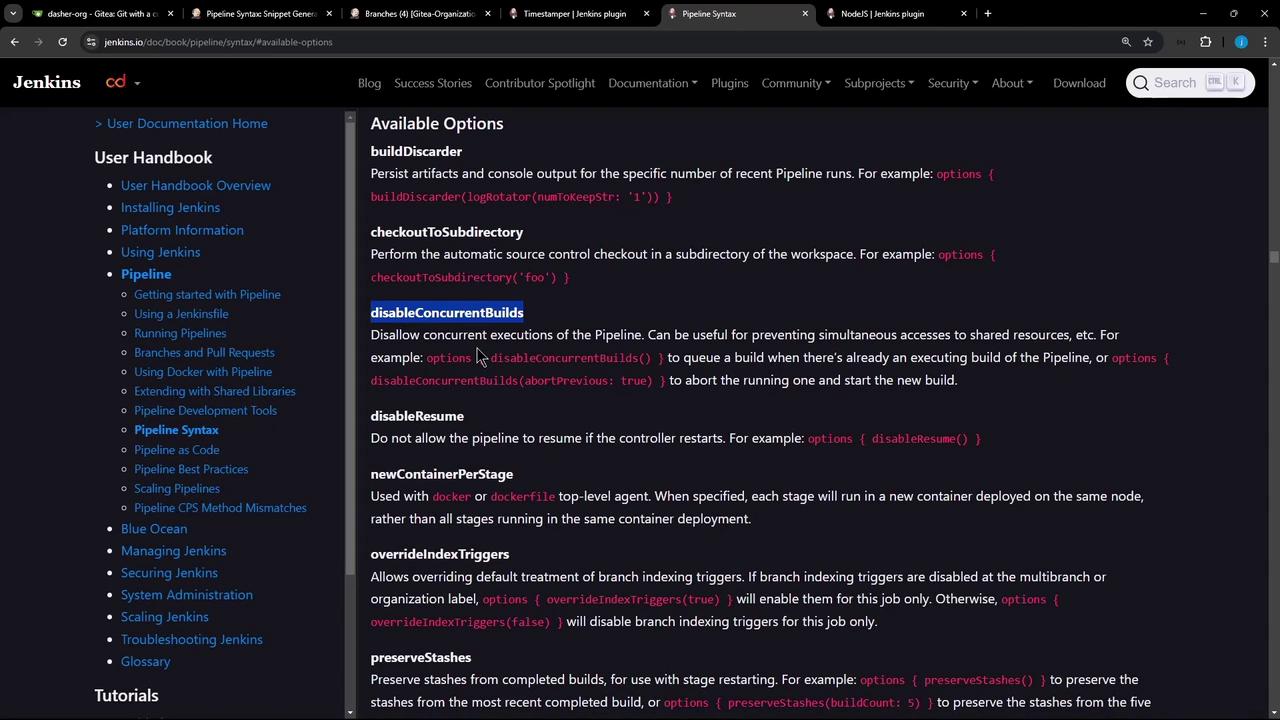
Consult the Jenkins Pipeline Syntax guide for more options you can apply in Scripted Pipelines under options (e.g., buildDiscarder, retry, timestamps).
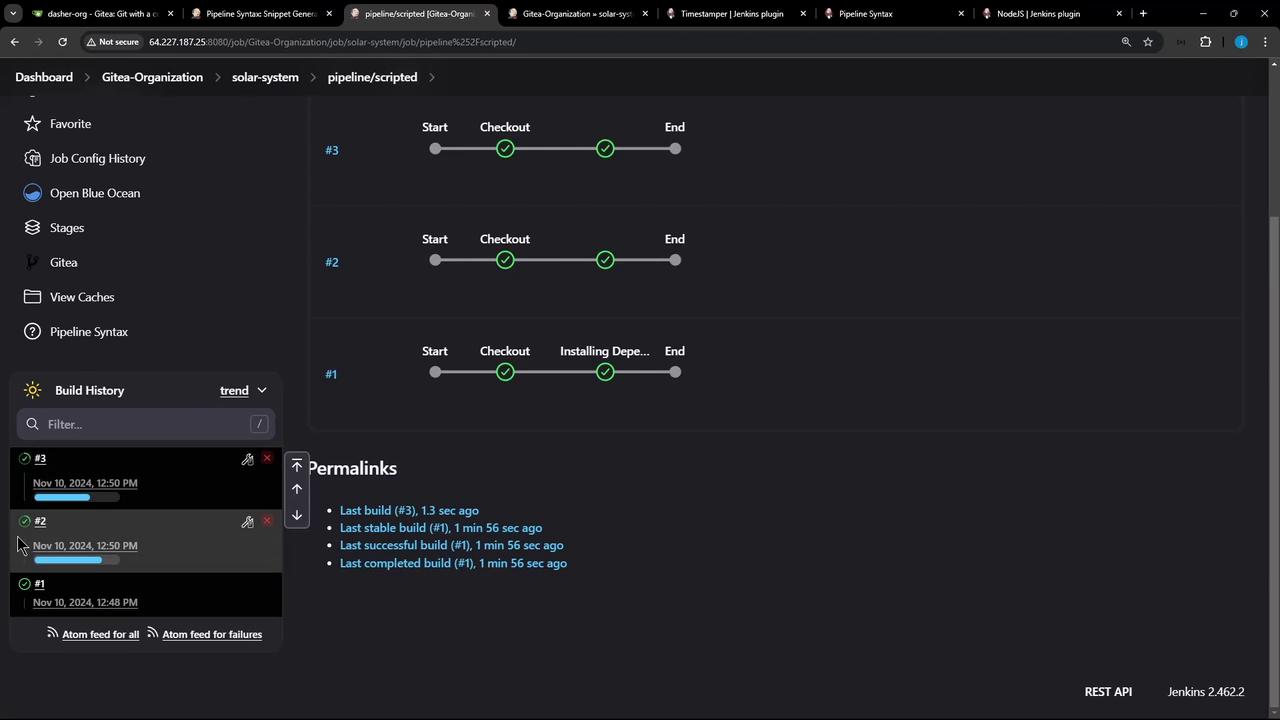
After committing and pushing your new Jenkinsfile on pipeline/scripted, Jenkins will:
Run a Checkout stage without timestamps
Run Installing Dependencies with timestamps
Miss the cache on the first build (installs packages)
Store cache for subsequent runs
Start two builds in quick succession. The first will be aborted (superseded) and the second will restore from cache. Check the build history to confirm this behavior.