Learn to manage Jenkins using the Configuration as Code plugin with YAML files for setup, updates, and reproducibility.
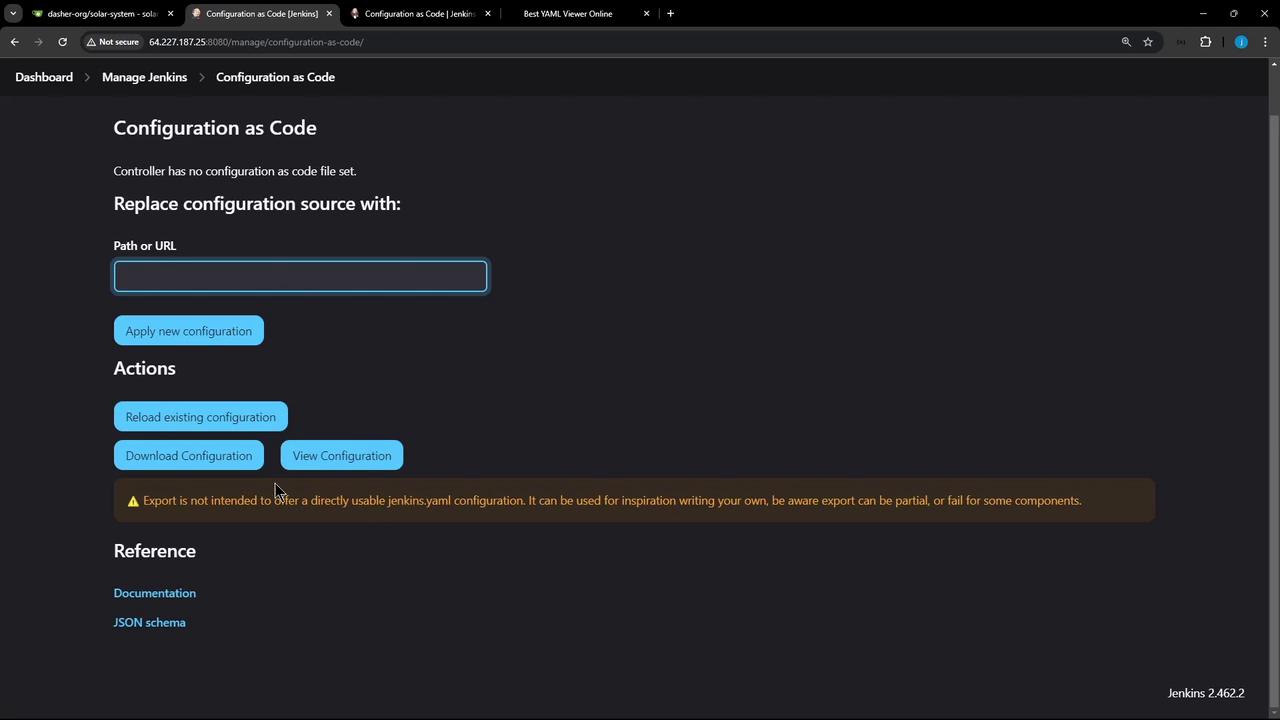
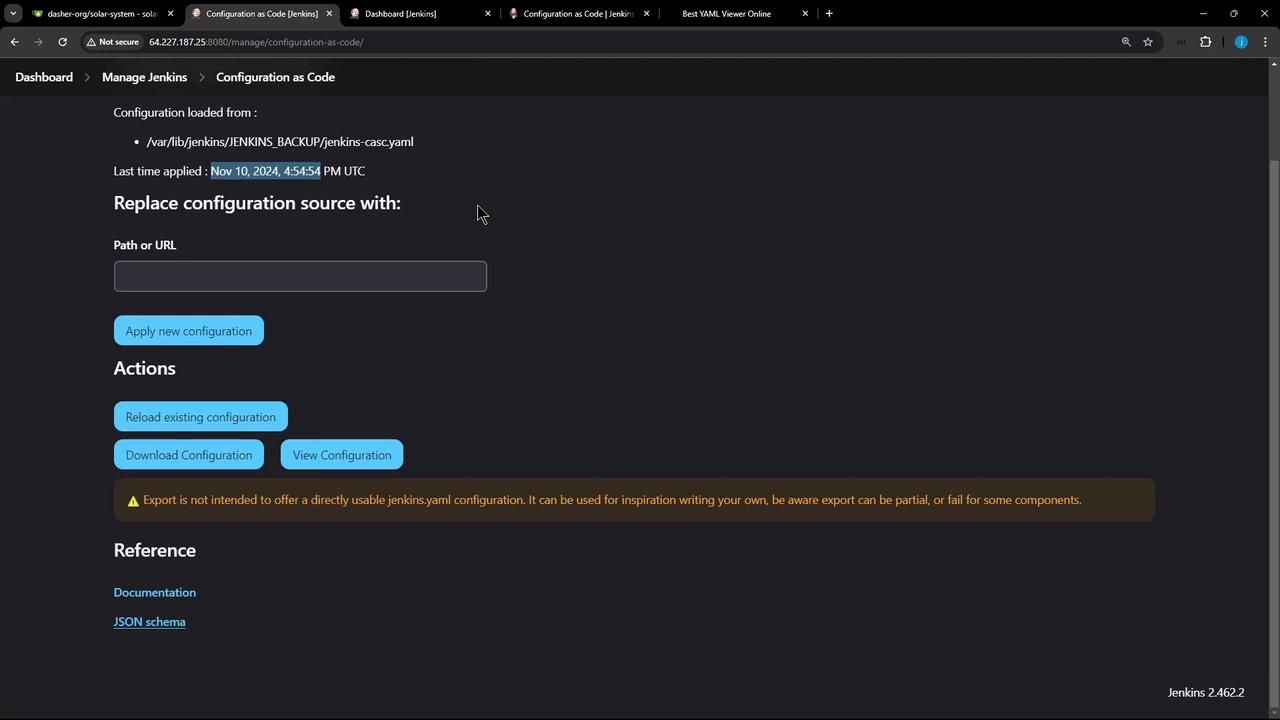
Managing Jenkins through its UI can be time-consuming and error-prone. The Configuration as Code (JCasC) plugin enables you to define your entire Jenkins setup using human-readable YAML files. In this guide, you’ll learn how to install the plugin, inspect your current configuration, and apply updates—all in a reproducible way.
Click View Configuration to export the entire Jenkins setup in YAML format. This includes credentials, tool installations, security settings, and more.
Copy
Ask AI
# System credentials examplecredentials: system: domainCredentials: - usernamePassword: id: "gitea-server-creds" description: "Gitea Server Credentials" username: "gitea-admin" password: "{AAABAAAAAQ4e7wFYLRuoyZLN9NsLqahoKhKpJfItDGTyKusxQCu}" scope: GLOBAL
# Remoting security and welcome messageremotingSecurity: enabled: true slaveAgentPort: 0 systemMessage: "Welcome to our Jenkins CI Controller"
The exported YAML may contain sensitive data (credentials, tokens). Secure it appropriately in your version control or store it behind an access-controlled vault.