In this lesson, we’ll explore how to leverage the Jenkins Configuration as Code (JCasC) plugin to define your Jenkins tools and pipeline jobs declaratively. You’ll learn:
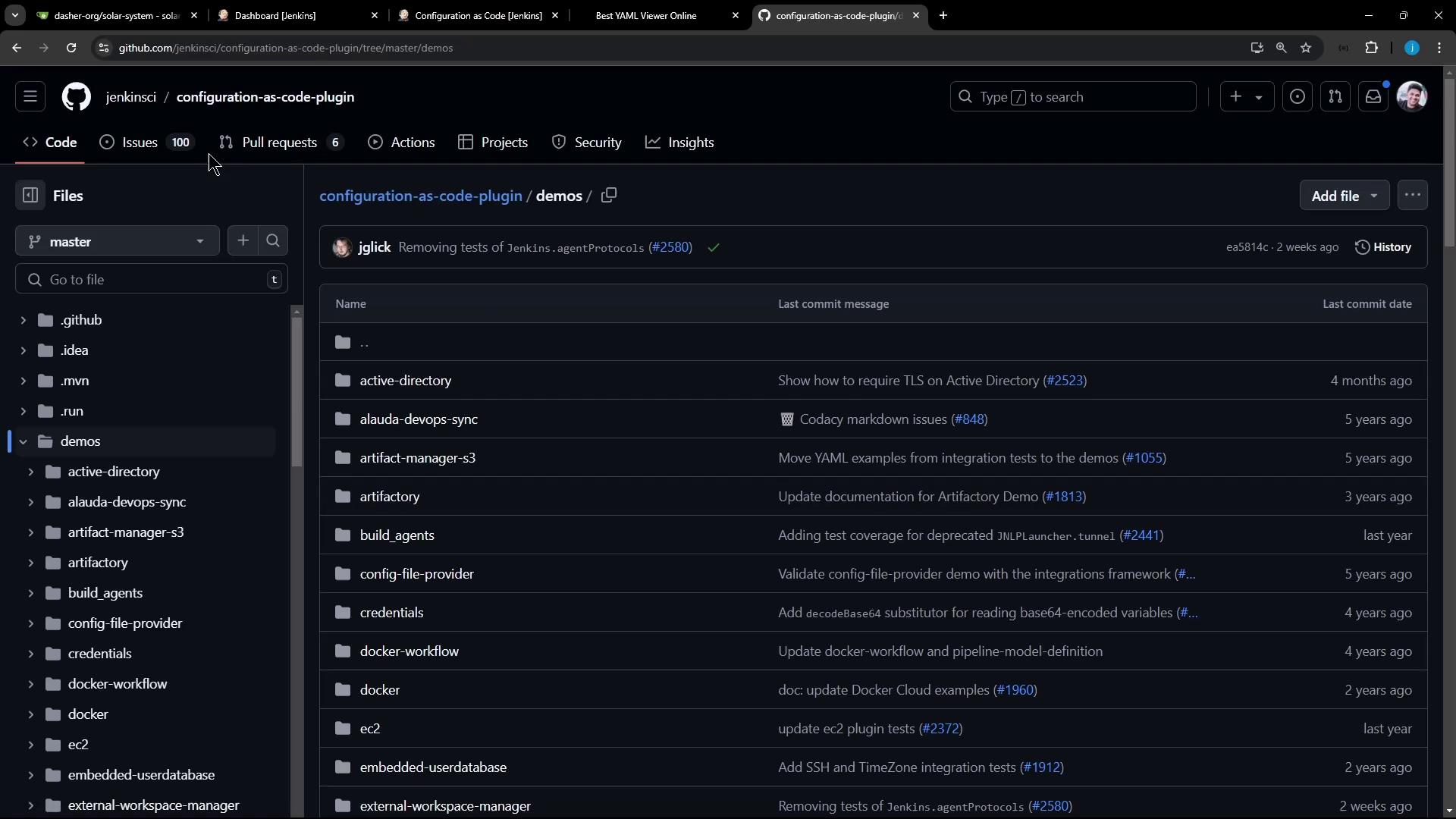
Where to store your YAML configurations
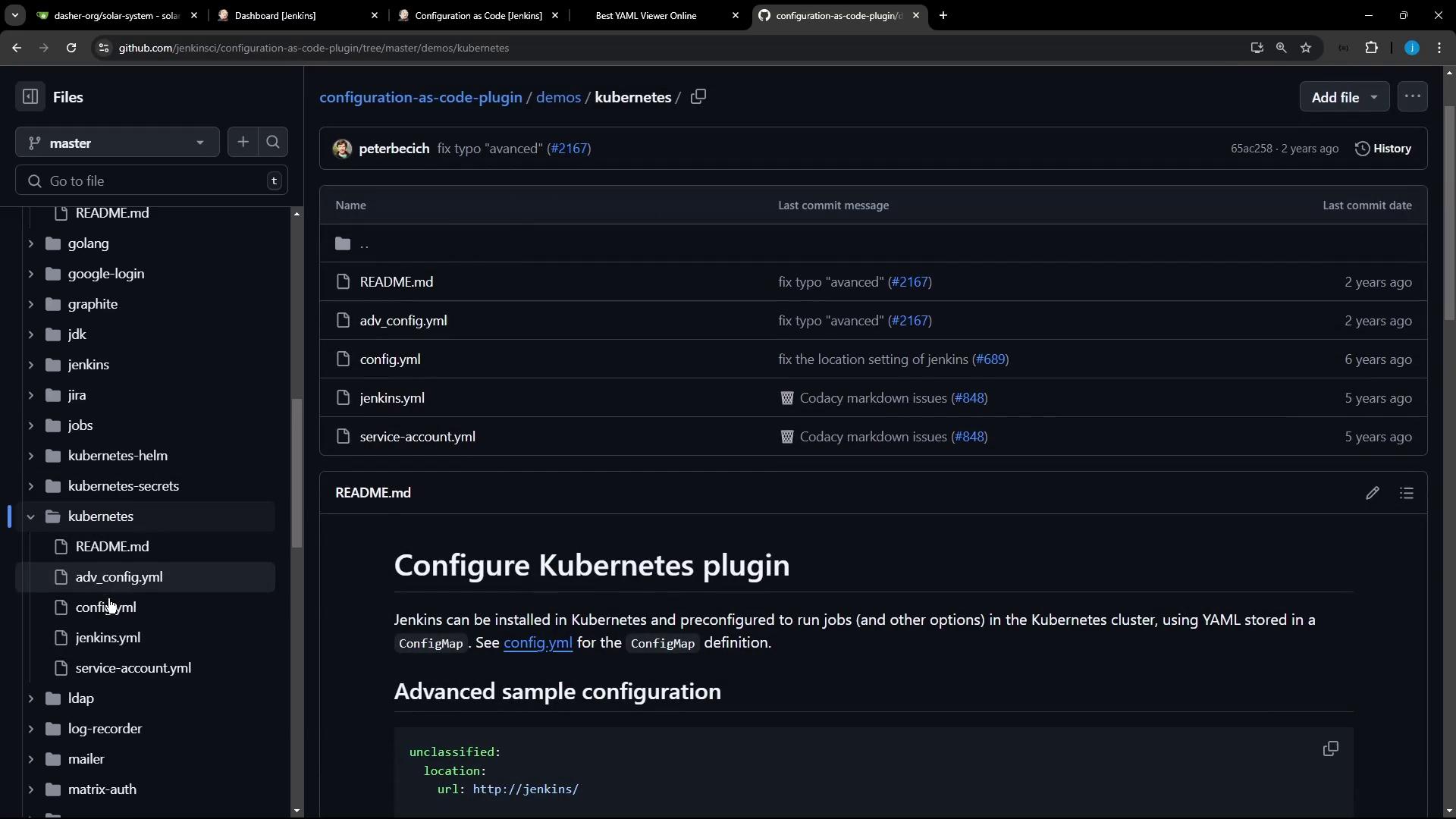
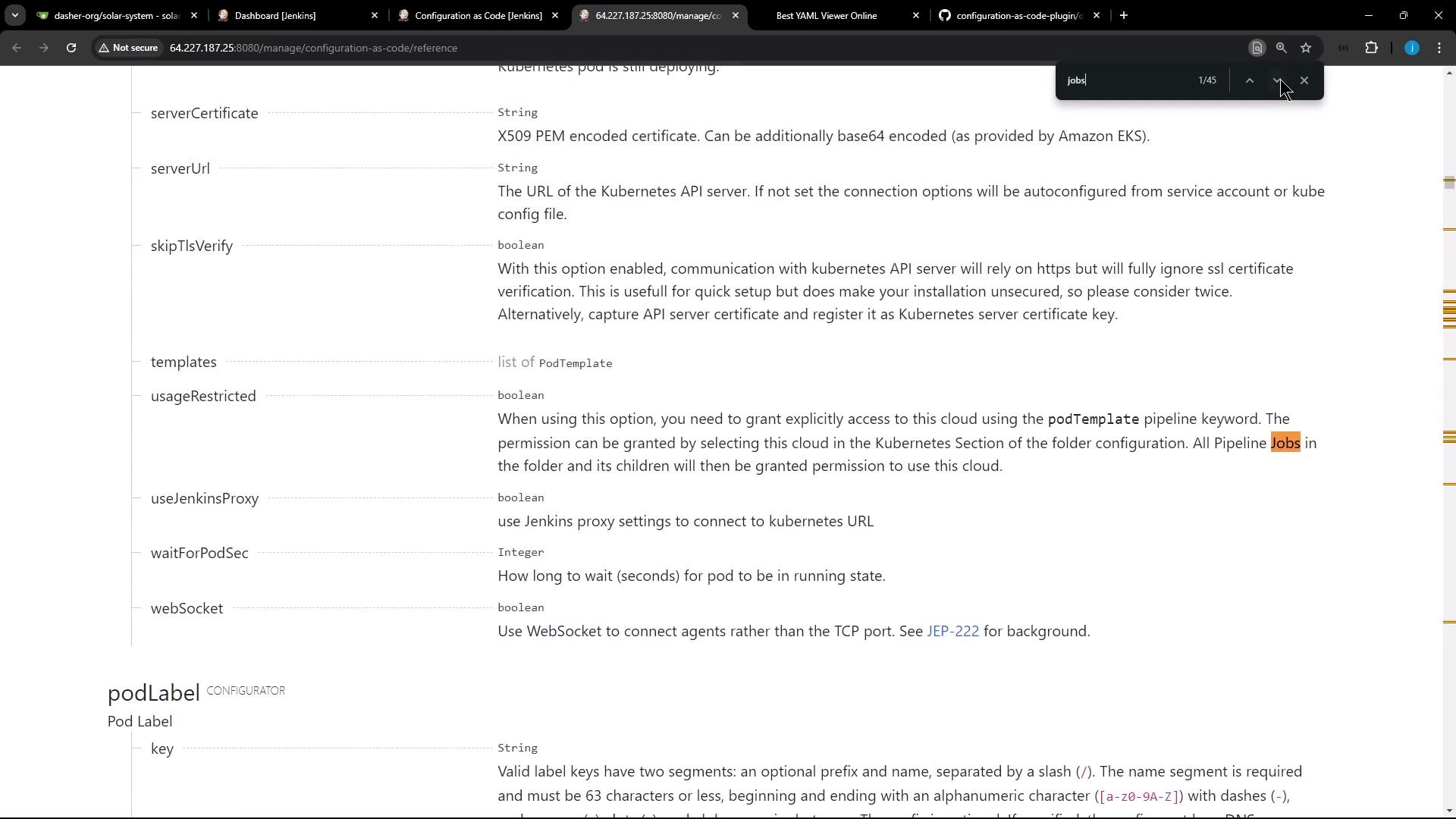
How to configure authorization, clouds, and tools
How to automate pipeline job creation with the Job DSL plugin
Examples in the demos Directory Inside the plugin’s demos folder, you’ll find YAML samples for common Jenkins configurations.
1. Global Matrix Authorization Strategy jenkins : authorizationStrategy : globalMatrix : permissions : - "USER:Overall/Read:anonymous" - "GROUP:Overall/Administer:authenticated" - "USER:Overall/Administer:admin"
2. Kubernetes Cloud Integration jenkins : clouds : - kubernetes : name : "advanced-k8s-config" serverUrl : "https://advanced-k8s-config:443" serverCertificate : "serverCertificate" skipTlsVerify : true credentialsId : "advanced-k8s-credentials" namespace : "default" jenkinsUrl : "http://jenkins/" jenkinsTunnel : "jenkinsTunnel" containerCapStr : 42 maxRequestsPerHostStr : 64 retentionTimeout : 5 connectTimeout : 10
tool : nodejs : installations : - name : "NodeJS Latest" home : "" # required until nodejs-1.3.4 release (JENKINS-57508) properties : - installSource : installers : - nodeJSInstaller : id : "12.11.1" npmPackagesRefreshHours : 48 # default is 72
git : installations : - home : "git" name : "Default" maven : installations : - name : "M398" properties : - installSource : installers : - maven : id : "3.9.8" mavenGlobalConfig : globalSettingsProvider : "standard" settingsProvider : "standard"
Save your consolidated YAML (e.g., /var/lib/jenkins/JENKINS_BACKUP/jenkins.yaml) and apply it via Manage Jenkins > Configuration as Code . After reloading, you should see your Kubernetes cloud and tools under Global Tool Configuration .
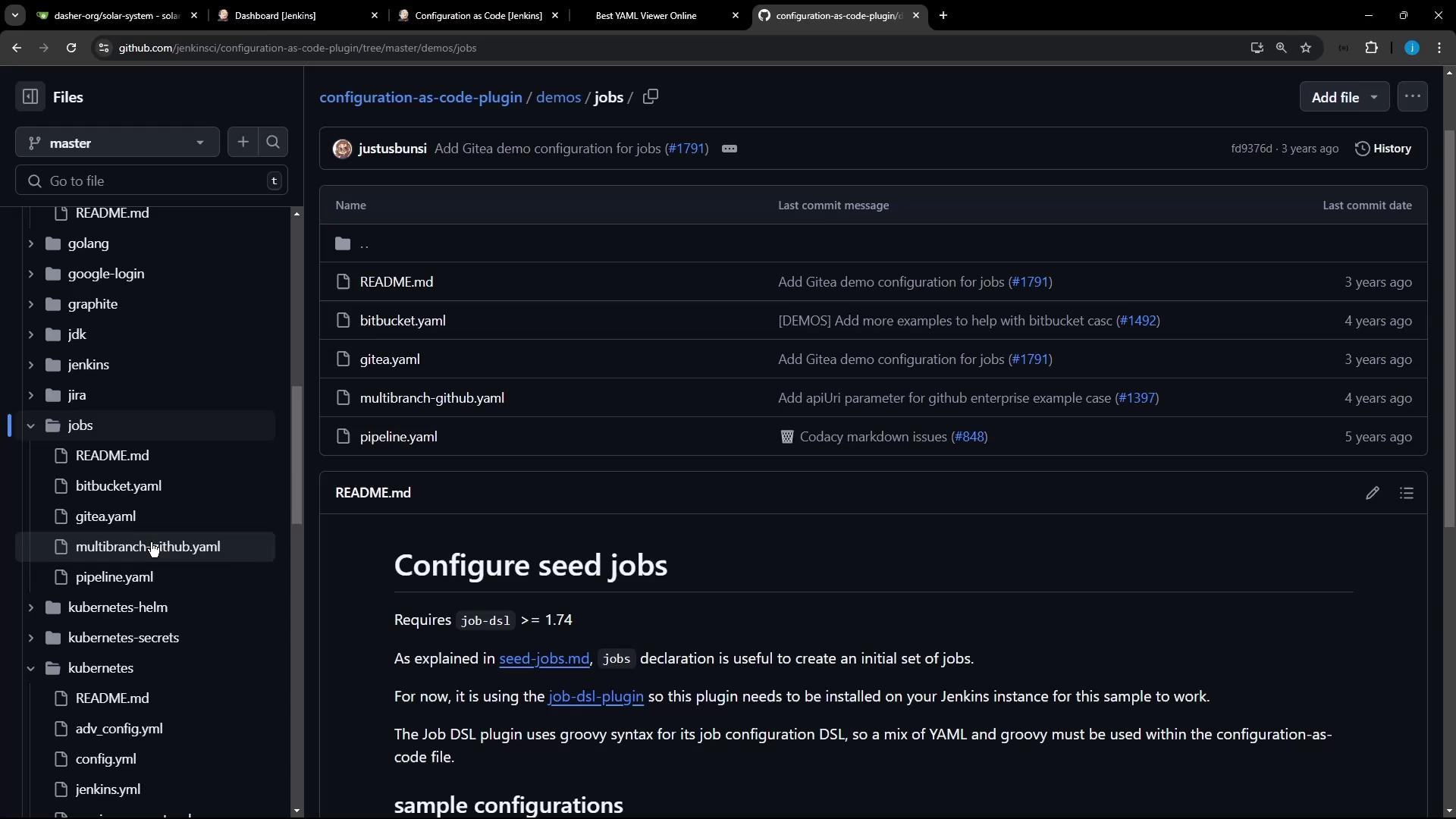
Defining Pipeline Jobs The demos/jobs folder demonstrates how to create folders and pipeline jobs using the Job DSL plugin .
jobs : - script : > folder('testjobs') - script : > pipelineJob('testjobs/default-agent') { definition { cps { script(""" pipeline { agent any stages { stage('test') { steps { echo "hello" } } } } """.stripIndent()) } } }
If the Job DSL plugin is not installed, you will see this exception:
io.jenkins.plugins.casc.UnknownConfiguratorException: No configurator for the following root elements: jobs
Plugin Requirements Plugin Purpose Install Location Configuration as Code Declarative Jenkins configuration via YAML Manage Jenkins > Manage Plugins Job DSL Define jobs using Domain Specific Language Manage Jenkins > Manage Plugins
Go to Manage Jenkins > Manage Plugins .
Search for Job DSL and install it.
Reload your JCasC configuration.
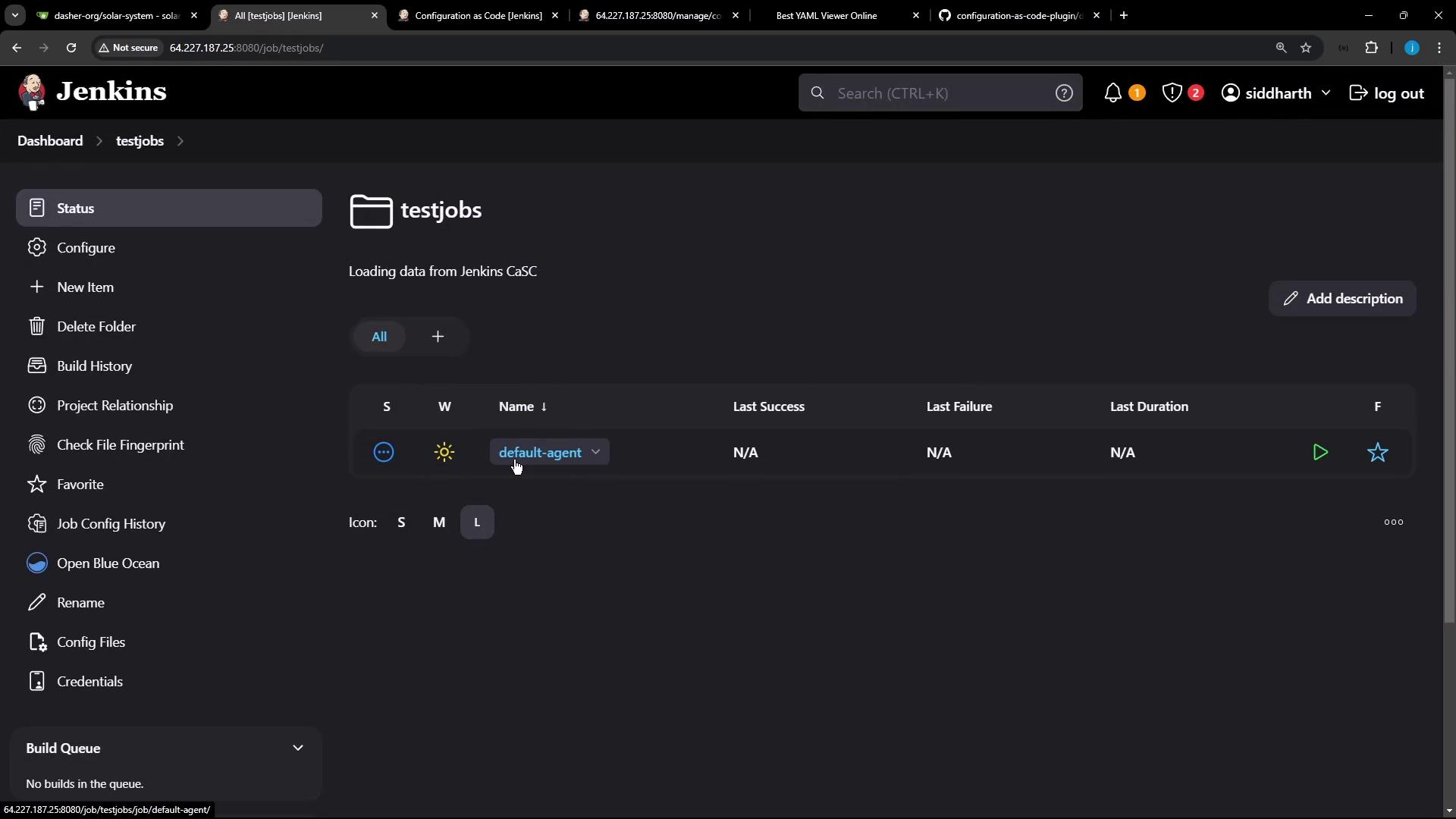
After installation, refresh your Jenkins Dashboard. You will now see a new folder testjobs containing the default-agent pipeline:
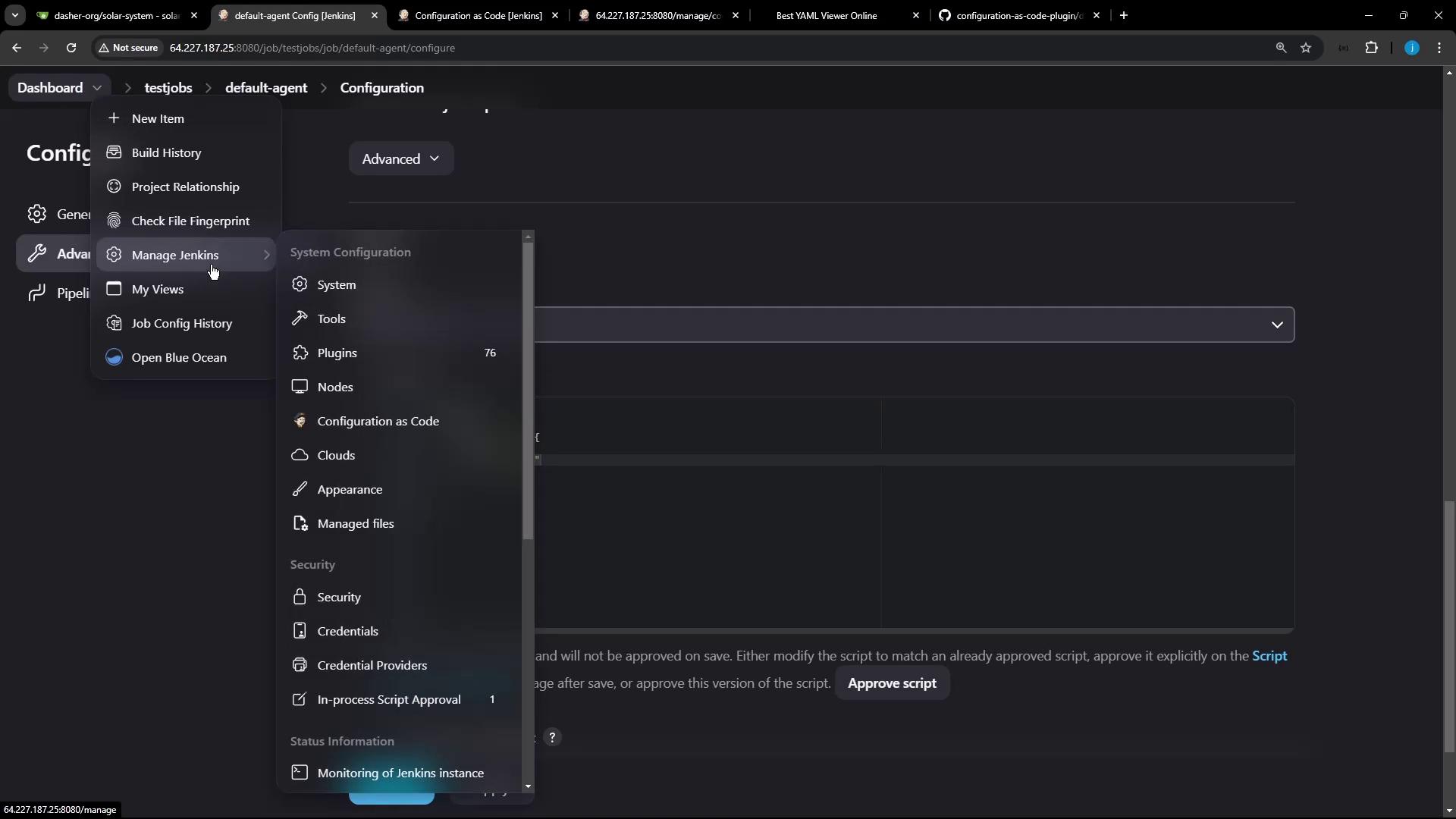
Inside default-agent , the pipeline script is:
pipeline { agent any stages { stage( 'test' ) { steps { echo "hello" } } } }
Navigate to Manage Jenkins > Global Tool Configuration .
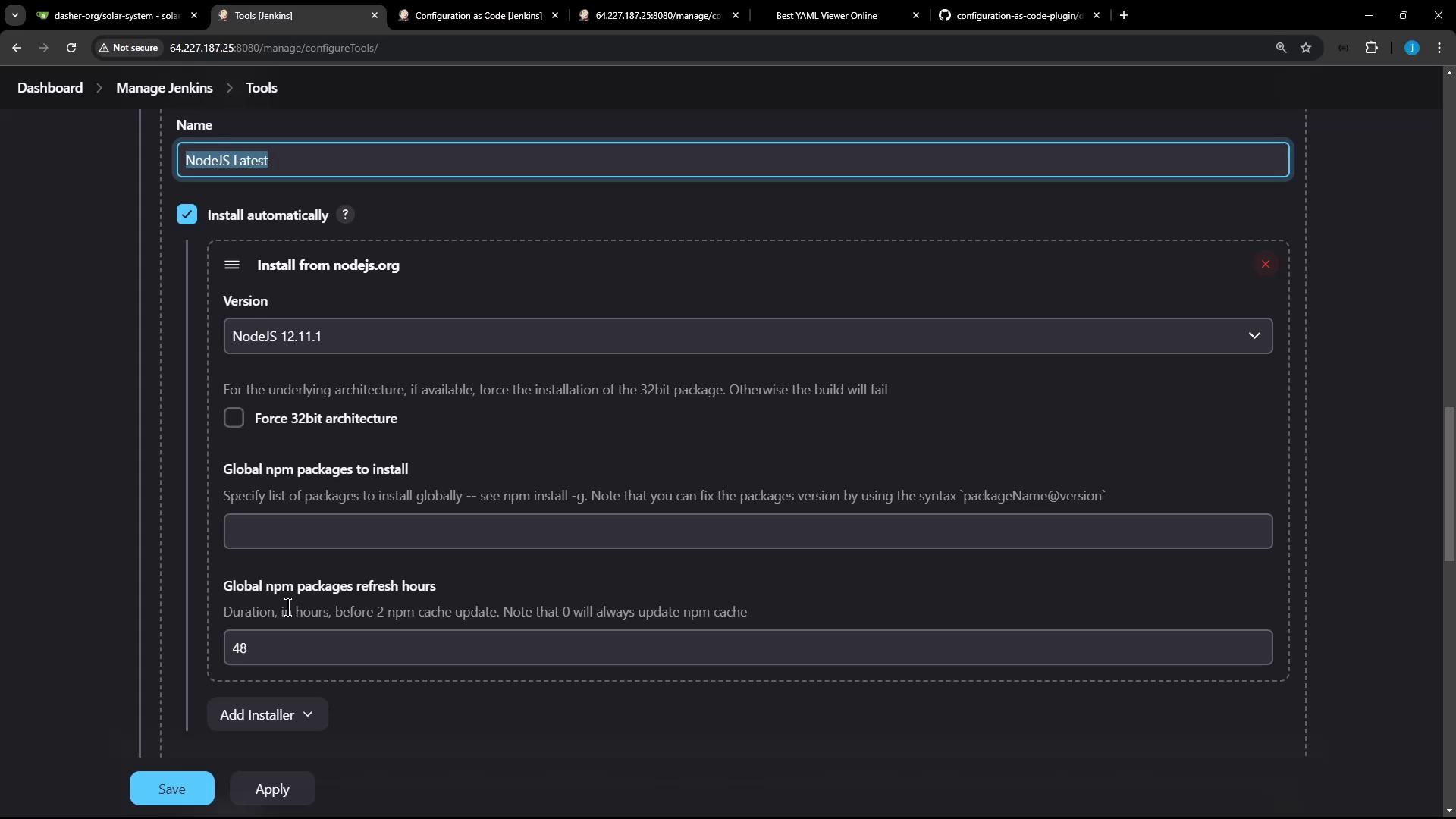
Confirm your Node.js installation under NodeJS .
Inspect the NodeJS details:
You’ve now automated both your toolchain and pipeline jobs entirely with JCasC!
Links and References