

Overview
Leveraging a Dockerfile agent in Jenkins lets you build a custom Docker image with all the CLI tools your pipeline requires. This approach ensures:- Consistent environments across builds
- Isolation for each job
- Flexibility to install any SDKs, CLIs, or dependencies
Prerequisites
| Requirement | Purpose |
|---|---|
| Jenkins 2.10+ | Pipeline support for dockerfile agent |
| Docker Daemon | Must be available on the agent node |
| Git Repository | Contains both Jenkinsfile and Dockerfile.cowsay |
Ensure your Jenkins agent node has Docker installed and that the Jenkins user has permission to run Docker commands.
Step 1: Example with the Standard Node.js Alpine Image
Here’s a simpleJenkinsfile using the official node:18-alpine image:
cowsay is missing:
Step 2: Create a Custom Dockerfile
To includecowsay, create Dockerfile.cowsay:
- Updates the Alpine package index
- Installs Git and Perl
- Clones and installs
cowsay - Cleans up temporary files
Always remove temporary directories like
/tmp/cowsay to keep your image size small.Step 3: Switch to the dockerfile Agent
Update your Jenkinsfile to build the custom image on the fly:
- Read
Dockerfile.cowsayfrom the workspace - Run:
- Launch a container from the new image and execute your steps
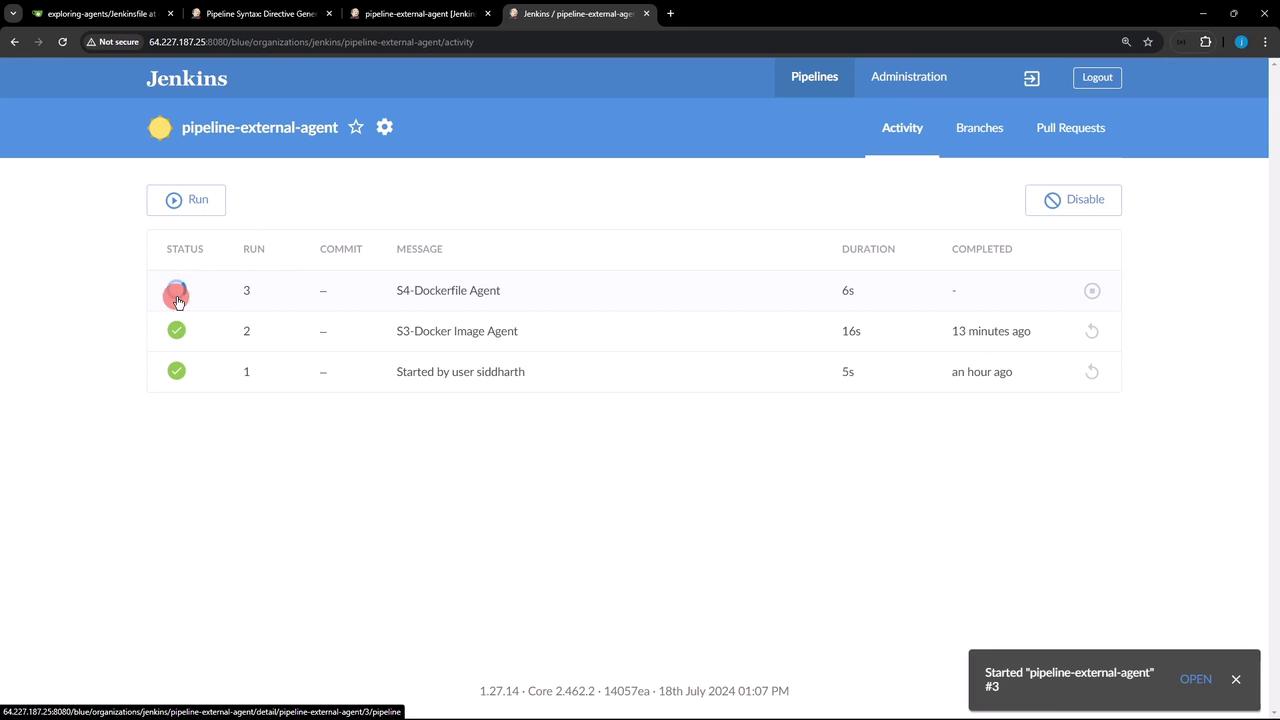
Step 4: Confirm Successful Build
In the Jenkins console you’ll see:cowsay.