Learn to migrate Jenkins jobs to GitHub Actions workflows using the GitHub Actions Importer CLI extension for automated CI/CD.
Learn how to seamlessly migrate your existing Jenkins jobs into GitHub Actions workflows using the GitHub Actions Importer CLI extension. This guide walks you through installation, configuration, and execution, so you can automate CI/CD with GitHub’s native tooling.
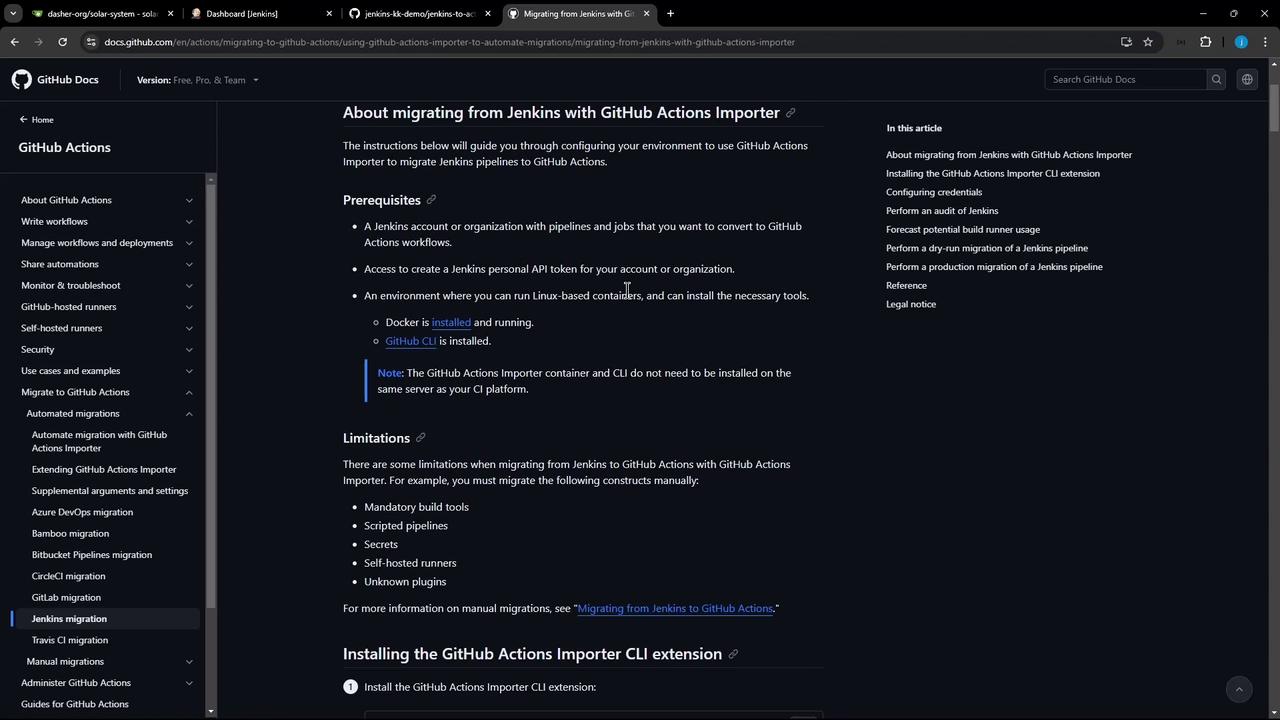
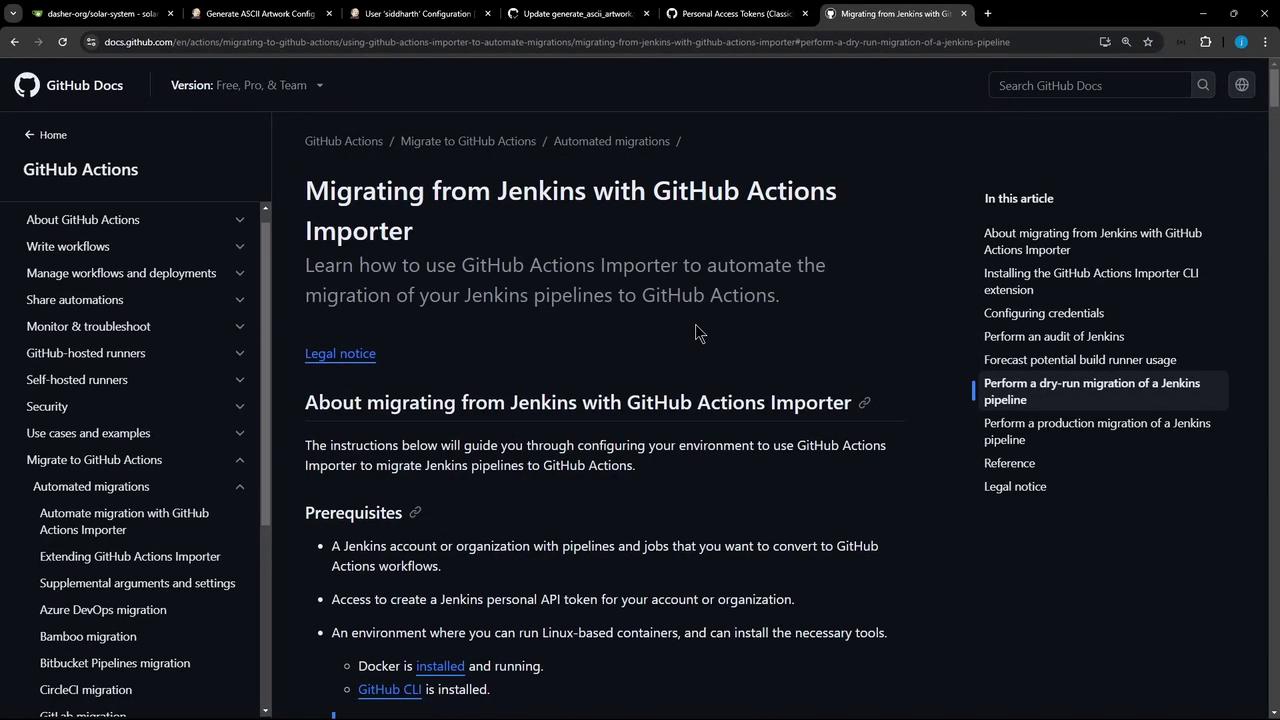
Before starting the migration, ensure you have the following resources in place:
Resource
Purpose
Jenkins account or organization
Source of pipelines/jobs to migrate
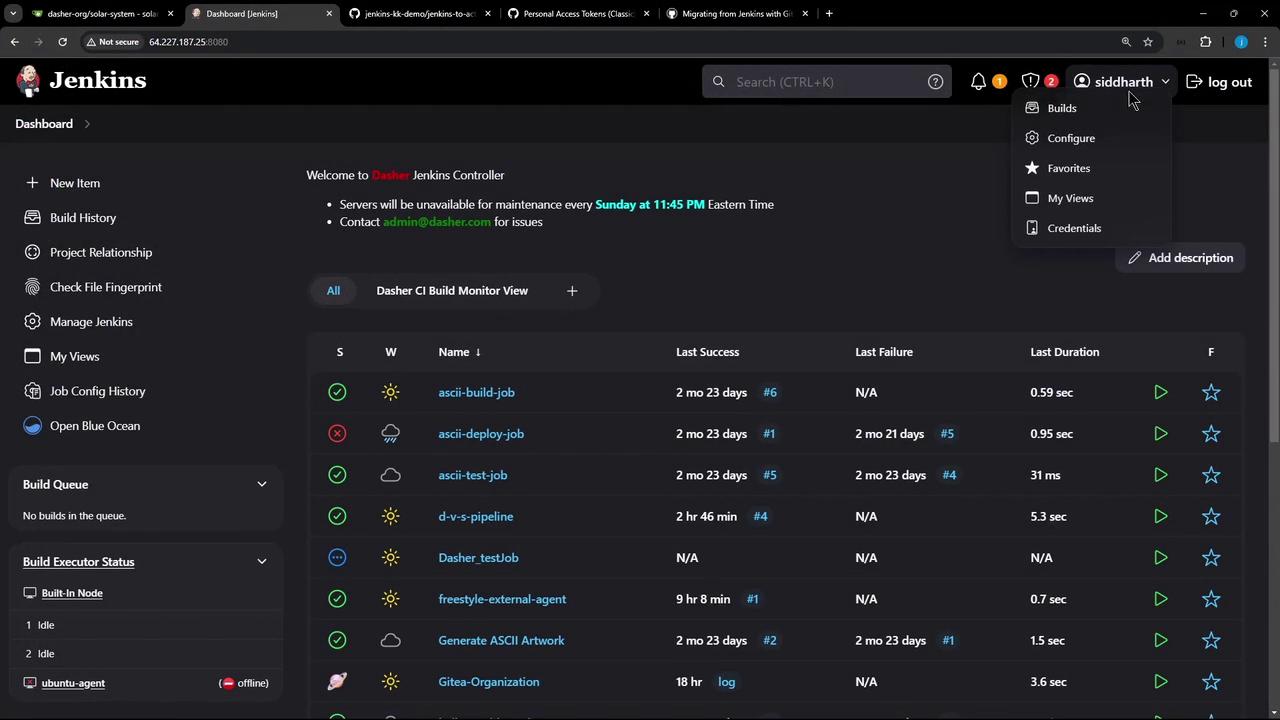
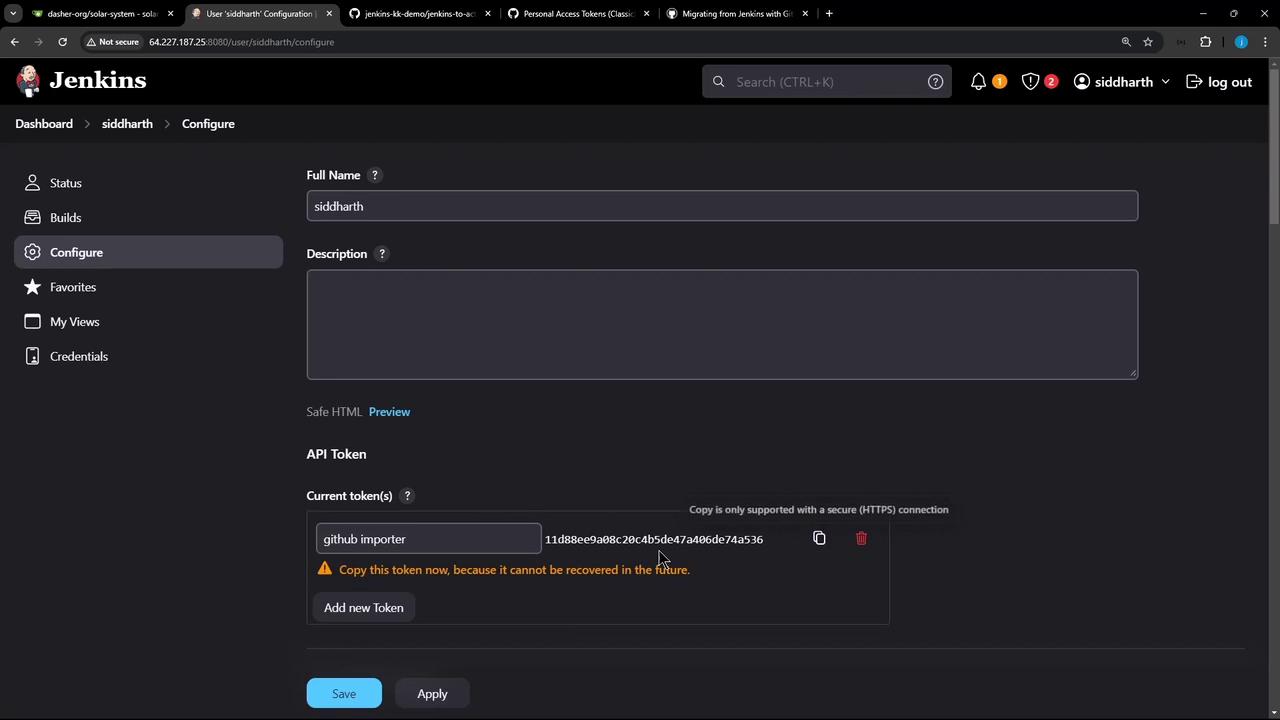
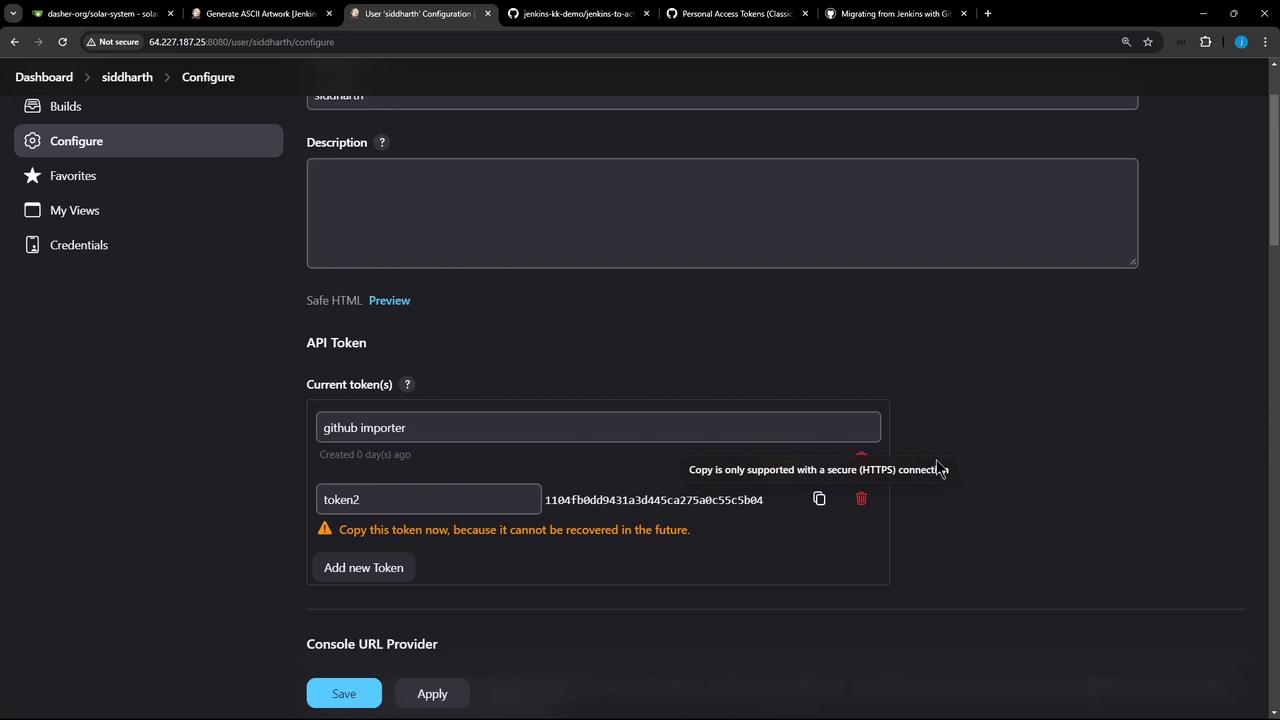
Jenkins personal API token
Grants API access to read pipeline definitions
Docker
Required to run the Importer CLI in a container (optional)
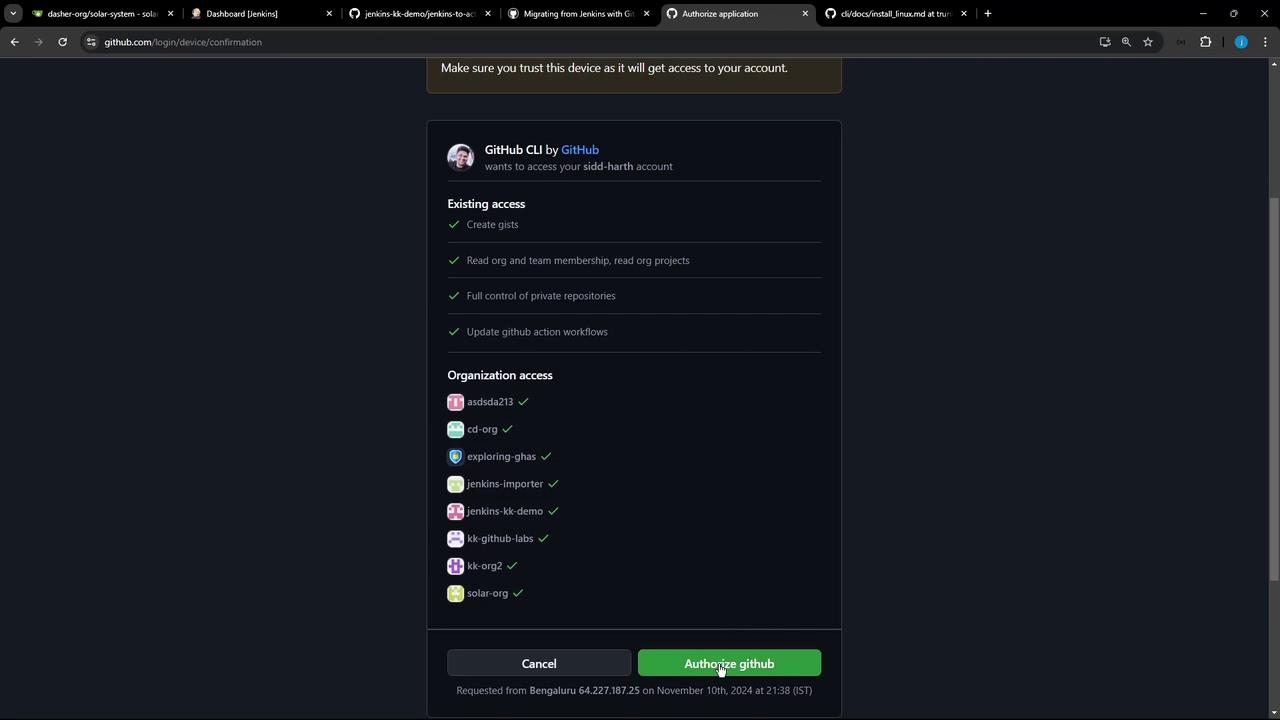
GitHub CLI (gh) v2+
Manages GitHub authentication and extensions
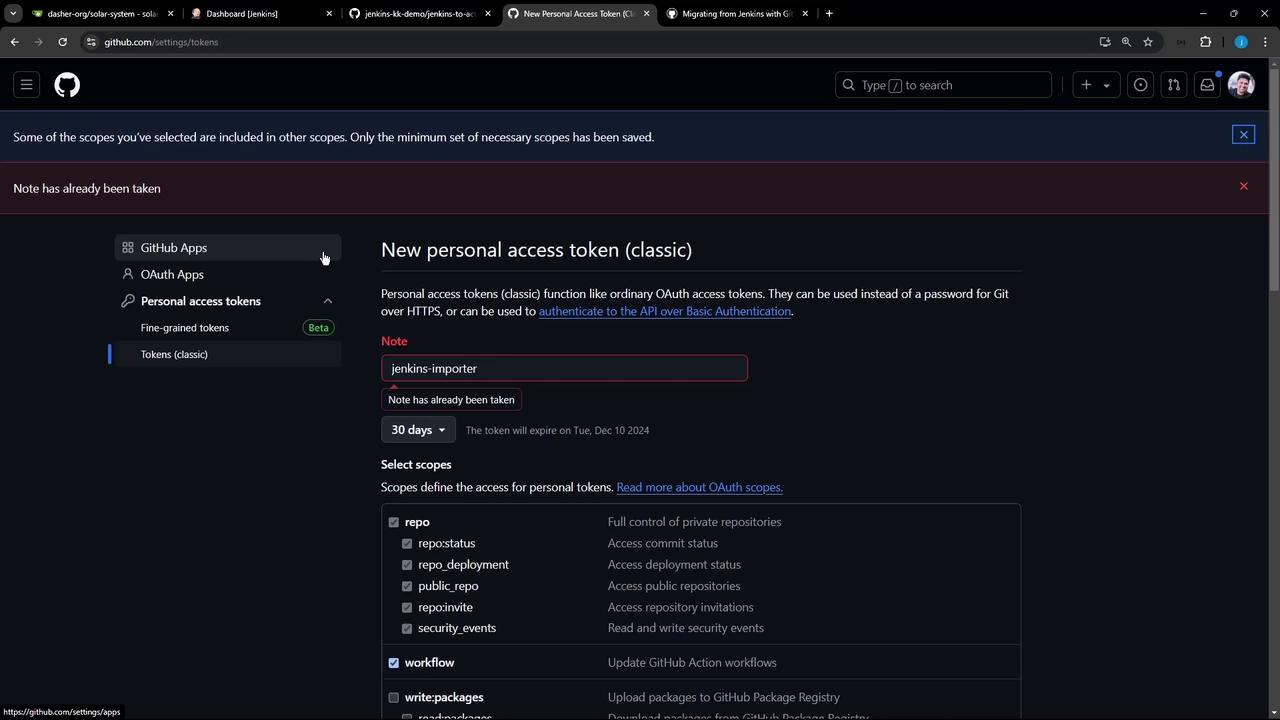
GitHub Personal Access Token
Requires the workflow scope for creating workflows
The importer cannot migrate scripted pipelines, secrets, or unknown plugins. Make sure your Jenkins jobs use declarative pipelines or simple freestyle jobs.
The GitHub Actions Importer CLI accelerates the transition from Jenkins to GitHub’s CI/CD platform. For full details, visit the official documentation.
Enjoy seamless pipeline migration and take advantage of GitHub Actions for robust workflow automation.