

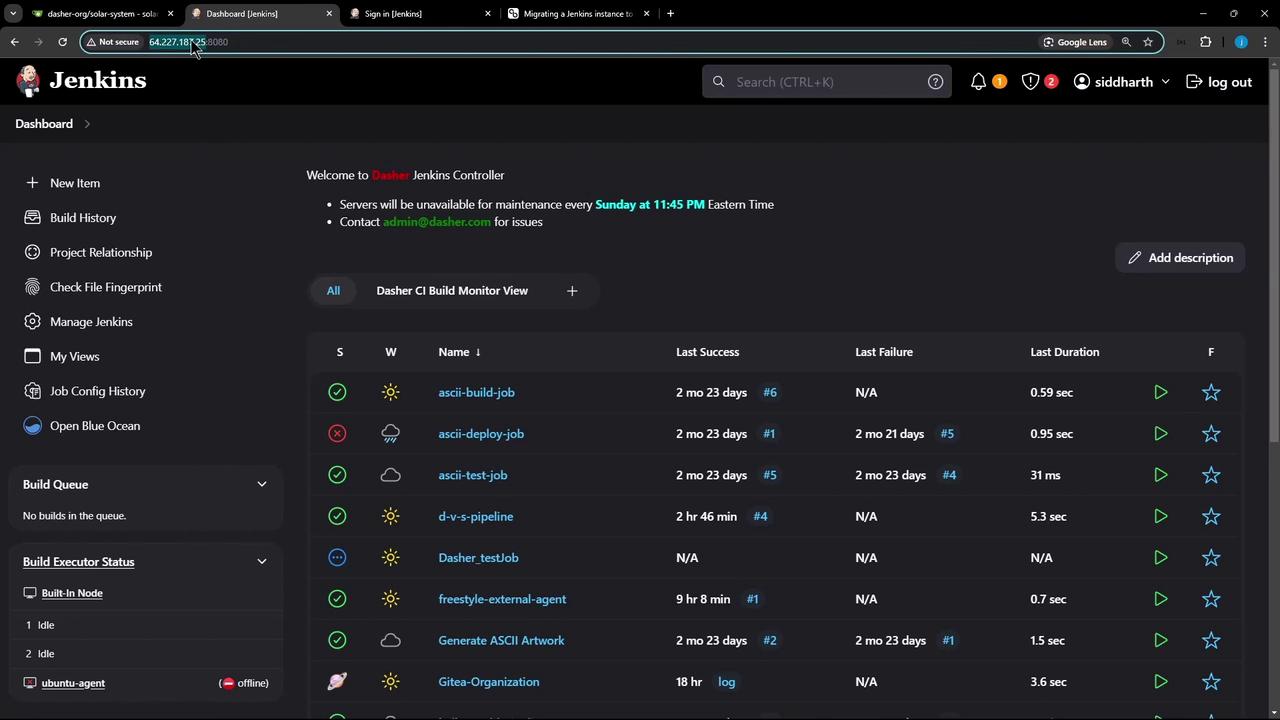
1. Scenario
-
Source Jenkins controller
IP:64.227.x.x
Fully configured and running jobs. -
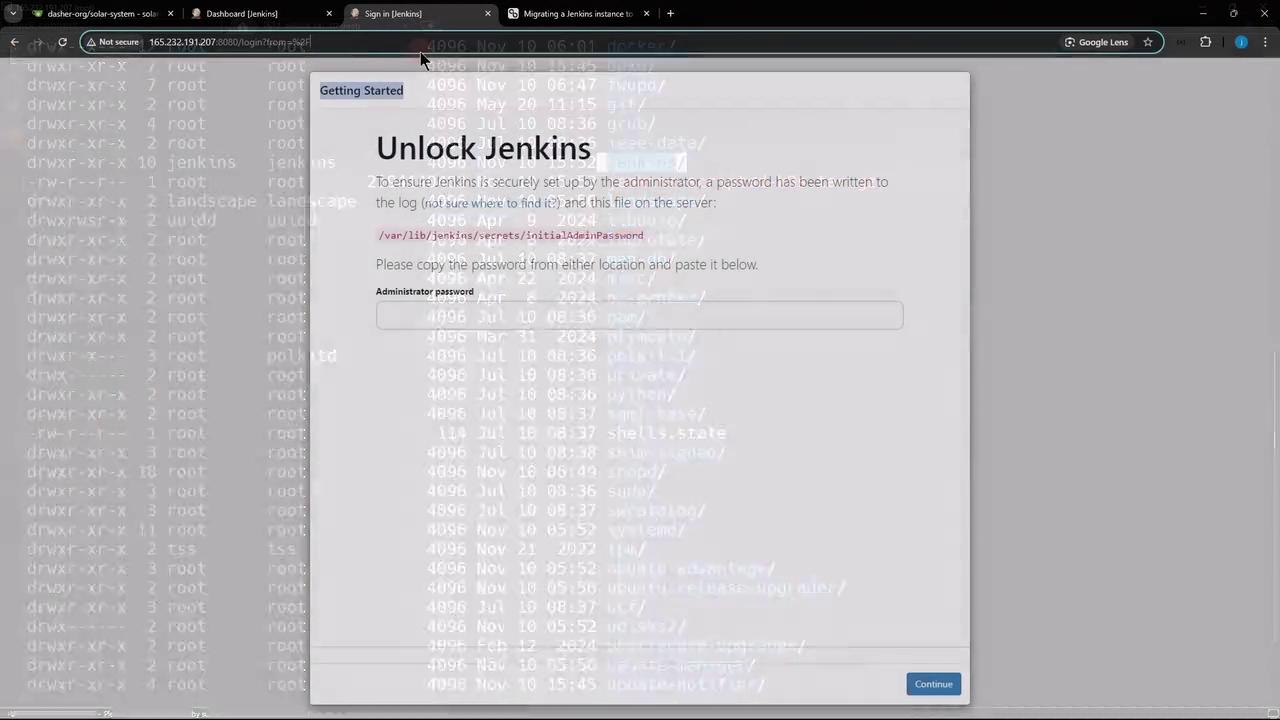
Target VM
IP:165.232.x.x
Fresh Jenkins install on Ubuntu with Docker & JDK 17.
2. Pre-migration Checklist
Before you begin, make sure both Nodes meet these requirements:| Requirement | Source Node | Target Node |
|---|---|---|
| Jenkins version | Match source & target | Match source & target |
| JDK version | 17 | 17 |
| SSH connectivity | Enabled | Enabled |
Ensure both Nodes run the same Jenkins and JDK versions. Version mismatches can lead to plugin or configuration issues.
3. Back Up Jenkins Home on Source Node
On the source Node,$JENKINS_HOME is typically /var/lib/jenkins. Follow these steps:
- Stop and disable Jenkins:
- Verify it’s inactive:
- Create a compressed backup:
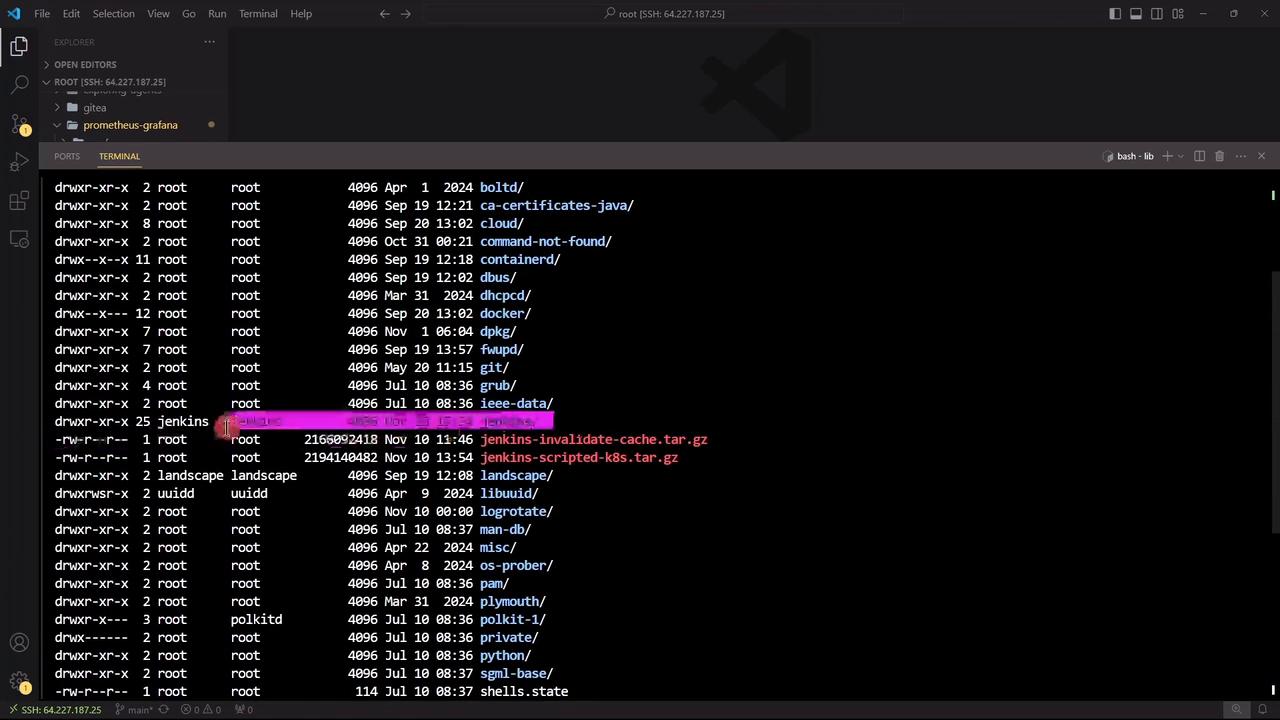
jenkins-backup.tar.gz is ready, transfer it to the target Node.
4. Transfer Backup to Target Node
From the source Node, usescp to copy the archive:
5. Prepare the Target Node
- Stop and disable the existing Jenkins service:
- Confirm it’s stopped:
Optional: Backup Current Jenkins on Target
If you want to keep the default install:6. Restore Backup on Target Node
- Move and extract the backup:
- Fix ownership:
7. Start Jenkins on Target Node
Re-enable and launch Jenkins:http://165.232.x.x:8080/. All your jobs, plugins, and settings will appear exactly as before.
Do not run the same Jenkins instance on two Nodes at once. Always stop the source Jenkins before bringing up the target.