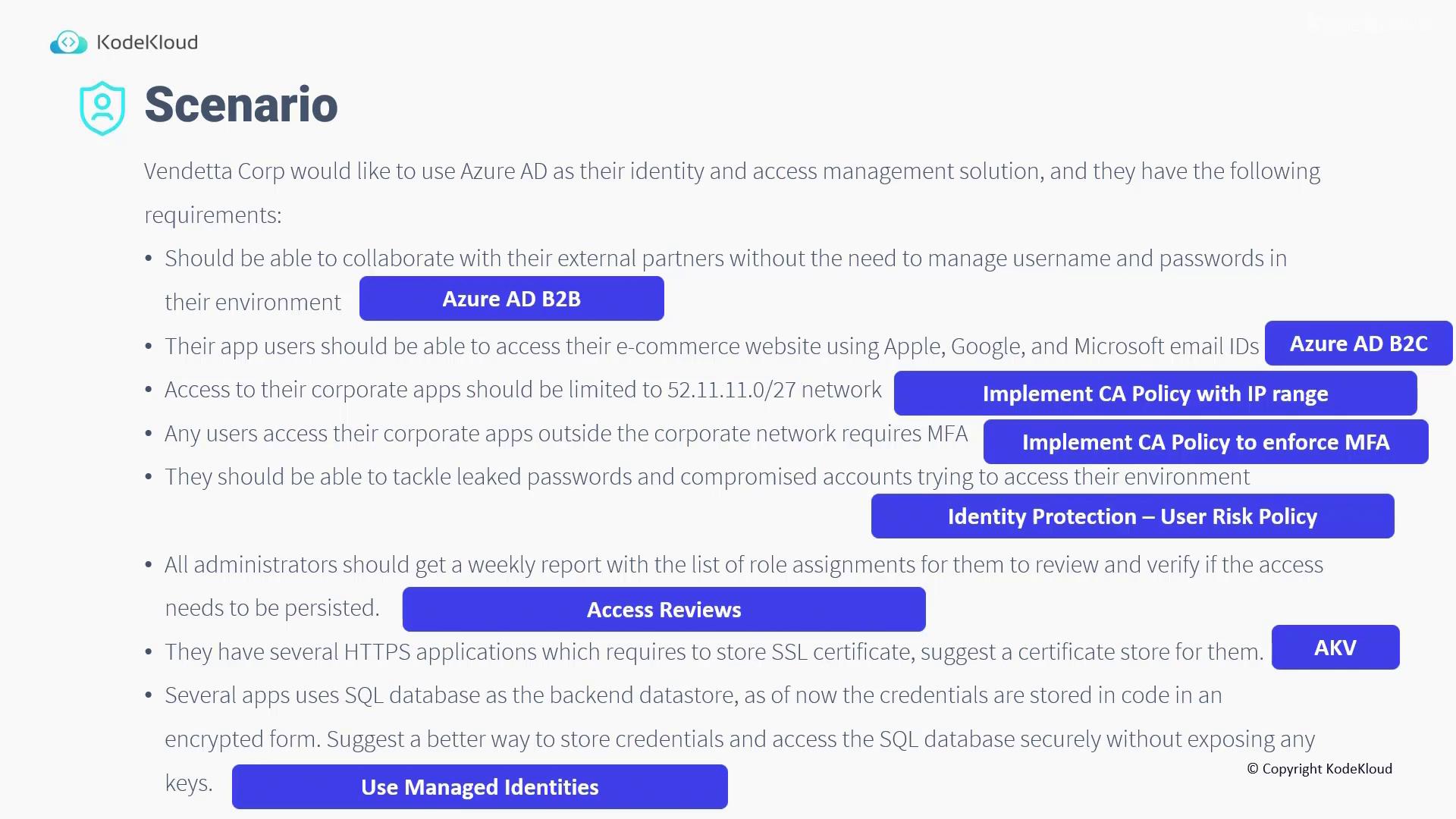
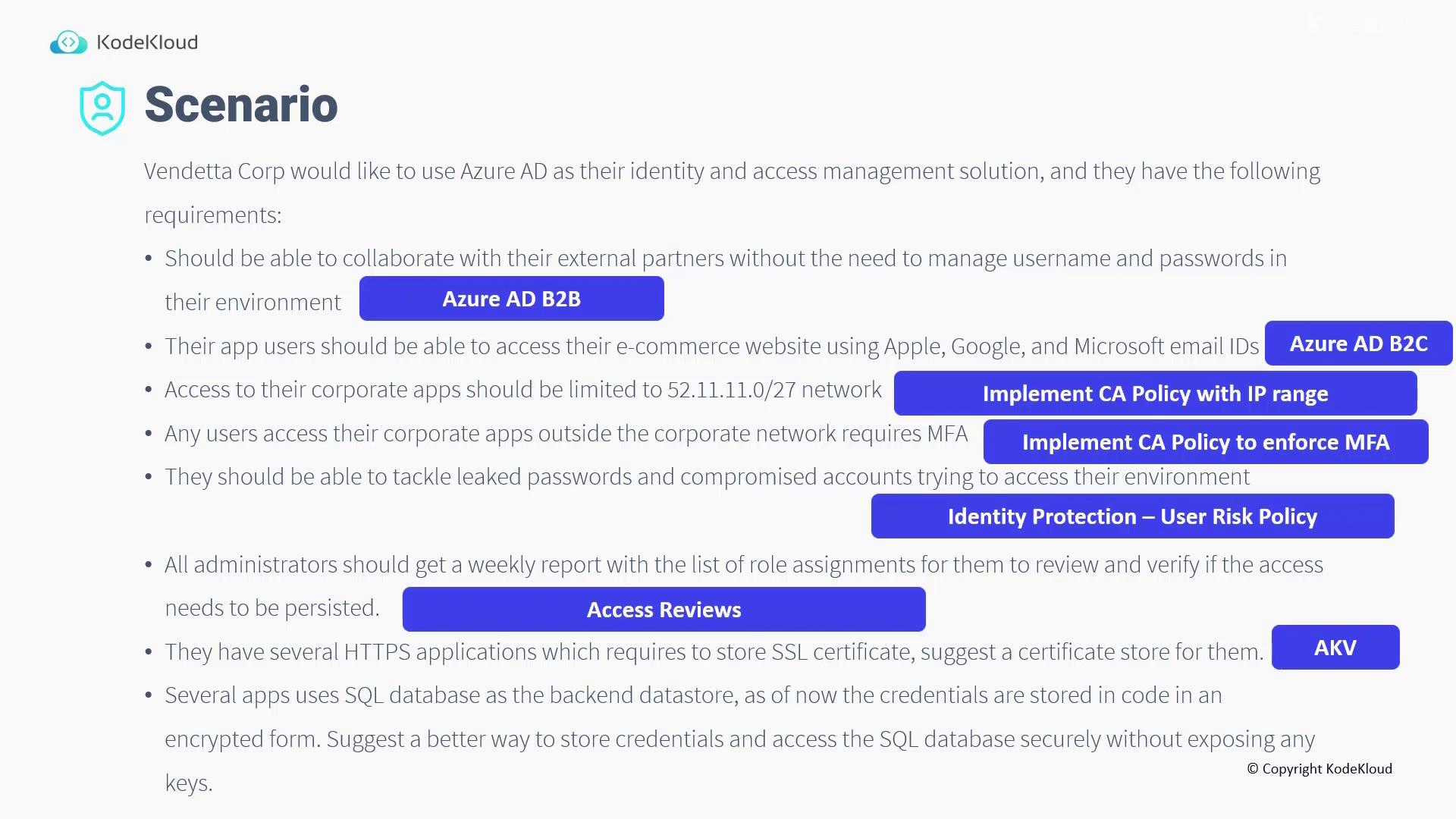
- For external collaboration with partners where there is no need for managing separate usernames and passwords, utilize Azure AD B2B.
- To enable app users to sign in to the e-commerce website using their Apple, Google, or Microsoft email IDs, implement Azure AD B2C.
- To restrict access to corporate applications to the specific network 52.11.11.0/27, configure a Conditional Access policy based on the IP range.
- For users attempting to access corporate applications from outside the corporate network, enforce Multi-Factor Authentication (MFA) using an additional Conditional Access policy.
- Address issues with leaked passwords and compromised accounts by implementing the Identity Protection User Risk Policy.
- Ensure that all administrators receive a weekly report listing their role assignments. Regular review of these access rights helps determine if continued access is justified.
- For storing SSL certificates required by several HTTPS applications, the recommended solution is Azure Key Vault.
- The SQL application currently uses an encrypted form of credentials stored within the code.
This lesson provided a solid foundation on tackling common identity and access management scenarios. Up next, we will delve into designing a comprehensive governance solution.