

Azure SQL Offerings Overview
Azure provides three main SQL offerings:-
SQL Virtual Machine (VM):
SQL Server runs on a virtual machine (VM) as an Infrastructure-as-a-Service (IaaS) solution, offering full control over the operating system, SQL Server version, and configurations. With SQL on VMs, you manage tasks such as OS updating and patching. Essentially, it is like running SQL Server on a Windows virtual machine with the server pre-installed. -
Managed Instances (MI):
Managed Instances are a Platform-as-a-Service (PaaS) solution available in two deployment models:- Single Instance: A fully managed service running the latest SQL Server version. This option provides automatic updates, patching, and the ability to deploy within a virtual network for a private IP address.
- Instance Pool: A collection of pre-provisioned compute resources shared among multiple instances. This model allows resource sharing across databases for cost optimization and improved performance management, especially when resource demands vary.
-
SQL Database:
SQL Database is also a fully managed PaaS solution available in two configurations:- Single Database: Choose between provisioned compute or serverless execution. With provisioned compute, you pre-allocate resources (e.g., 4 vCores and associated memory), while the serverless mode dynamically adjusts based on query demand.
- Elastic Pool: Multiple databases share compute and storage resources within predefined limits, optimizing costs and ensuring performance based on the current workload.
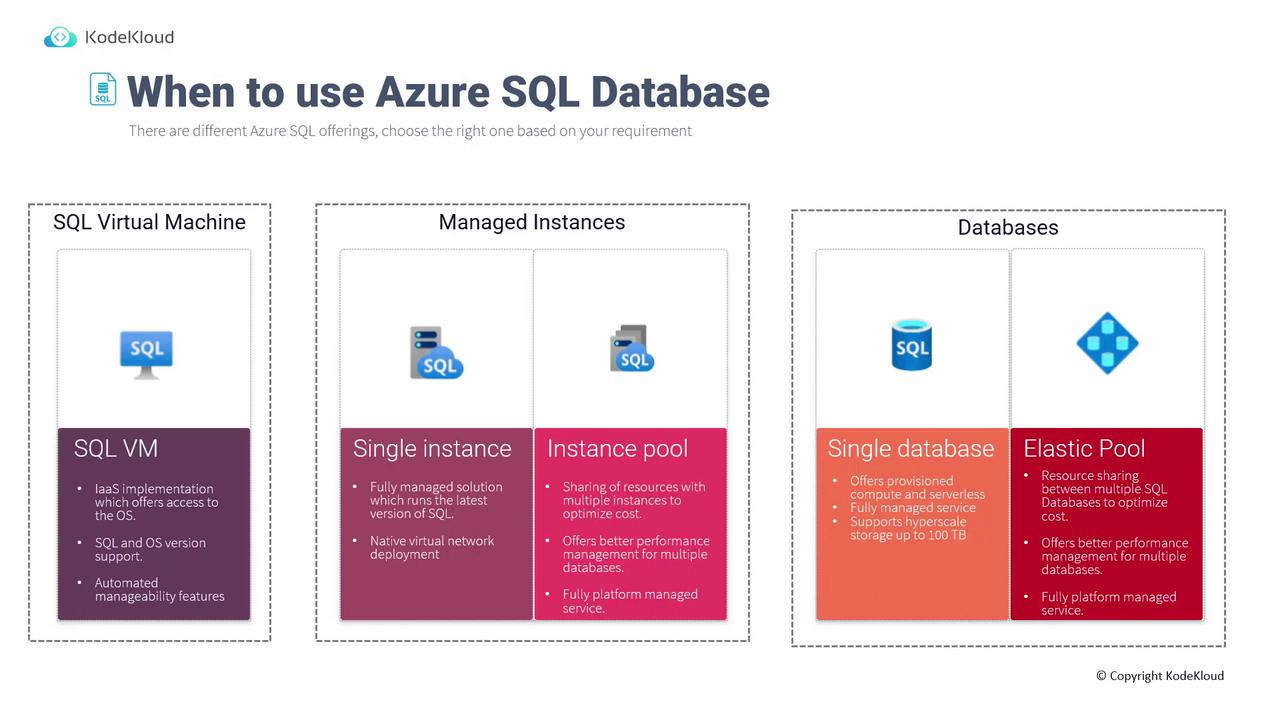
Detailed Comparison of Azure SQL Offerings
SQL Database
Azure SQL Database offers deployment as either a single database or an elastic pool where multiple databases share pre-allocated resources. Key features include:- High Availability and Performance:
Achieve a 99.99% SLA, with a Recovery Point Objective (RPO) of 5 seconds and a Recovery Time Objective (RTO) of 30 seconds. - Cost Efficiency:
It is approximately 86% more cost-effective than AWS RDS. - Licensing Benefits:
Leverage the Azure Hybrid Benefit to reuse your on-premises SQL Server licenses for additional savings.
Managed Instance (MI)
SQL Managed Instances provide a fully managed solution while still offering instance-scoped features such as:- SQL Server Agent
- Service Broker
- Common Language Runtime (CLR)
- Database Mail
- Linked Services
- Machine Learning Services
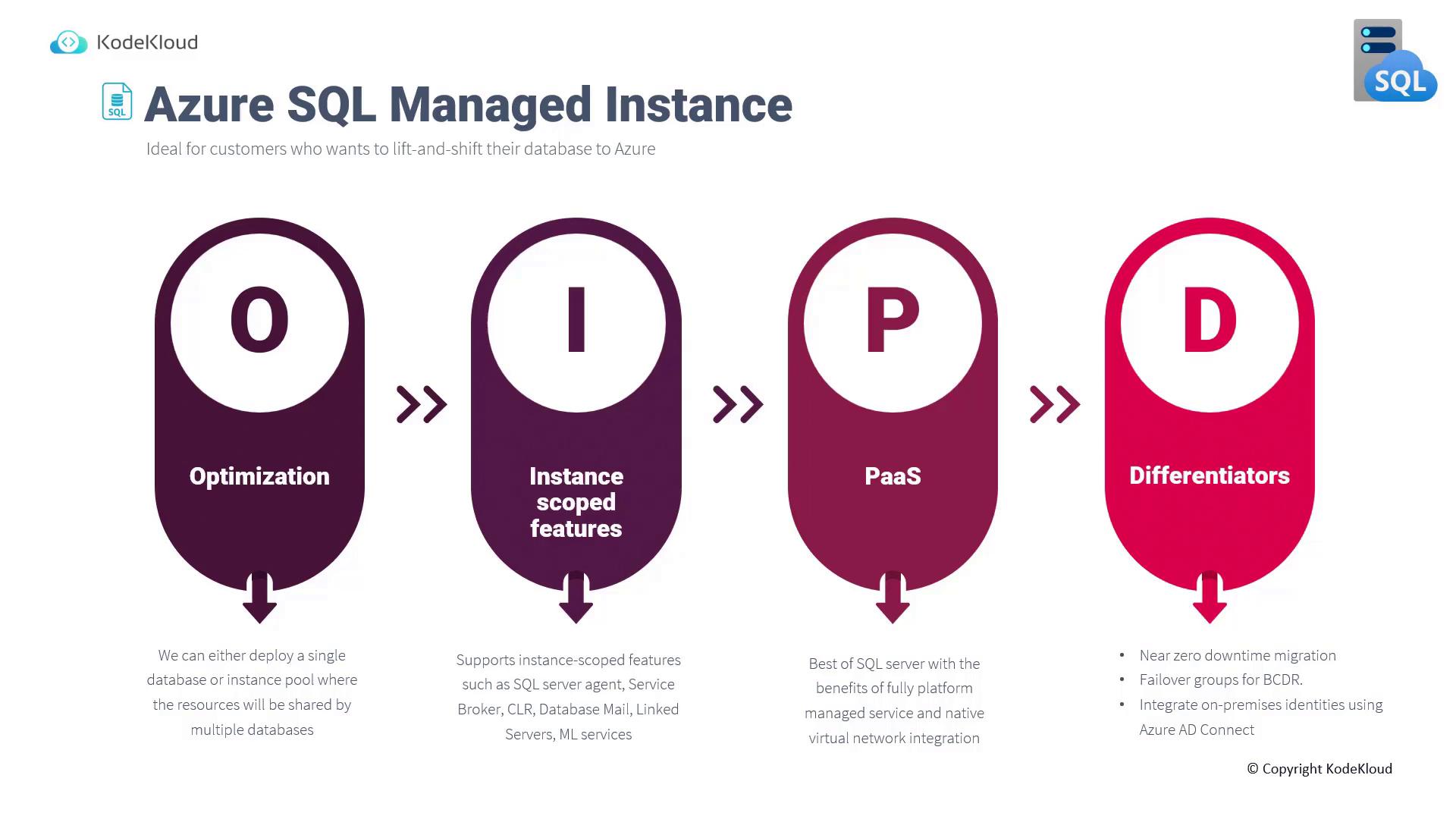
SQL Virtual Machine
SQL on VMs is an IaaS approach that gives you complete control over the OS and SQL Server instance. This option is ideal if you need to:- Support both Windows and Linux environments (including SQL containers)
- Use components such as SSAS, SSRS, and SSIS, which are not available with other offerings
- Leverage capabilities like FILESTREAM, DTC, and the simple recovery model

Choosing the Right Solution
-
SQL on VM:
Choose when full control over the operating system and SQL Server is required, especially in lift-and-shift migration scenarios. -
SQL Database:
Ideal for modern applications that benefit from a fully managed service with both provisioned and serverless compute options. -
SQL Managed Instance:
Select if you need instance-scoped features (such as SQL Server Agent and CLR support) coupled with native virtual network integration.
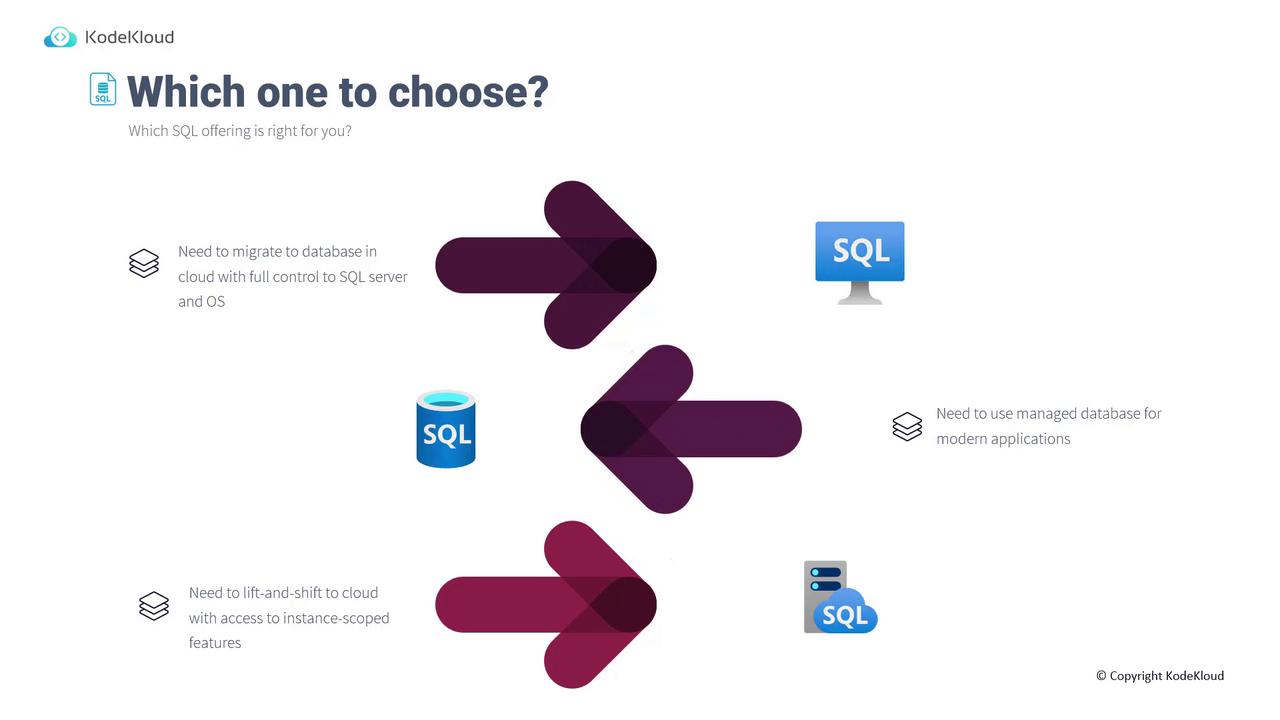
Deploying an Azure SQL Database
Follow these steps to deploy an Azure SQL Database via the Azure portal:- Access the Azure Portal:
Search for “SQL” to view options such as SQL Databases, SQL Virtual Machines, and SQL Managed Instances.
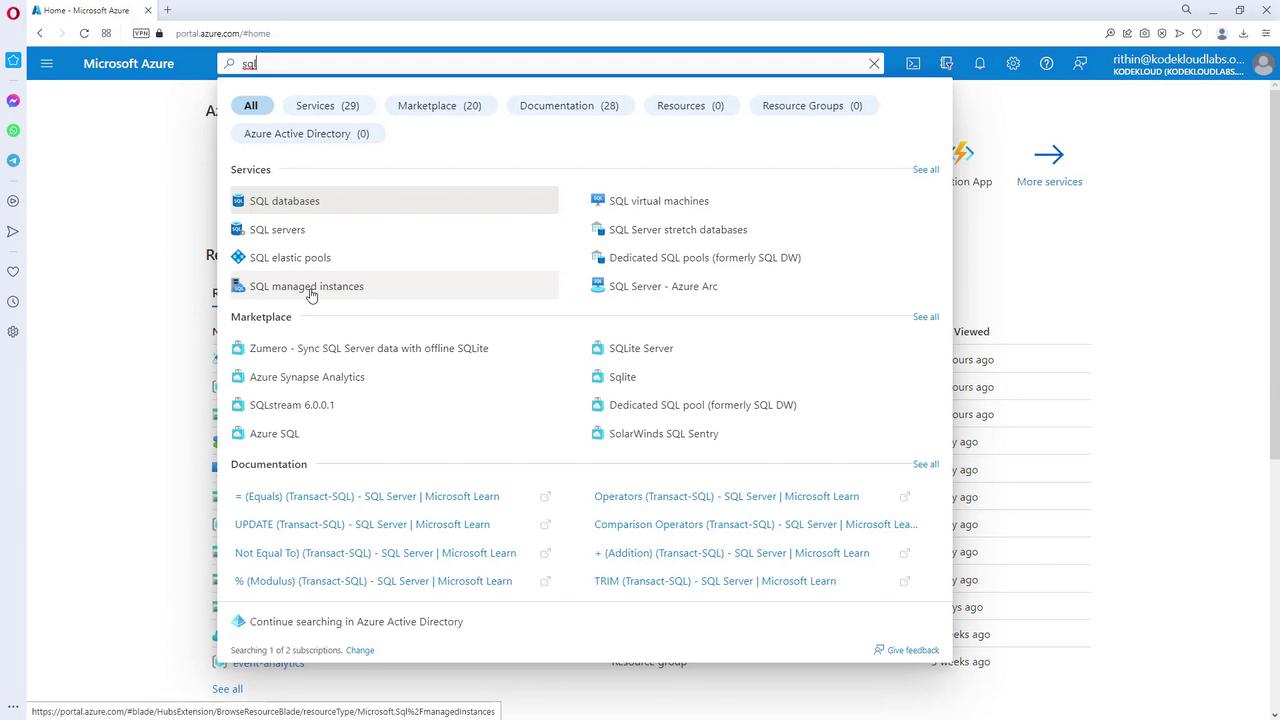
- Create a SQL Database:
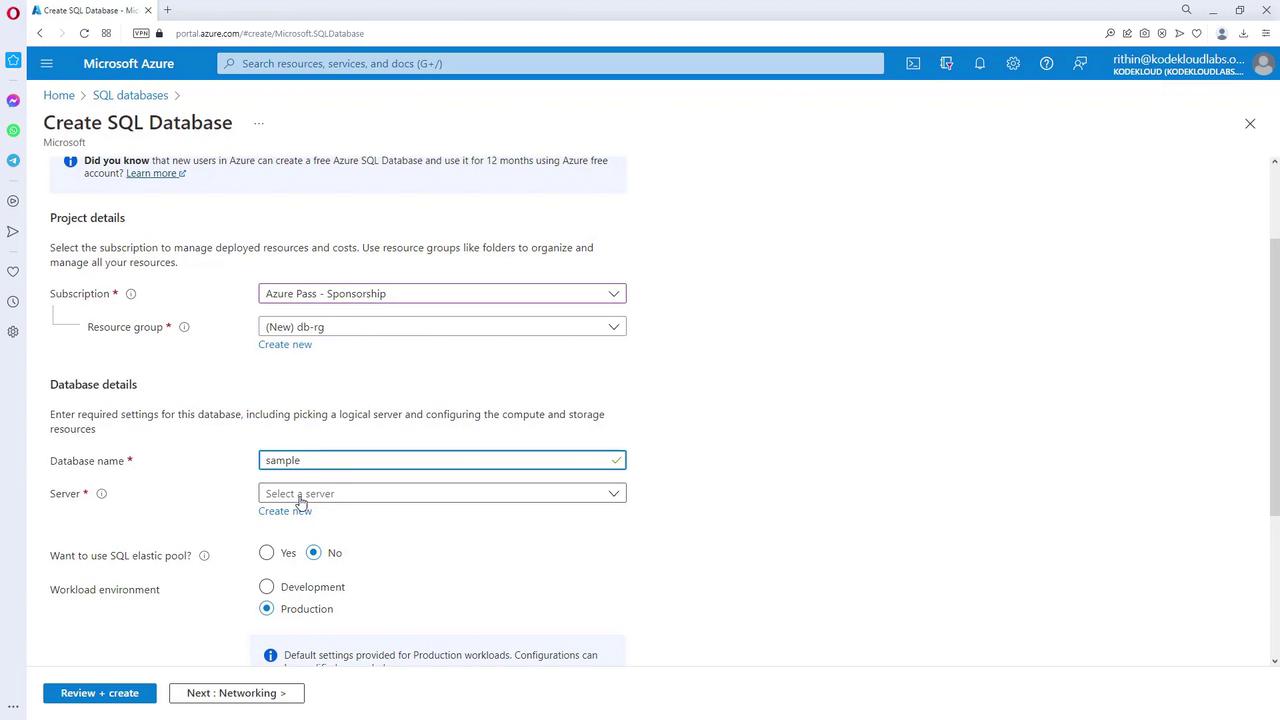
- Select SQL Databases and click on Create a SQL database.
- Choose your subscription and create a new resource group if required.
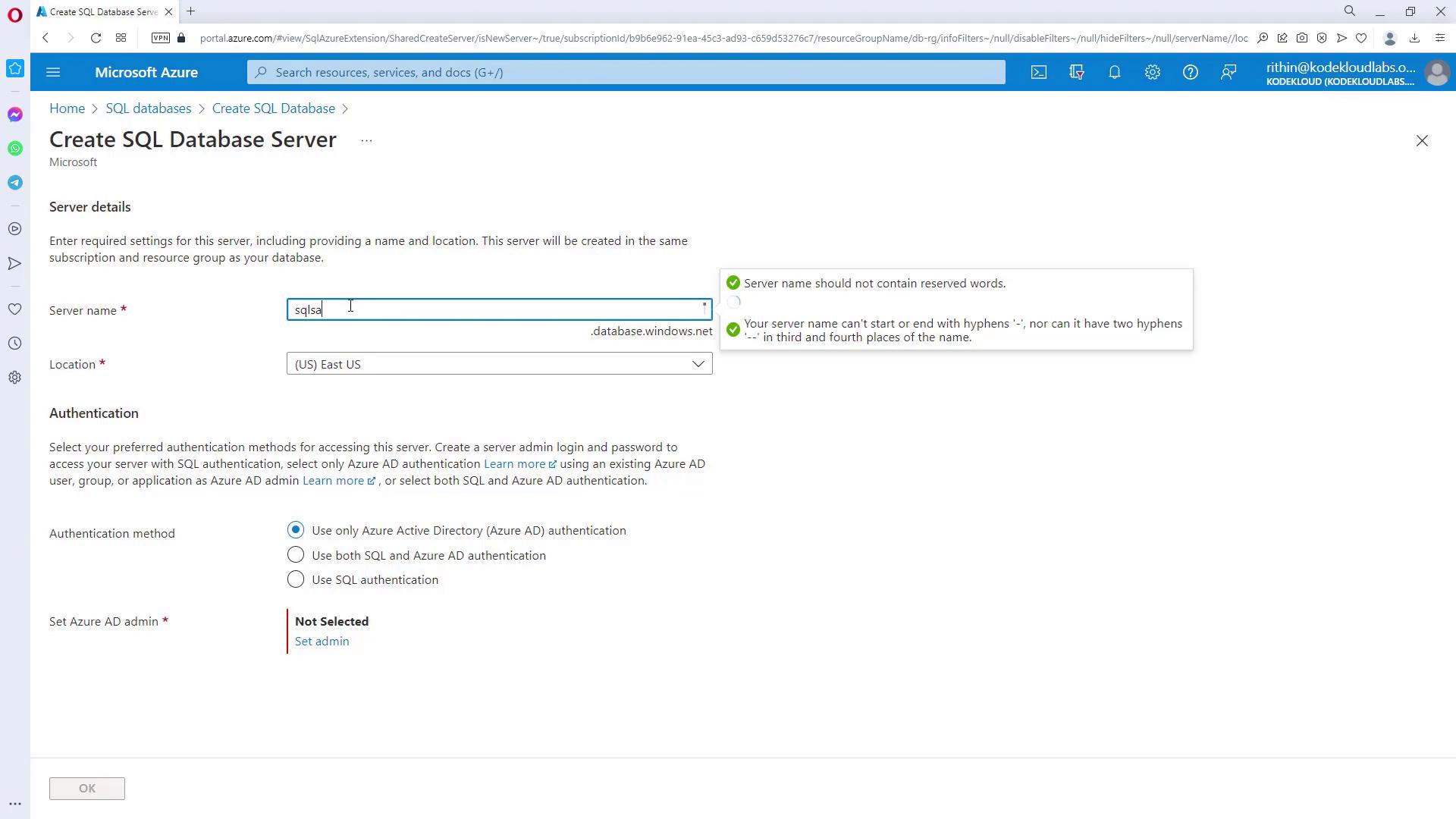
- Provide a database name (e.g., “SQL Sample 305”) and select a server. If no server exists, create a new one. Remember, the server name must be unique, and you must select a location (e.g., East US).
- Configure Authentication:
Choose your preferred authentication method. In this example, select SQL authentication.
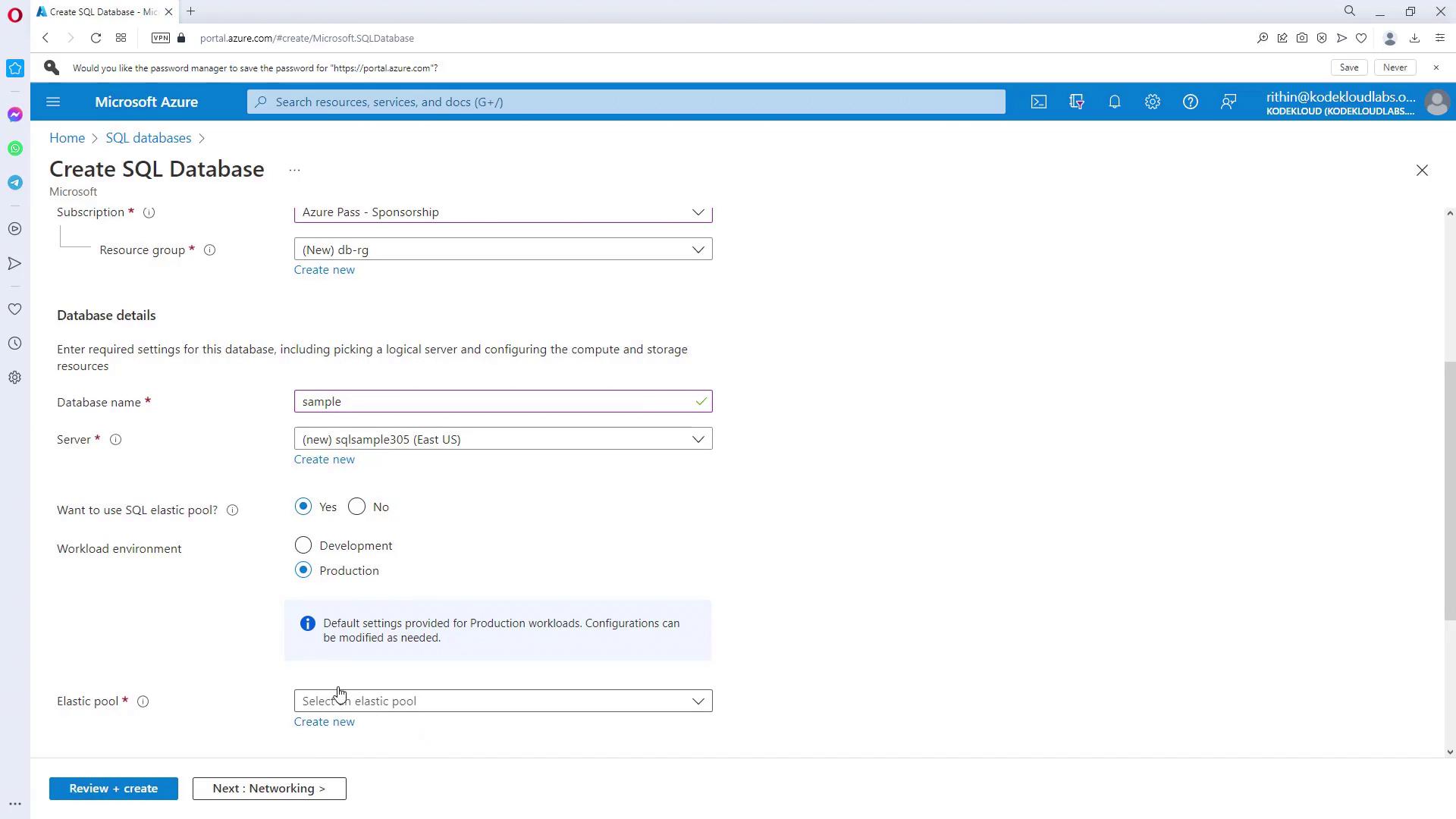
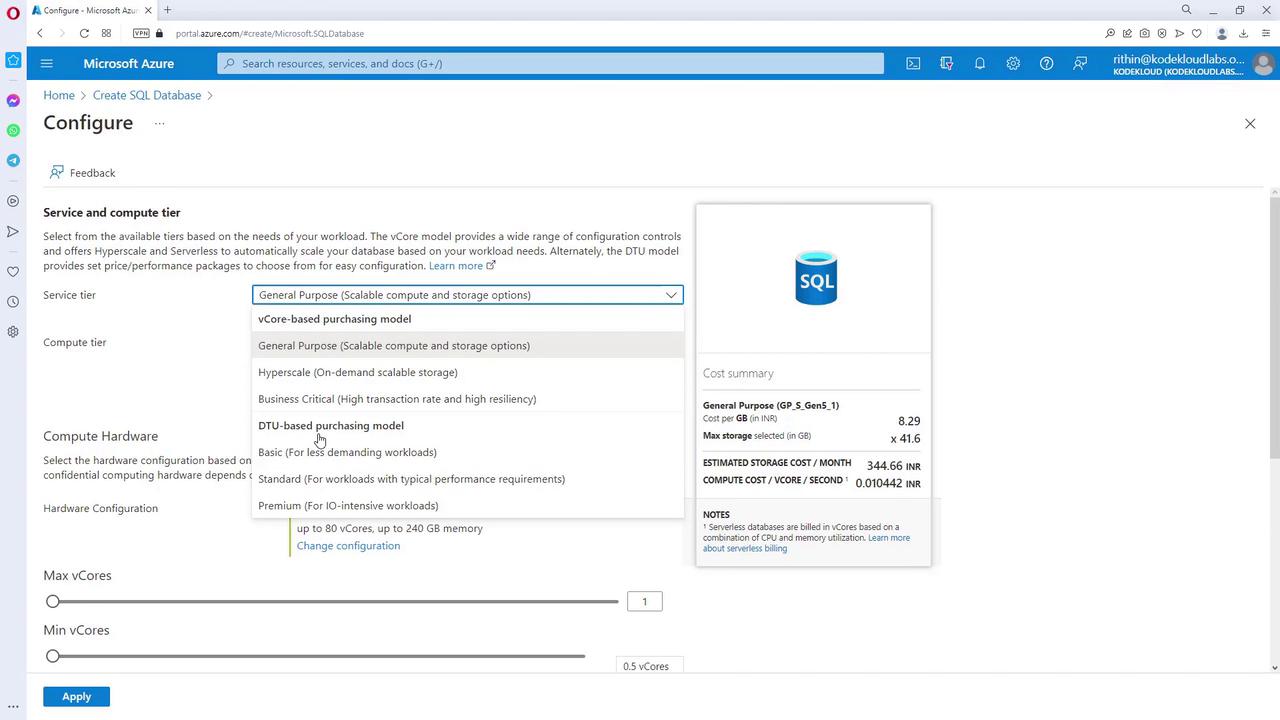
- Select Database Tier and Compute Options:
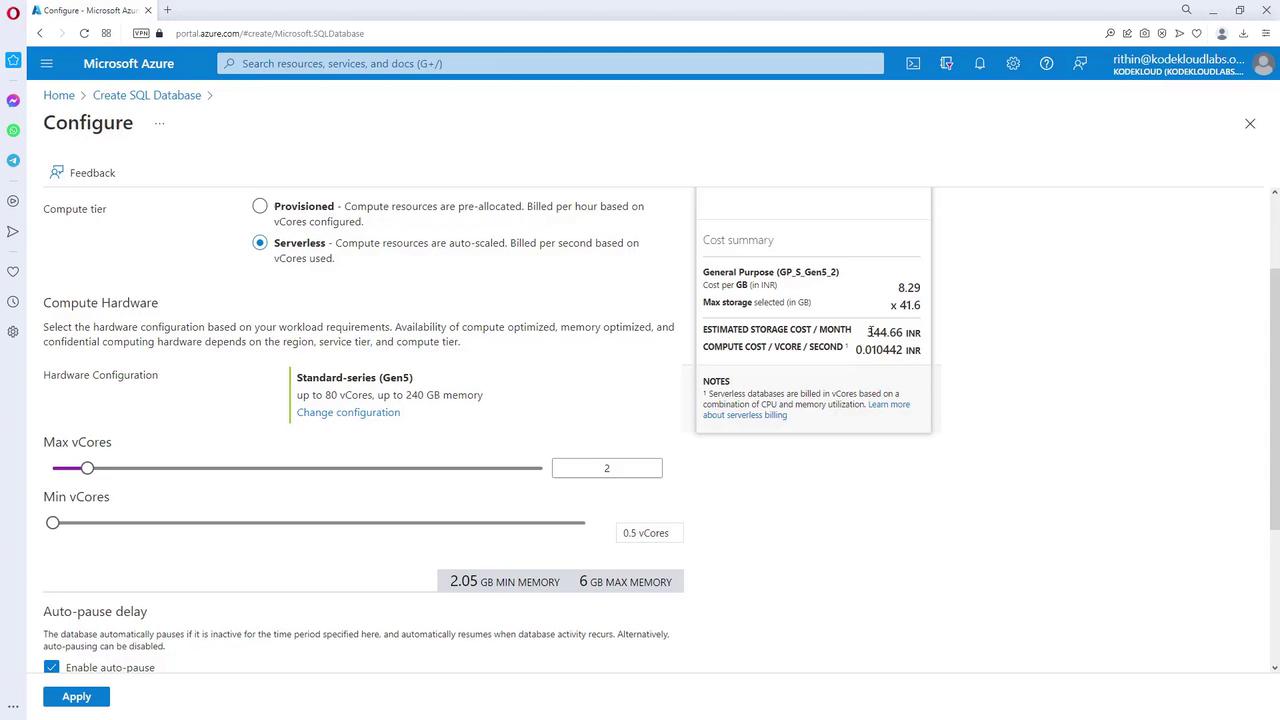
For development, you might select the Basic tier, which offers 2 GB of storage at a low monthly cost. For production environments, consider tiers like General Purpose or Hyperscale.- Click Configure database to review compute and storage options.
- If you encounter delays, simply refresh the page.

- Storage and Backup Options:
For development, choose Locally Redundant Storage (LRS). In production, consider options like ZRS or GRS for geo-redundant storage.
- Networking and Connectivity:
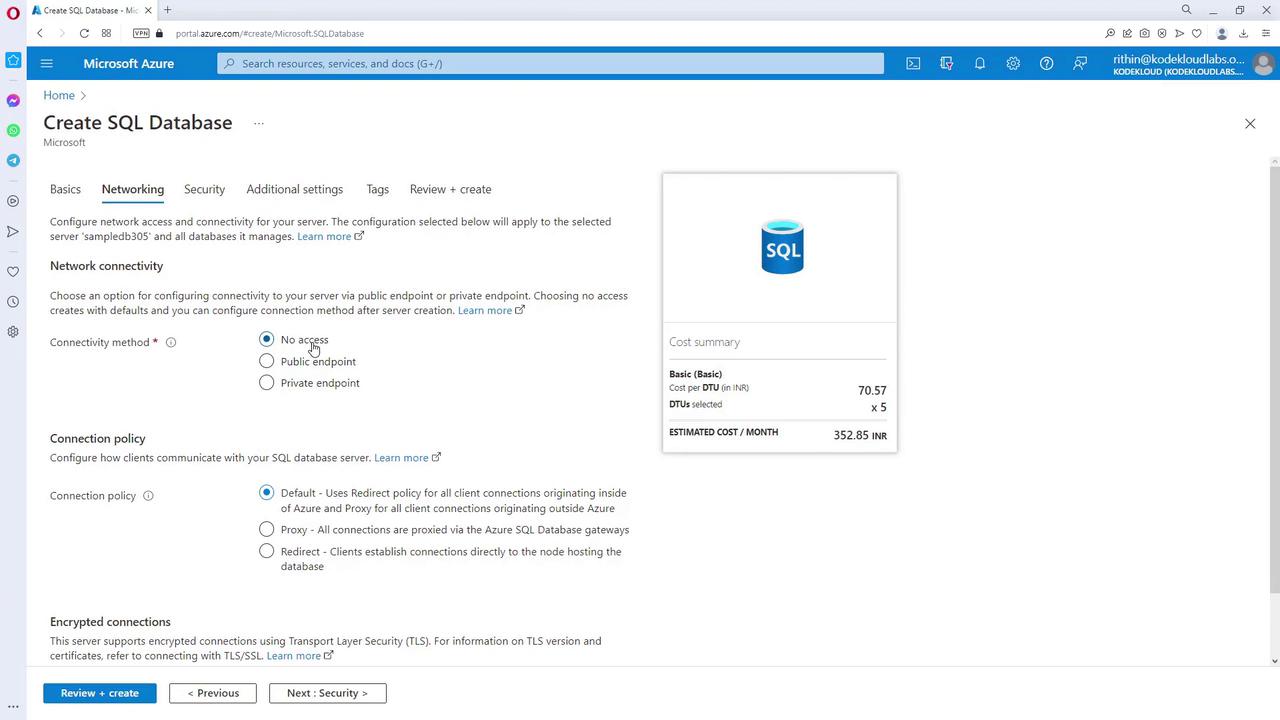
For initial deployment, leave the connectivity settings at the default (e.g., “No access”). Later, if external access is needed, update the firewall settings to allow your IP address.
- Security and Data Source Selection:
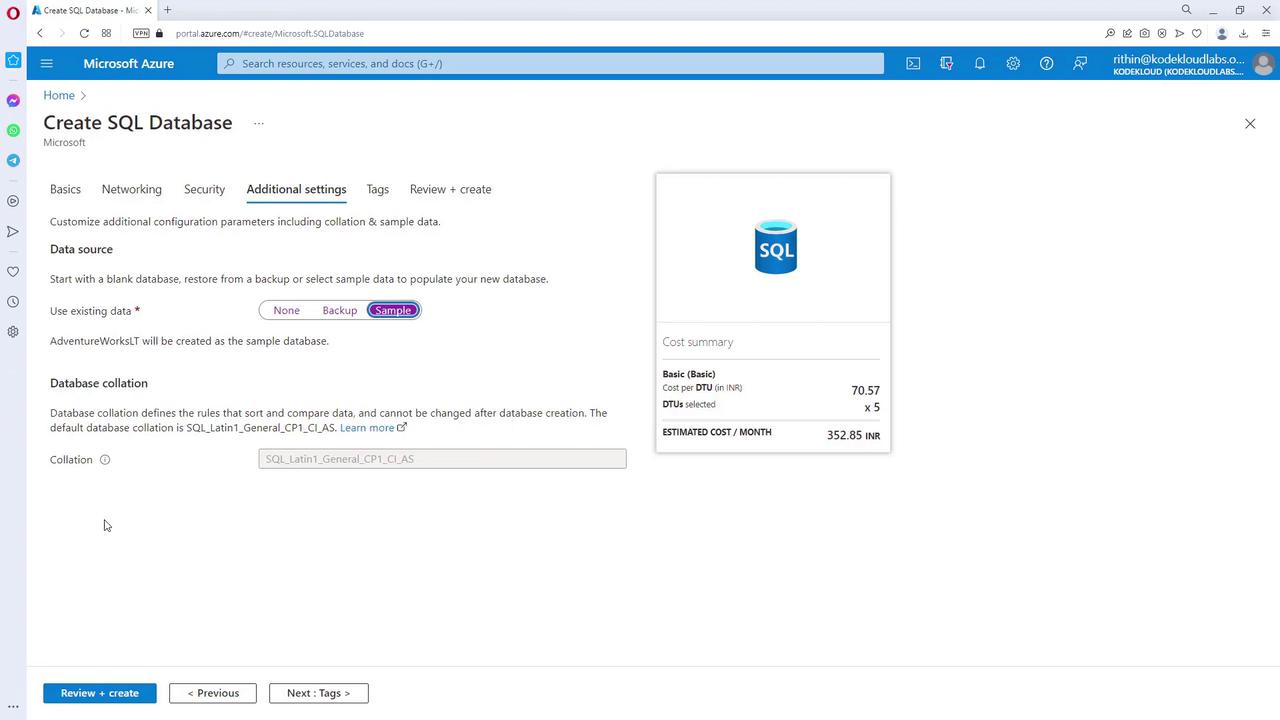
For this sample deployment, disable additional security options such as Defender, Ledger, Identity, or Transparent Data Encryption (TDE). Optionally, select a sample database (such as Adventure Works LT) as your data source.
- Create the Database:
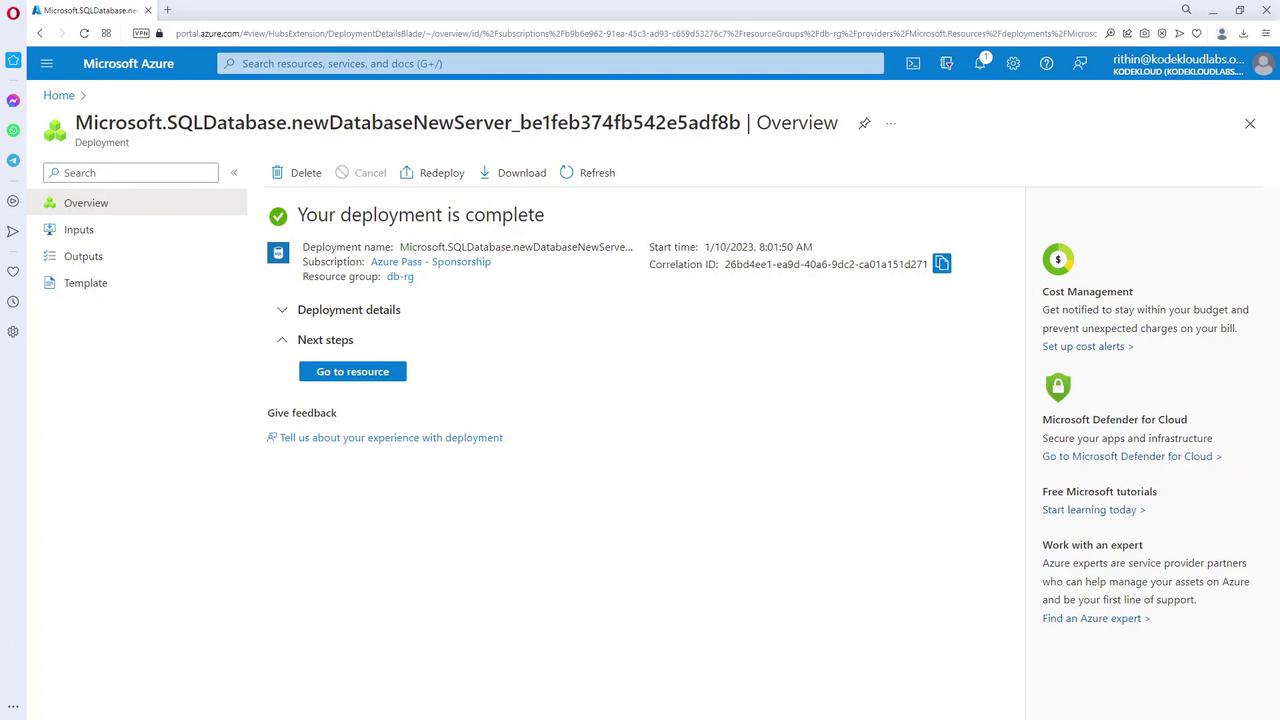
Click Create and wait for the validation and deployment processes to complete.
Querying the SQL Database
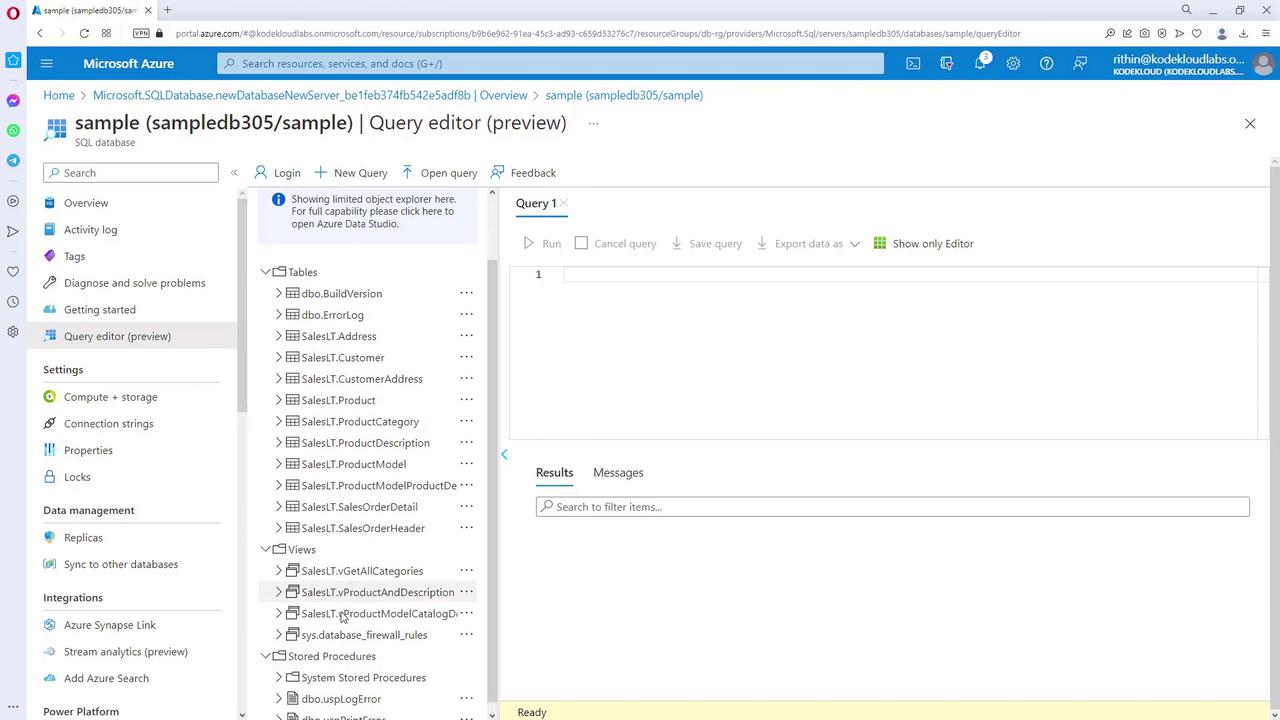
After deployment, use the Query Editor in the Azure portal to run queries:- Launch the Query Editor from the database resource page.
- If you encounter a connection error due to your IP address not being allowed (default is “No access”), update the SQL Server firewall settings by adding your current IP address and saving the changes.
- Return to the Query Editor and log in with your credentials.
Overview of SQL Managed Instance Deployment
Deploying SQL Managed Instance (MI) resembles creating an SQL Database, but with added benefits like native virtual network integration. Key points include:- MI is deployed within a virtual network for enhanced security.
- When setting up an MI, you will define unique names, select from various service tiers (e.g., General Purpose, Business Critical), and configure authentication similar to SQL Database.
- Note that MI typically incurs higher costs due to its advanced features and native VNet integration.
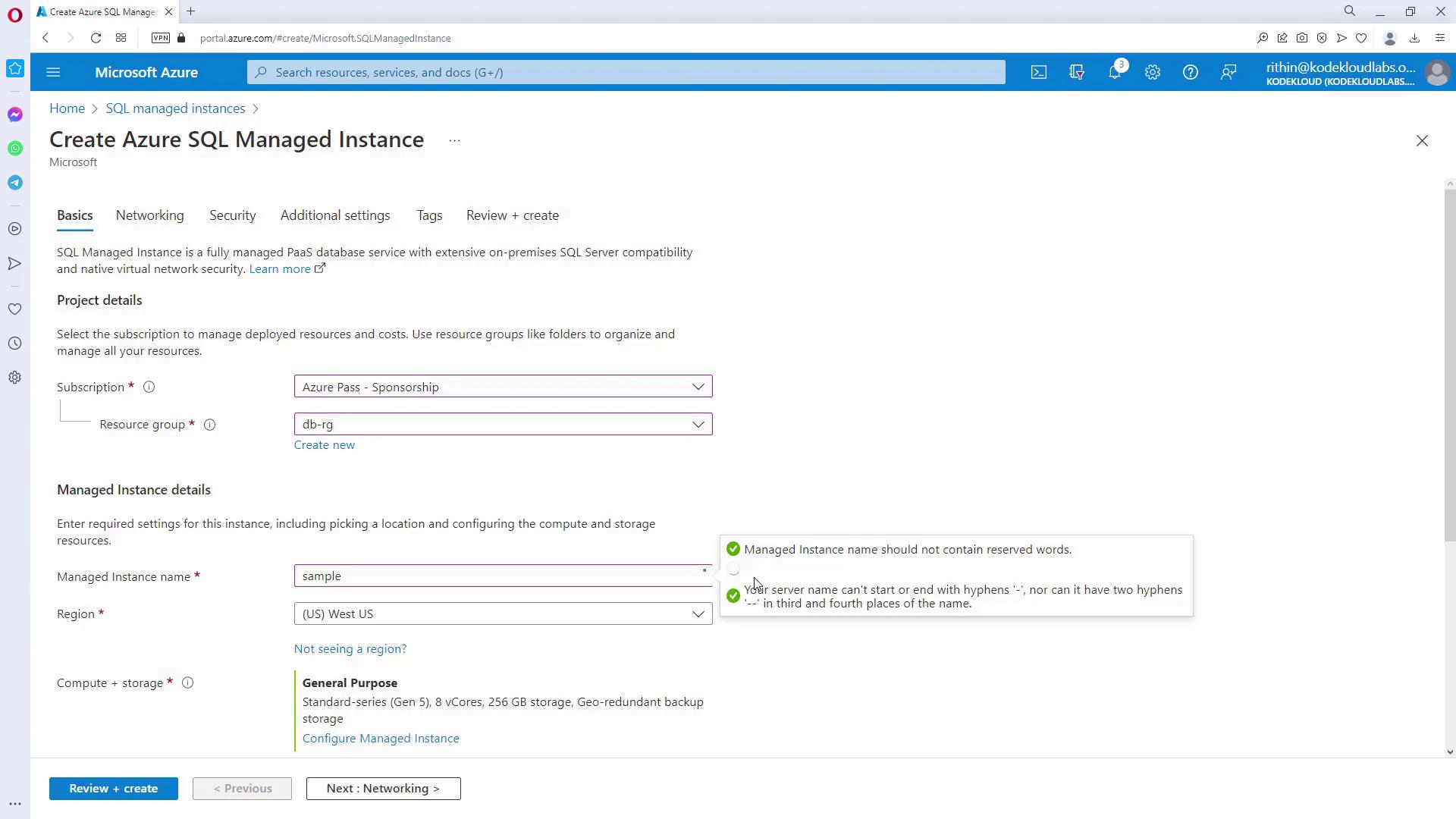
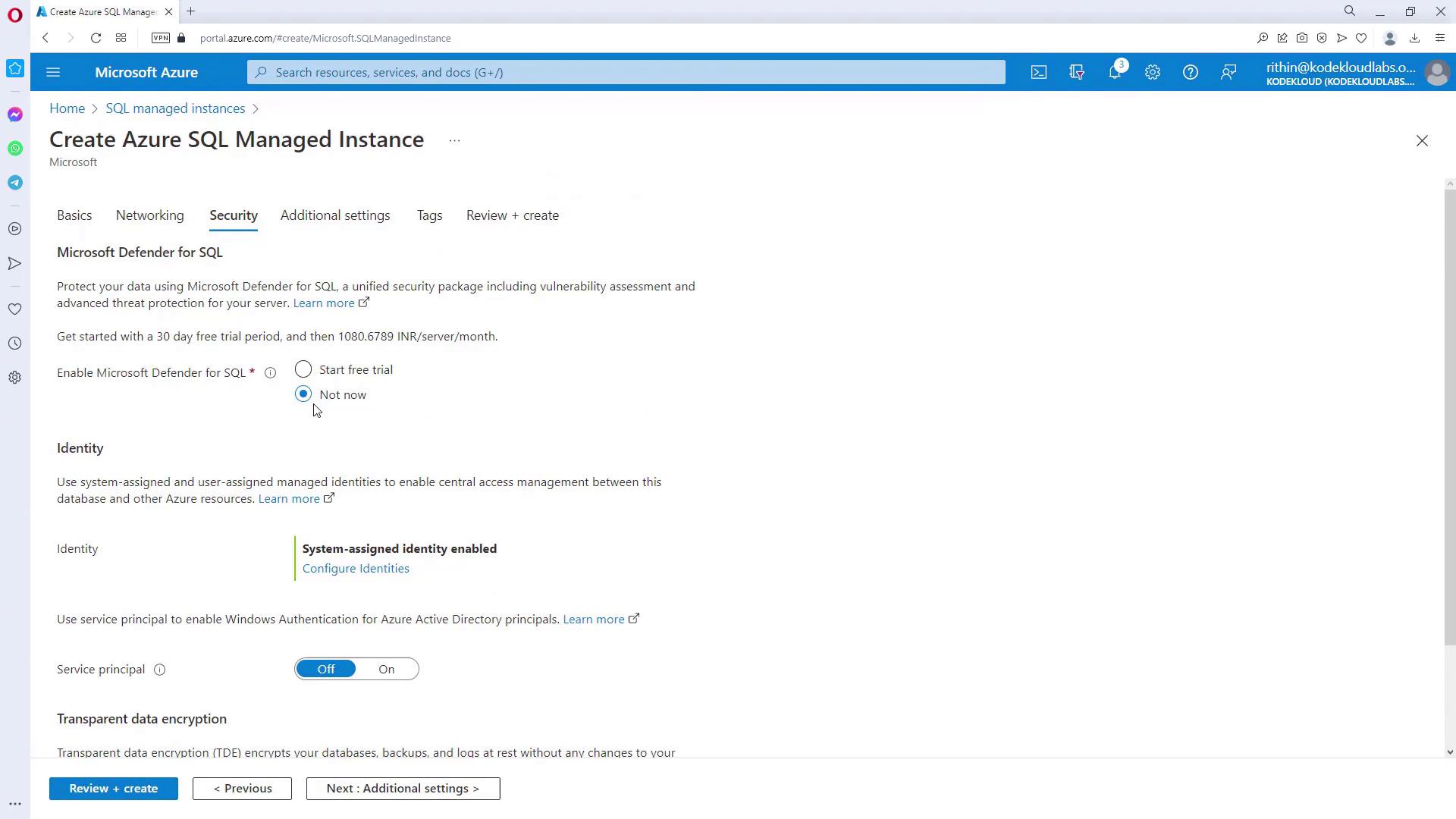
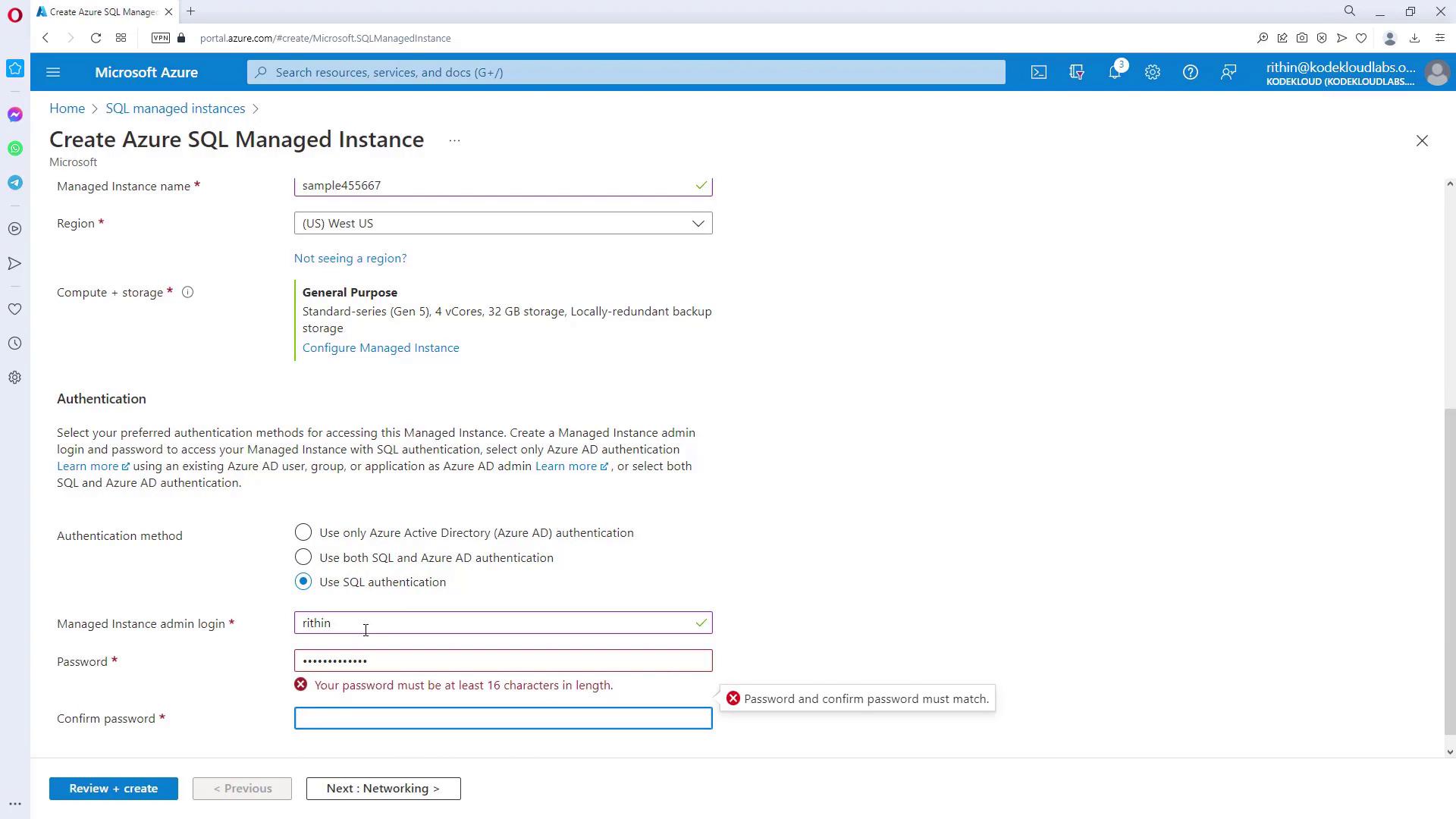
For development purposes, consider using SQL Database unless the instance-scoped features or native VNet integration of Managed Instance are required.