This article provides a guide for deploying a multi-tier voting application in an OpenShift cluster.
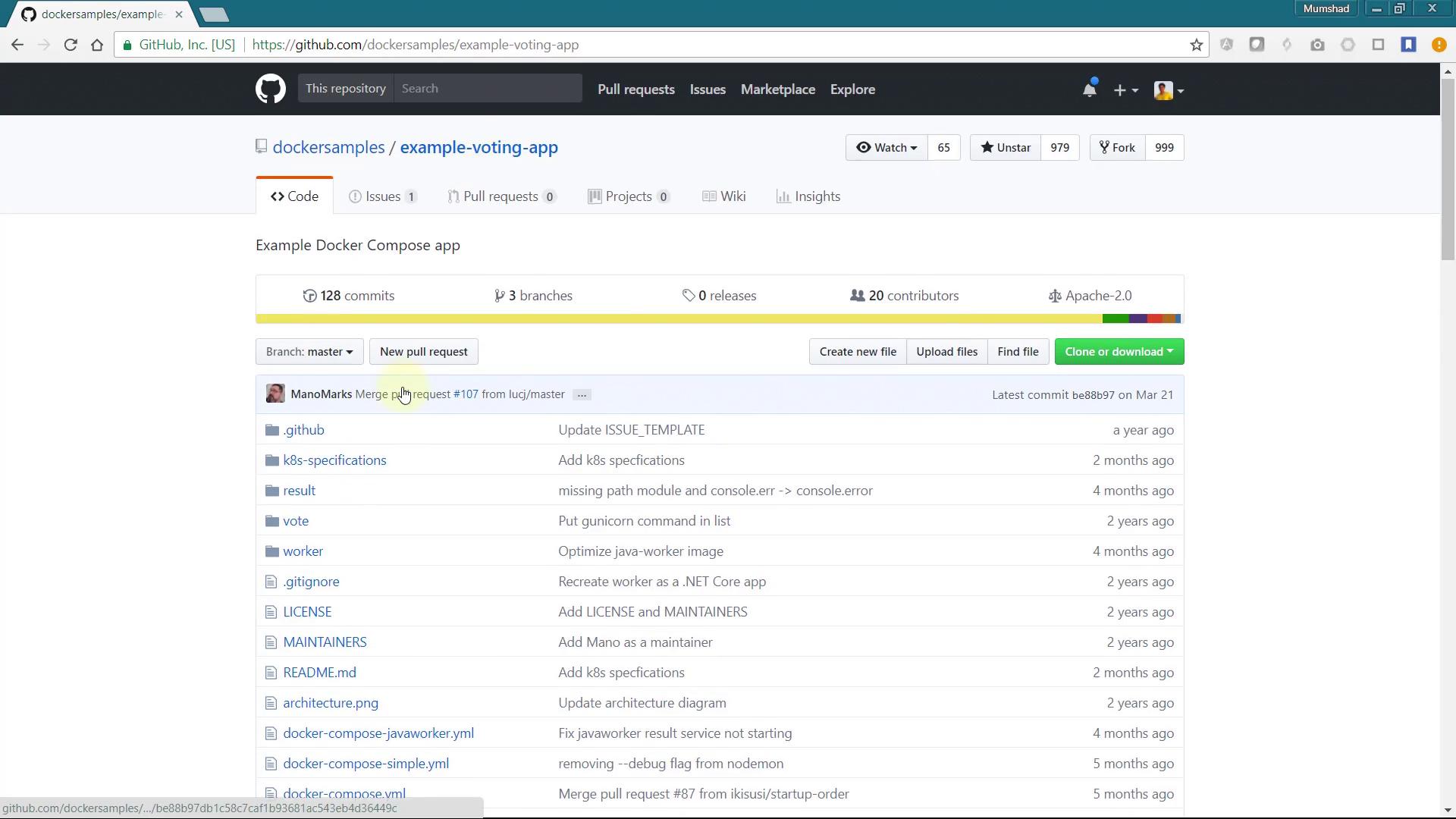
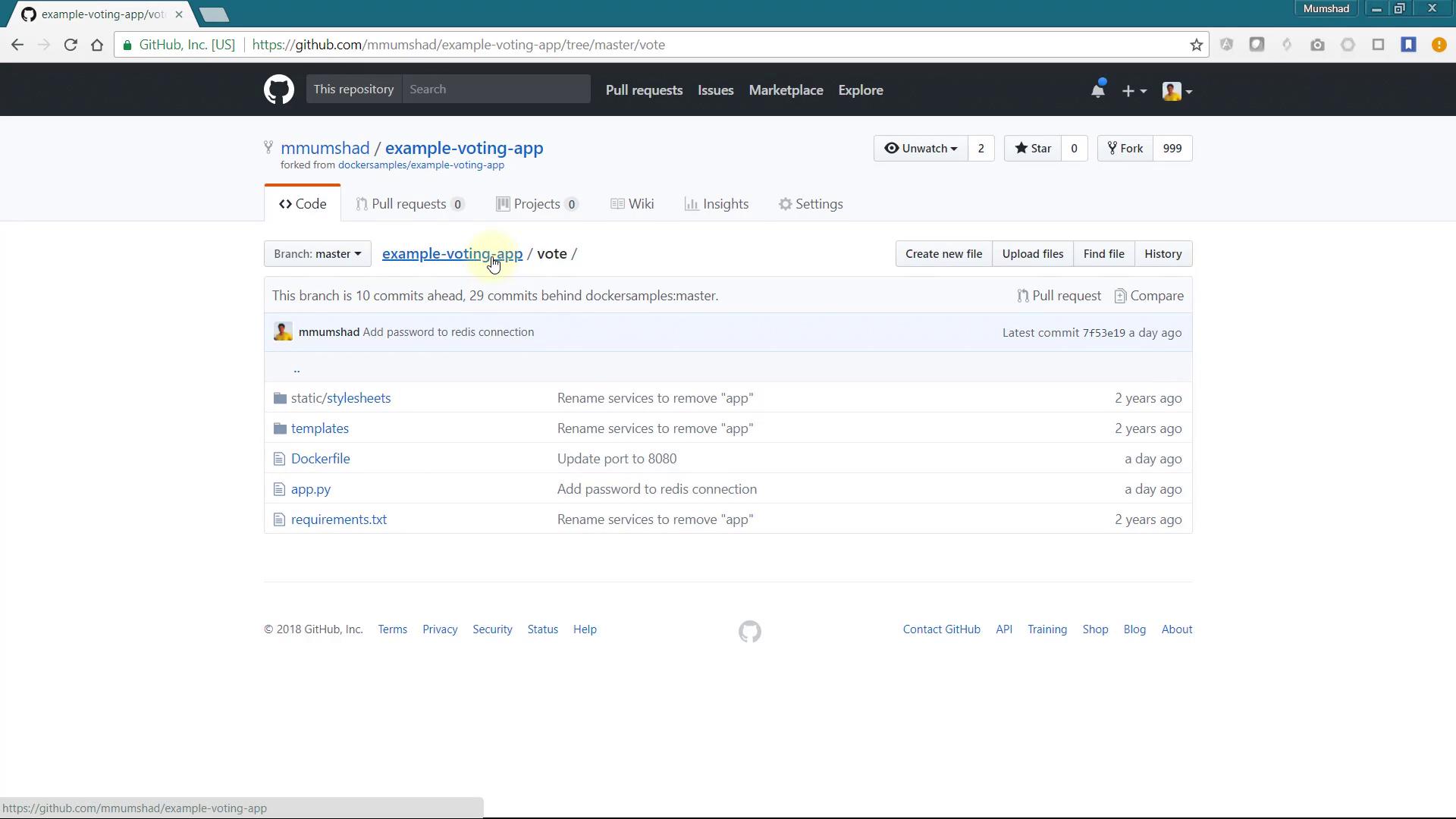
Welcome to this comprehensive guide on deploying a multi-tier voting application in an OpenShift cluster. In this lesson, you will learn how to deploy and configure various components—including Redis, a Python-based voting app, a Node.js result app, and a worker application—using OpenShift’s robust platform. The application code is hosted in a GitHub repository forked from the main example-voting-app, with minor modifications to include basic authentication between services.
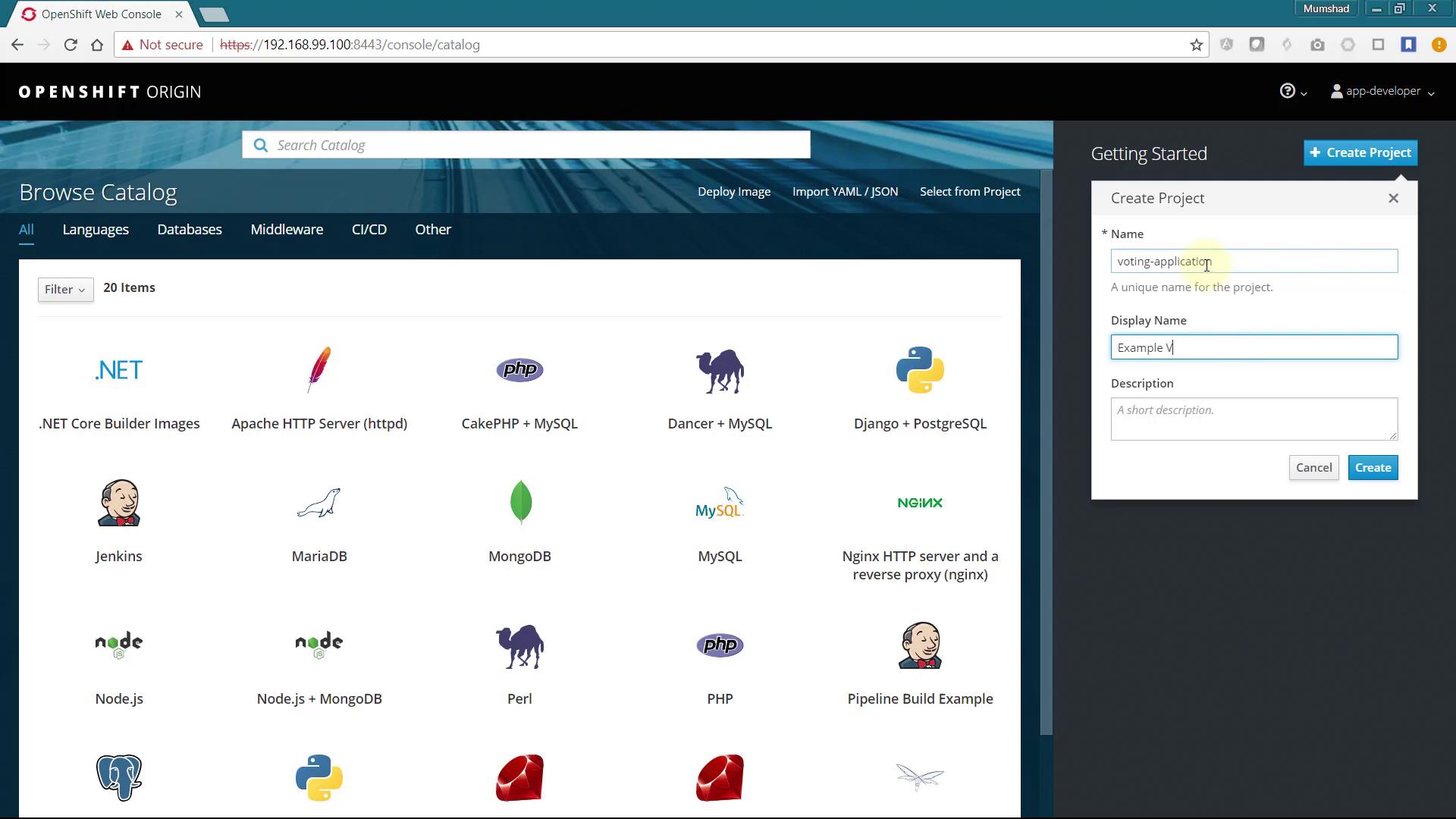
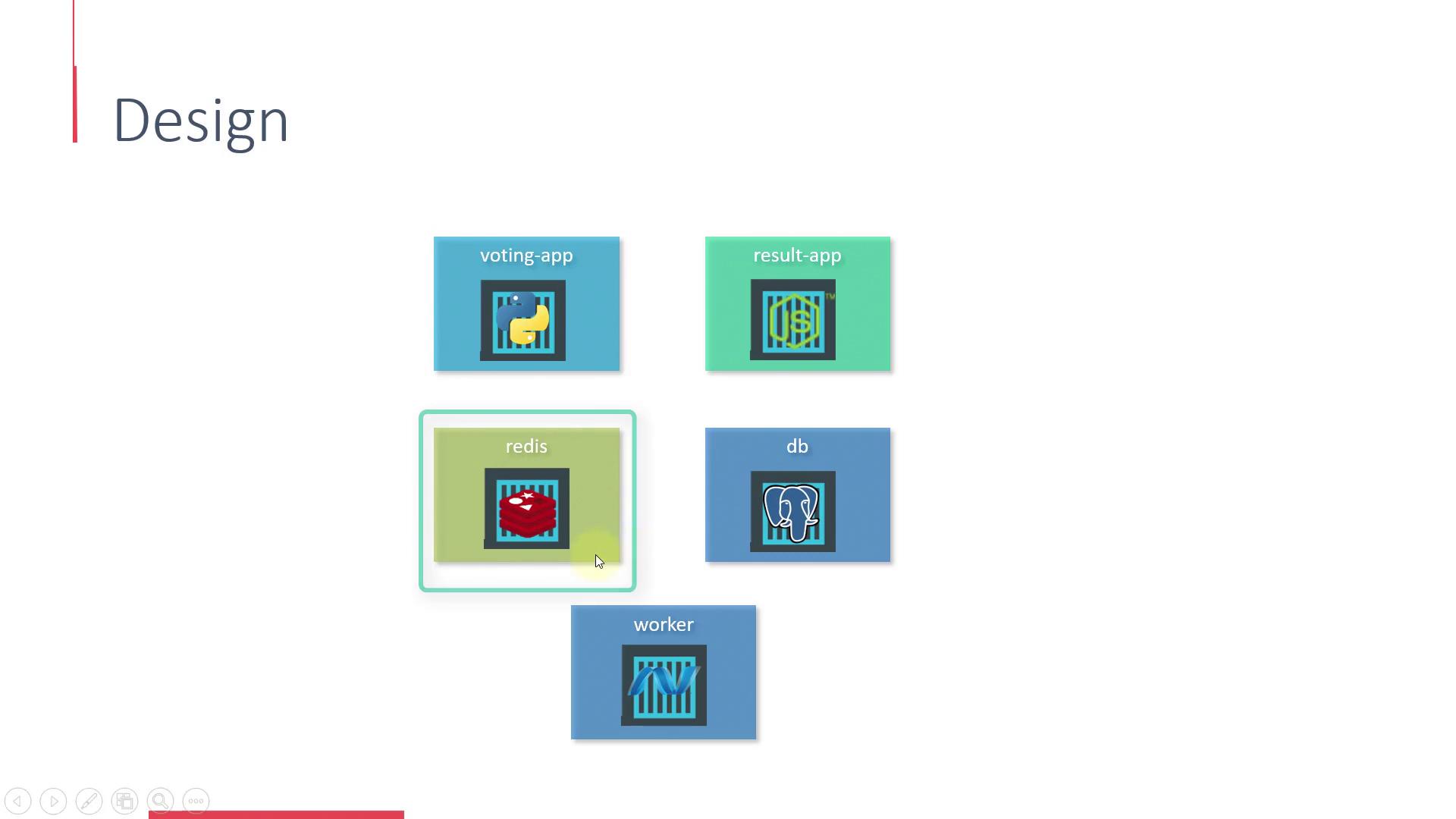
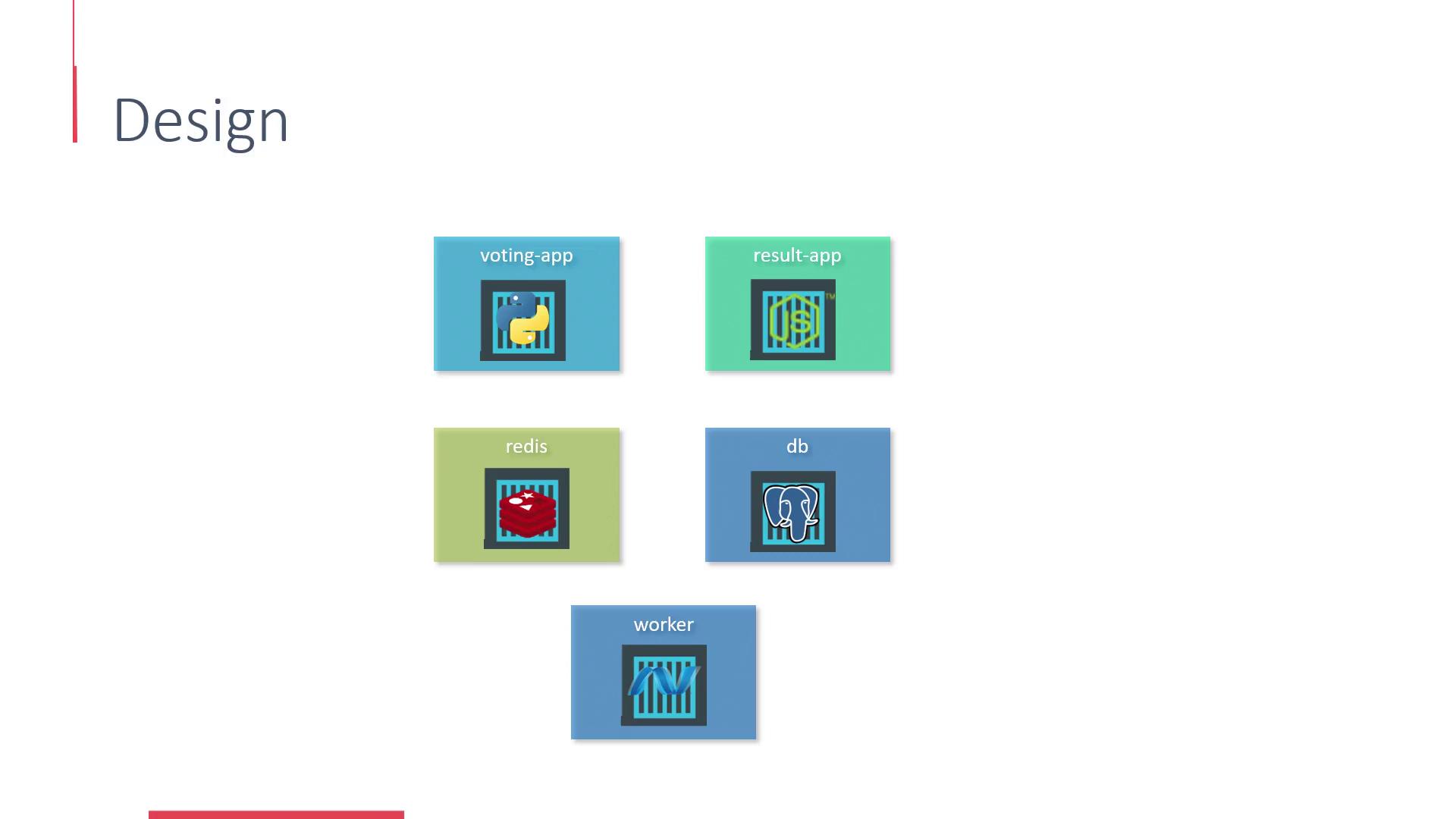
Start by creating a new project in your OpenShift cluster. Name the project voting-application.In the initial design, the application is divided into multiple microservices:
Since the front-end voting application depends on Redis, deploy the Redis service first.
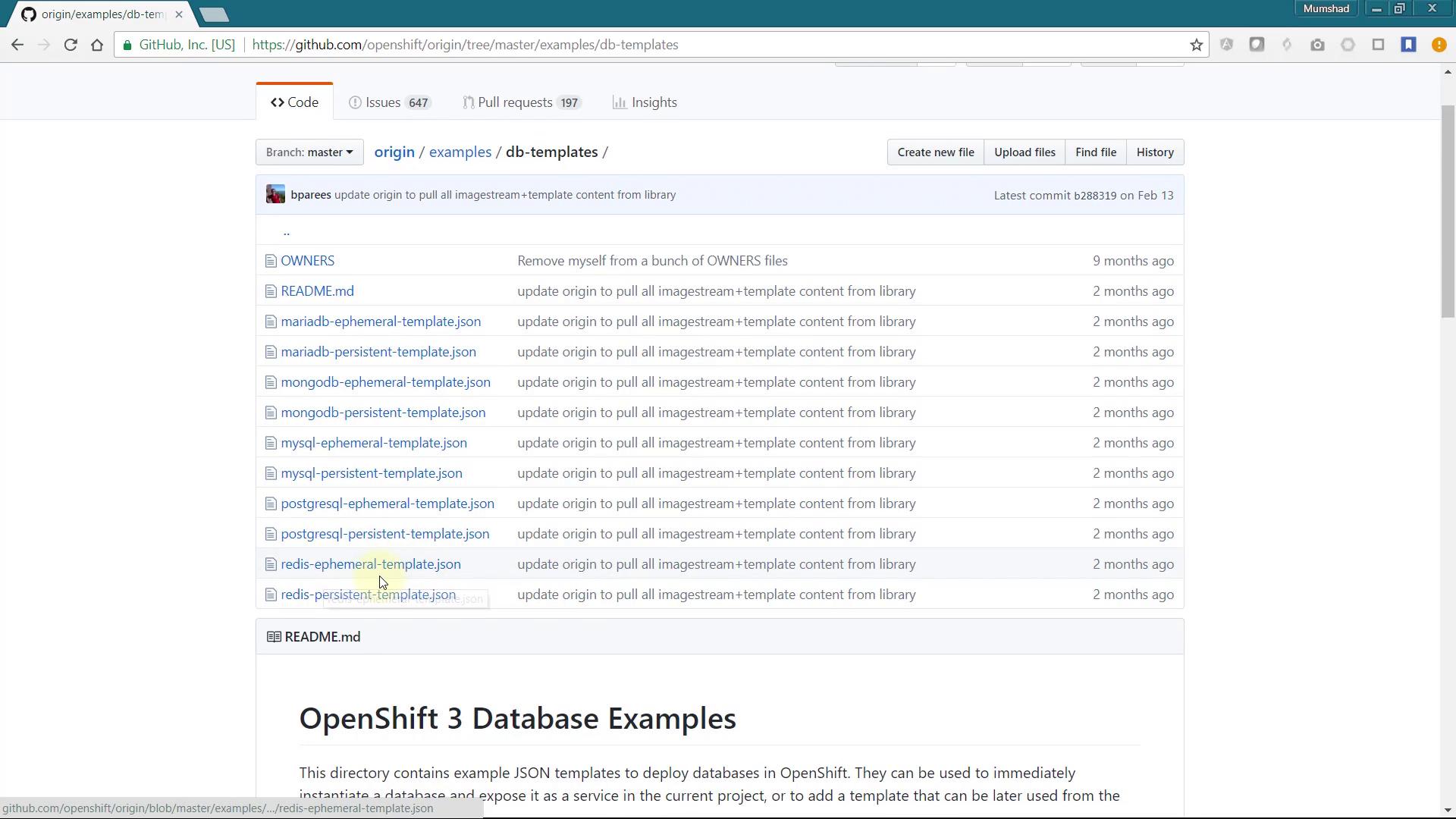
If you don’t see Redis in the service catalog, you can add it manually using one of the available OpenShift templates. Search GitHub for the OpenShift and Redis template.
Locate the Redis template under the Examples section in the OpenShift Origin Repository. Follow these steps:
Select the Redis-Ephemeral-Template.
Copy its contents.
Use the “Import YAML/JSON” option in the UI.
Click on Create.
Finally, choose “Save Template” to add the new template to your catalog items.
Below is a snippet from the Redis template that defines configuration parameters:
Copy
Ask AI
{ "description": "Password for the Redis connection user.", "displayName": "Redis Connection Password", "from": ["a-zA-Z0-9]{16}"], "generate": "expression", "name": "REDIS_PASSWORD", "required": true},{ "description": "Version of Redis image to be used (3.2 or latest).", "displayName": "Version of Redis Image", "name": "REDIS_VERSION", "required": true, "value": "3.2"}
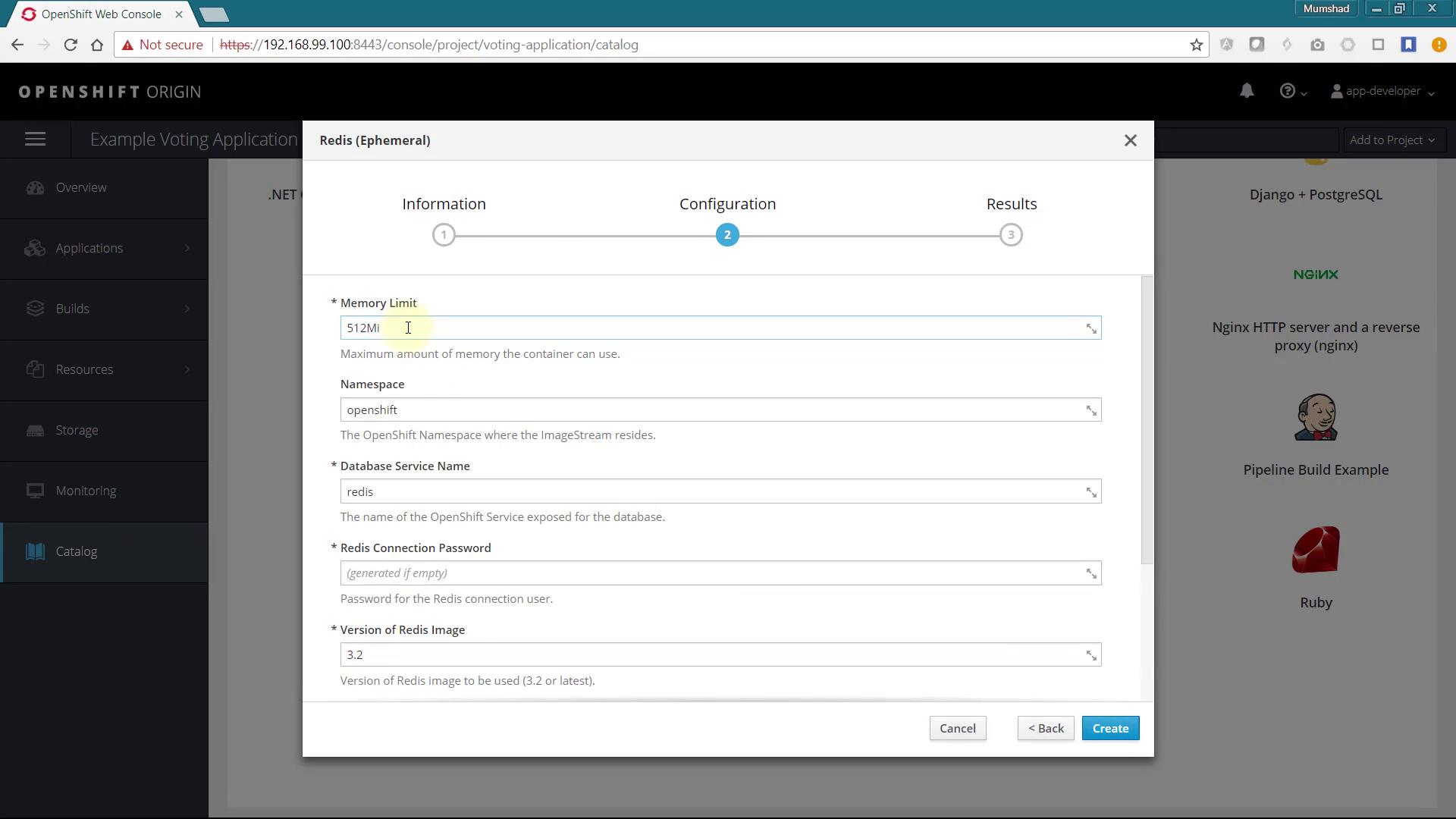
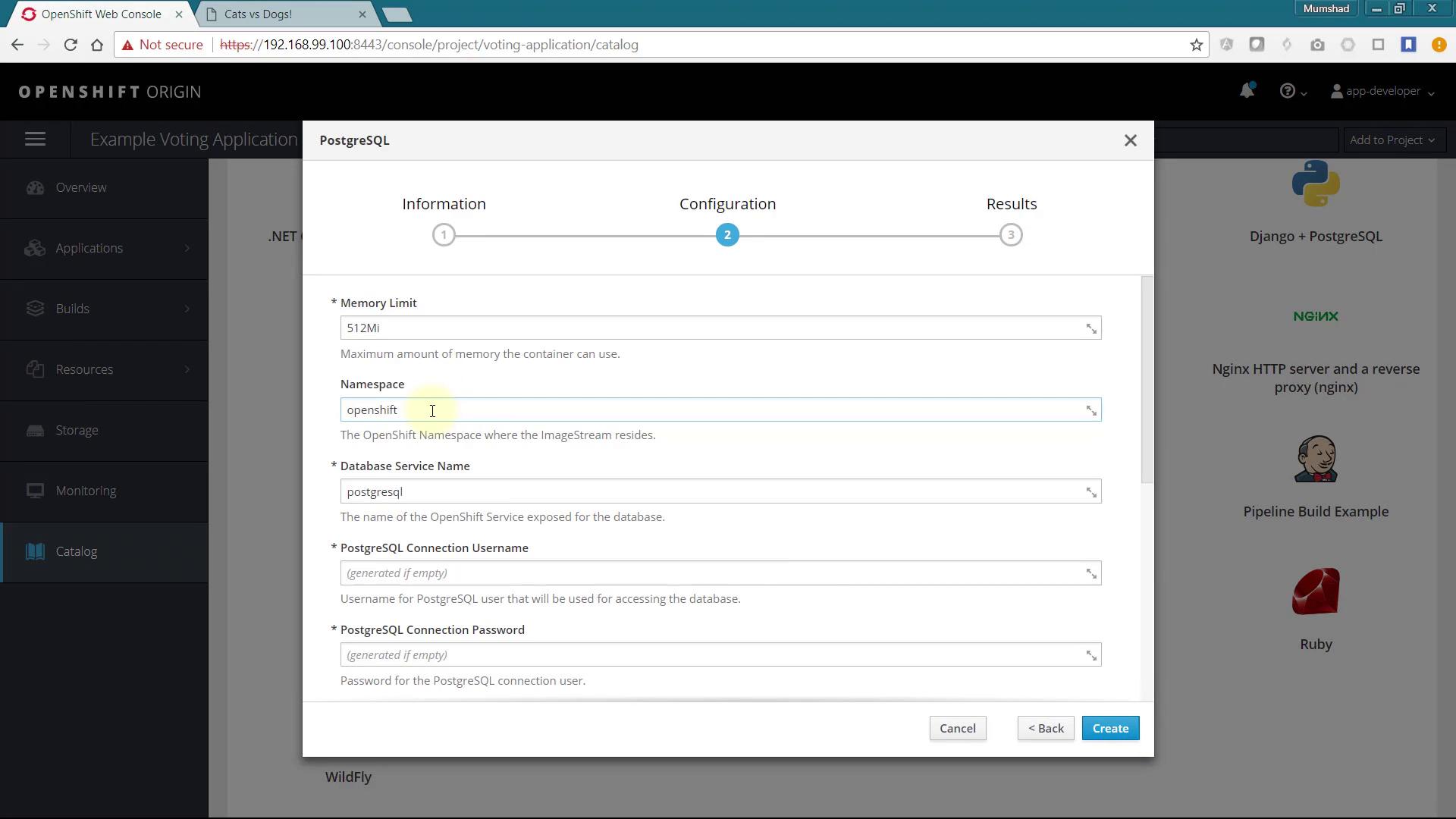
After refreshing your browser, the Redis service will be available for on-demand deployment. Now, select the catalog item to deploy a new Redis service:
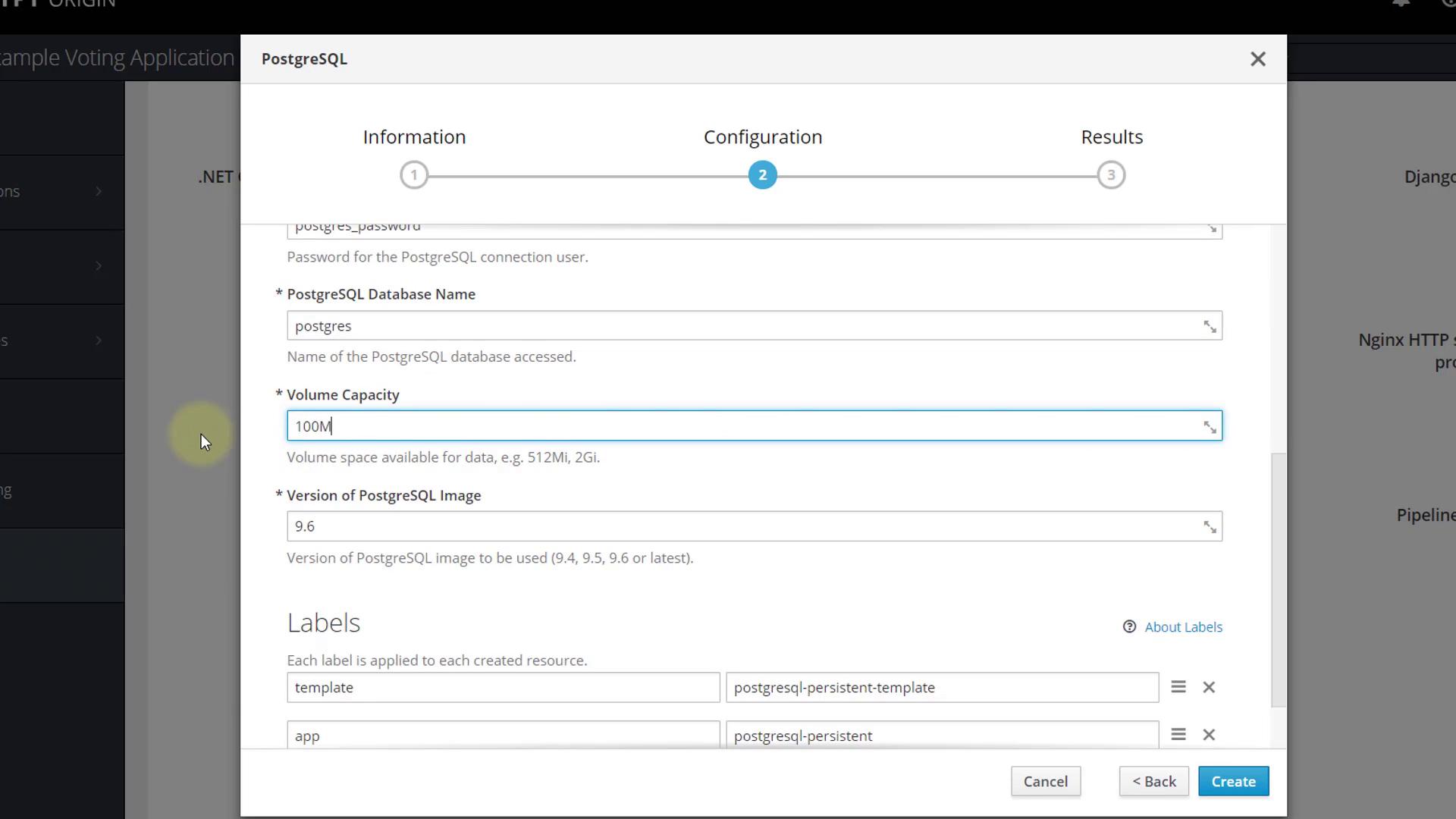
Use the default values, specify a password for Redis (this same password will be used by the web application), and click Create. Note down the connection information. By default, the service is available under the name redis.
The front-end web application, which enables users to cast votes, is housed in the vote folder and is written in Python. To deploy this application:
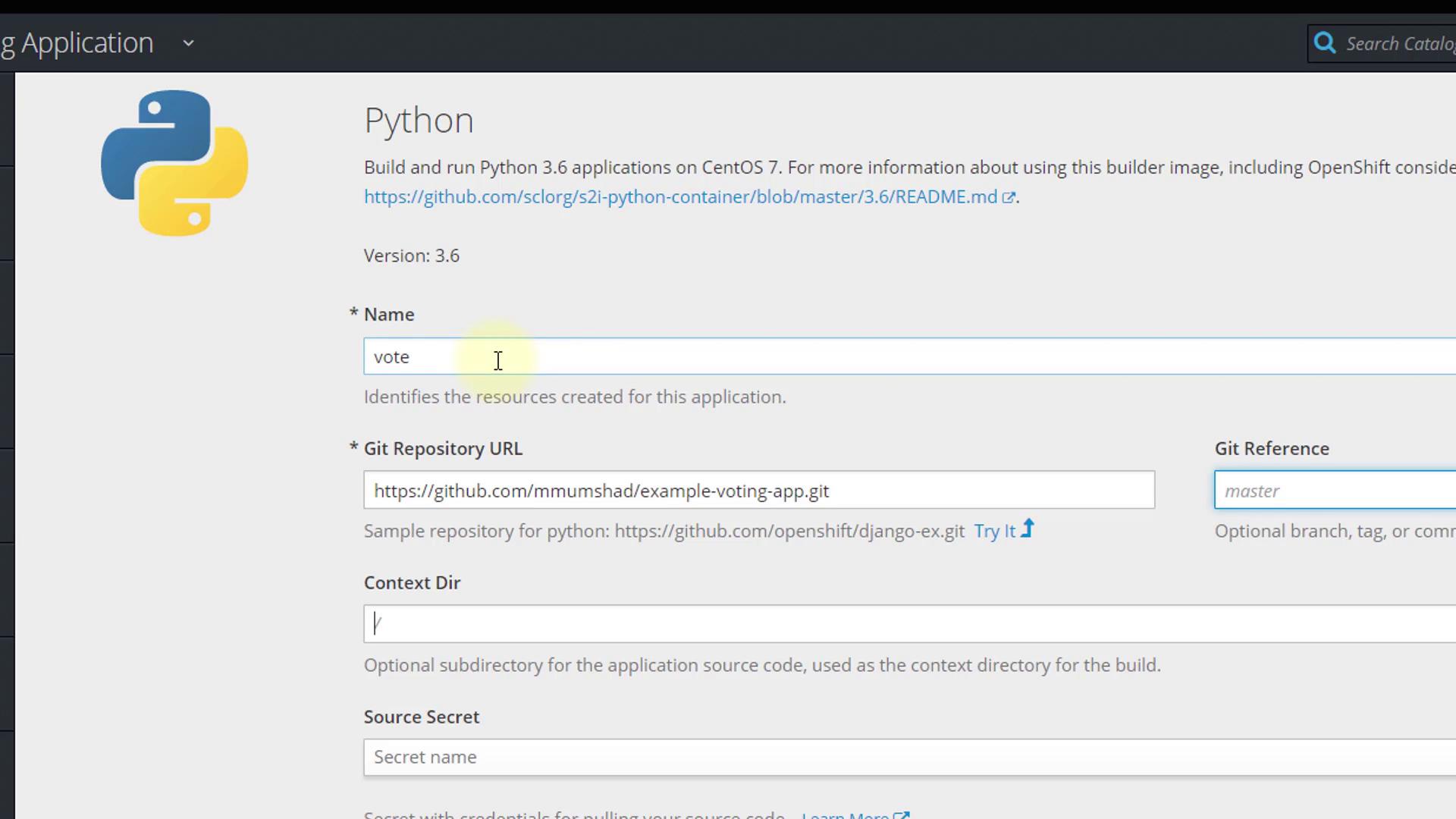
Add a new Python application to the project.
Since the application does not reside at the repository root, click on Advanced Options and specify /vote as the context directory.
Leave all other configurations as default and create the application. OpenShift will automatically generate the build and deployment configuration. Monitor the progress on the Overview page:
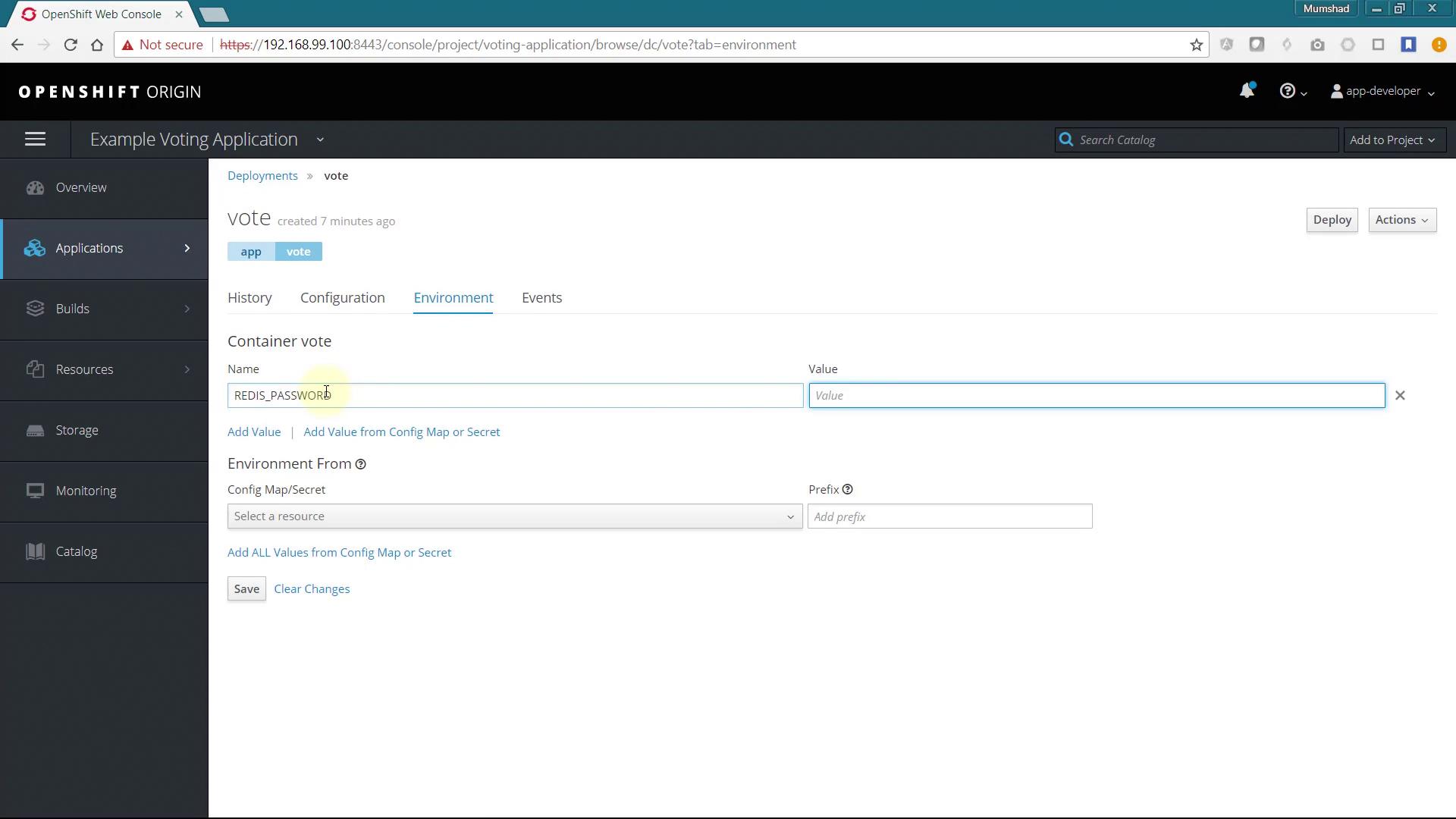
Once the build finishes and the application is deployed, click the provided link to access the Voting page.At this stage, if you attempt to cast a vote, an error regarding an invalid password will occur. This error arises because the application expects the Redis connection password to be supplied via an environment variable named REDIS_PASSWORD.To resolve this, update the deployment configuration to include the correct environment variable:
After setting the environment variable, create the Node.js application and monitor the build progress. Upon successful deployment, access the application through the provided route URL. Note that while the results page will display vote counts, it will continue to show a 50-50 split because the worker application is not yet active.
The worker application processes votes and uses a Docker build strategy, unlike the previous applications which used Source-to-Image (S2I). To deploy the worker:
Add a new application via Advanced Options, pointing to your Git repository with the context directory /worker.
Once added, ignore the automatically triggered build.
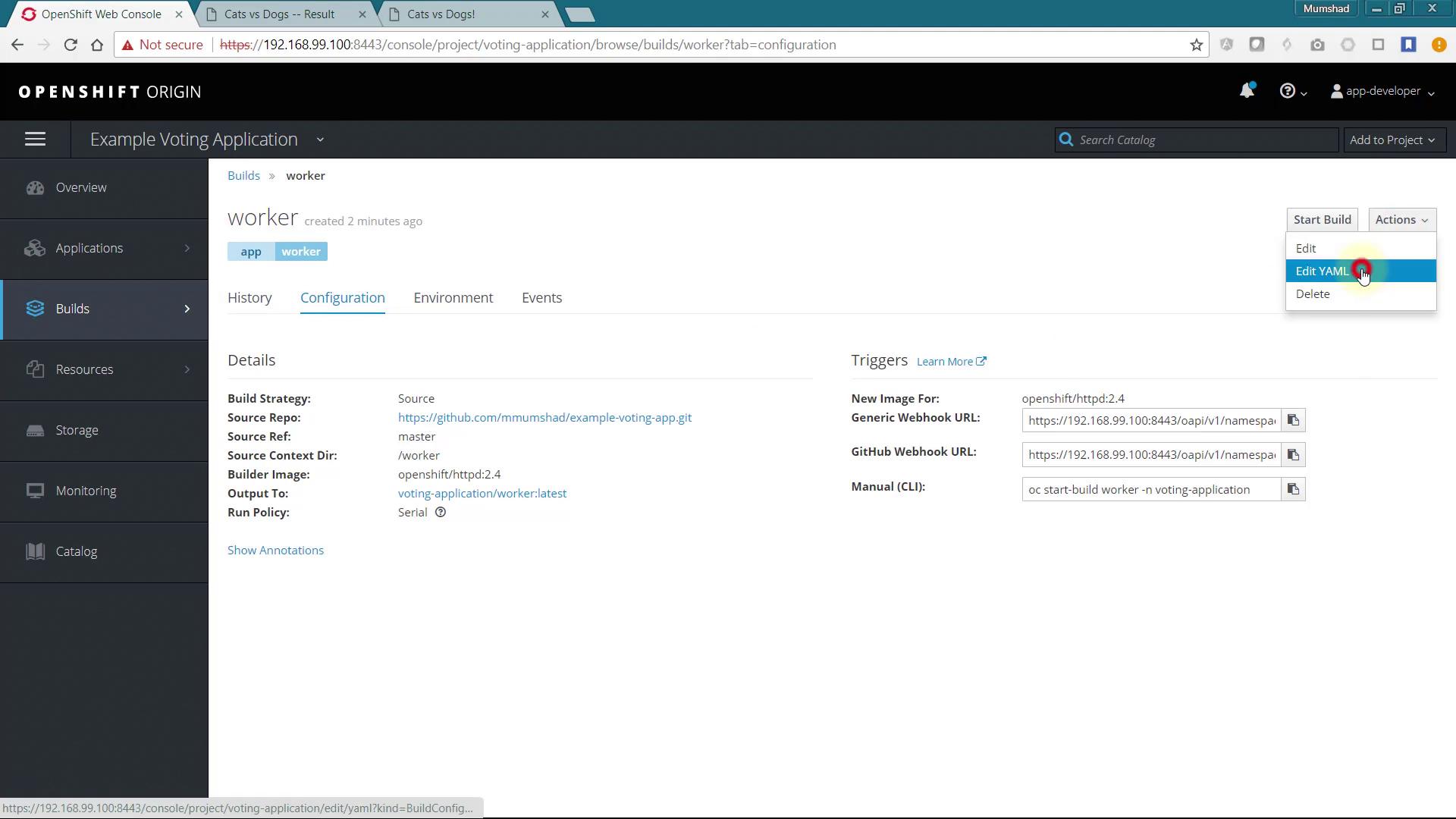
Navigate to the build configuration, select “Edit YAML” and make the following changes:
Change the build strategy from Source to Docker.
Remove the “from” section.
Save the changes and start the build.
Here is an example of the updated build configuration:
After deployment, accessing the result page should display updated vote counts along with log output similar to:
Copy
Ask AI
Connected to redisConnected to dbWatching vote queueProcessing vote for 'a' by 'a44ff79cd088d2'Processing vote for 'a' by 'a44ff79cd088d2'Processing vote for 'a' by 'a44ff79cd088d2'Processing vote for 'b' by 'a44ff79cd088d2'
Changes in votes are applied immediately, verifying that the worker application is processing the votes correctly.
This guide demonstrated the deployment of a multi-tier voting application on an OpenShift cluster. By following the steps to deploy the Redis service, front-end voting application, Node.js-based result application, and the Docker-built worker, you now have a fully functional voting system with proper inter-service communication.Happy deploying, and see you in the next lesson!For further details on OpenShift deployments and troubleshooting tips, be sure to check out OpenShift Documentation.