This guide explains how to create and deploy an ImageStream in OpenShift for managing container images and streamlining deployment workflows.
In this guide, we walk through creating and deploying an ImageStream in OpenShift. ImageStreams are essential in OpenShift as they help manage container images and their tags, streamlining your deployment workflow.
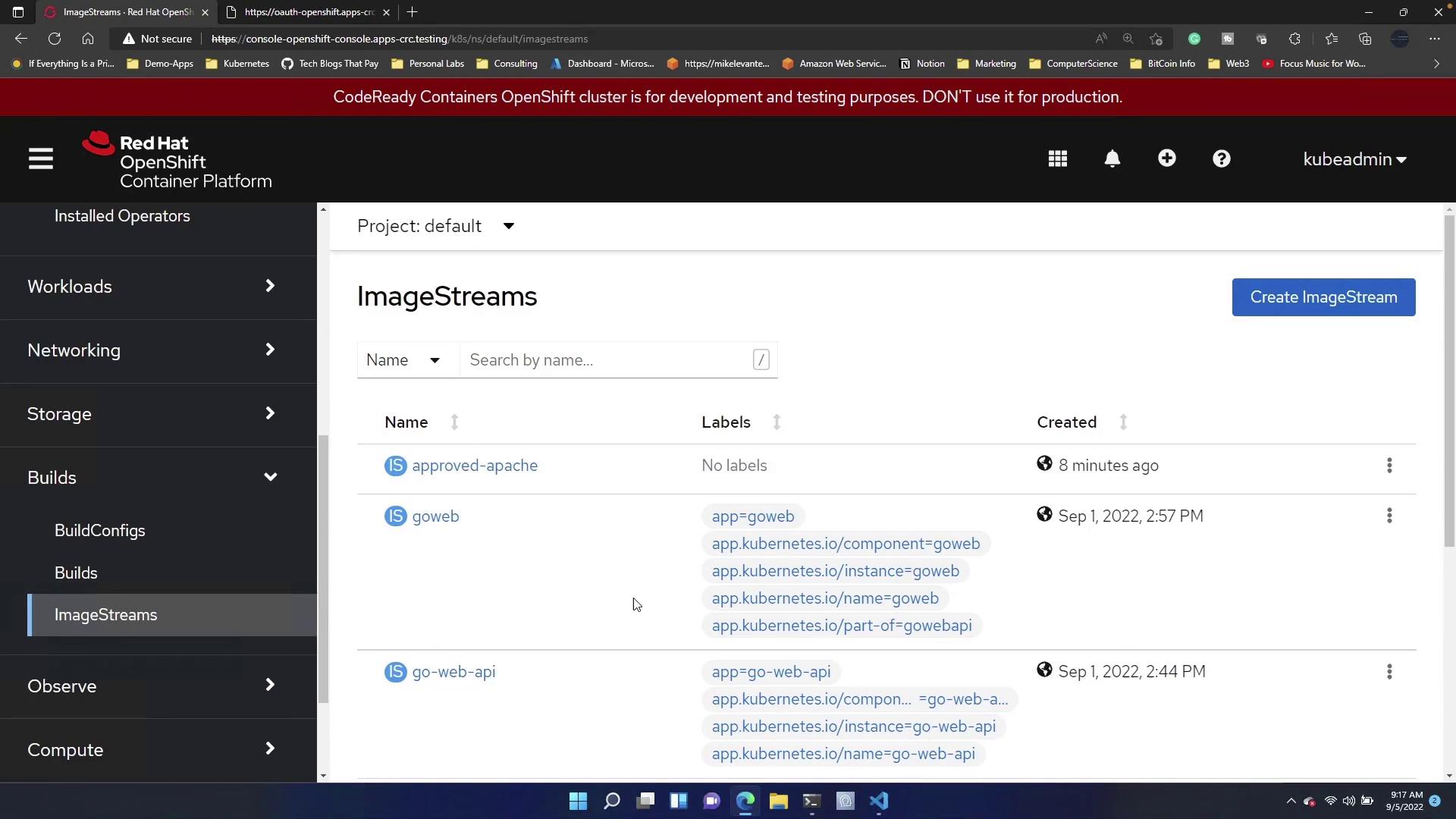
First, open the OpenShift console and navigate to the Builds section, then select ImageStreams. You will notice that many deployments already have their own ImageStreams.
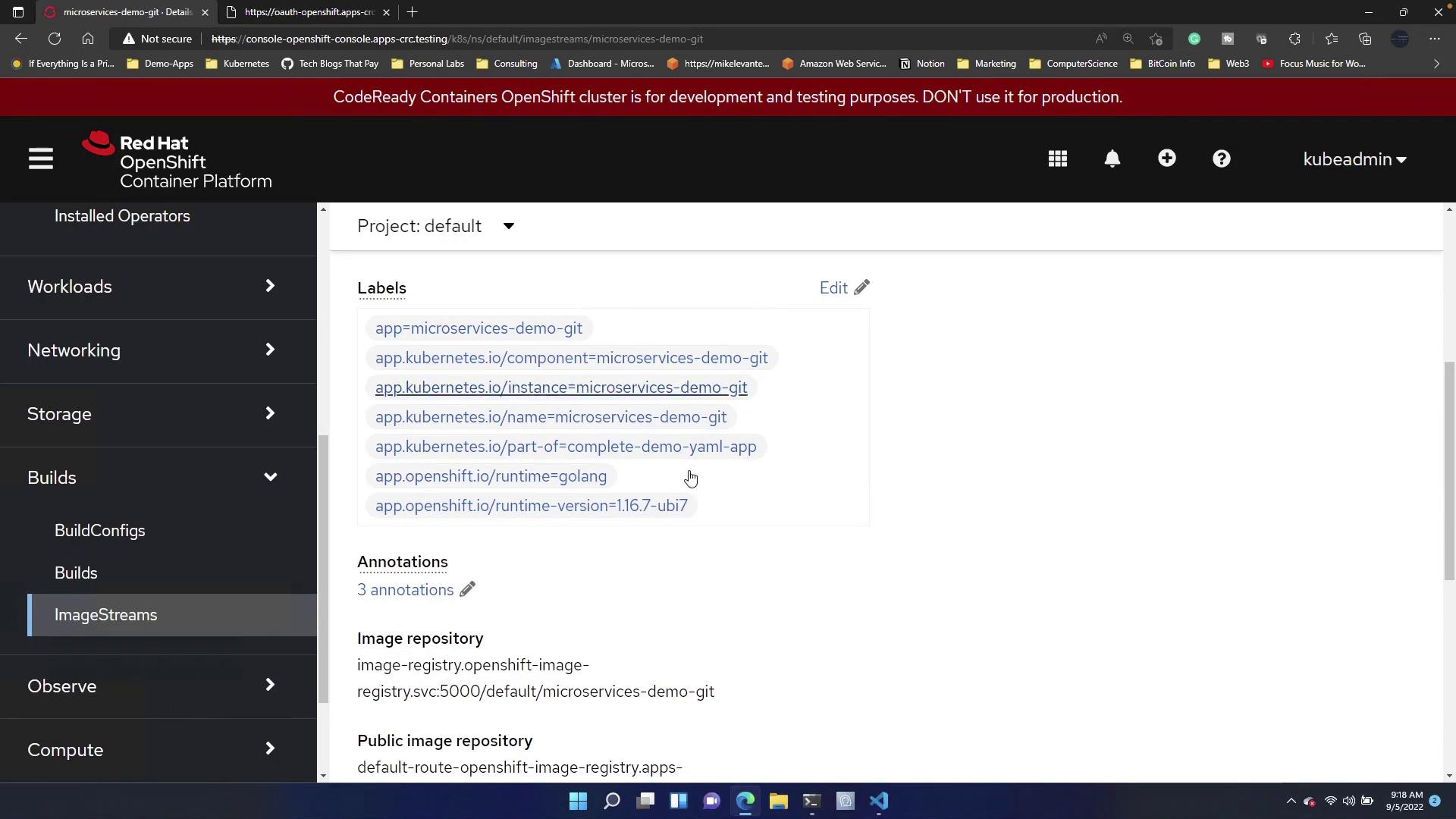
Next, by clicking on “Microservice Demo Git,” you can inspect the SockShop application that was previously deployed. This application already has an associated ImageStream.
Suppose you want to create a new ImageStream for a specific deployment within SockShop, such as the Carts app. To do this, click on the “Create ImageStream” option. Remove any undesired default content and paste the following configuration:
If you are curious about the underlying container image configuration, you can examine the deployment manifest in an editor such as VS Code. Here is the deployment configuration for the Carts app:
Once the ImageStream is in place, you can deploy an application based on it. Open your terminal and execute the command below to deploy the Carts app from the “default” project:
Copy
Ask AI
oc new-app --image-stream=default/carts:0.4.8
At this point, you might receive output similar to the example below, indicating that the deployment already exists:
Copy
Ask AI
oc new-app --image-stream=default/carts:0.4.8--> Found image c004737 (5 years old) in image stream "default/carts" under tag "0.4.8" for "default/t/carts:0.4.8"--> Creating resources ...error: deployments.apps "carts" already exists--> Failedmlevan@littleship01 ~ [] Desktop microservices-demo-openshift 🡆 master ≡ 0 ?1 🡆 oc
An error indicating that the deployment already exists means that a previous deployment is conflicting with the new one.
oc new-app --image-stream=default/carts:0.4.8--> Found image c004737 (5 years old) in image stream "default/carts" under tag "0.4.8" for "default/t/carts:0.4.8"--> Creating resources ... deployment.apps "carts" created--> Success Run 'oc status' to view your app.mlevan@littleship01 ~/Desktop/microservices-demo-openshift (master) $
To confirm that the Carts app is now running, execute:
With these steps, the new ImageStream for the Carts app has been successfully deployed. This method allows you to target and deploy individual microservices using ImageStreams in OpenShift, thereby simplifying application management in a containerized environment.