

Creating a Secret Using a YAML Manifest
Traditionally, in Kubernetes (and, by extension, OpenShift, which runs on Kubernetes), secrets are defined using a YAML manifest. Below is an example of a secret definition:In this manifest:
- The apiVersion and kind specify that this is a Kubernetes Secret.
- The metadata section includes the namespace (
default) and the secret’s name (dbpassword). - The type
Opaquemeans the secret is intended for storing arbitrary user-defined data. - The data section holds key/value pairs; in this example,
MONGODB_PASSWORDis paired with its secret value.
secret.yaml) and run:
Creating a Secret via the OpenShift Web Console
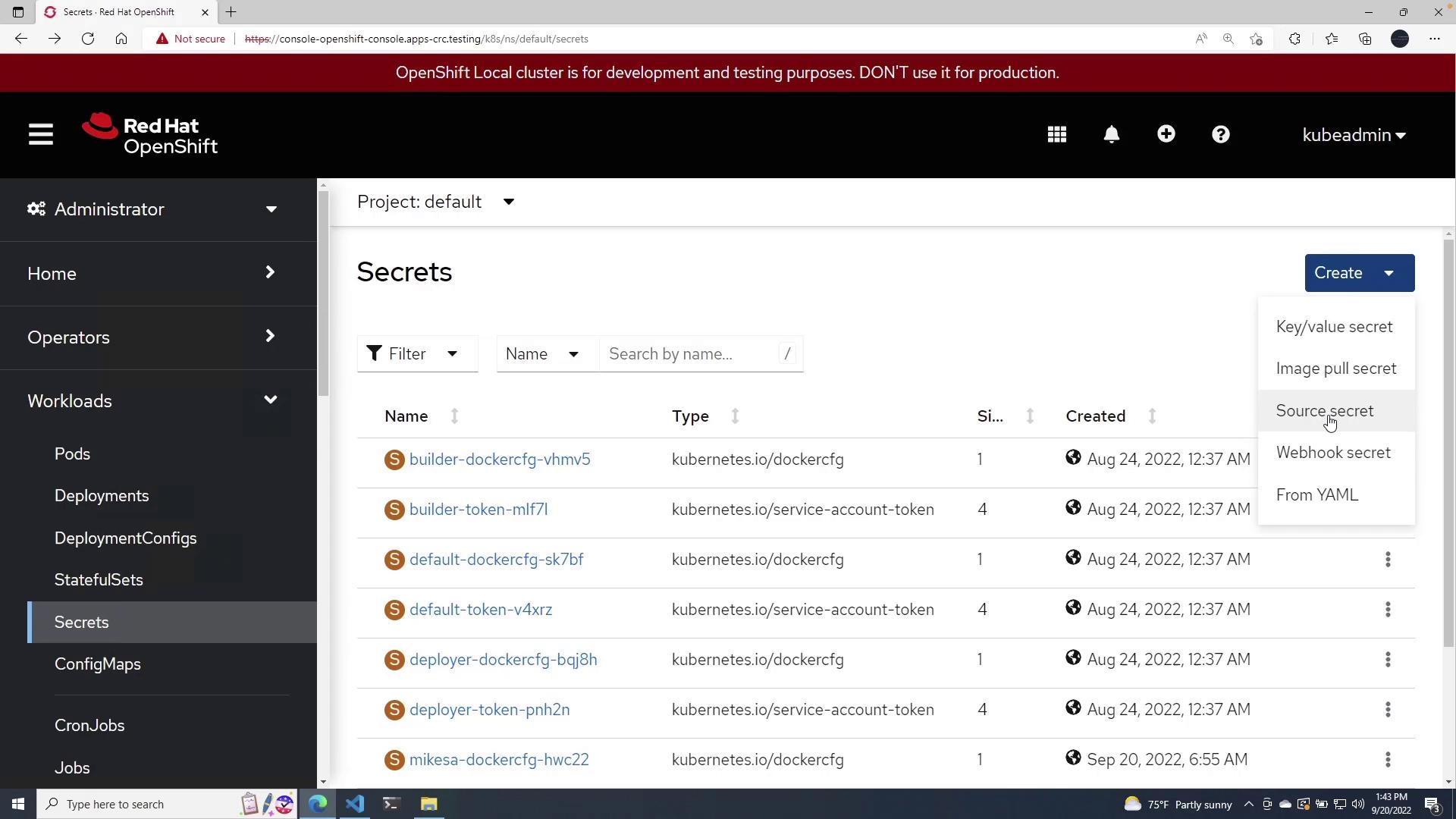
You can also create a secret using the OpenShift web console. Follow these steps:- Navigate to the Dashboard.
- In the Workloads section, select Secrets.
- Click on Create Secret and choose the key/value secret option.
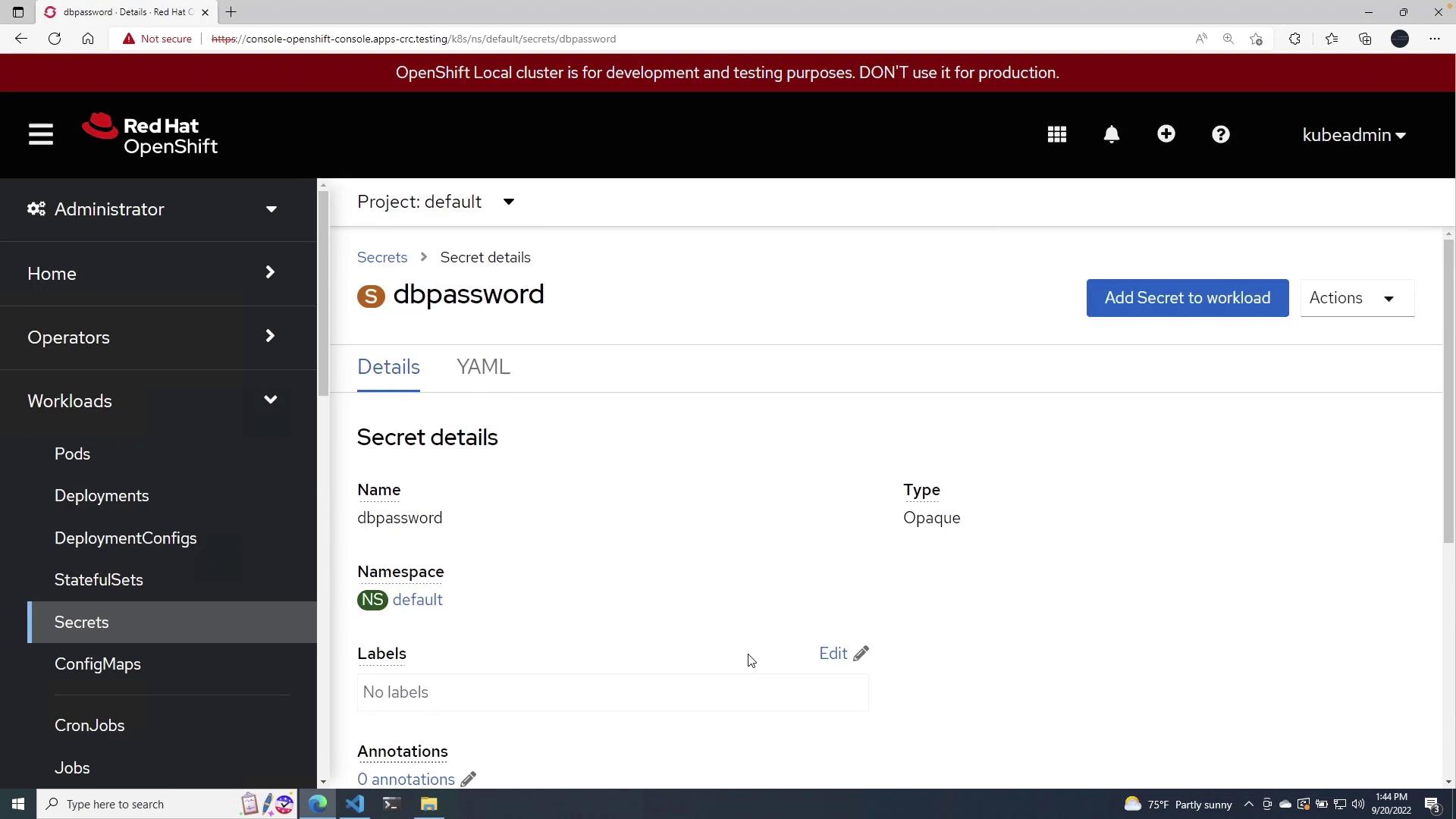
- Provide the following details:
- Secret Name: For example,
dbpassword - Key: For example,
MONGODB_PASSWORD - Value: For example,
password
- Secret Name: For example,
Referencing Secrets in Deployment Configurations
Once your secret is ready, you can reference it in your application’s deployment configuration. For instance, consider the following deployment YAML for a MongoDB instance used in the CartsDB application:- The environment variable
MONGODB_PASSWORDutilizesvalueFromwith asecretKeyRefto securely fetch the password from thedbpasswordsecret. - This method avoids embedding sensitive data directly in the deployment manifest, ensuring a cleaner and more secure configuration.
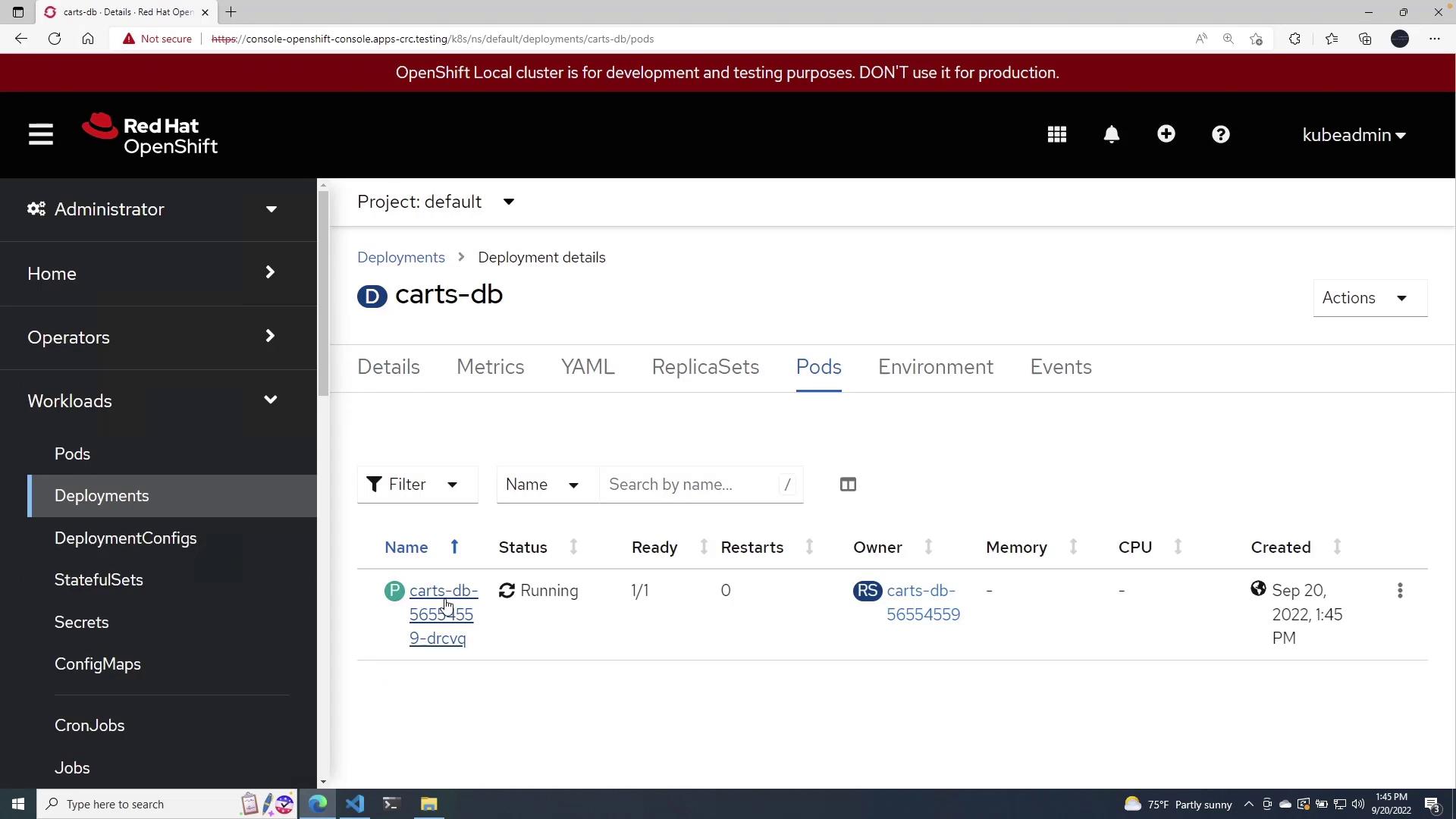
MONGODB_PASSWORD variable is correctly referencing the secret around the indicated line in the detailed view.