

Navigating to Build Configs
First, log in to the OpenShift console and navigate to the Builds section. Under Builds, select the Build Configs option. When you click on Build Configs and then Create Build Config, you will see an example Build Config that you can use as a starting point for building the Sock Shop application.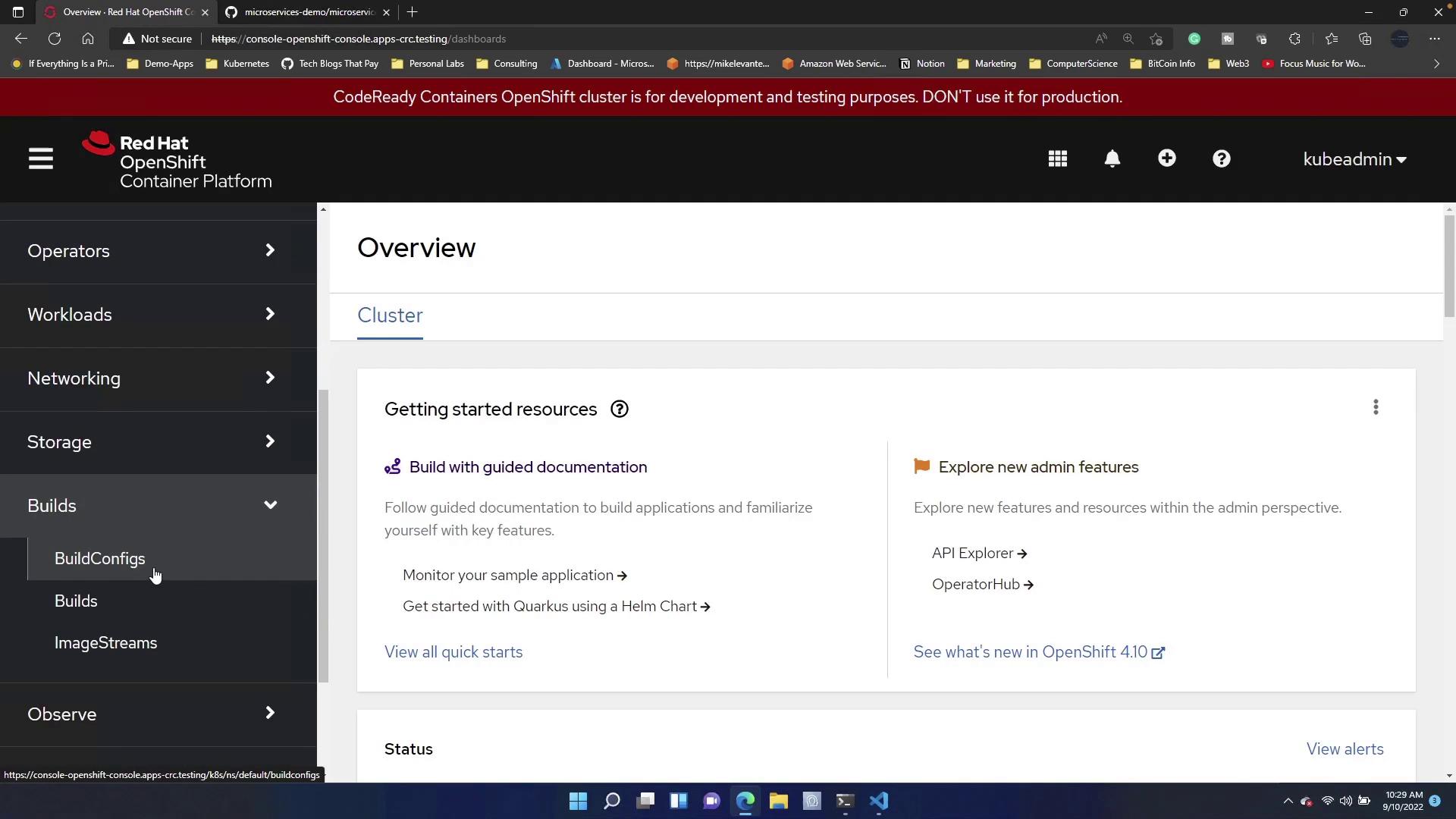
Click the code button to copy the HTTPS link provided. The YAML displayed under the
spec section defines the source using Git.Reviewing the Example Build Config YAML
Below is the example YAML configuration for a Build Config, which uses a Git repository as its source:Modifying the Build Config for Sock Shop
We will now modify the Build Config to suit the requirements for the Sock Shop application. In the updated configuration, you will notice the following changes:- The metadata fields (
nameandnamespace) are updated. - The Git repository URI has been replaced to reference the Sock Shop source.
- The overall configuration remains similar to ensure consistency with standard build practices.
- The API version is set to
build.openshift.io/v1. - The kind remains as
BuildConfig. - The metadata now reflects the specific naming (
sock) and namespace (matter). - The source Git repository has been updated to point to the Sock Shop application’s repository.
- The strategy remains configured for a Source build.
After updating your Build Config, click the Create button to generate the configuration. You can confirm the process by reviewing the build details and logs within the OpenShift console.
Viewing the Build Process
Once the Build Config is created, the build process commences automatically, linking the application to its GitHub repository. Navigate to the Build details page to review the logs and confirm that the container image is created successfully.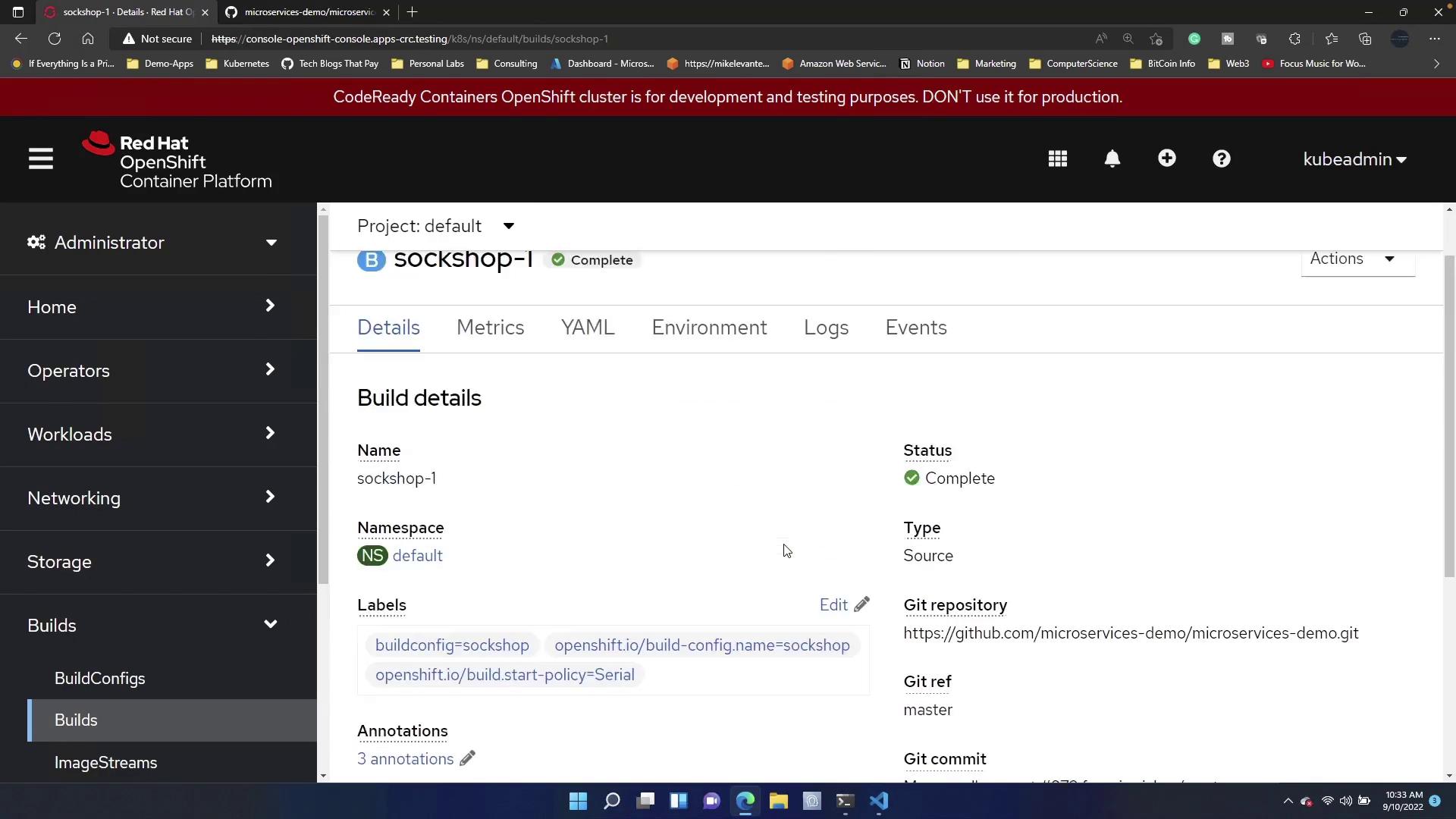
Automating Build Configs
OpenShift supports Build Config automation when creating new applications. For instance, if you already have Sock Shop deployed and want to test with another application, open your terminal and run the following command:Manually Triggering a Build
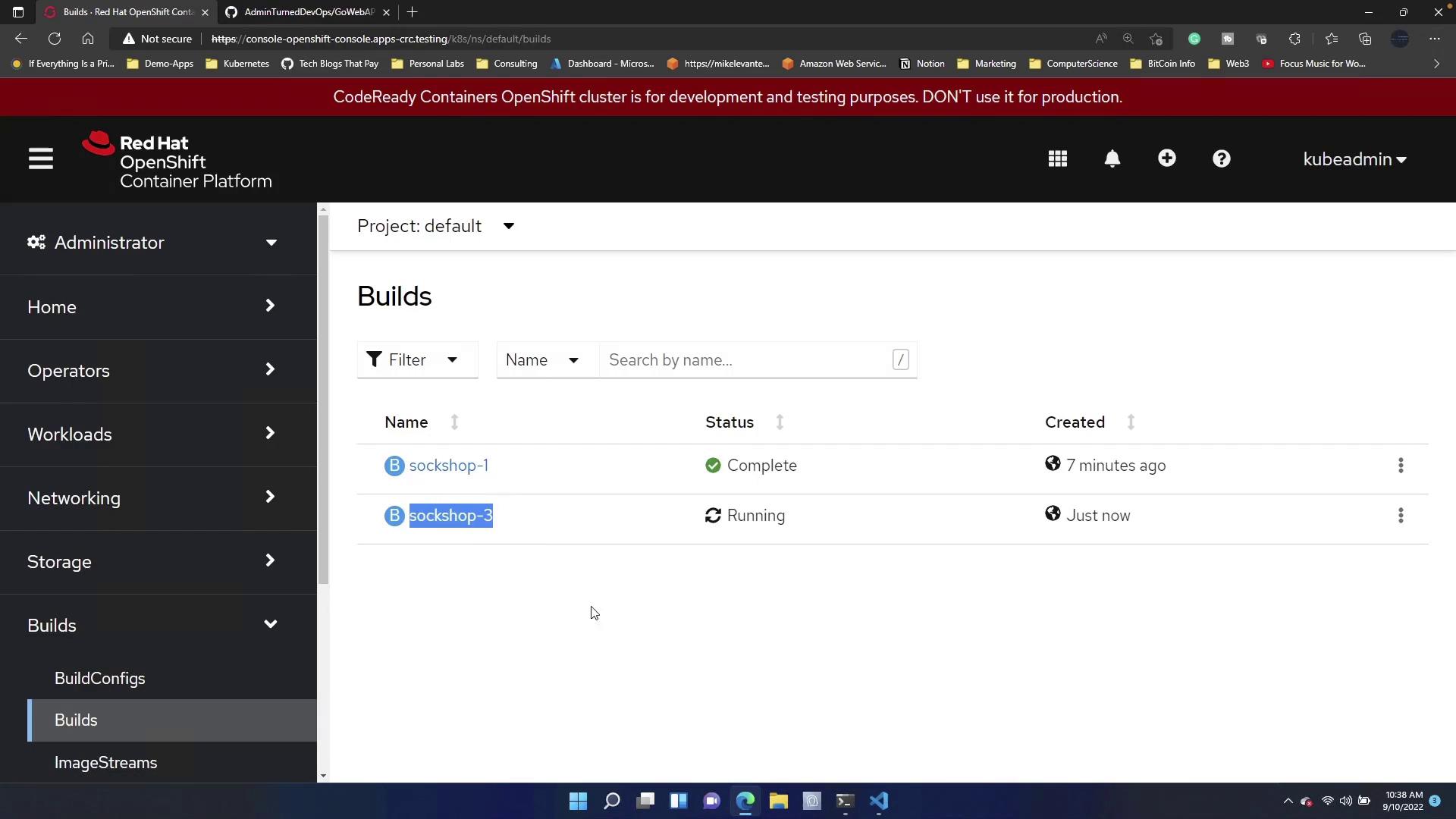
If you want to manually initiate a build from your terminal, you can use theoc start-build command. For example, to trigger a build for Sock Shop, run:
Summary
This article covered the following key points:- How to create and modify Build Configs using the OpenShift console.
- How OpenShift automates Build Config generation when deploying new applications.
- How to manually trigger builds using the
oc start-buildcommand.