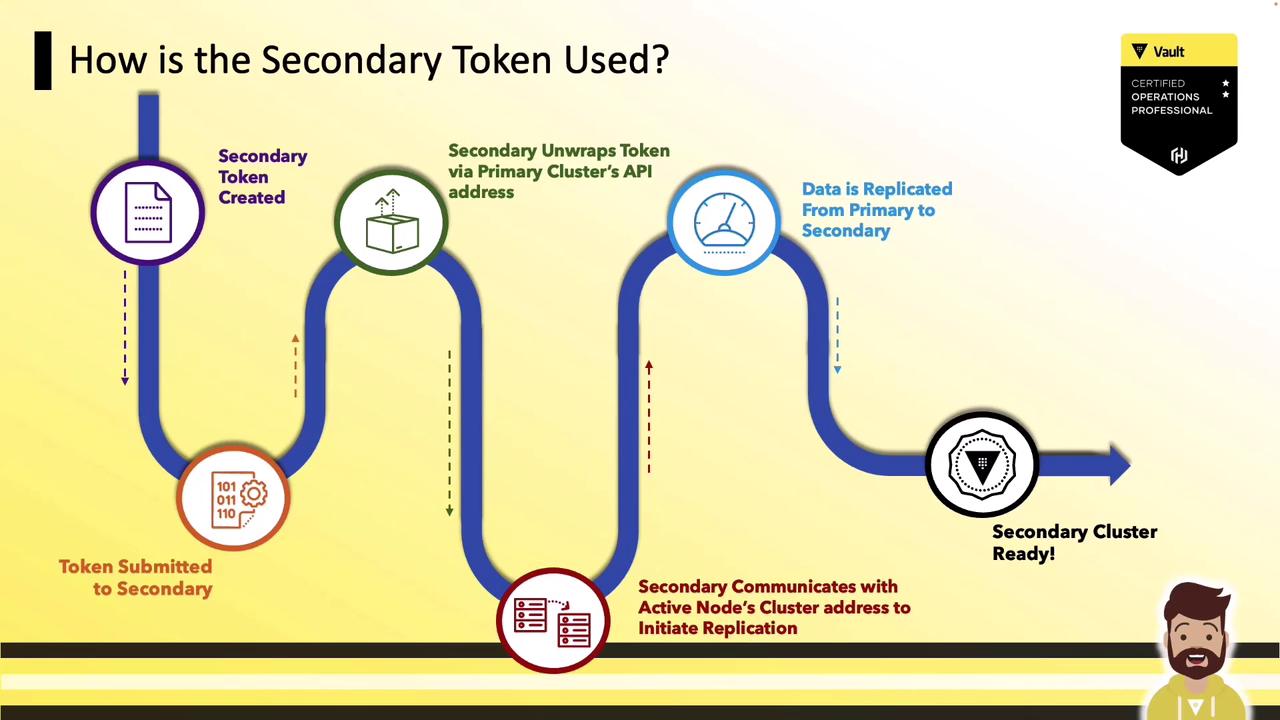
- Enable DR replication on the primary cluster
- Generate a wrapped secondary token
- (Optional) Inspect the token’s contents
- Activate DR replication on the secondary cluster
1. Enable DR Replication on the Primary Cluster
On your primary Vault cluster, enable DR replication. Vault will automatically:- Provision an internal root CA
- Issue a root certificate and a client certificate for mutual TLS
- Prepare to generate secondary tokens
These internal certificates are separate from the TLS certificates you configure for your Vault listener.
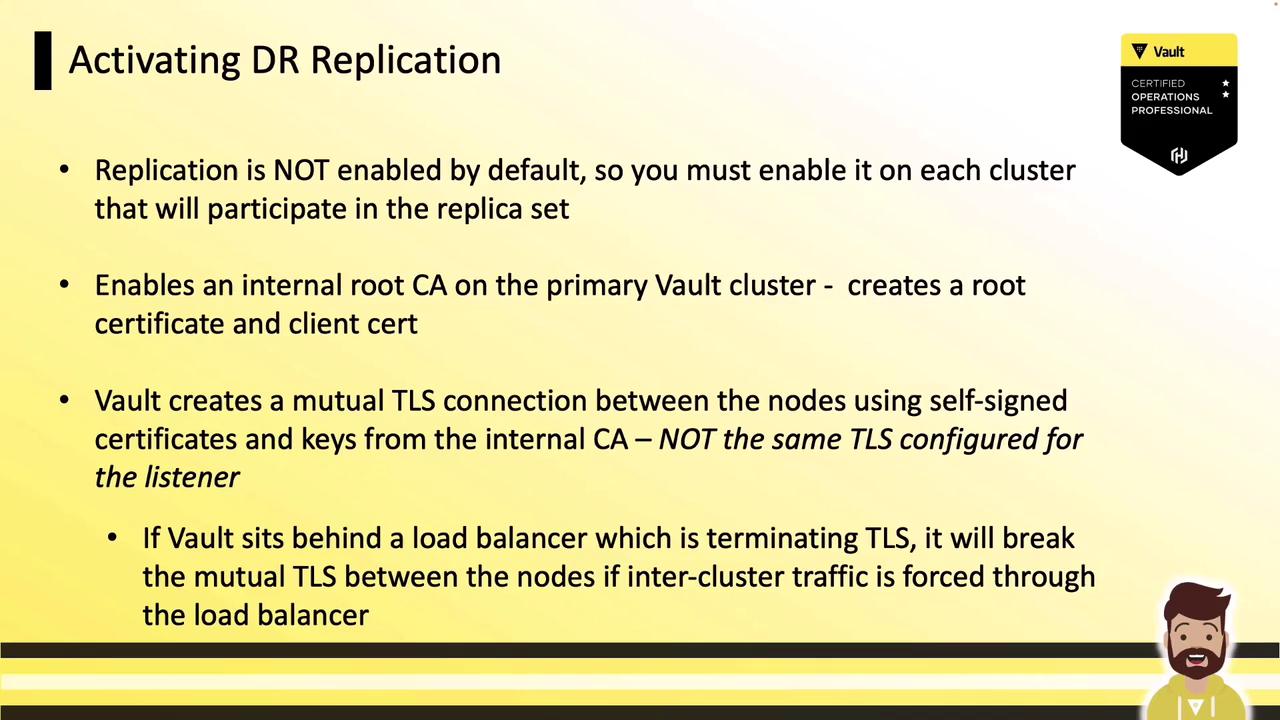
If your Vault nodes sit behind a load balancer that terminates TLS, ensure mTLS traffic on port 8201 is passed through end-to-end. Either disable TLS termination or configure a TCP passthrough.
2. Generate the Wrapped Secondary Token
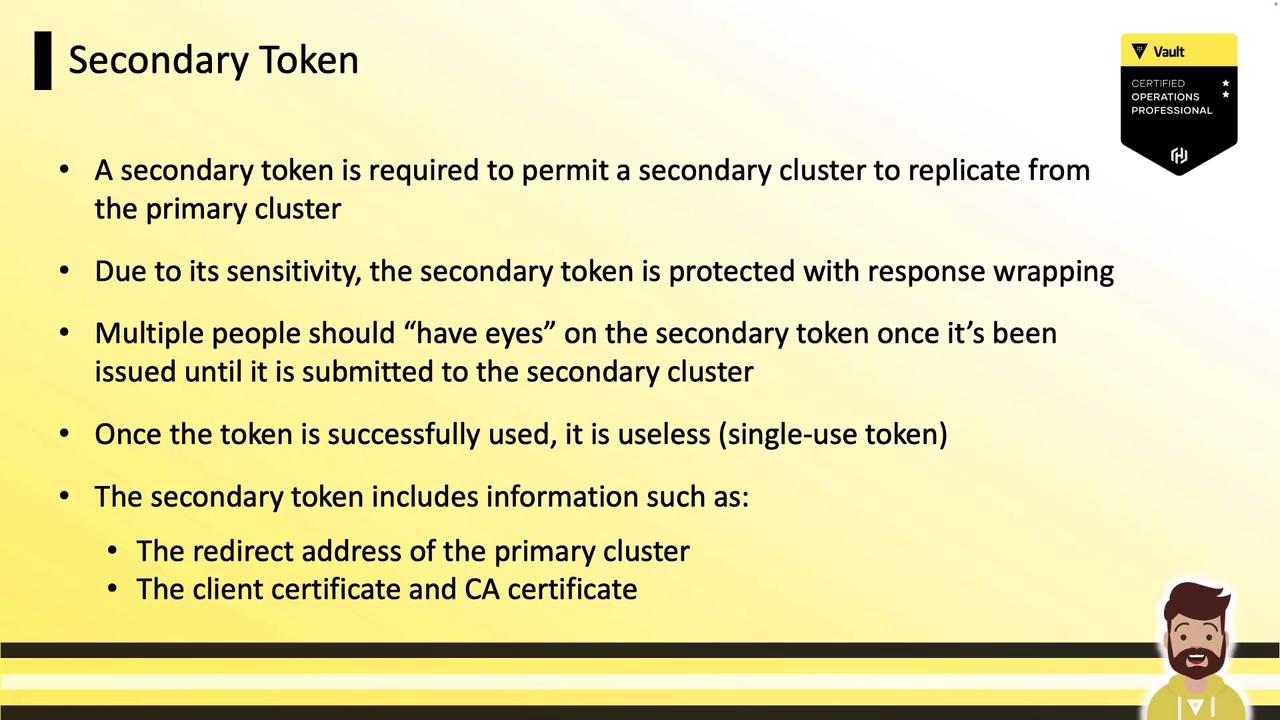
Next, create a DR secondary token on the primary. This wrapped, single-use token contains:- The primary’s unwrapping address
- The CA certificate for mTLS
- A client certificate and key
3. (Optional) Inspect the Wrapped Token
Typically you hand this wrapped token directly to the secondary without unwrapping. For demonstration, here’s the JSON after unwrapping:4. Activate DR Replication on the Secondary Cluster
On your secondary cluster, supply the wrapped token when enabling DR replication. Vault will:- Call back to the primary’s API on port 8200 to unwrap the token
- Extract mTLS credentials and primary address
- Establish inter-cluster connections on port 8201
- Begin streaming data from primary to secondary