

root policy, granting unrestricted access to every Vault operation. This guide covers what root tokens are, how to use them securely, and the various ways to generate or recover them.
What Is a Root Token?
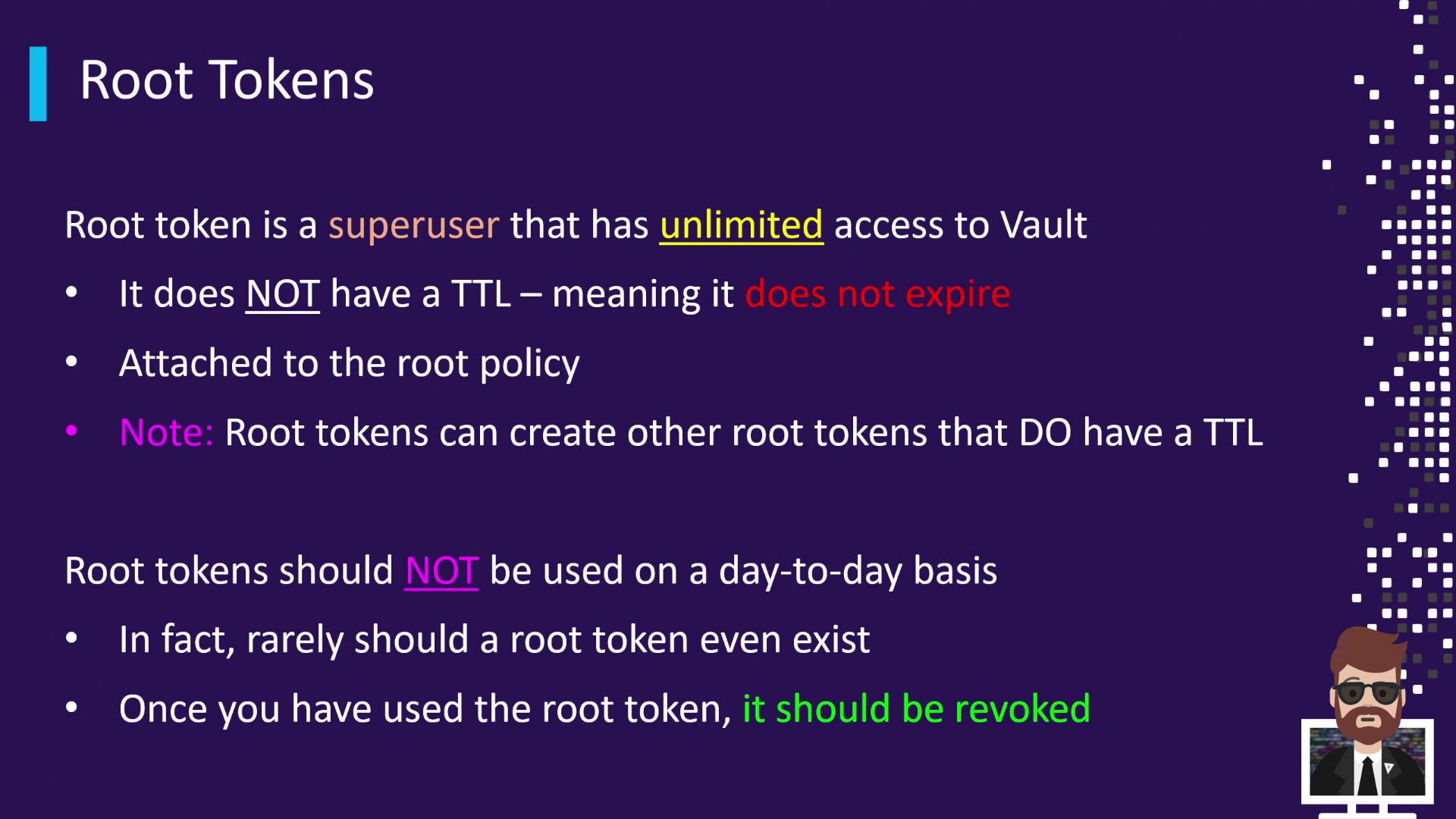
A root token:- Carries the
rootpolicy, allowing any Vault operation - Is non-renewable by default (
token_renewable=false) - Has no expiration (TTL is ∞)
You can use an existing root token to create a new token with a finite TTL if desired.
Best Practices for Root Tokens
Root tokens should be handled with extreme caution:Root tokens grant unlimited access. Always revoke them immediately after use to avoid security risks:
Generating Root Tokens
You can obtain a root token through three primary methods:| Method | When to Use | Command |
|---|---|---|
| Initialization | First-time Vault setup | vault operator init |
| Using an Existing Token | Create additional root-level tokens | vault token create |
| Using Unseal/Recovery Keys | Emergency recovery when Vault is sealed | vault operator generate-root |
1. Initialization
During Vault initialization, the CLI outputs your initial root token:2. Creating from an Existing Root Token
If you already have a root token, log in and issue a new one:3. Emergency Recovery with Unseal/Recovery Keys
In critical scenarios where Vault’s normal auth is down, you can regenerate a root token using a quorum of recovery keys.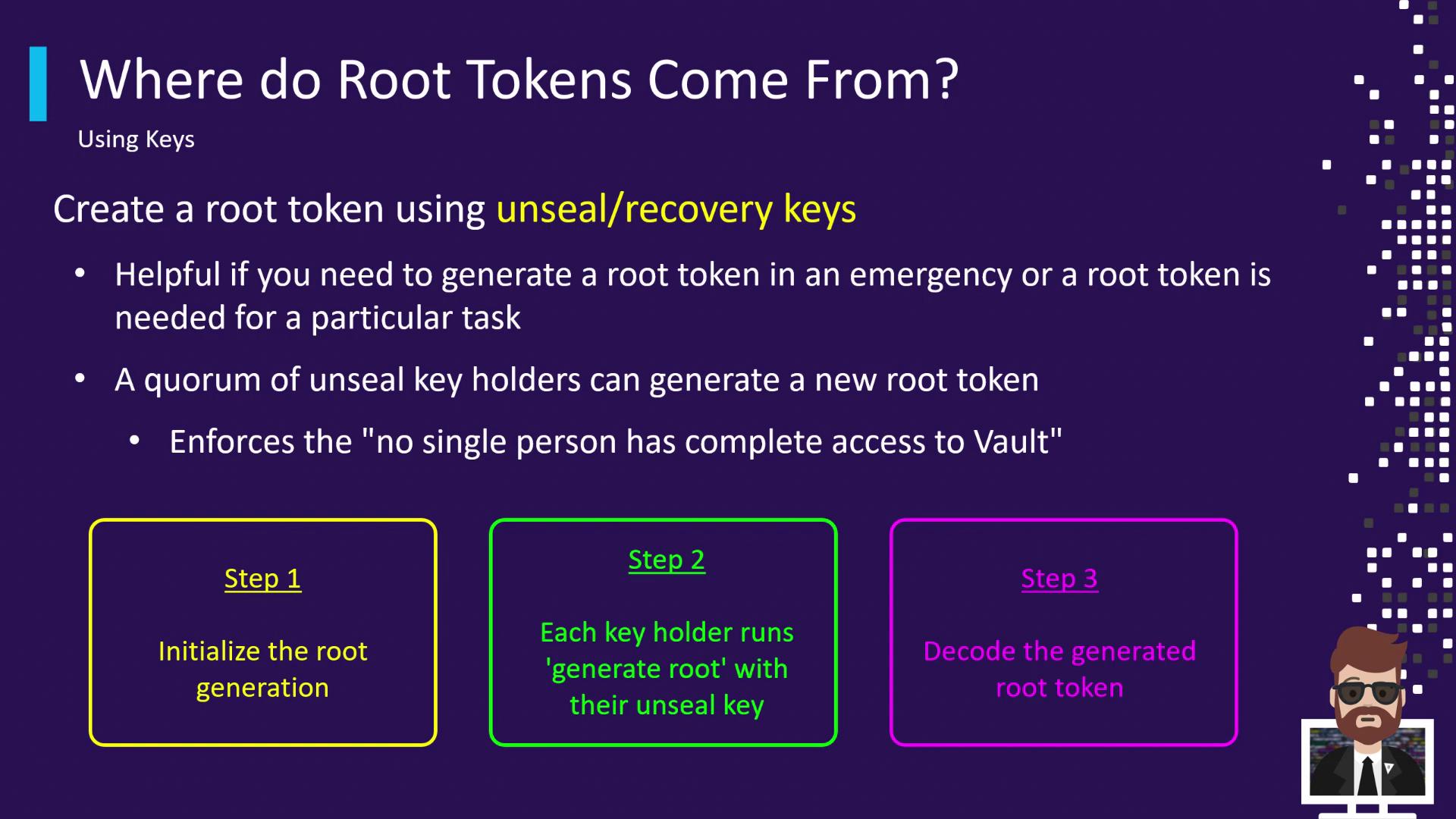
Step 1: Initialize Root Generation
Generate a nonce and one-time password (OTP):Step 2: Submit Unseal Keys
Each key holder submits their unseal key. Repeat until the threshold is met (e.g., 3/3):Step 3: Decode the Root Token
Once the threshold is reached, use the OTP to decrypt the encoded token:Key Takeaways
- Root tokens have unlimited privileges and no default expiration.
- Restrict use to initial setup, testing, or emergency recovery only.
- Always revoke root tokens immediately after use.
- Generate root tokens via initialization, an existing root token, or a quorum of unseal keys.