

- Lookup token metadata (no token reveal)
- Check a token’s capabilities on a given path
- Renew a token’s TTL
- Revoke a token
A token accessor cannot be used to authenticate to Vault or perform standard data operations.
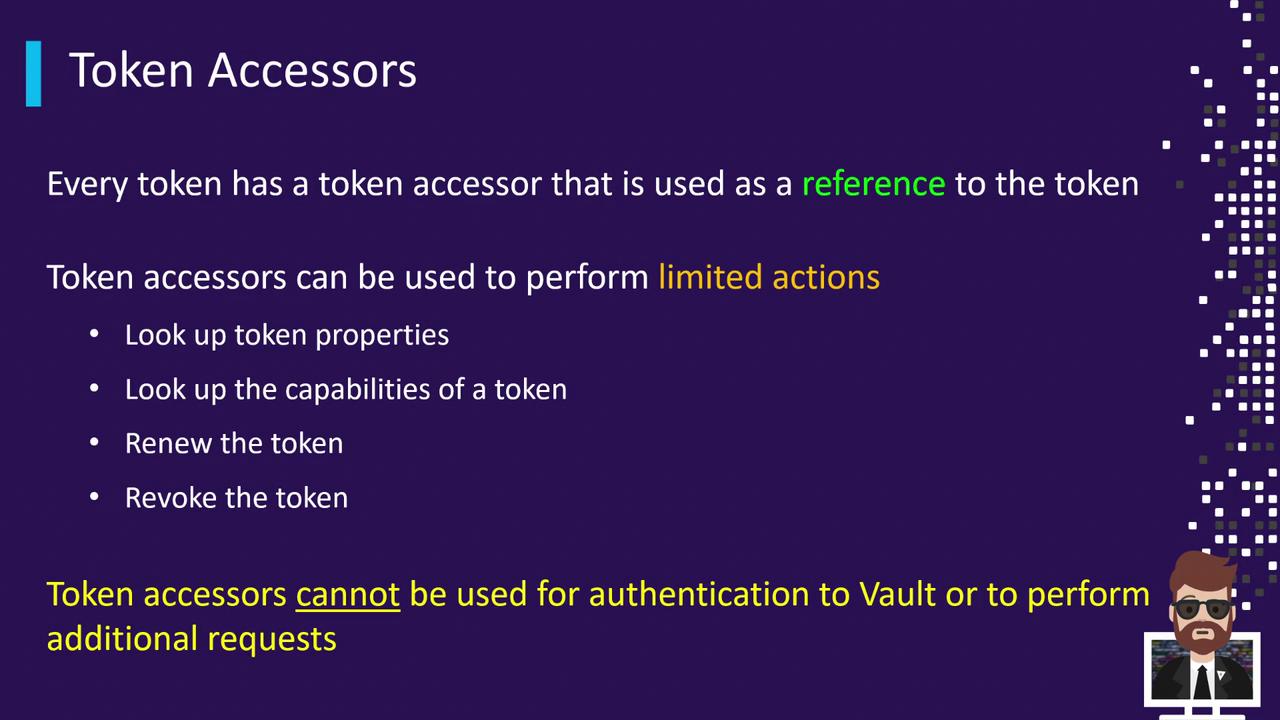
Token Accessor Operations
| Operation | Description | CLI Example |
|---|---|---|
| Lookup metadata | View creation time, TTL, policies (no token reveal) | vault token lookup -accessor <accessor> |
| Check capabilities | Inspect capabilities on a specific path | vault token capabilities -accessor <accessor> secret/ |
| Renew token | Extend a token’s TTL | vault token renew -accessor <accessor> |
| Revoke token | Disable a token immediately | vault token revoke -accessor <accessor> |
1. Authenticate and View Your Token Accessor
Log in and note your token accessor:training policy and a 30-minute TTL:
2. Lookup Token Metadata
Use the accessor to inspect metadata without revealing the secret:3. Renewing a Token
Extend a token’s TTL using its accessor:4. Revoking a Token
Revoke the token securely by referencing its accessor:Setting
VAULT_TOKEN to an accessor will not permit secret-read or write operations. Always use the actual token for data access.Why Token Accessors?
- Safely delegate token lookup, renewal, and revocation without sharing the secret.
- Minimize blast radius when handing off token management.
- Automate bookkeeping tasks in CI/CD pipelines without exposing credentials.