

- Cloud-native applications leveraging provider-specific auth methods to eliminate embedded credentials.
- Legacy applications using static credentials or external identity providers for compatibility.
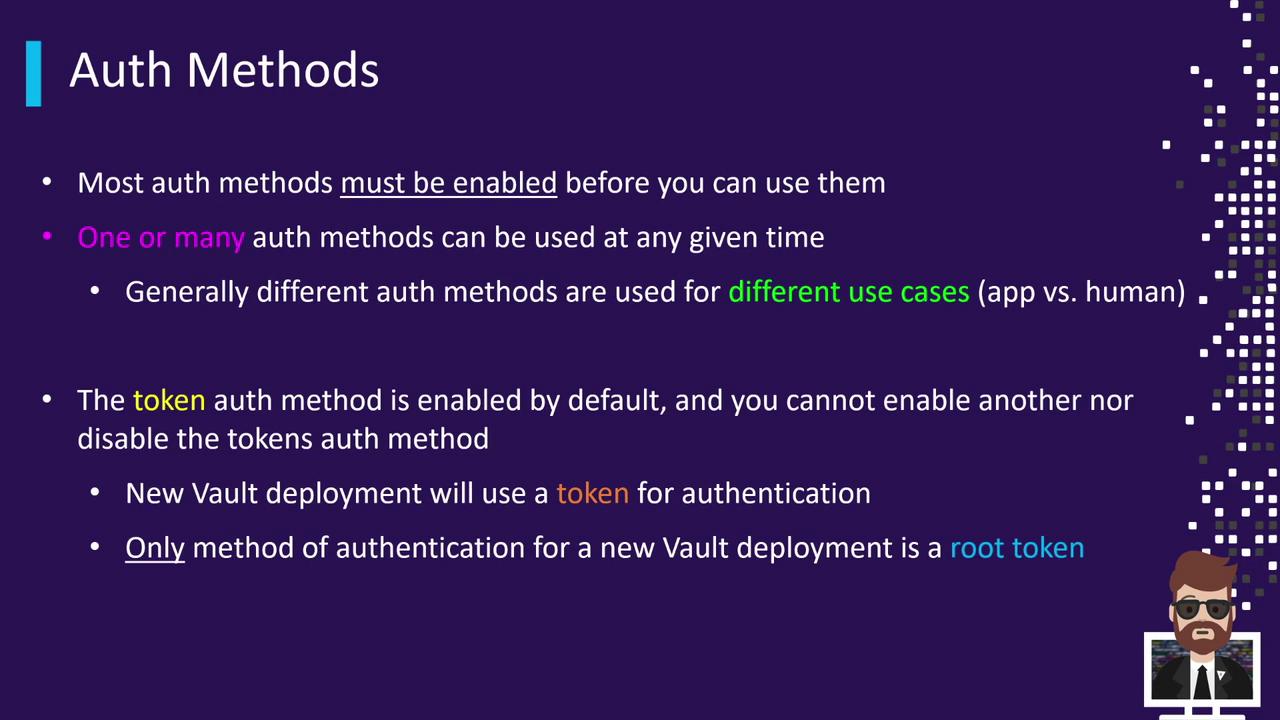
Default Token Authentication
Vault’s Token auth method is enabled by default and cannot be disabled or remounted under a different path. During initialization, Vault generates an initial root token:- Log in for the first time.
- Enable additional auth backends (e.g., LDAP, AWS, AppRole).
- Configure policies and roles.
- Rotate, revoke, or secure the root token once setup is complete.
Keep your initial root token secure. Rotate or revoke it after adding other auth methods to follow security best practices.
Enabling and Configuring Auth Backends
Auth methods can be managed via the CLI, the HTTP API, or the UI. While the UI is improving, full feature coverage is available through the CLI and API.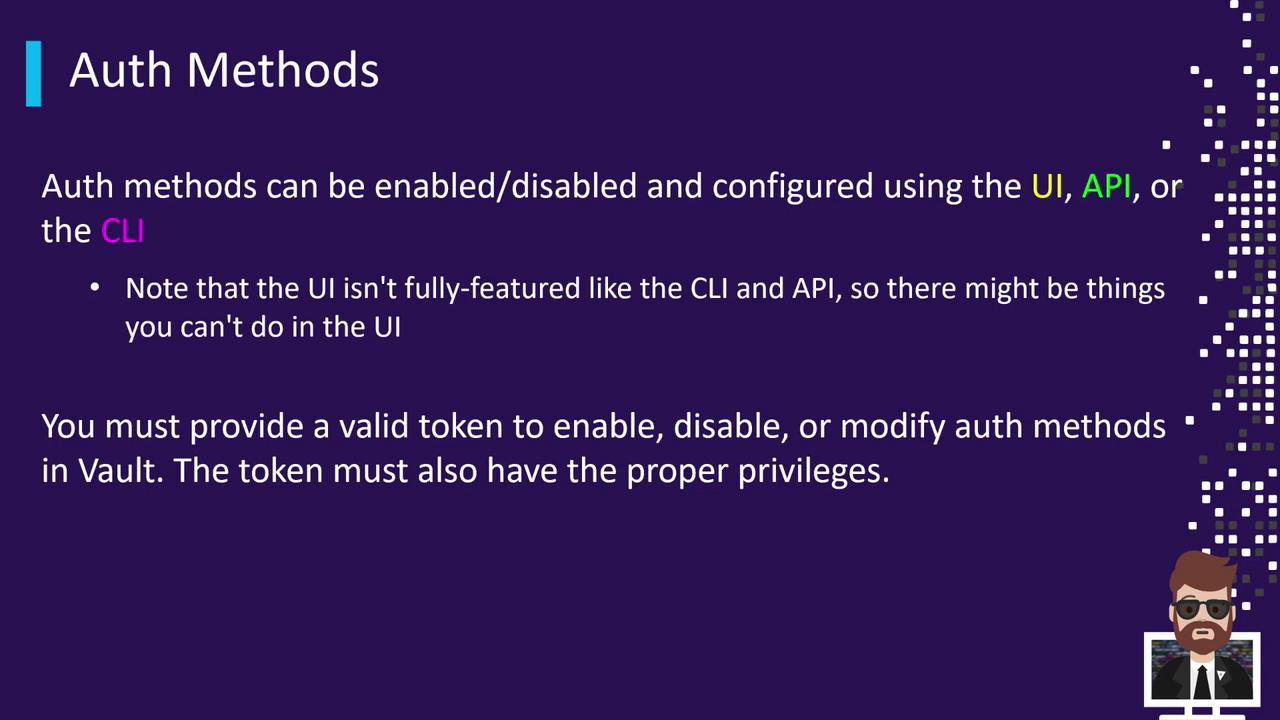
Auth methods are mounted at a specific path—by default, the path matches the method name. To use a custom path, first disable the method, then re-enable it with the
-path flag.Custom Mount Path Example
-path, Vault mounts the method at aws/, ldap/, etc., based on the method name.
Common Auth Methods and CLI Commands
Use this quick reference to enable frequently used Vault auth methods:| Auth Method | Use Case | CLI Command |
|---|---|---|
| Token | Default method for users and root | vault login |
| AppRole | Machine-to-machine authentication | vault auth enable approle |
| AWS | IAM-based cloud-native access | vault auth enable aws |
| LDAP | Enterprise user directory | vault auth enable ldap |
| Kubernetes | Pod service account integration | vault auth enable kubernetes |