

Prerequisites
Ensure the following authentication methods are enabled in your Vault cluster:| Auth Method | Description | Documentation |
|---|---|---|
| token | Static token authentication | Token Auth |
| userpass | Username/password login | Userpass Auth |
| Okta | Single sign-on with Okta | Okta Auth |
Step 1: Access the Vault UI
Open your browser and navigate to:Only methods enabled on your Vault server will show up in the dropdown. Contact your administrator if you need a new auth method enabled.
Step 2: Select and Authenticate
- From the dropdown, choose Okta (or any enabled method).
- Enter your Username and Password.
- Click Sign In.
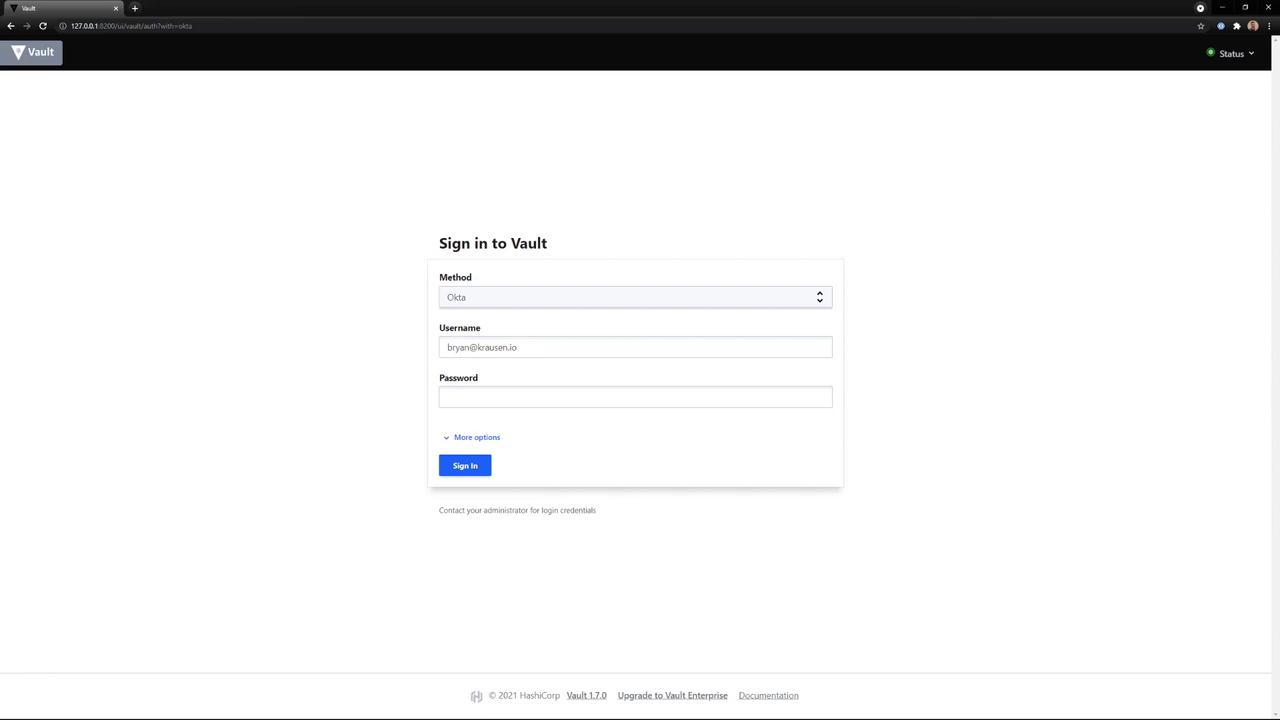
Step 3: Explore the Vault Home Screen
On the UI home screen, you can:- Browse Secret Engines (e.g.,
cubbyhole,secret) - View and manage Tokens
- Configure Policies
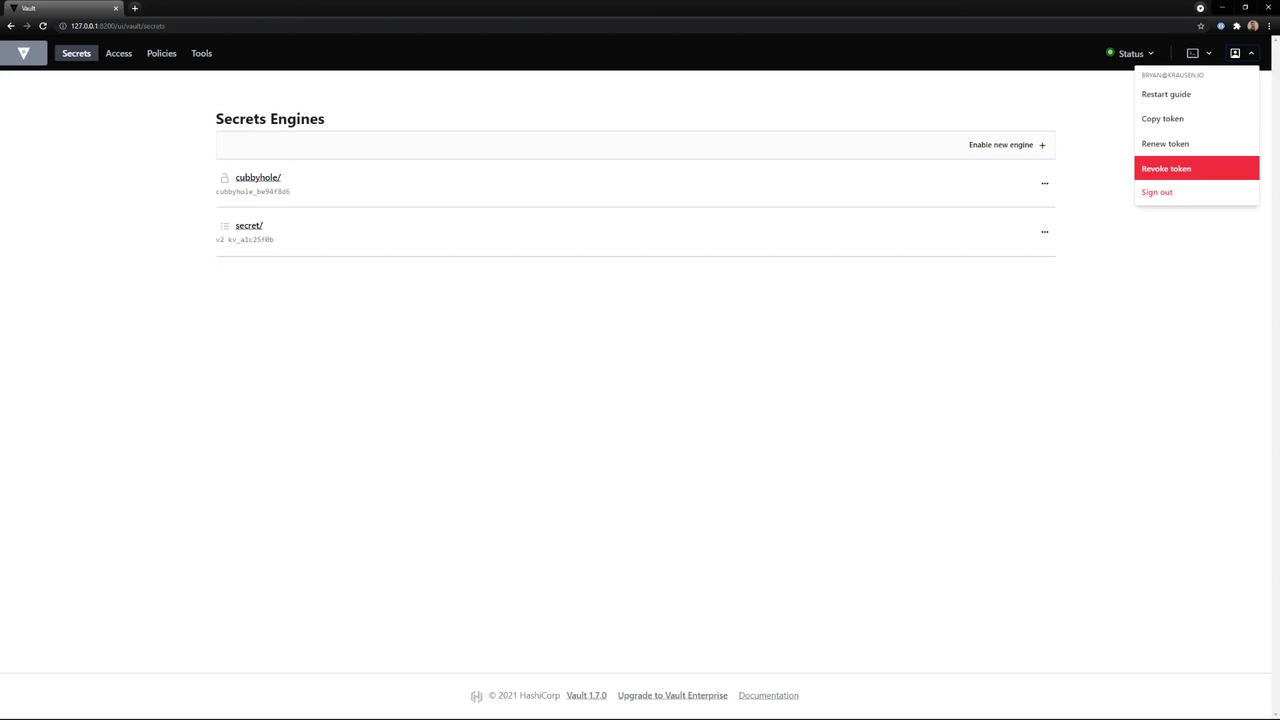
Step 4: Use Your Token in the CLI
Once you have your token, you can authenticate the Vault CLI:After exporting
VAULT_TOKEN, all subsequent Vault CLI commands will use this token automatically. Consider adding this line to your shell profile for convenience.