

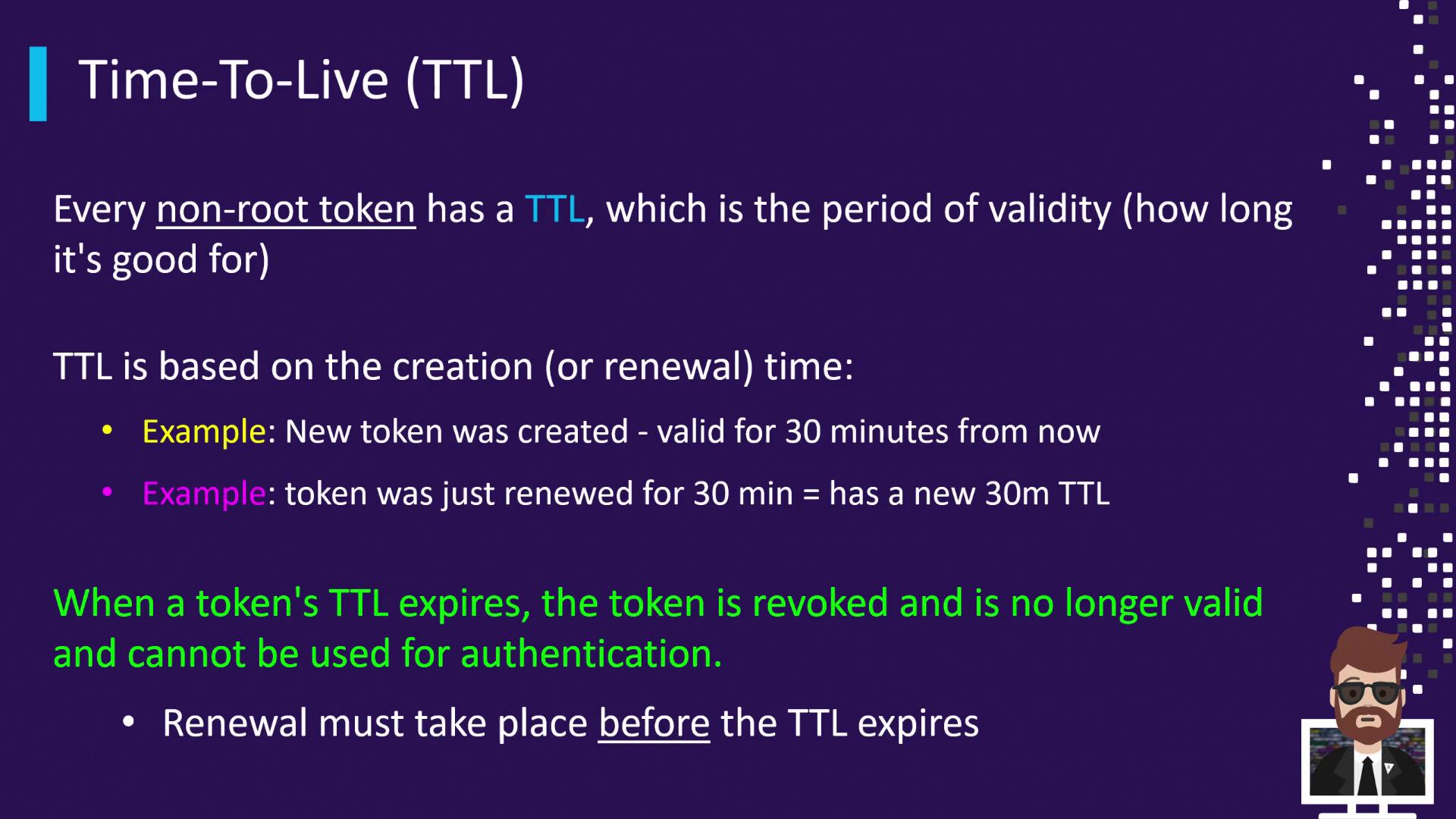
Understanding Maximum TTL (Max TTL)
In addition to the rolling TTL, Vault enforces a Max TTL, an absolute cap on a token’s lifetime. No matter how many times you renew, the token cannot live longer than its Max TTL from the original creation time.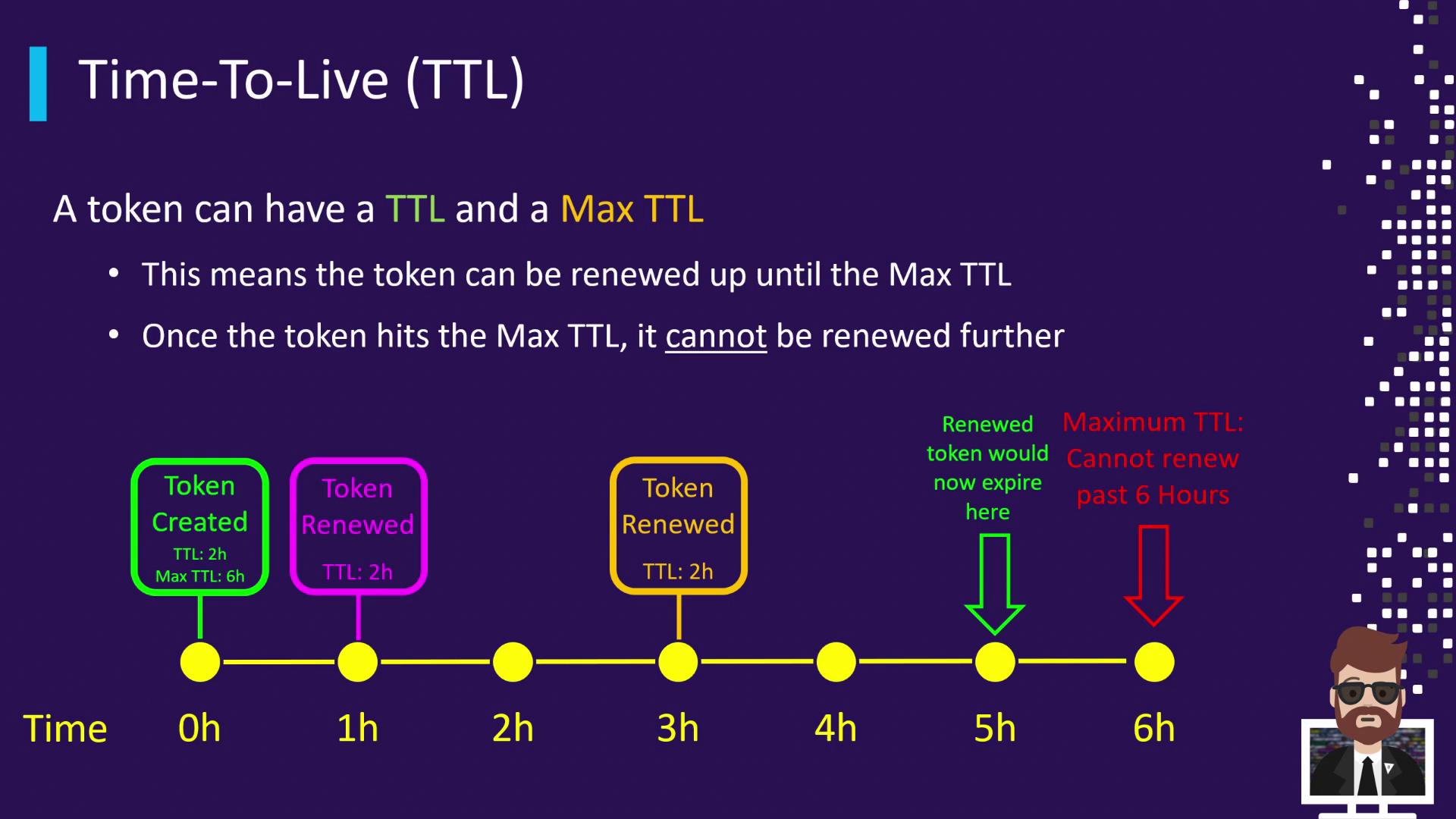
- 0 h: Token created (TTL = 2 h, Max TTL = 6 h)
- 1 h: Renew → New expiry at 3 h
- 3 h: Renew → New expiry at 5 h
- 6 h: Max TTL reached → Token revoked
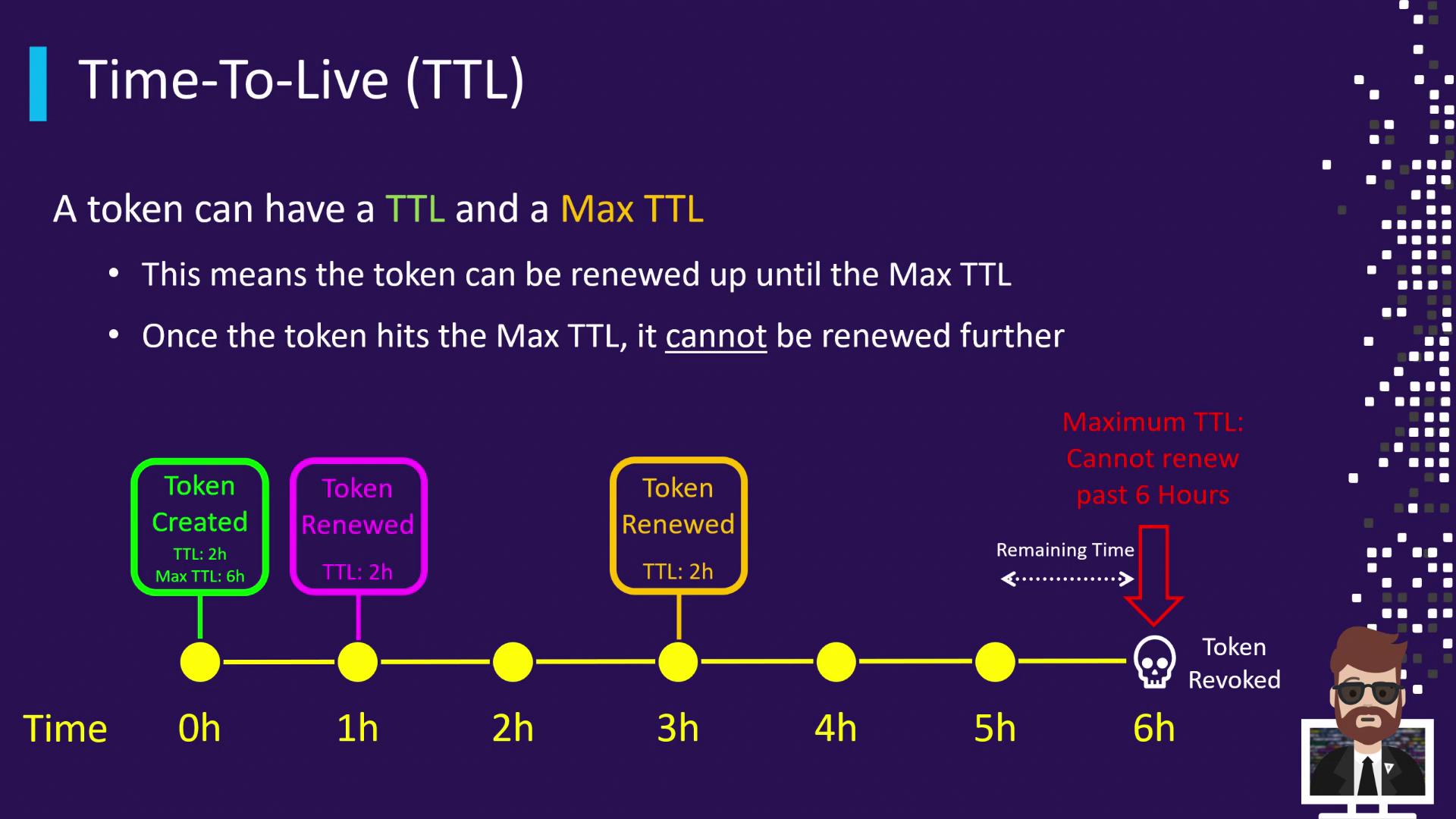
If you fail to renew the token before its current TTL expires (e.g., at 2 h), Vault revokes it immediately—even if its Max TTL (6 h) hasn’t been reached.
Default Token TTL
If you don’t specify a TTL when creating a token, Vault applies a default TTL of 768 hours (32 days). You can customize this in your Vault configuration:In many development environments, you may still see the unchanged default of
768h in screenshots or logs.How to Set Token TTL
Vault provides three methods to define token TTL and Max TTL. Use the approach that best fits your workflow:| Method | Command / Configuration | TTL Applied |
|---|---|---|
| Explicit CLI | vault token create -policy=training -ttl=60m | 60 minutes, no Max TTL |
| Auth Method Configuration | bash<br>vault write auth/approle/role/training-role \ <br> token_ttl=1h \ <br> token_max_ttl=24h<br> | 1 hour TTL, 24 hours Max |
| Omit TTL in CLI | vault token create -policy=training | Default TTL (768 hours) |
1. Explicit CLI TTL
2. Auth Method Configuration
Configure your auth method (e.g., AppRole) to set default TTLs for tokens it issues:3. Rely on the Default TTL
If you omit the-ttl flag:
default_lease_ttl).