

- Safe feature development
- Thorough testing before rollout
- Clear visibility into what version is running
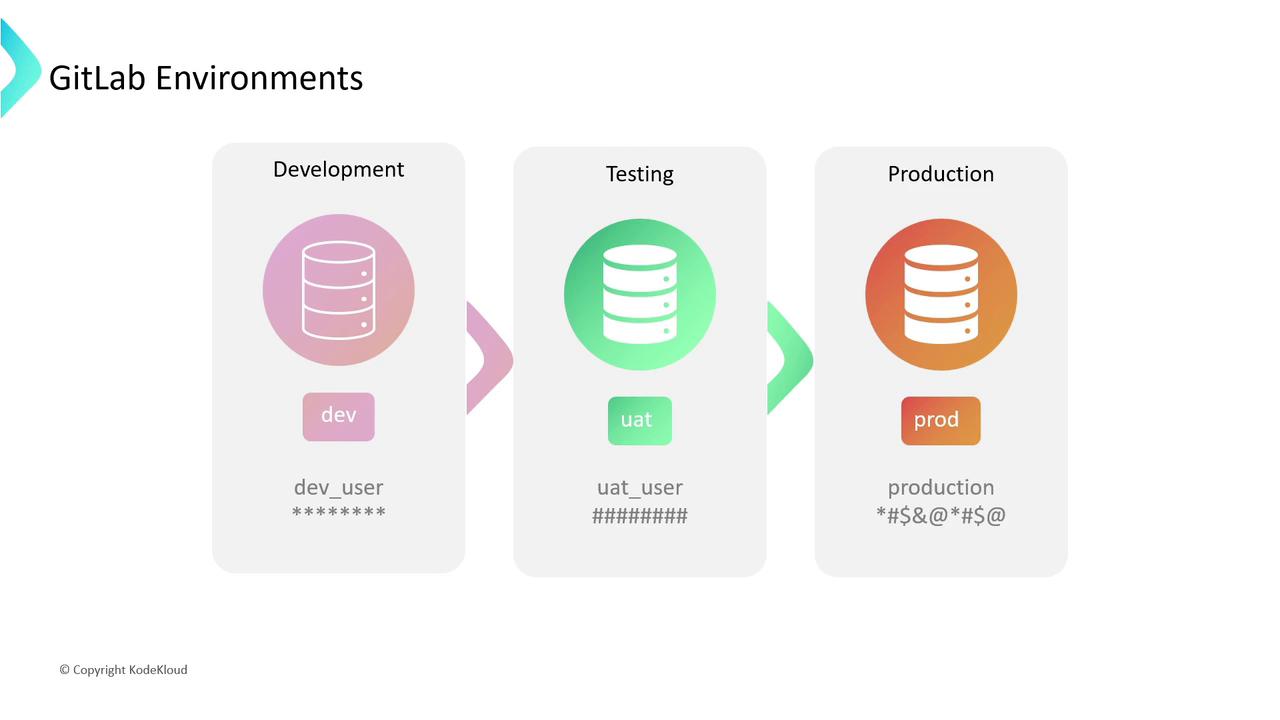
- Organize deployments
- Protect secrets
- Audit deployment history
Key Concepts
Before exploring environment types, let’s define two fundamental terms:Environments vs. Deployments
- Environment: A label representing a deployment target (e.g.,
development,staging,production). - Deployment: An instance of your code pushed to an environment. GitLab tracks each deployment as a record.
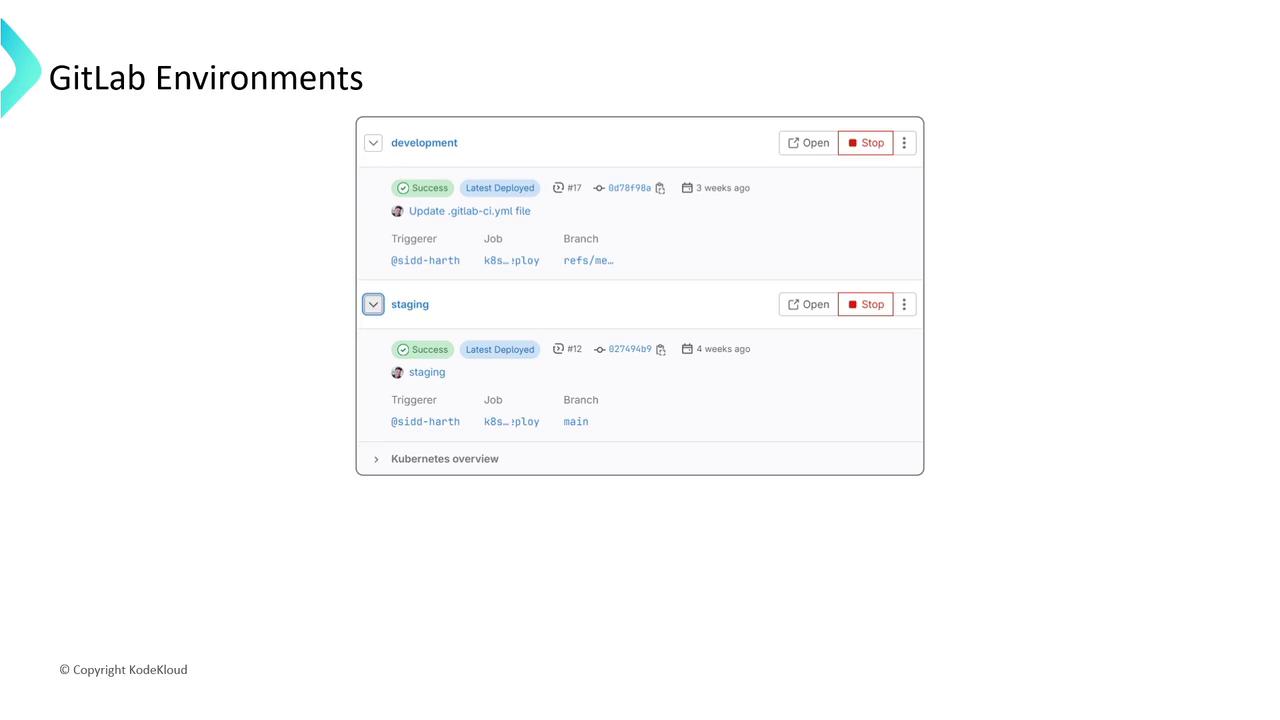
A rollback reverts to a previous deployment, helping you maintain stability when a release fails.
Types of Environments
GitLab supports multiple environment categories. Choose the right one based on your workflow:| Environment Type | Description | Use Case |
|---|---|---|
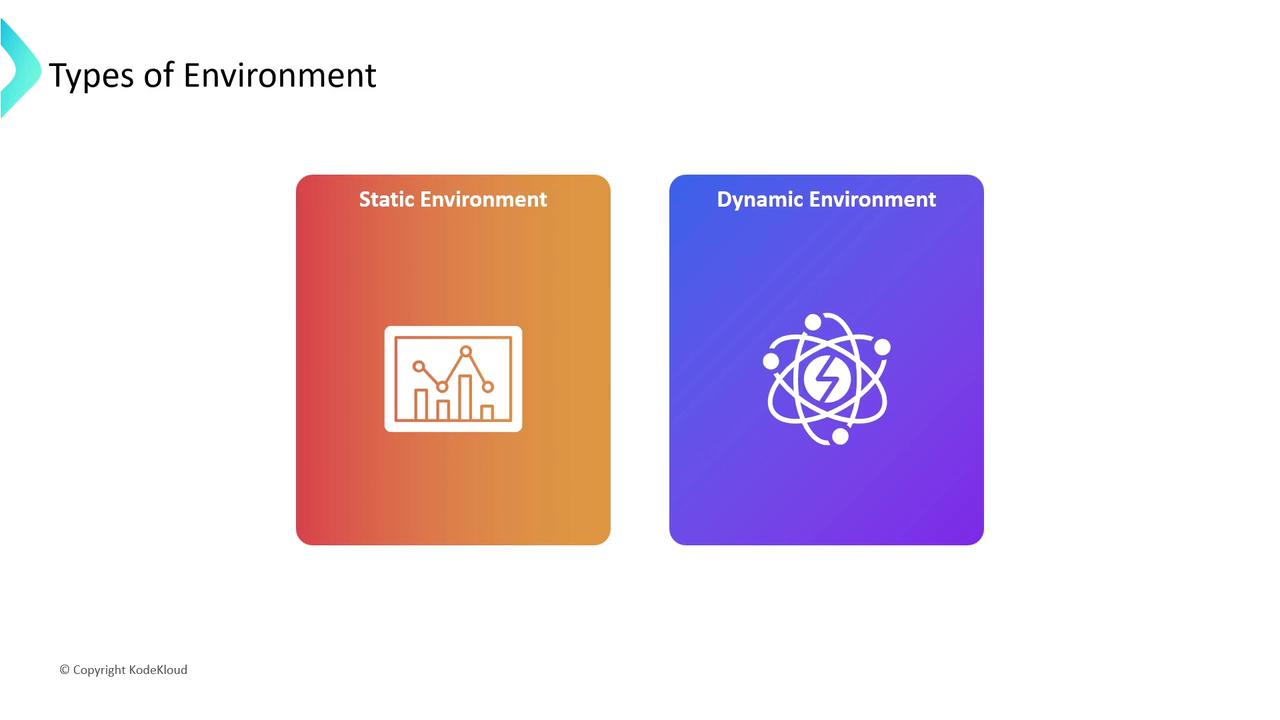
| Static | Manually defined in .gitlab-ci.yml or the UI, with fixed URLs and configurations. | Simple web apps with stable infrastructure. |
| Dynamic | Automatically generated per pipeline run, using CI/CD variables for names and URLs. | Feature branches, preview environments. |
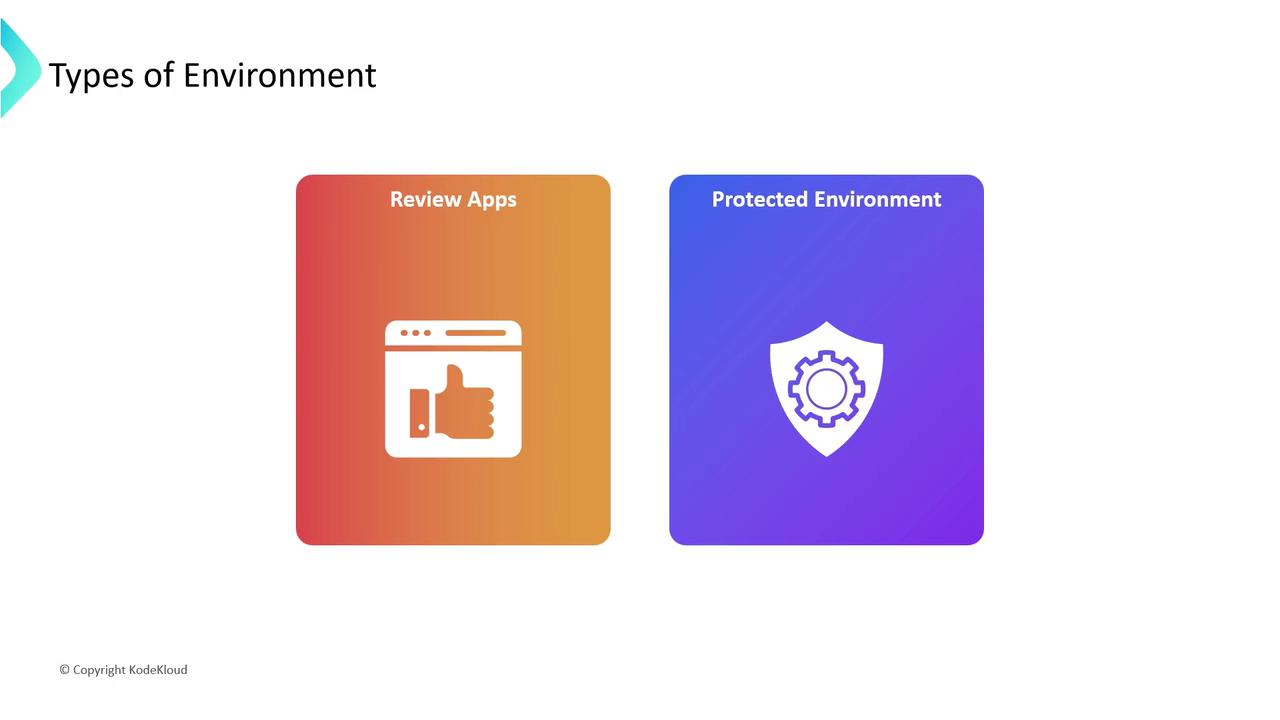
| Review Apps | Temporary environments spun up for each Merge Request, ideal for early feedback. | QA reviews, stakeholder demos. |
| Protected | Require approvals before deploying to critical environments like production. | Compliance-sensitive deployments. |
Static vs. Dynamic
- Static Environments:
- Dynamic Environments:
Review Apps & Protected Environments
- Review Apps: Spin up an isolated preview for every Merge Request.
- Protected Environments: Enforce approvals or specific roles before deployment.
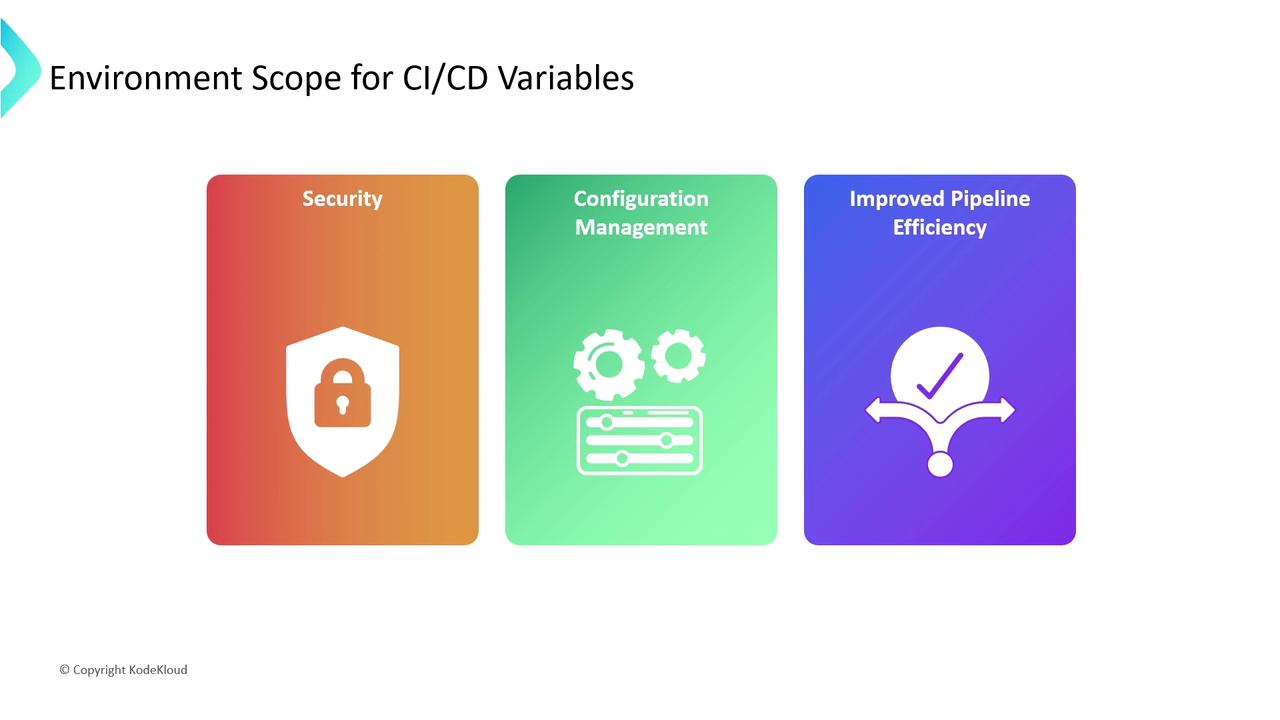
Securing CI/CD Variables with Environment Scope
By default, all jobs inherit every CI/CD variable. To tighten security and manage configuration:- Limit Exposure: Keep production secrets out of development logs.
- Environment-Specific Settings: Define separate values for each stage.
- Improve Performance: Smaller variable sets mean faster pipeline startup.
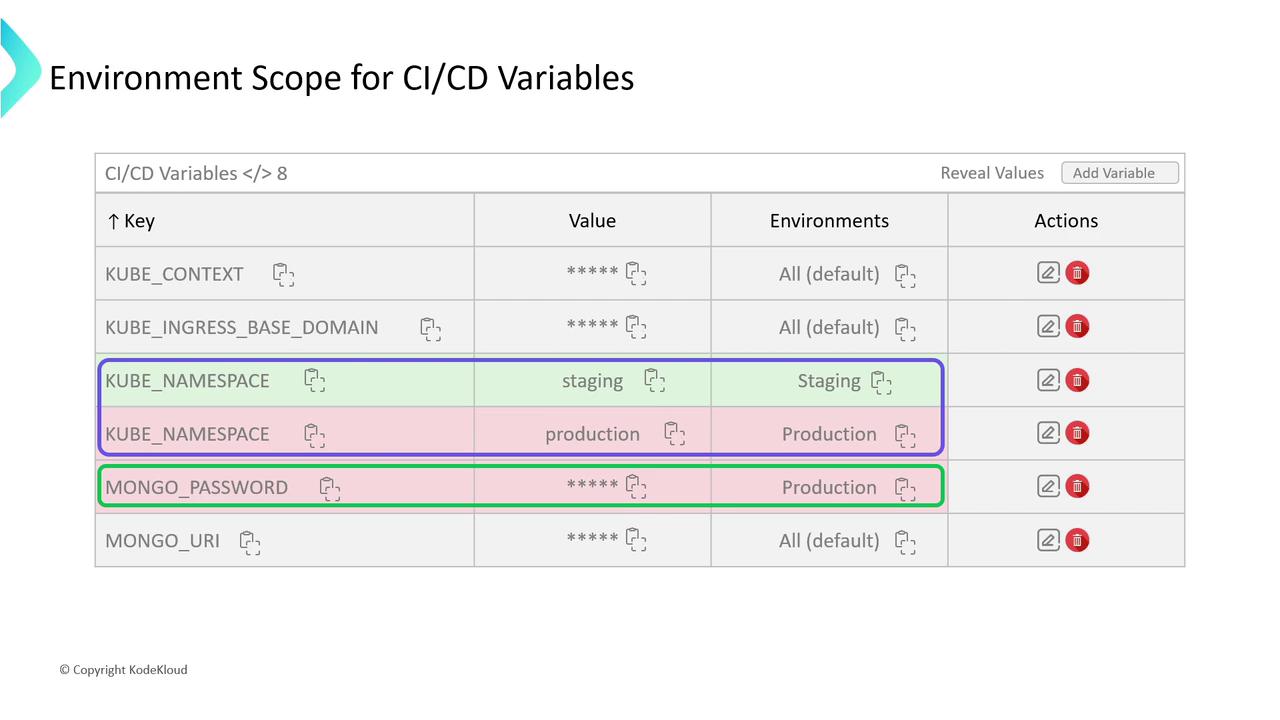
Example: Scoped Variables in GitLab UI
| Key | Value | Environment | Actions |
|---|---|---|---|
| KUBE_NAMESPACE | dev-ns | development | Edit / Remove |
| KUBE_NAMESPACE | prod-ns | production | Edit / Remove |
| MONGODB_PASSWORD | (secret) | production | Reveal / Mask |
Avoid using the same variable key across environments without scoping—production secrets should never appear in staging or development jobs.
Further Reading
- GitLab CI/CD Variables Documentation
- GitLab Environments and Deployments
- Best Practices for GitLab Pipelines
By leveraging static, dynamic, review, and protected environments—alongside environment-scoped variables—you can build more secure, transparent, and efficient CI/CD workflows in GitLab.