

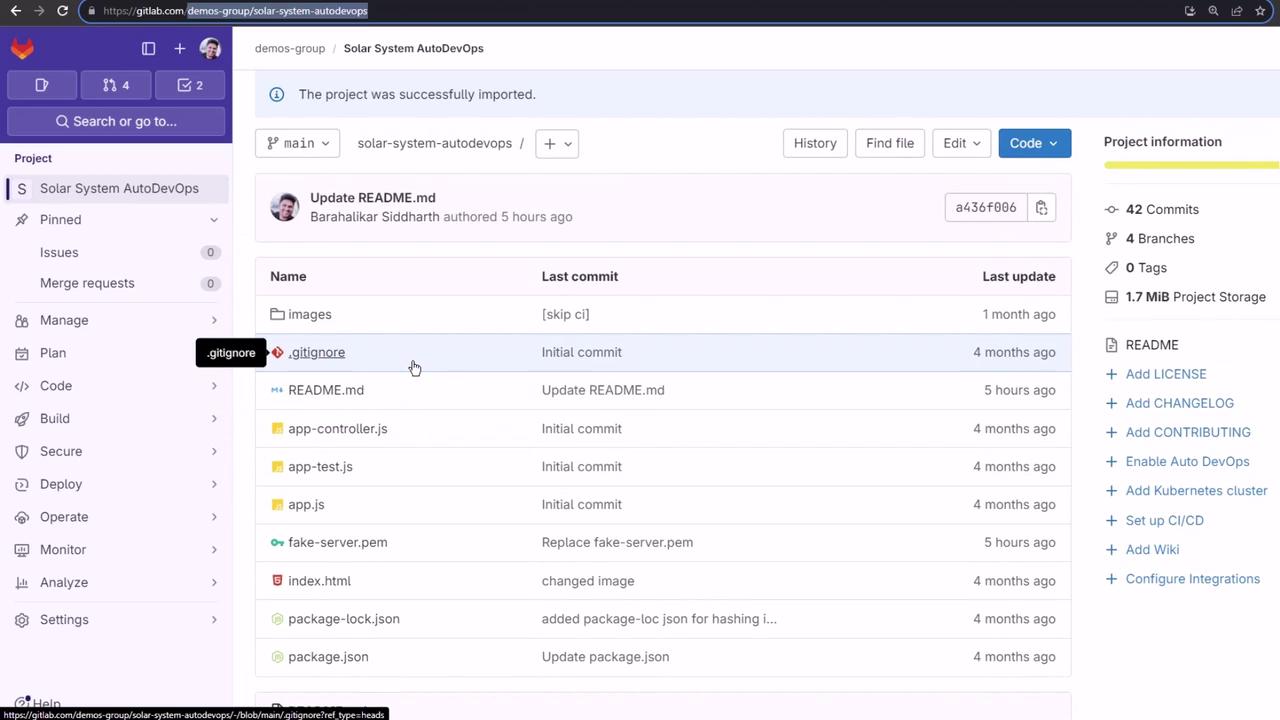
.gitlab-ci.yml—Auto DevOps will detect, build, test, and deploy your app end to end.
1. Importing the Project
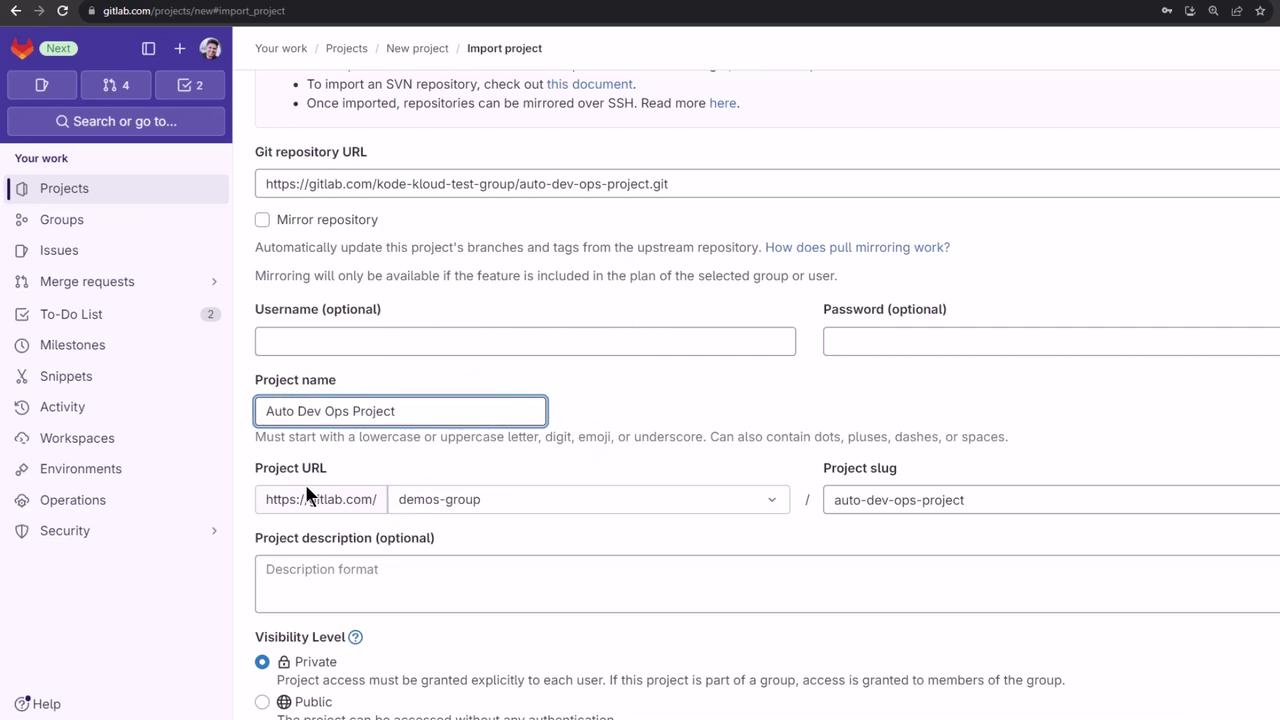
- In GitLab, click + New project → Import project → Repo by URL.
- Paste your repository URL.
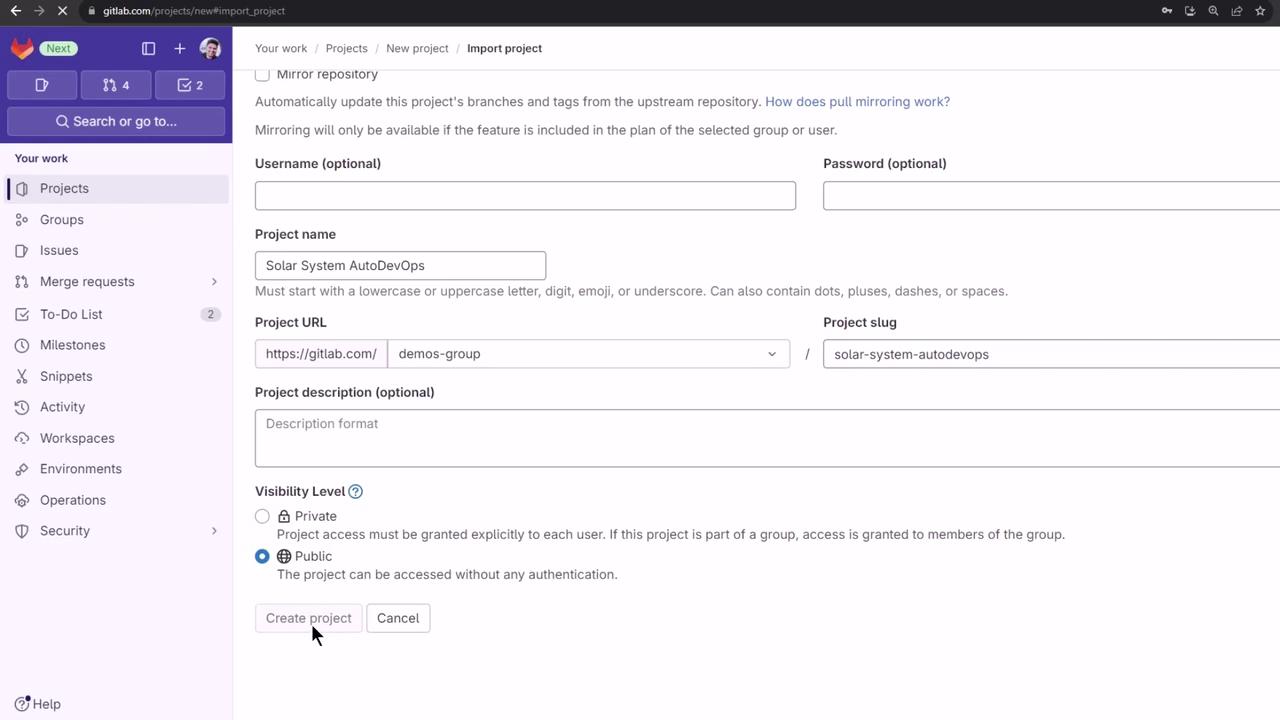
- Under Select namespace, pick demos. Set Project name to
solar-system-auto-devops, choose Public, then click Create project.
.gitlab-ci.yml.
2. Reviewing Auto DevOps Documentation
GitLab’s Auto DevOps docs cover its features, stages, and integration points.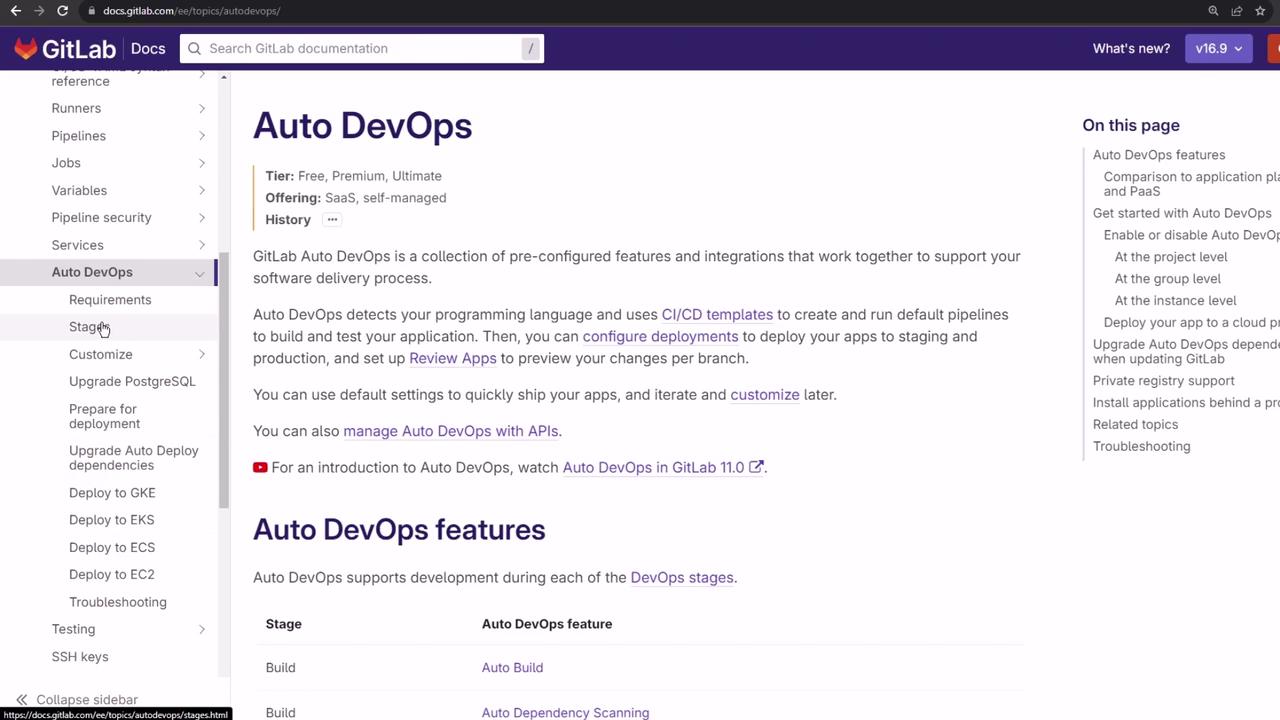
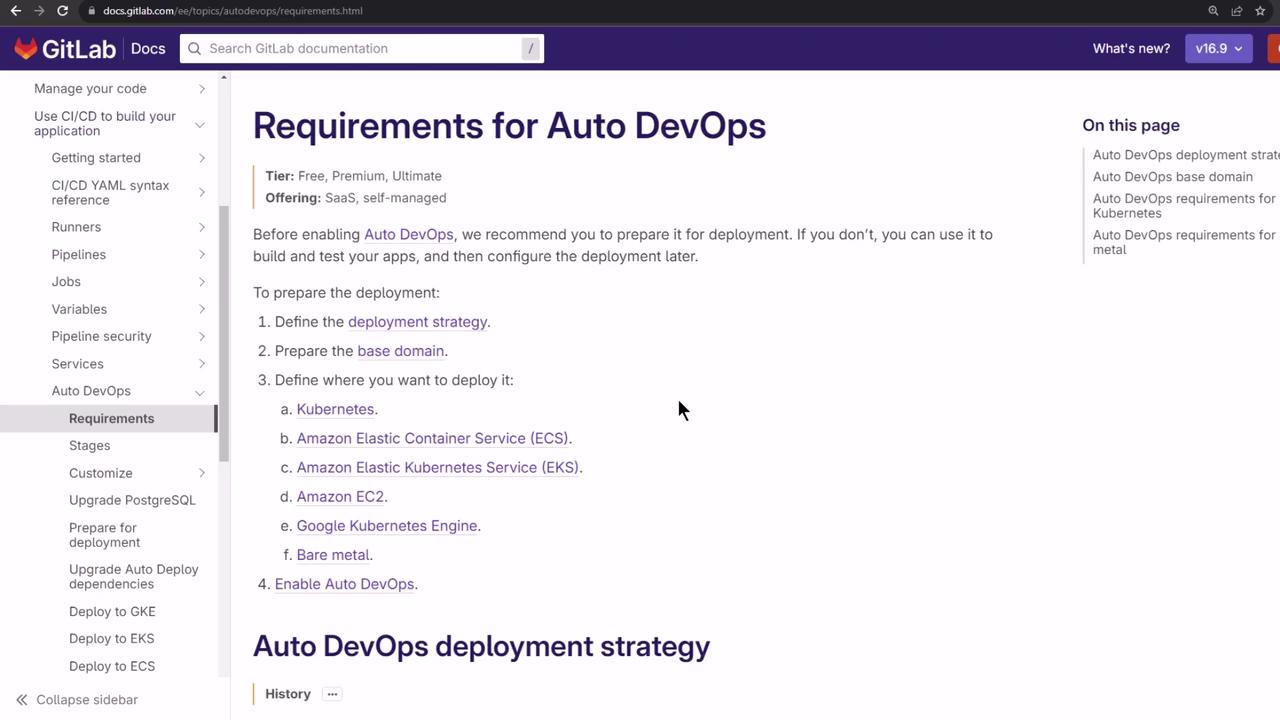
2.1 Requirements
To build and test, no Kubernetes is needed. For automated deployment you must have:- Kubernetes cluster (v1.12+)
- Wildcard DNS (e.g.,
nip.io) - GitLab Agent or cluster integration
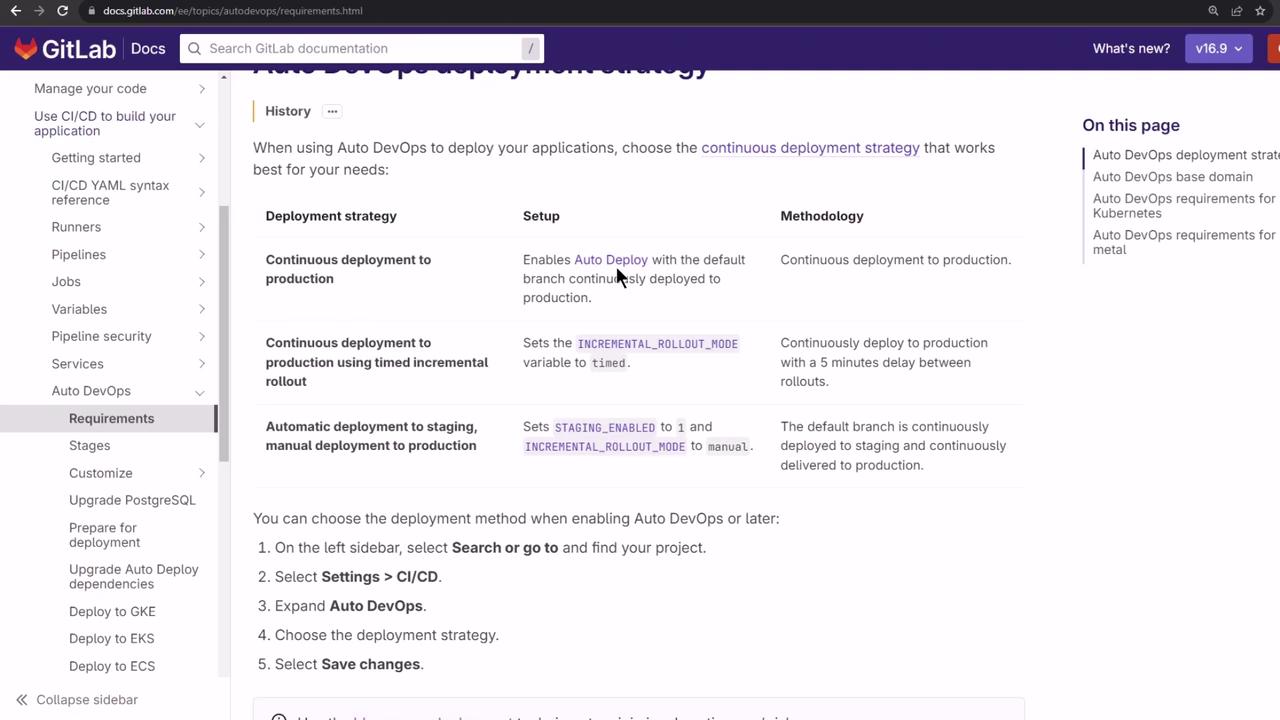
2.2 Deployment Strategies
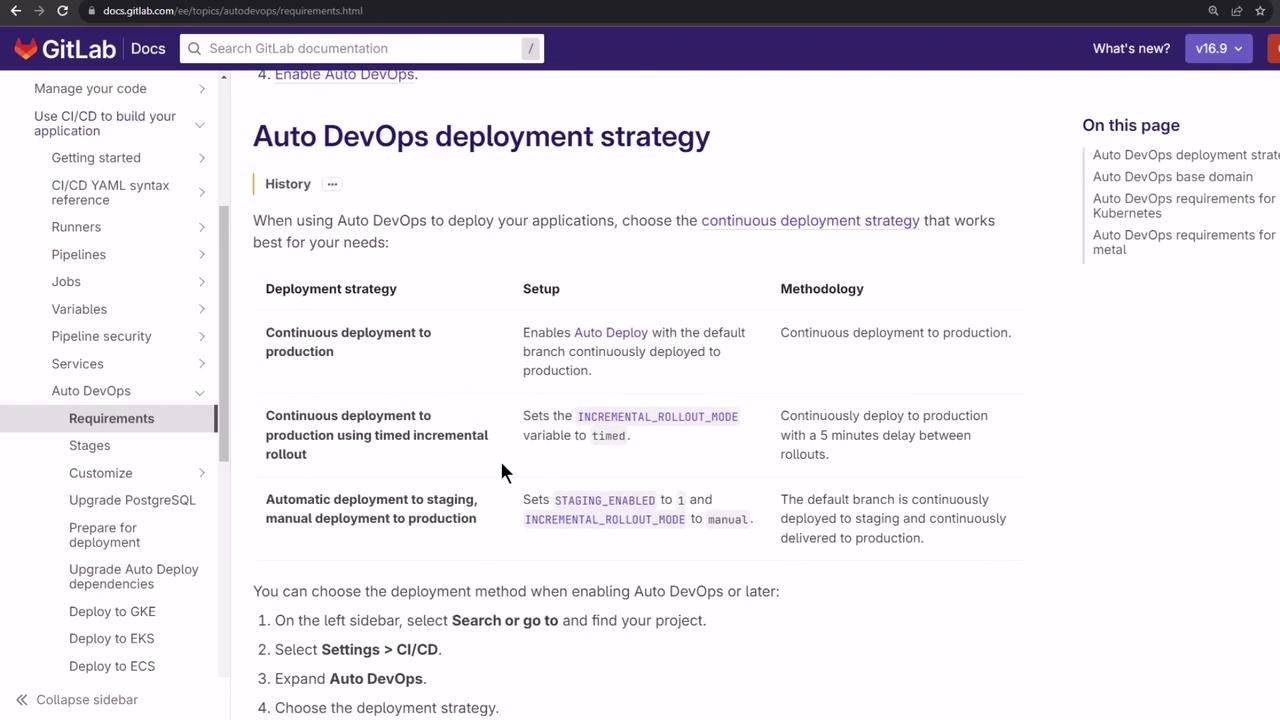
Auto DevOps supports:| Strategy | Description |
|---|---|
| Continuous Deployment to Production | Deploy every successful pipeline to production |
| Continuous Deployment with Canary | Gradual traffic shift for safer rollouts |
| Manual Promotion | Requires explicit approval before production release |
3. Enabling Auto DevOps
- Go to Settings > CI/CD > Auto DevOps.
- Toggle Enable Auto DevOps on.
4. Connecting a Kubernetes Cluster
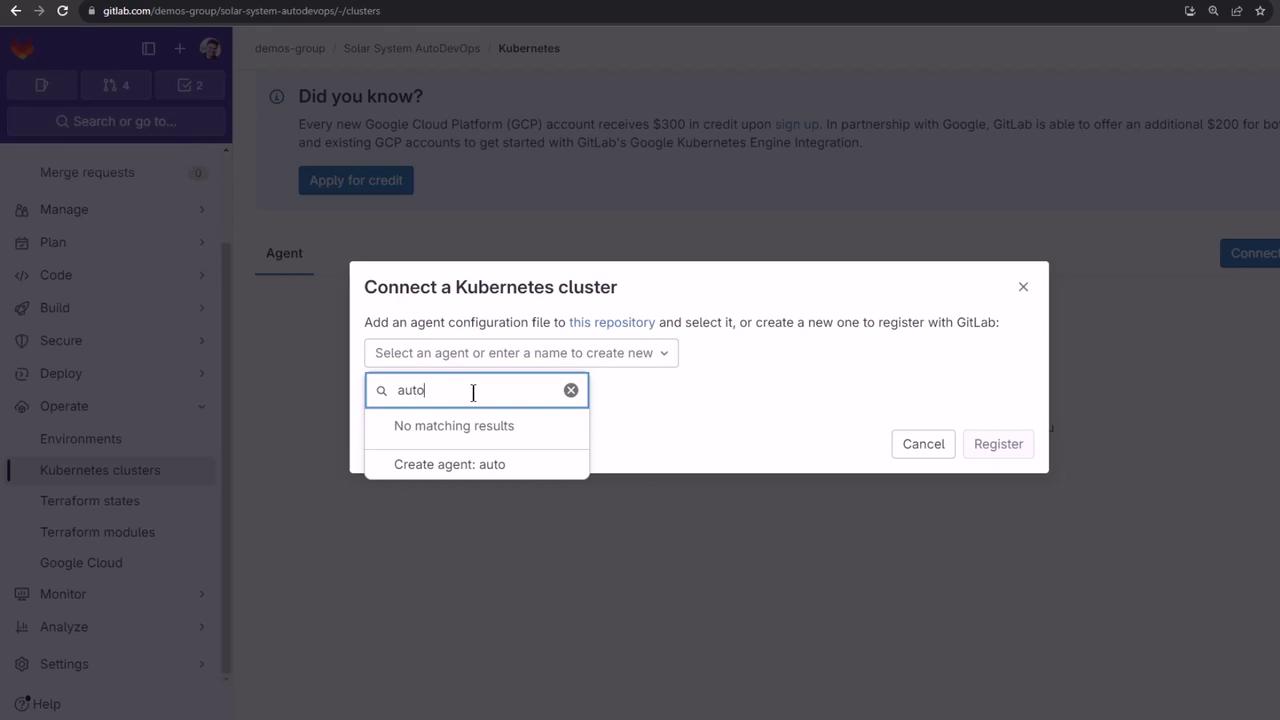
- Navigate to Operate > Kubernetes clusters.
- Click Connect cluster → Create GitLab Agent.
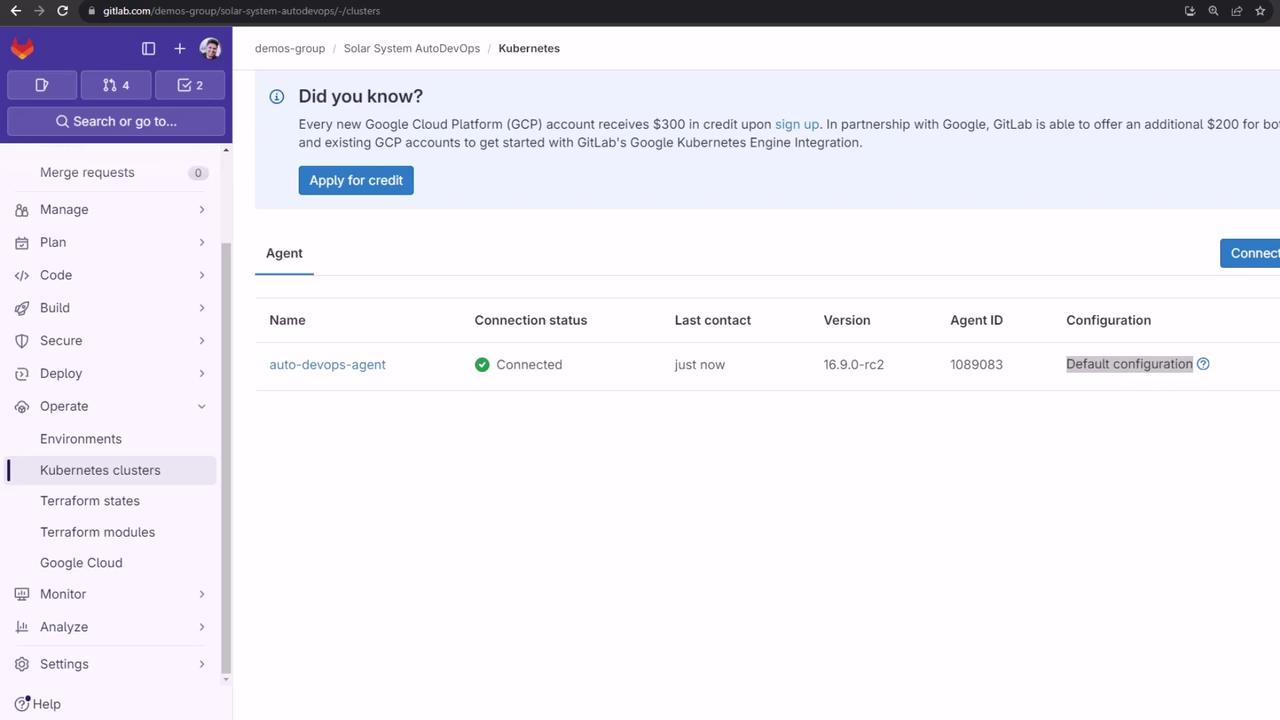
- Name it
auto-devops-agentand click Register.
- Install the agent via Helm:
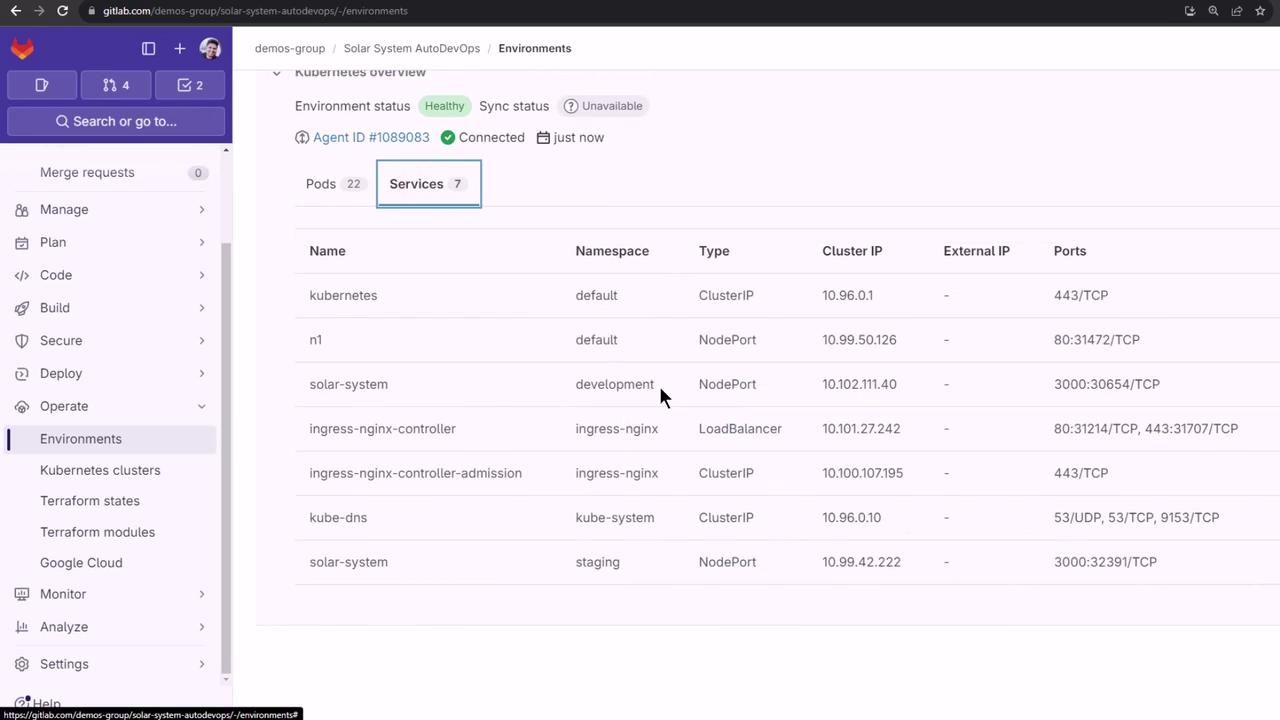
- Confirm the namespace and pods:
5. Configuring the Agent
Add the configuration at.gitlab/agents/auto-devops-agent/config.yaml:
main. GitLab will apply these permissions automatically.
6. Defining Environments
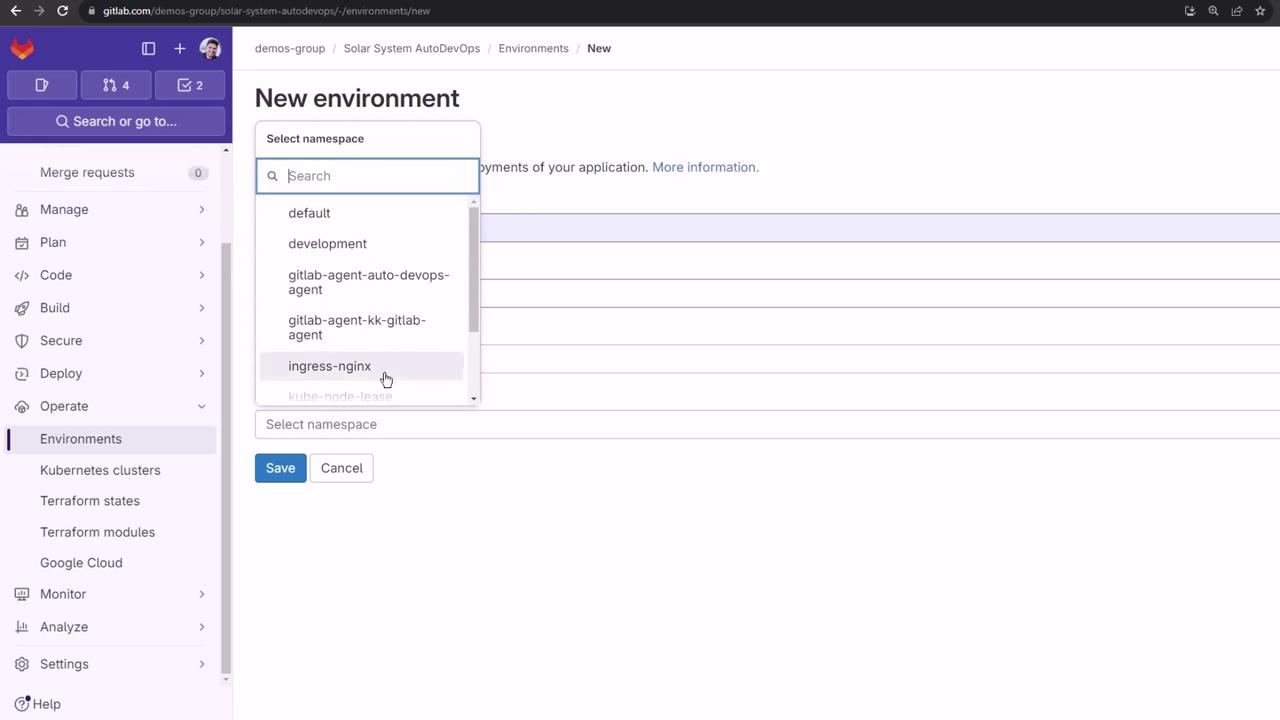
We’ll target two namespaces: staging and production.- Staging
- Go to Environments > New environment.
- Name:
staging - Kubernetes agent:
auto-devops-agent - Namespace: All namespaces
- Click Save.
-
Production
- Create the namespace:
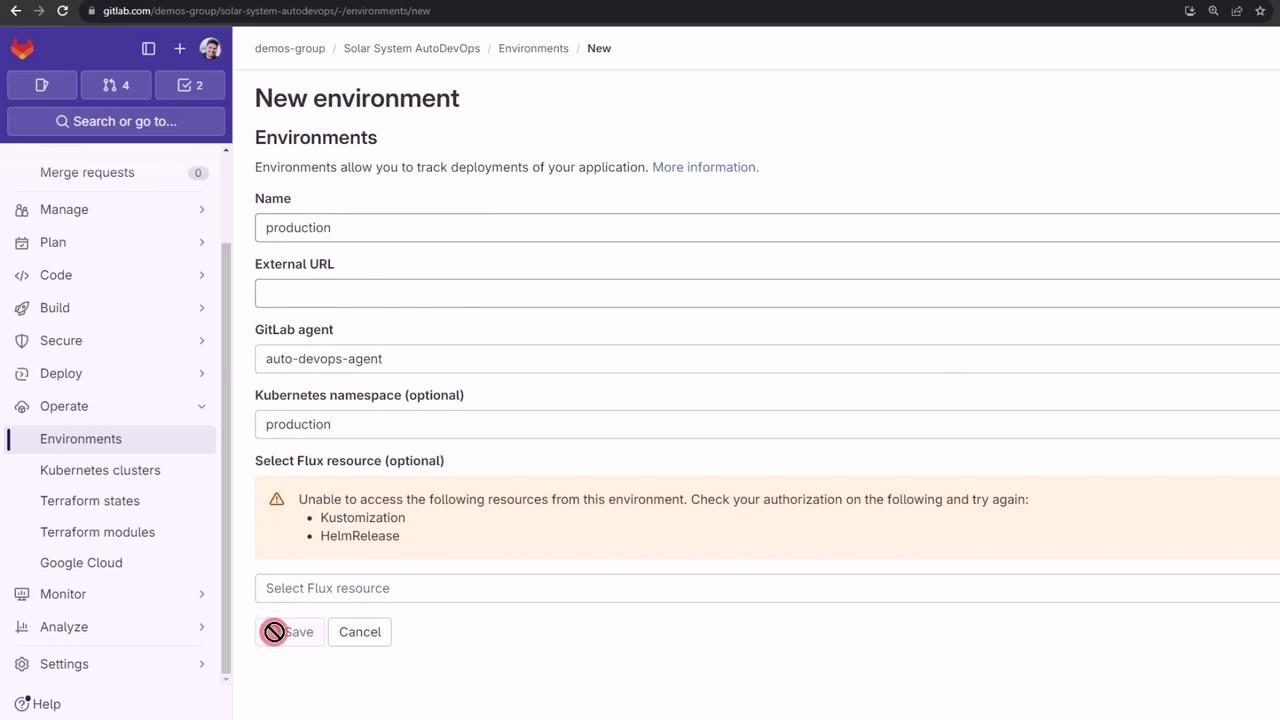
- In Environments > New environment:
- Name:
production - Agent:
auto-devops-agent - Namespace:
production
- Name:
- Click Save.
7. Setting CI/CD Variables
Retrieve your Ingress load balancer IP:| Variable | Value | Environment |
|---|---|---|
| KUBE_INGRESS_BASE_DOMAIN | <LOAD_BALANCER_IP>.nip.io | all |
| KUBE_CONTEXT | demos-group/solar-system-auto-devops:auto-devops-agent | all |
| KUBE_NAMESPACE | staging | staging |
| KUBE_NAMESPACE | production | production |
| PRODUCTION_REPLICAS | 10 | production |
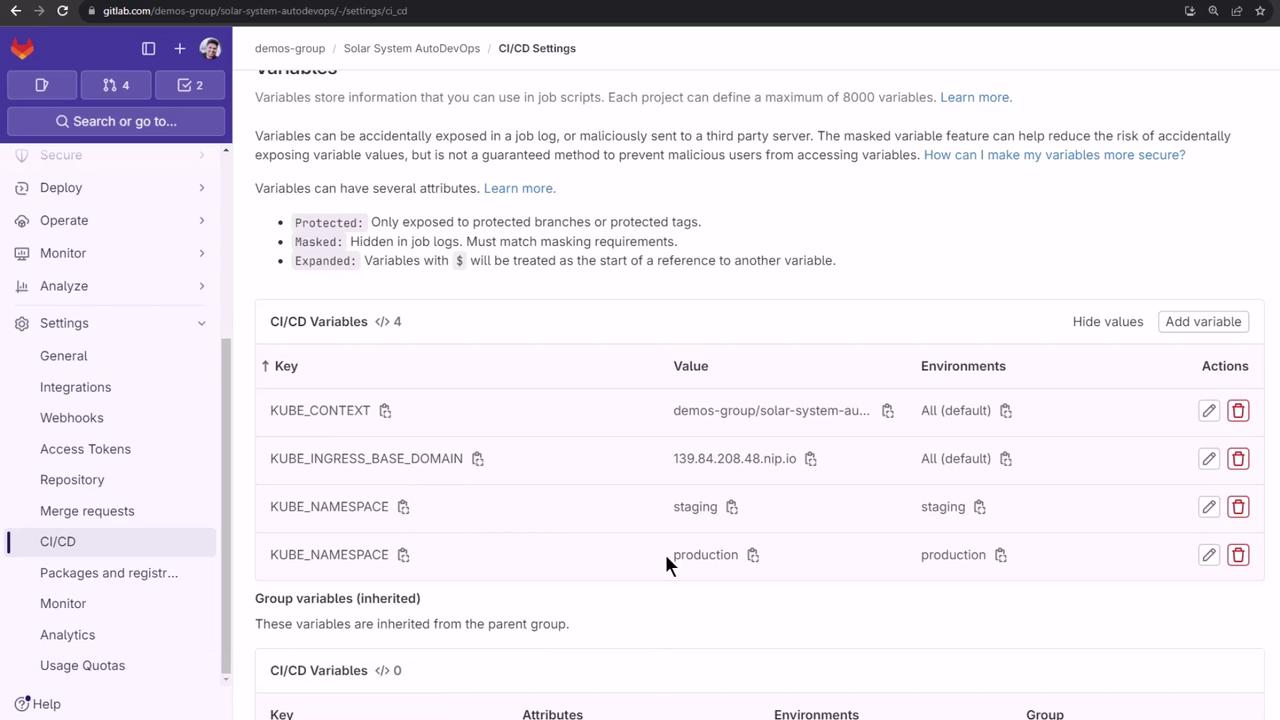
Variable names are case-sensitive. Double-check the values before running your pipeline.
8. Selecting Deployment Strategy
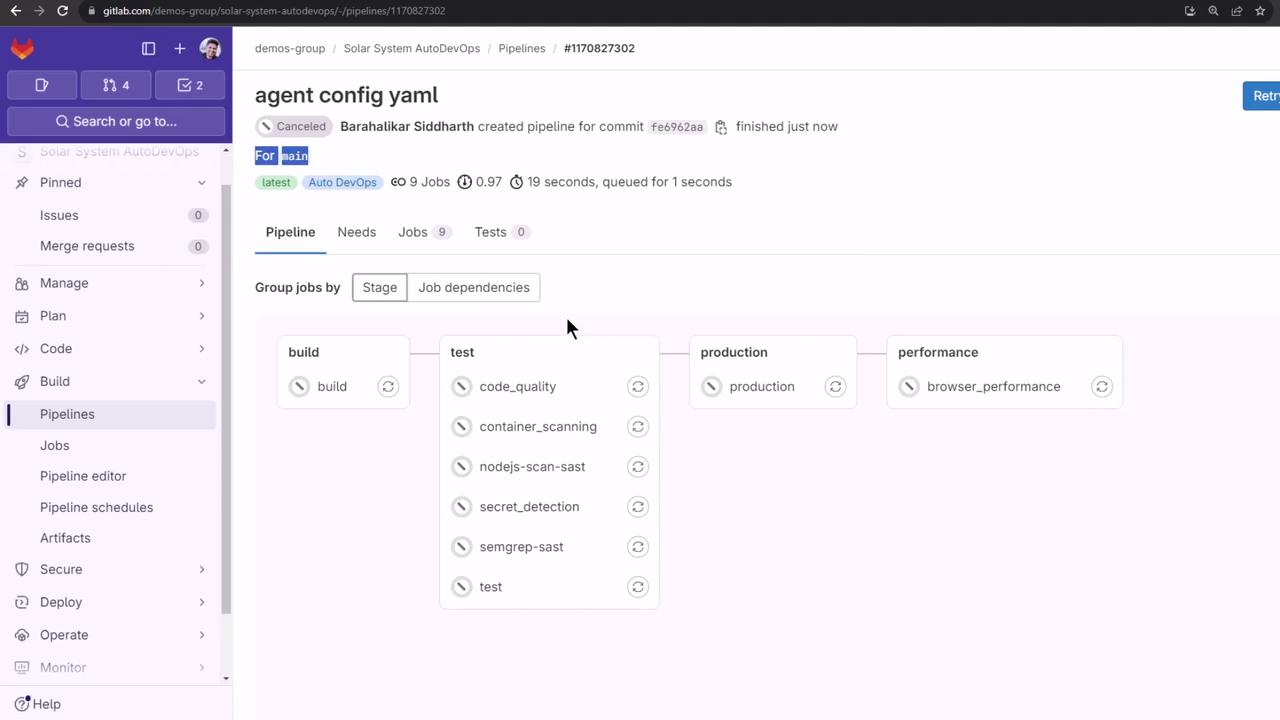
Back in Settings > CI/CD > Auto DevOps, choose Continuous Deployment to Production and click Save. A new pipeline will start automatically.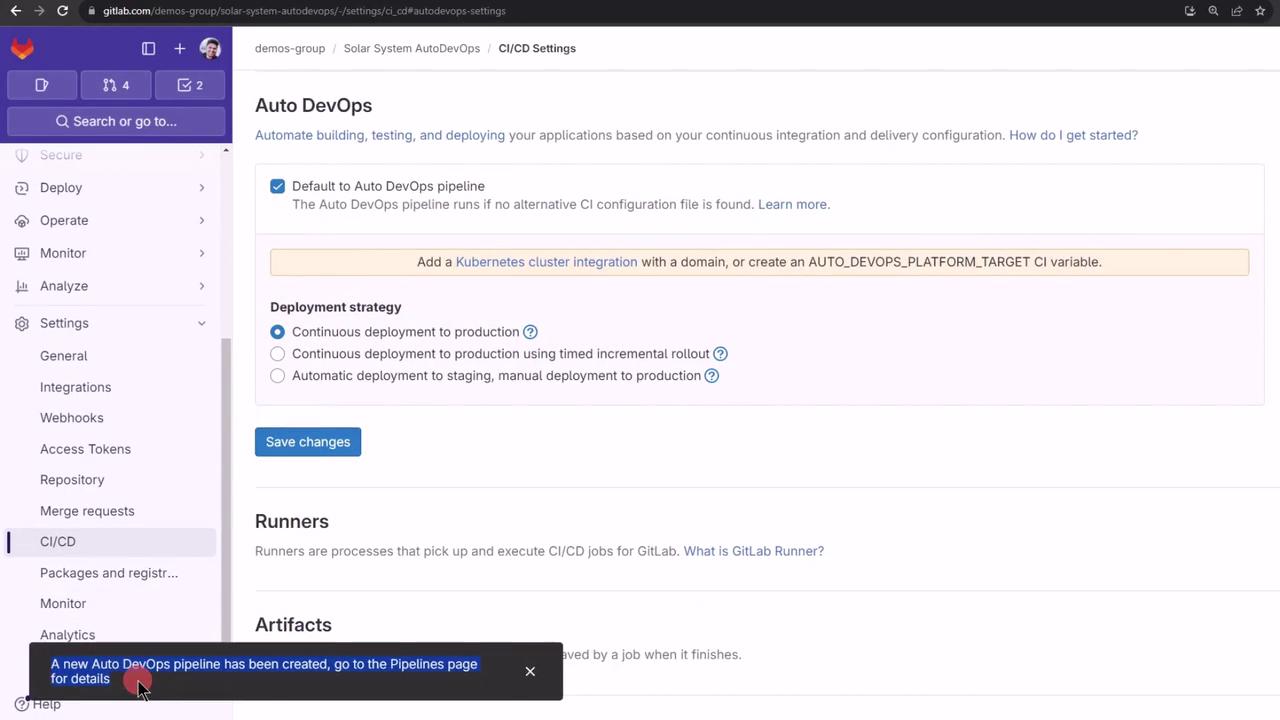
Test feature branches before merging into
main to avoid production issues.